Need Starlink Installation or Network Optimization?
We help homes, offices, apartments, and businesses with Starlink installation, WiFi coverage improvement, and professional setup in Kenya.
Request Installation Chat on WhatsApp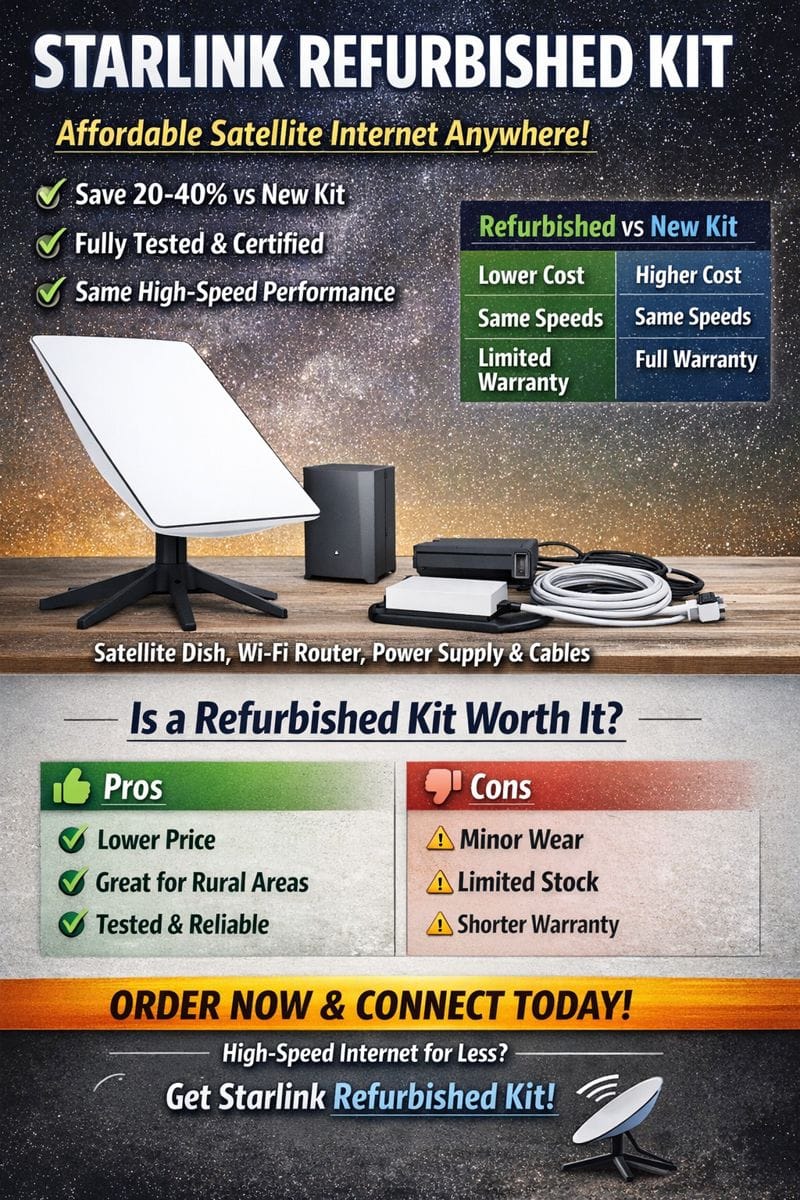
Starlink M‑Pesa Payment Kenya – Easy Guide to Paying for Starlink Services Using M‑Pesa
In Kenya, Starlink M‑Pesa payment is one of the most convenient and widely used ways to pay for Starlink satellite internet services. As Starlink continues expanding nationwide, integrating M‑Pesa mobile money makes it easier for Kenyan users to pay for both hardware and monthly subscriptions without needing credit cards or bank accounts.
Why Use M‑Pesa to Pay for Starlink in Kenya?
Widespread adoption: Over 90% of Kenyan internet users regularly use M‑Pesa, making it a familiar and accessible payment option.
No bank needed: M‑Pesa works directly from your phone—no international cards required.
Instant confirmation: Payments are processed immediately with confirmation SMS from M‑Pesa and Starlink billing.
How to Make a Starlink M‑Pesa Payment in Kenya
Paying with M‑Pesa for Starlink is straightforward if you follow the steps carefully:
Log into your Starlink account – via the Starlink app or starlink.com.
Select “Mobile Money” at checkout or billing.
Enter your Safaricom phone number linked to M‑Pesa.
Complete the payment via M‑Pesa using the Lipa na M‑Pesa → Pay Bill option:
Dial *334# on your phone
Choose Lipa na M‑Pesa
Select Pay Bill
Enter the Starlink PayBill number shown at checkout
Enter your Starlink account or order number as the account number
Enter the amount and your M‑Pesa PIN
Confirm and send payment.
Wait for confirmation SMS from M‑Pesa and Starlink.
This process works for both the initial Starlink hardware payment and monthly subscription fees.
Starlink Services You Can Pay With M‑Pesa
You can use M‑Pesa for many Starlink payment needs in Kenya, including:
⭐ Starlink hardware kit purchase
Monthly subscription fees
Recurring billing each 30 days (manual via M‑Pesa)
Business plans and upgrades
Note: Some users may link M‑Pesa for auto billing via the Starlink app or dashboard, but manual confirmation via USSD at each cycle is common.
M‑Pesa Transaction Costs & Tips in Kenya
Standard M‑Pesa charges apply: Starlink doesn’t add extra mobile money fees.
Transaction limits: M‑Pesa has daily payment limits (e.g., ~KES 70,000/day). Split payments if needed for larger amounts.
Confirm PayBill numbers carefully: Always use the official number shown at checkout to avoid failed transactions.
Common M‑Pesa Payment Issues & How to Resolve Them
Some users experience issues with payments showing “paid” without a deduction or delays in billing sync. Here’s how to fix common problems:
✅ Delayed Confirmation – Wait 10‑15 minutes and check M‑Pesa transaction history.
✅ Payment Not Reflecting in Starlink – Contact support with your M‑Pesa SMS receipt.
✅ Insufficient M‑Pesa Balance – Top up before retrying.
✅ Wrong PayBill Entered – Confirm the number before completing the transaction.
Safety Tips: Avoiding Starlink Scams in Kenya
Be cautious about fraudulent Starlink offers linked to M‑Pesa payments, such as fake bundles or unrealistic pricing. Always pay through:
✔️ The official Starlink checkout (starlink.com/ke)
✔️ Recognized resellers with verified credentials
✔️ Genuine PayBill numbers shown after ordering
Fraudsters have been known to misuse M‑Pesa, promising “cheap Starlink internet” or “Starlink data bundles” that don’t exist.
Conclusion: Starlink M‑Pesa Payment Kenya
For many Kenyans, paying for Starlink via M‑Pesa has become the most convenient way to access high‑speed satellite internet. It removes the barriers of international cards and makes billing accessible nationwide. Whether you’re buying your first Starlink kit or settling your monthly subscription, the M‑Pesa option keeps payments simple, secure, and instant.
Introduction: Starlink and M‑Pesa in Kenya
The introduction of Starlink satellite internet in Kenya has transformed access to reliable high-speed connectivity, particularly in areas where fiber or cable internet is unavailable. One of the biggest challenges for Kenyan users, however, is international payment methods. Many Starlink users do not have international credit cards, making it difficult to pay for the service.
This is where M‑Pesa comes in. As Kenya’s leading mobile money platform, M‑Pesa provides a secure, simple, and fast method for paying for Starlink hardware and monthly subscriptions. In this comprehensive guide, we will explore how to use M‑Pesa to pay for Starlink in Kenya, tips for smooth transactions, common issues and solutions, and how to avoid scams.
Why M‑Pesa is the Preferred Payment Method for Starlink in Kenya
1. Accessibility
With over 40 million active users in Kenya, M‑Pesa is the most widely used payment method. Unlike international cards or bank transfers, M‑Pesa allows users to pay using just a mobile phone.
2. Security
M‑Pesa uses PIN authentication for all transactions, which ensures secure payments. Starlink transactions through M‑Pesa are verified instantly via SMS, making it easy to track payments.
3. Instant Confirmation
When you pay using M‑Pesa, you receive immediate confirmation both from M‑Pesa and from Starlink’s billing system. This reduces delays in service activation.
4. No Bank Account Needed
Many Kenyans do not have access to international banking or credit cards. M‑Pesa eliminates this barrier, enabling anyone to subscribe to Starlink without a bank account.
5. Wide Coverage Across Kenya
Even in rural areas, M‑Pesa works reliably. This means Starlink internet, which targets remote and underserved regions, can be paid for easily without traveling to major cities.
How to Pay for Starlink Using M‑Pesa in Kenya
Paying for Starlink via M‑Pesa involves a straightforward process. Here’s a detailed step-by-step guide:
Step 1: Create a Starlink Account
Before you can make any payment, you need a Starlink account:
Visit Starlink.com and select Kenya as your country.
Fill in the required details, including your name, email, and delivery address.
Step 2: Select Payment Option
At checkout, choose “Mobile Money” or “M‑Pesa” as your payment method.
You will be provided with a PayBill number and an account number for M‑Pesa transactions.
Step 3: Initiate M‑Pesa Payment
Dial *334# on your Safaricom mobile phone.
Select Lipa na M‑Pesa → Pay Bill.
Enter the Starlink PayBill number provided in your account.
Enter your Starlink account number as the reference.
Input the amount required for hardware or subscription.
Enter your M‑Pesa PIN and confirm the payment.
Step 4: Confirm Payment
You will receive a confirmation SMS from M‑Pesa.
Starlink will also confirm your payment through your Starlink account or email.
Keep a copy of the M‑Pesa receipt in case of any transaction discrepancies.
Step 5: Activate Your Service
Once payment is confirmed, your Starlink equipment will be shipped (if you ordered hardware).
If you are paying for a subscription, the service will be activated immediately.
Starlink Services You Can Pay for With M‑Pesa
Starlink Hardware Kit
The kit includes the satellite dish, Wi-Fi router, power supply, and mounting tripod.
Payment is done once for initial setup, often costing several hundred dollars converted to KES.
Monthly Subscription Fees
Recurring payments can be made via M‑Pesa manually.
Some users may set up auto-billing using Starlink’s official instructions.
Service Upgrades
For business plans or higher-tier subscriptions, M‑Pesa can be used to pay the difference.
Replacement or Additional Equipment
Lost or damaged hardware can also be purchased using M‑Pesa.
M‑Pesa Transaction Costs and Limits
When paying for Starlink using M‑Pesa in Kenya, keep in mind:
Transaction Fees: M‑Pesa fees are charged based on the amount sent. For high-value Starlink payments, fees may be slightly higher.
Daily Transaction Limits: Standard M‑Pesa limits (~KES 70,000/day) may require splitting large payments.
Payment Confirmation: Always ensure your PayBill number and account number are correct before sending funds.
Common Issues and How to Solve Them
Payment Not Reflecting in Starlink Account
Solution: Check your M‑Pesa transaction history and contact Starlink support with the SMS receipt.
Delayed Confirmation
Solution: Wait 10–15 minutes; some transactions may take time to sync with Starlink’s system.
Insufficient Balance
Solution: Top up your M‑Pesa account before retrying.
Wrong PayBill or Account Number
Solution: Verify the PayBill number in your Starlink account before paying. Incorrect payments may take longer to resolve.
Safety Tips: Avoiding Scams
As Starlink grows in popularity, some scammers have tried to exploit Kenyan users:
Only pay using official Starlink PayBill numbers.
Avoid offers promising “cheap Starlink internet” or “bonus Starlink data” outside official channels.
Be cautious of unknown resellers or social media advertisements.
Benefits of Using Starlink with M‑Pesa in Kenya
Reliable Internet Anywhere: Especially useful in rural and remote areas.
Convenient Payments: No need for international bank accounts.
Secure Transactions: PIN-protected M‑Pesa payments.
Quick Service Activation: Instant confirmation from both M‑Pesa and Starlink.
FAQs: Starlink M‑Pesa Payment Kenya
Q1: Can I use M‑Pesa for recurring Starlink payments?
Yes, you can manually pay monthly using M‑Pesa. Automatic recurring payments are possible with official Starlink instructions.
Q2: What if my M‑Pesa payment fails?
Check your transaction history and ensure you used the correct PayBill and account numbers. Contact Starlink support with your receipt if the payment does not reflect.
Q3: Are there extra charges for using M‑Pesa?
Standard M‑Pesa transaction fees apply, but Starlink does not charge additional fees.
Q4: Can I pay for Starlink hardware and subscription at the same time?
Yes, simply include both amounts in your M‑Pesa transaction during checkout.
Q5: Is M‑Pesa safe for international payments like Starlink?
Yes, M‑Pesa is widely used in Kenya for international payments and offers secure PIN-protected transactions.
Conclusion
Paying for Starlink in Kenya has never been easier thanks to M‑Pesa. Whether it’s the initial hardware purchase or monthly subscription fees, M‑Pesa provides a secure, convenient, and fast payment solution. With this guide, Kenyan users can confidently pay for Starlink services, enjoy high-speed internet, and avoid common payment pitfalls.
Using Starlink M‑Pesa payment in Kenya ensures access to reliable internet even in remote areas, while also benefiting from the widespread adoption, security, and convenience of Kenya’s leading mobile money platform.
Need Starlink Installation or Network Optimization?
We help homes, offices, apartments, and businesses with Starlink installation, WiFi coverage improvement, and professional setup in Kenya.
Request Installation Chat on WhatsApp