
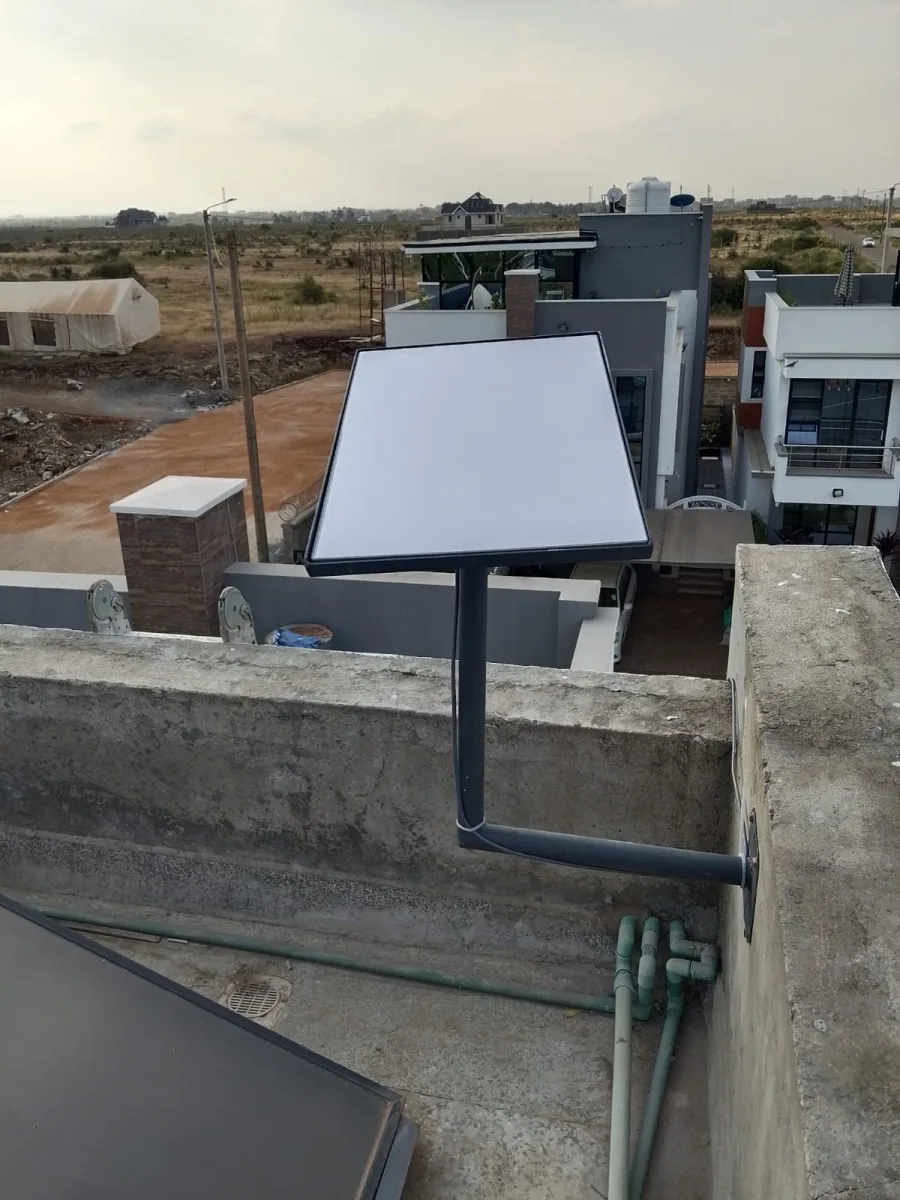
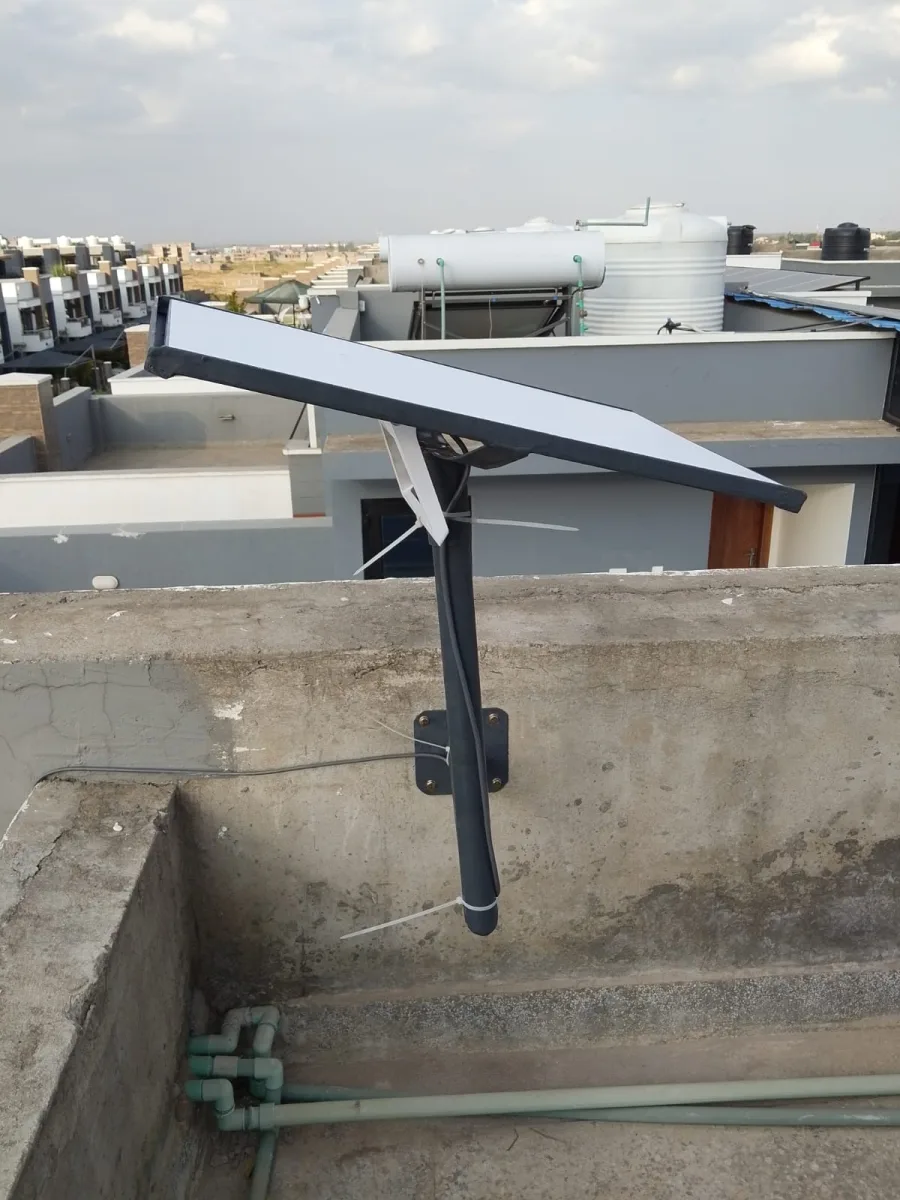
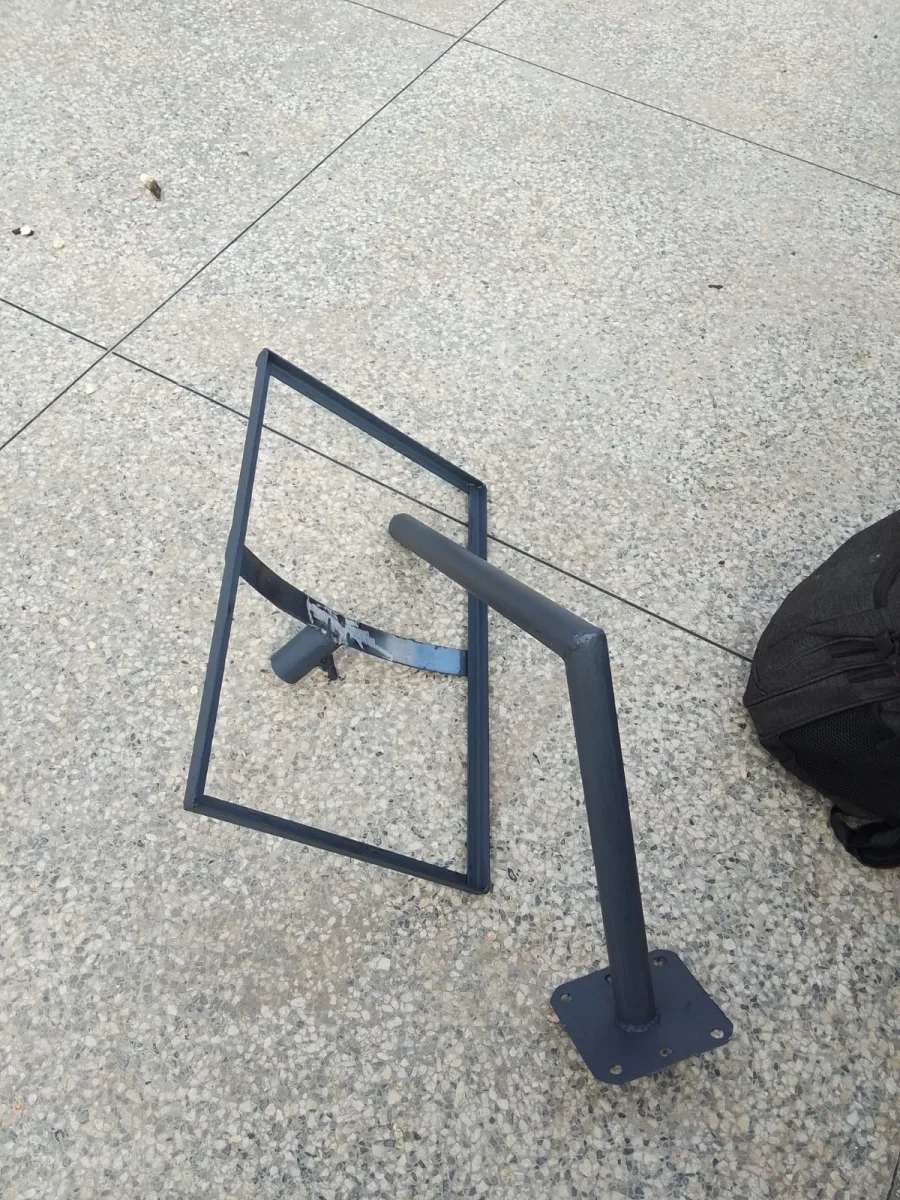
Need Starlink Installation or Network Optimization?
We help homes, offices, apartments, and businesses with Starlink installation, WiFi coverage improvement, and professional setup in Kenya.
Request Installation Chat on WhatsApp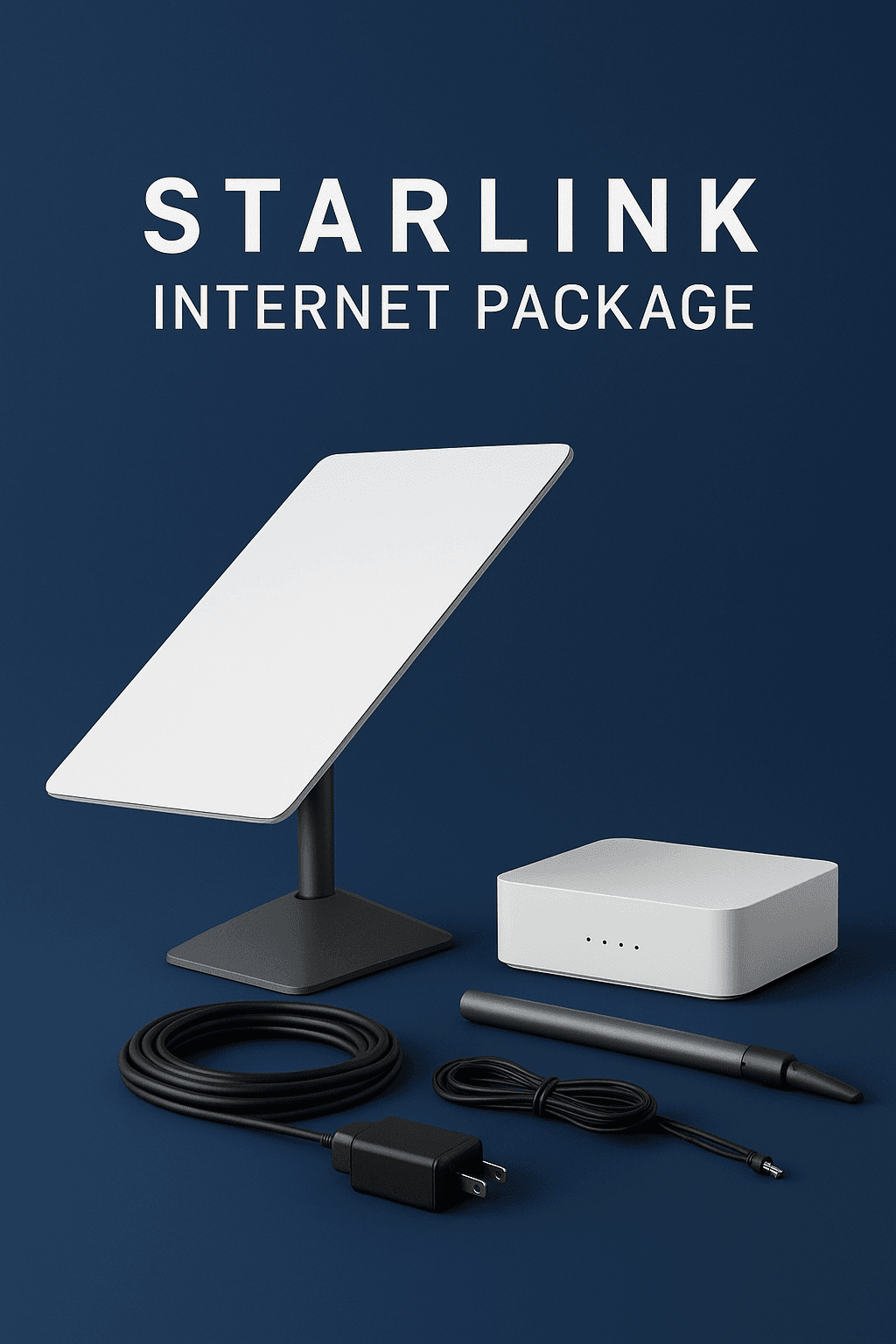
Starlink Standard Kit: Your Ultimate Guide to High-Speed Satellite Internet
In an era where connectivity defines productivity, entertainment, and communication, having a reliable internet connection is essential. For people living in remote areas or places underserved by traditional broadband providers, options are often limited. This is where the Starlink standard kit comes in. Developed by SpaceX, Starlink is a revolutionary satellite internet service that delivers high-speed connectivity across the globe.
Talk to Spacekits
Need Starlink help for your home or business?
Talk to Spacekits before you buy or book installation. We help with kit supply, mounting, activation, router placement, WiFi coverage, and written quotes.
In this guide, we’ll explore everything you need to know about the Starlink standard kit—its features, setup, performance, pricing, and why it might be the perfect solution for your internet needs.
What is the Starlink Standard Kit?
The Starlink standard kit is a complete package that allows users to access Starlink’s satellite internet service from the comfort of their homes. Unlike traditional cable or fiber internet, Starlink uses a constellation of low-Earth orbit (LEO) satellites to provide fast, reliable, and low-latency internet.
A standard kit typically includes:
Starlink Satellite Dish (Dishy McFlatface): A compact, motorized dish that automatically aligns to Starlink satellites.
Wi-Fi Router: Ensures your home devices stay connected with strong signals.
Cables and Power Supply: All necessary equipment for setup.
Mounting Hardware: For installing the dish outdoors.
The kit is designed for easy self-installation, meaning you don’t need professional help to start using Starlink.
Key Features of the Starlink Standard Kit
1. High-Speed Internet Access
The Starlink standard kit delivers download speeds of 50–250 Mbps depending on your location and network conditions. This makes it ideal for:
Streaming HD and 4K content on multiple devices simultaneously.
Online gaming with minimal lag.
Video conferencing for work and school.
Smart home connectivity, including security cameras and IoT devices.
2. Low Latency Performance
Starlink’s LEO satellites orbit closer to Earth than traditional satellites, resulting in a latency of 20–40 milliseconds. This is a game-changer for activities that require real-time responsiveness, like online gaming, trading, or remote collaboration.
3. Simple Setup and Installation
One of the most appealing aspects of the Starlink standard kit is its plug-and-play design. Setup involves:
Placing the dish in a clear outdoor area with minimal obstructions.
Connecting the dish to the included router.
Using the Starlink mobile app to finalize positioning and check network strength.
4. Durable and Weather-Resistant Design
The Starlink dish is built to withstand harsh weather conditions, including:
Rain
Snow
High winds
This ensures consistent connectivity, even in extreme climates.
5. Portability and Flexibility
The standard kit can be relocated if you move, making it suitable for:
Seasonal homes or cabins
Travel to remote areas
Temporary work sites
Starlink Standard Kit vs. Starlink Premium Kit
Many users wonder how the standard kit compares to the Starlink Premium kit. Here’s a quick comparison:
| Feature | Standard Kit | Premium Kit |
|---|---|---|
| Download Speed | 50–250 Mbps | 150–500 Mbps |
| Latency | 20–40 ms | 20–30 ms |
| Hardware | Single dish + router | High-performance dish & advanced router |
| Monthly Cost | Moderate | Higher |
| Target Users | Homes, small businesses | Large businesses, high-demand users |
For most households and small businesses, the Starlink standard kit provides excellent performance at a reasonable price. The premium kit is more suitable for heavy users or enterprise environments.
How to Install Your Starlink Standard Kit
Setting up your Starlink standard kit is straightforward:
Choose the Right Location
Ensure the dish has a clear view of the sky.
Avoid obstructions such as trees, buildings, or poles.
Connect Your Equipment
Attach the dish to the provided router using the supplied cables.
Plug in the power supply.
Use the Starlink App
Download the Starlink app on your smartphone.
Follow the on-screen instructions to align the dish.
Test the network connection.
Maintain Your System
Keep the dish free of debris like snow or leaves.
Ensure software updates are installed automatically for optimal performance.
Pricing and Availability
The Starlink standard kit is competitively priced, making it accessible for many households and small businesses. Costs typically include:
Initial Hardware Kit: One-time purchase for the dish, router, and accessories.
Monthly Subscription: Covers unlimited data usage with no hidden fees.
Starlink is available in many regions worldwide. Check the official Starlink website for current availability in your area. Prices may vary slightly depending on your country and shipping costs.
Benefits of Choosing Starlink Standard Kit
Reliable Internet in Remote Areas
Even in locations with poor or no terrestrial internet coverage, Starlink provides fast, dependable connectivity.Supports Remote Work and Learning
With low latency and high-speed connections, users can participate in video conferences, online classes, and collaborative projects seamlessly.Flexible and Future-Proof
As SpaceX launches more satellites, Starlink’s coverage and speed continue to improve, ensuring your investment remains relevant for years.Easy Integration with Existing Networks
The Starlink router can be connected to your home network, supporting multiple devices at once without degrading performance.
Common FAQs About the Starlink Standard Kit
Q: Can I use the Starlink standard kit while traveling?
A: Yes, the dish is portable. However, coverage may vary by region, so check Starlink’s official map.
Q: How much data can I use?
A: Starlink offers unlimited data usage, making it suitable for heavy internet users.
Q: Is professional installation required?
A: No, the Starlink standard kit is designed for self-installation.
Q: Does weather affect Starlink internet?
A: Extreme weather may temporarily reduce speeds, but the dish is designed to withstand most conditions.
Q: How long does setup take?
A: Most users report being online within 30–60 minutes from unboxing the kit.
Why Starlink is Revolutionizing Internet Access
Traditional ISPs rely on cables and fiber networks, which are expensive and time-consuming to install in remote regions. Starlink bypasses these limitations by delivering internet from space. The Starlink standard kit offers:
Global coverage
Easy installation
Reliable speeds
Low latency
Whether you’re streaming movies, working remotely, or connecting multiple smart devices, Starlink ensures you stay online without interruptions.
Conclusion
For those searching for fast, reliable, and easy-to-install internet, the Starlink standard kit is the ultimate solution. Its high-speed connectivity, low latency, and global coverage make it ideal for homes, small businesses, and remote locations. With simple installation and a durable, weather-resistant design, it offers a flexible and future-proof solution for staying connected.
Upgrade your internet experience today with the Starlink standard kit and enjoy uninterrupted access to everything the online world has to offer.
Need Starlink Installation or Network Optimization?
We help homes, offices, apartments, and businesses with Starlink installation, WiFi coverage improvement, and professional setup in Kenya.
Request Installation Chat on WhatsApp