Spacekits Starlink Product Guide
Starlink products and services in Kenya from one local team
Spacekits helps customers in Kenya compare Starlink kits, choose the right mounting accessories, book installation, and get practical support after setup. This page brings together the main products and services customers usually need before a Starlink connection is working properly: the Standard Kit, Mini Kit, mounting stand, installation, WiFi extension, troubleshooting, relocation support, activation help, and site survey planning.
The goal is simple: help you move from “I need Starlink” to a working connection with a clear quote, the right equipment, and a clean installation plan. Spacekits is an independent Starlink equipment and installation support provider in Kenya. We are not affiliated with, endorsed by, sponsored by, or officially authorized by Starlink or SpaceX. Starlink account approval, subscription activation, account transfers, service address decisions, and final account status remain under Starlink.
Starlink Standard Kit Gen 3
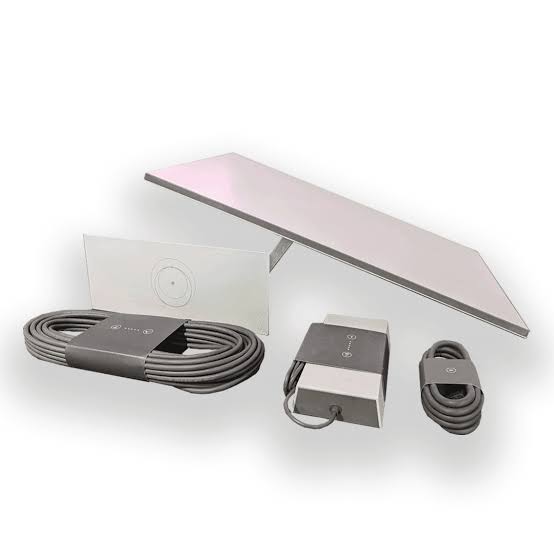
The Starlink Standard Kit Gen 3 is the most common option for homes, offices, schools, lodges, farms, CCTV sites, and small businesses that want a fixed satellite internet setup. It is best for customers who need dependable daily internet for video calls, streaming, cloud systems, online learning, payments, booking systems, remote work, and general browsing.
When comparing the Standard Kit, do not look at the kit price alone. A complete working setup may also need a mounting stand, cable-routing work, safe roof or wall access, activation guidance, router placement, WiFi testing, and possible mesh or extender support. That is why Spacekits shows hardware and installation services together, so the customer can understand the full setup path before paying.
Starlink Mini Kit
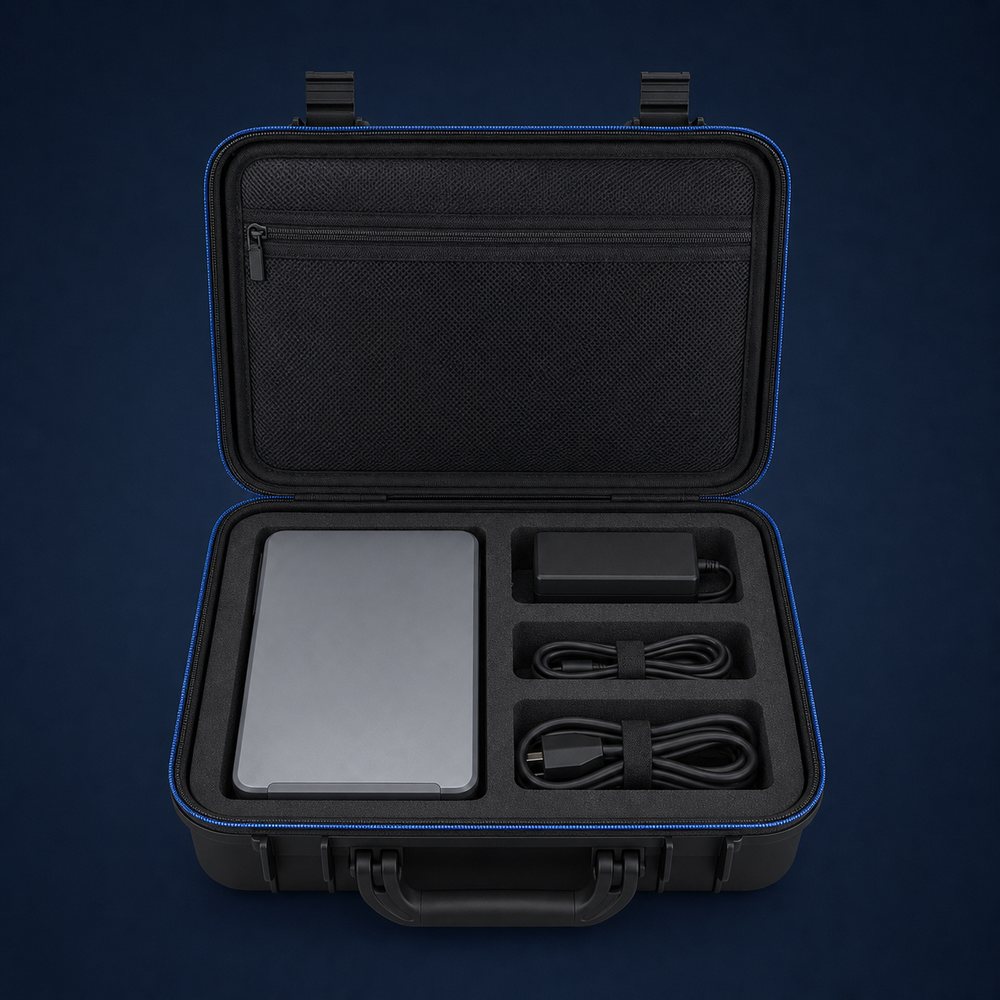
The Starlink Mini Kit is useful for customers who want a smaller, more portable Starlink option. It can fit customers who travel, work in temporary sites, run mobile teams, support outdoor operations, or need a compact internet kit for flexible use. It is also attractive to buyers comparing Standard Kit pricing against portable connectivity needs.
Before choosing the Mini Kit, confirm how and where you plan to use it. Portable use, power availability, expected number of users, WiFi range, account plan, and mounting expectations all matter. Spacekits can help you compare the Mini Kit against the Standard Kit and recommend the practical option for your location, use case, and budget.
Starlink installation service
Starlink installation is not only about placing the dish outside. A professional installation checks the best location for clear sky visibility, chooses a safe mounting point, routes the cable neatly, powers and activates the kit, places the router sensibly, tests signal quality, and checks WiFi coverage before handover.
Spacekits installs Starlink for homes, apartments, offices, schools, lodges, farms, churches, clinics, construction sites, and remote project locations. The installation approach changes depending on the roof type, wall access, building height, cable route, security, number of users, and whether the customer needs only internet access or a wider local network.
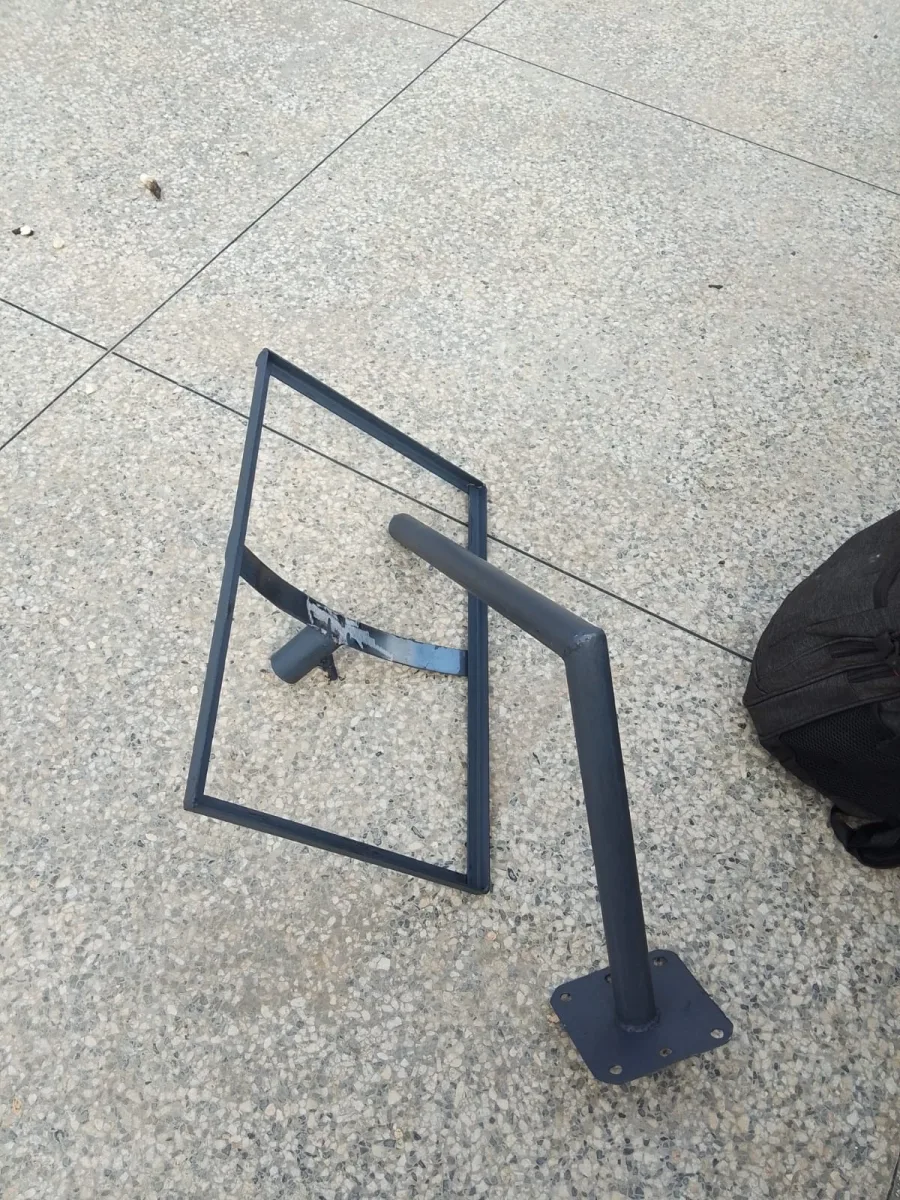
Starlink Gen 3 mounting stand
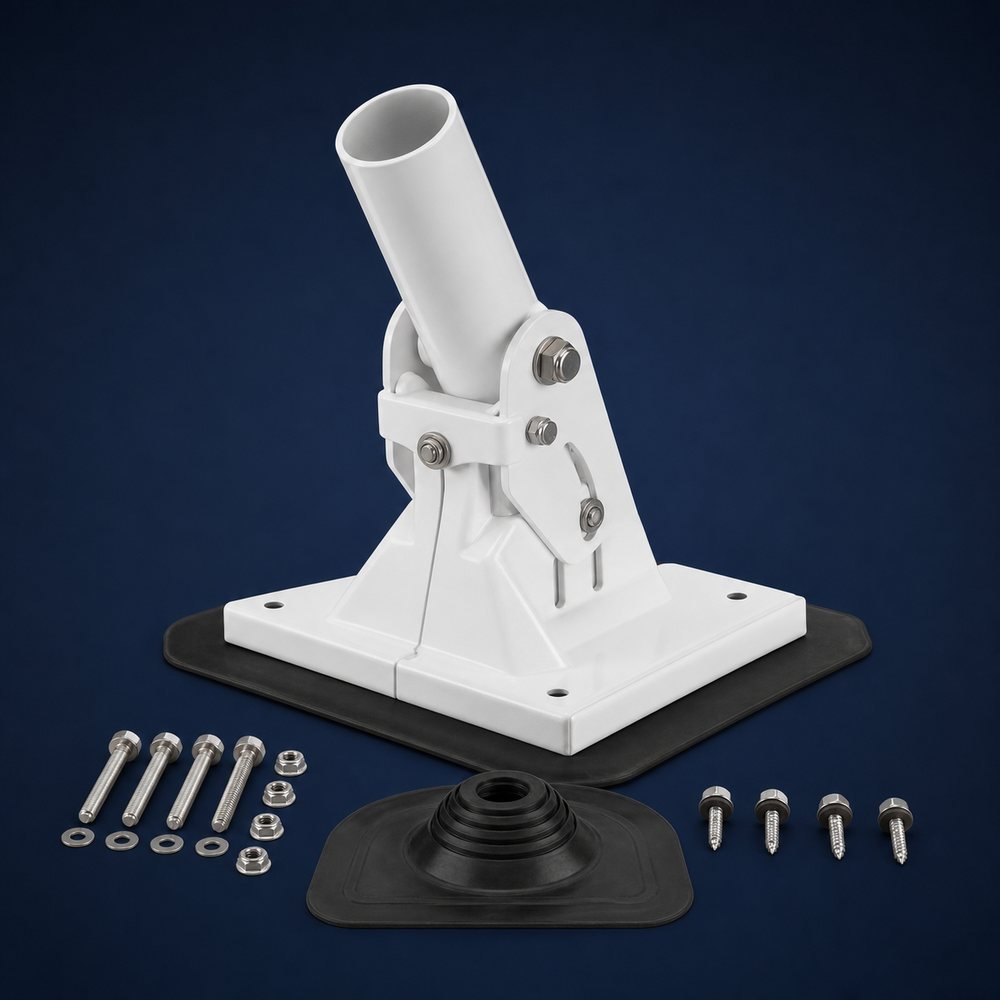
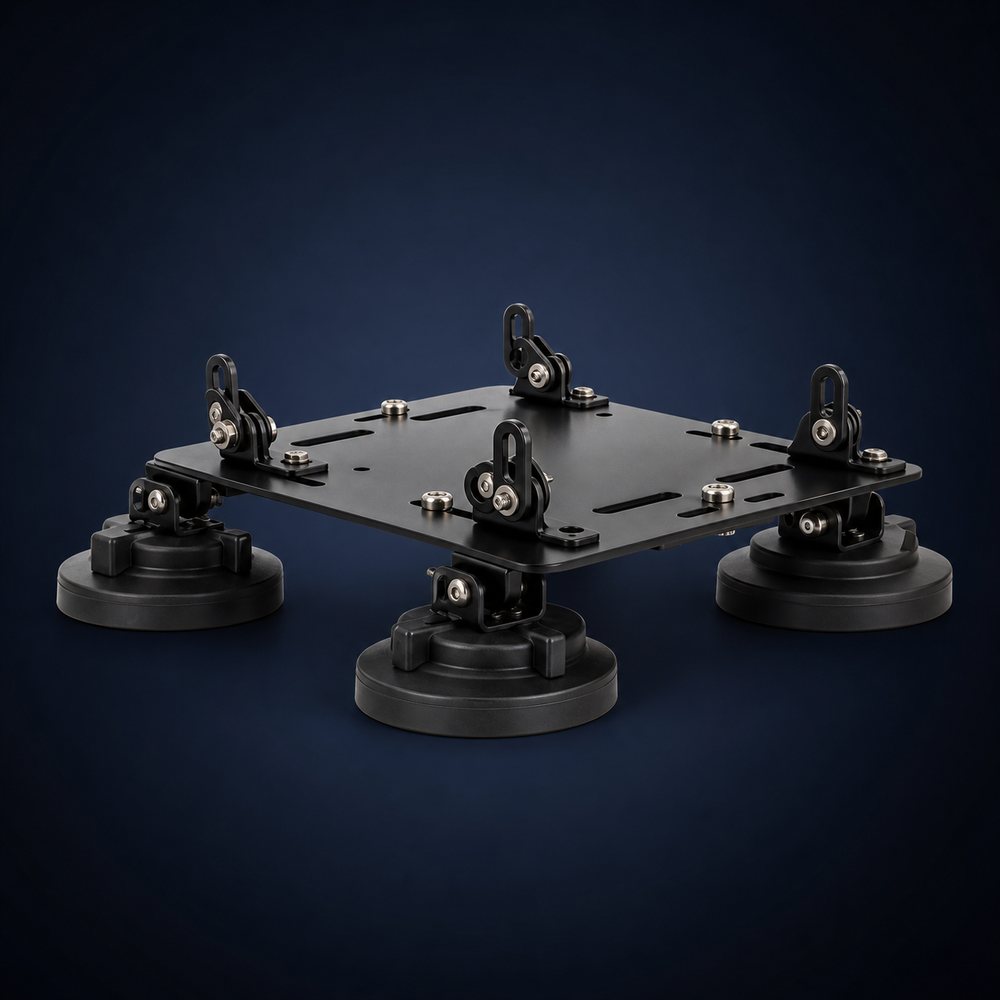
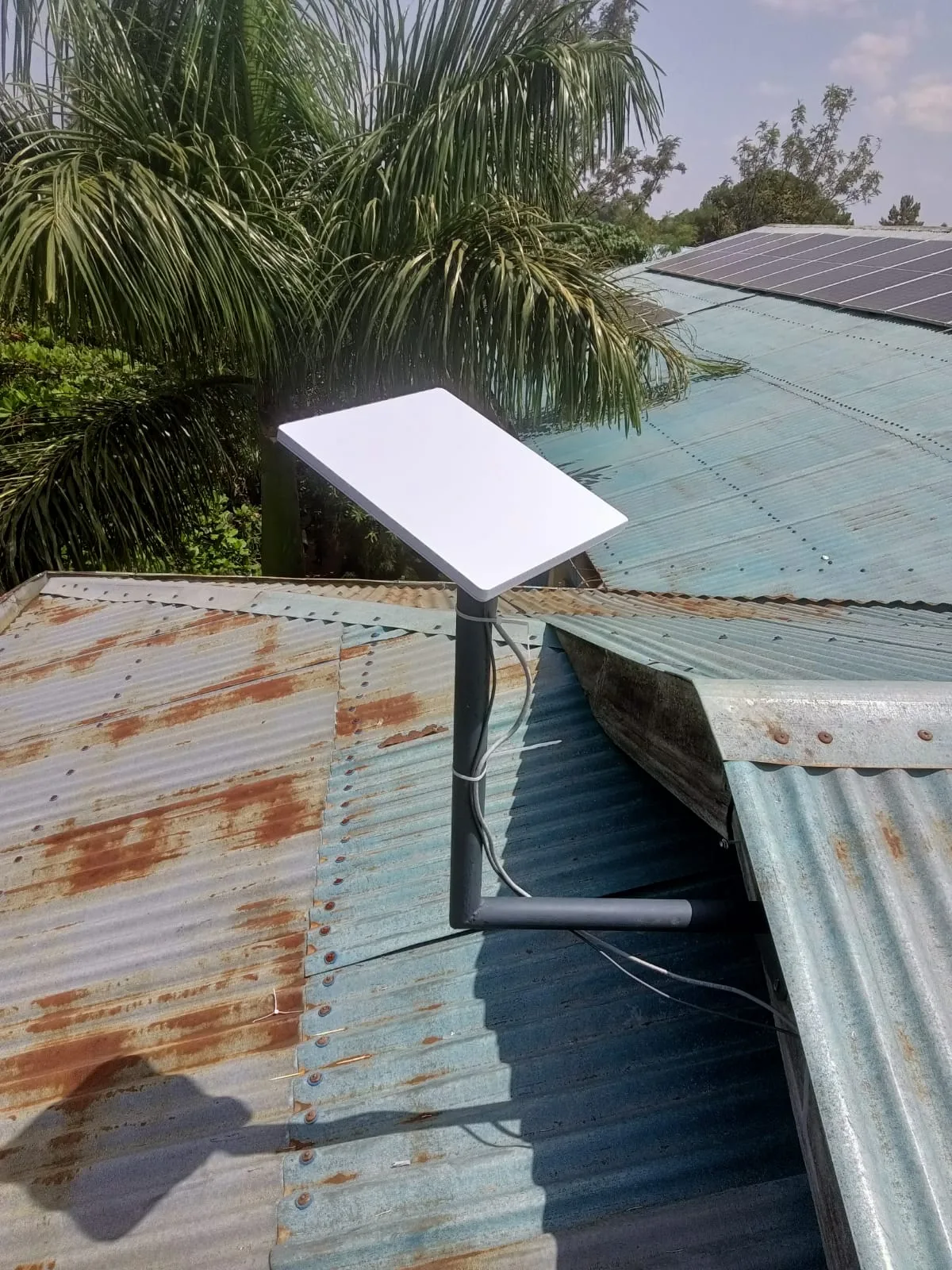
A mounting stand helps hold the Starlink dish in a stronger, cleaner, and more practical position than simply placing the kit on a surface. Good mounting improves safety, reduces movement, keeps the dish better aligned, and makes the installation look more professional.
The right mount depends on the building. Some homes need a wall-mounted stand, some sites need a pole or elevated position, and some roofs need careful planning to avoid leaks, weak points, or unsafe access. Spacekits can quote the mounting stand together with installation so the customer sees the full setup cost.
How to choose the right Starlink product in Kenya
The right Starlink product depends on where you are, how many people will use the connection, whether you need fixed or portable use, the building layout, available power, expected WiFi coverage, and whether you want Spacekits to supply the kit, install it, or support a kit you already bought. A home user in Ruiru or Nairobi may need a different package from a lodge in Nanyuki, a school in rural Kenya, a farm office, or a construction site.
If your priority is a stable fixed connection for daily use, the Standard Kit with professional mounting is usually the practical starting point. If your priority is portability, light field use, or a compact kit, the Mini Kit may be worth comparing. If you already have the hardware, your main need may be installation, activation, relocation, WiFi extension, or troubleshooting rather than buying another kit.
Spacekits recommends confirming four things before paying: kit status, installation scope, payment terms, and account responsibility. Kit status means whether the product is available, whether it is the correct generation, and whether any accessories are included. Installation scope means what the technician will actually do: mounting, cable routing, activation, router placement, WiFi testing, and handover. Payment terms should be written clearly on a quote or invoice. Account responsibility means understanding that the Starlink account and monthly service decisions are handled through Starlink.
Starlink kit plus installation quote
A good Starlink quote should separate the main items clearly. Customers should be able to see the cost of the Standard Kit or Mini Kit, the mounting stand or accessories, the installation service, any travel or site-specific work, and any additional WiFi equipment. This makes it easier to compare offers fairly. A cheap kit price can become expensive if installation, mounting, delivery, or support are unclear.
Spacekits can prepare a written quote based on your location, site type, kit status, roof or wall access, preferred timeline, and whether you need only hardware, only installation, or a full kit-plus-installation package. For faster quoting, send your estate, town or county, building type, whether you already have the kit, and any photos of the roof or proposed mounting area.
Starlink products for homes and apartments
Many Spacekits customers are families, landlords, and apartment residents who want reliable internet where fibre is weak, mobile data is costly, or ordinary home routers cannot handle daily work and entertainment. For a home, the most important Starlink decisions are usually kit selection, safe dish position, cable route, router placement, and WiFi coverage inside the rooms that matter most. A good installation should avoid placing the router in a corner where the signal becomes weak in bedrooms, upstairs rooms, servant quarters, home offices, or outdoor sitting areas.
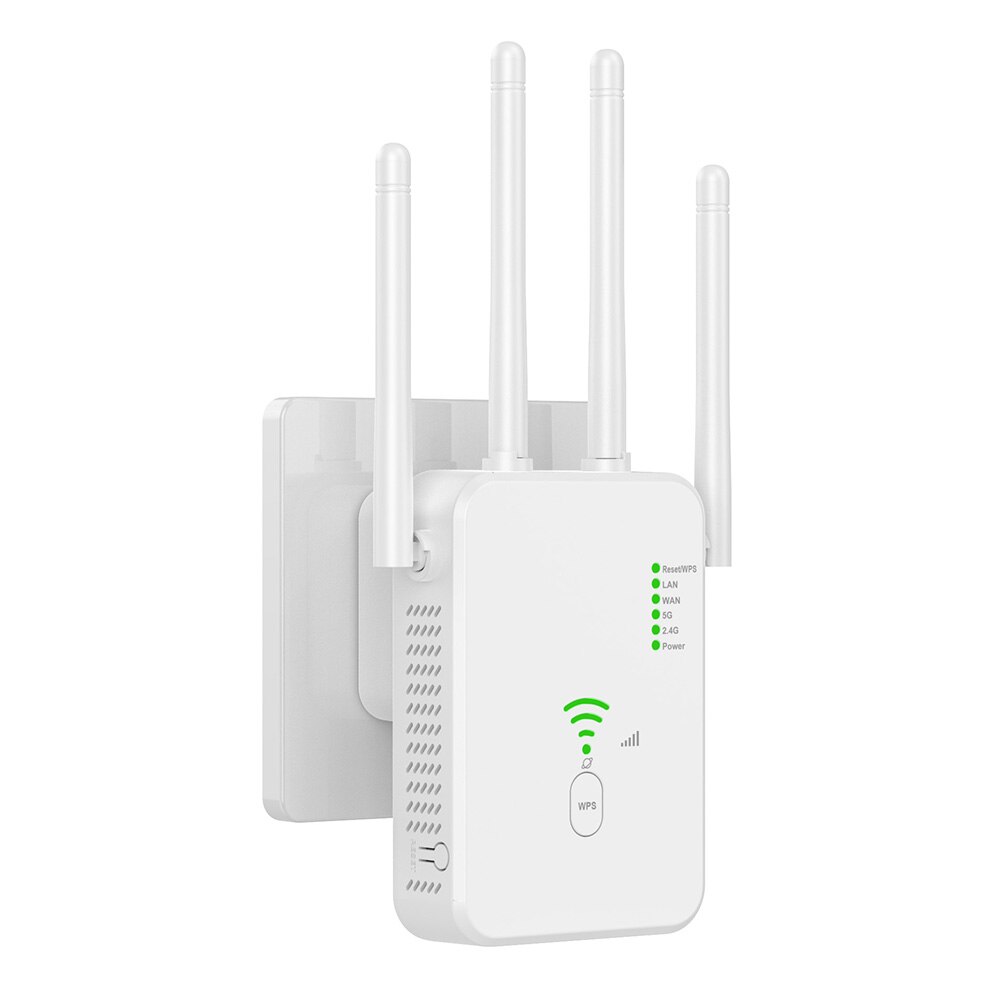
Residential customers also need a clean buying path. Some already have a kit and only need mounting and setup. Others want Spacekits to quote the kit, stand, installation, delivery, and handover together. Apartment customers may need permission from management, a roof access plan, or a non-invasive cable route. Homes with thick walls or several floors may need mesh WiFi or an extender after the main Starlink router is tested. This is why Spacekits treats residential Starlink as a complete setup, not just a box sale.
Starlink products for offices, shops, schools, farms, and lodges
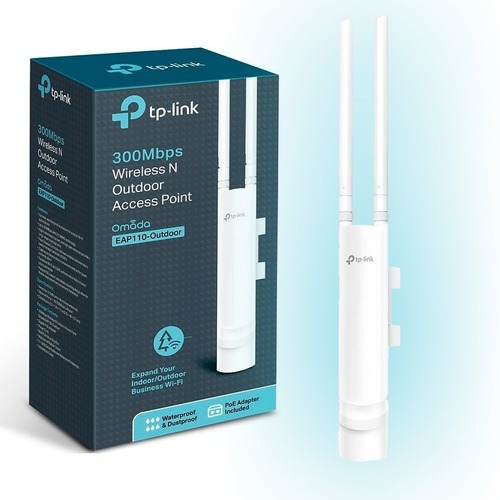
Business and institutional Starlink customers often need more planning than a single-room home. An office may need internet for staff laptops, POS systems, CCTV, cloud accounting, customer WiFi, and online meetings. A shop may need stable payments and inventory systems. A school may need coverage for the computer lab, admin block, classrooms, and staff room. A farm, lodge, campsite, construction site, or clinic may need a stronger mounting position, protected cable routing, backup power planning, and WiFi that reaches more than one building.
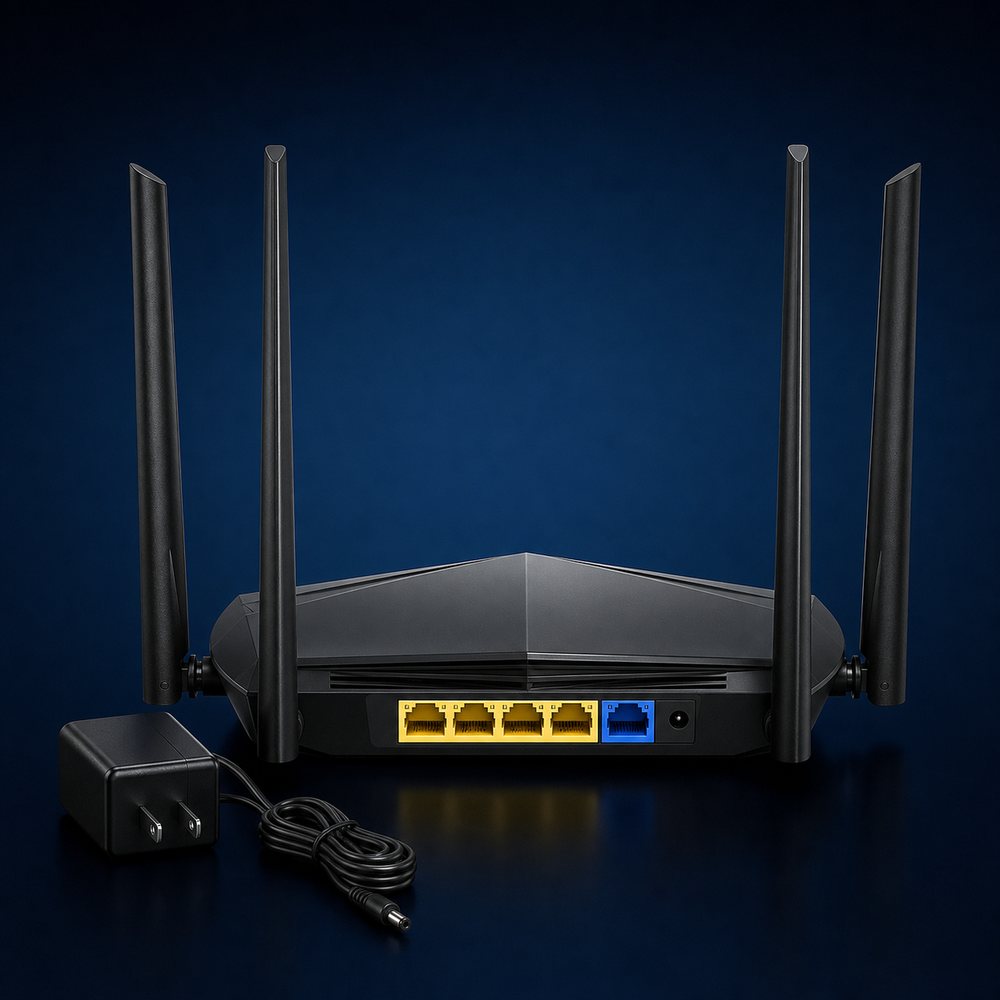
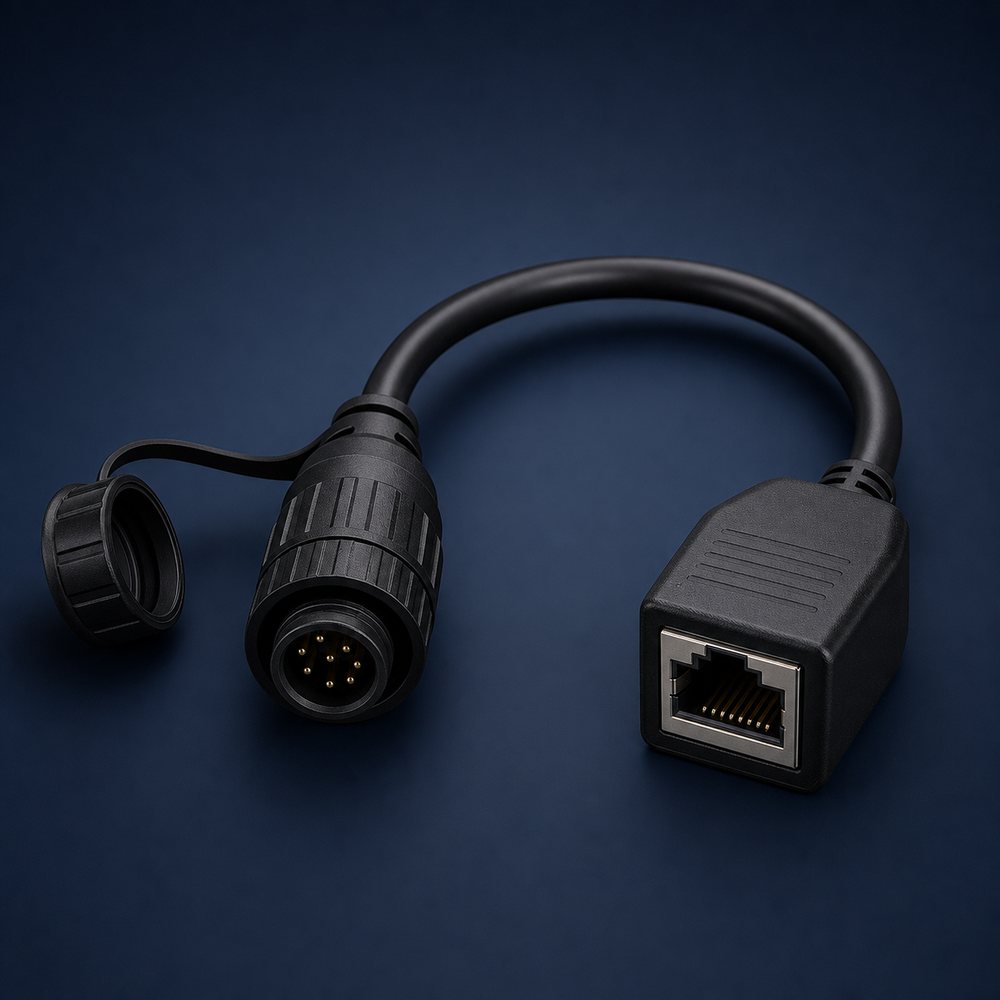
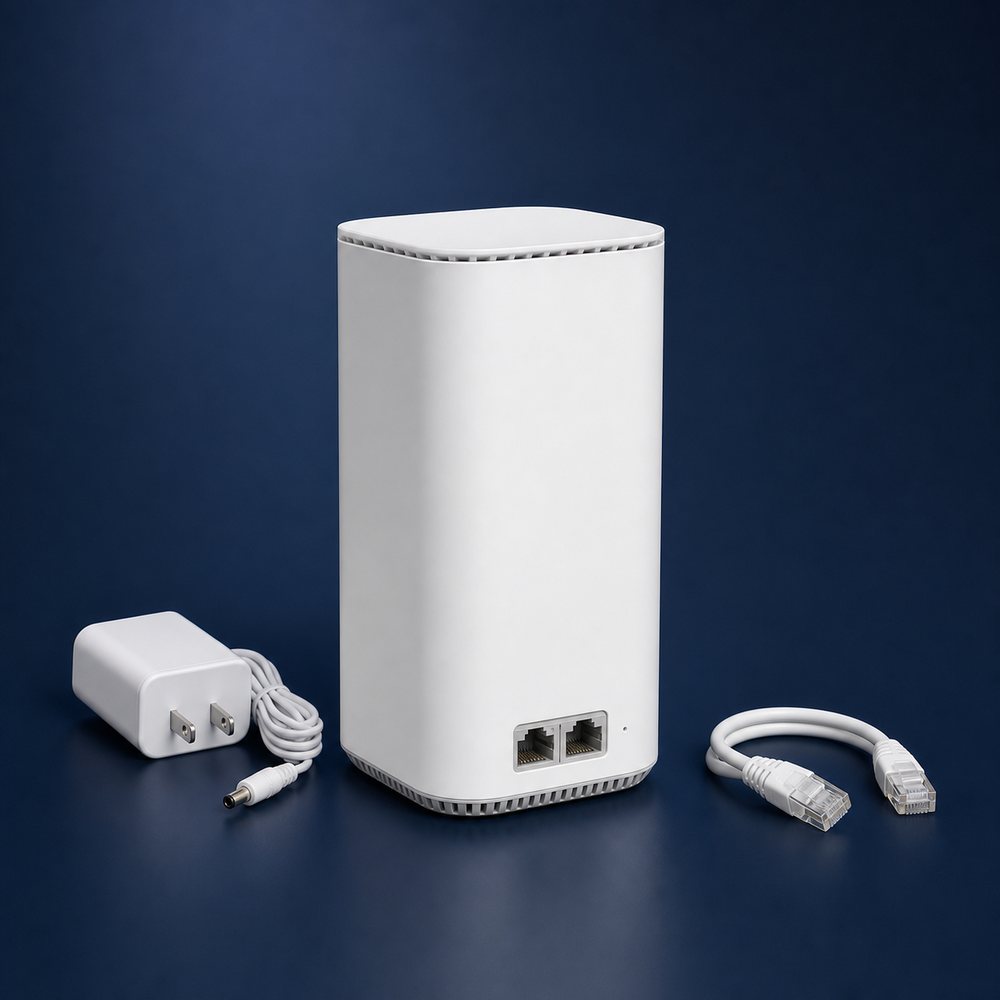
For these sites, the product list matters because the kit is only one part of the job. The final solution may include the Standard Kit, a Gen 3 mounting stand, a custom bracket, extra networking equipment, a site survey, installation labour, router placement, and future troubleshooting support. Spacekits helps the customer define the exact use case before quoting, so the setup can match the number of users, building layout, service priority, and support expectations.
Mini Kit vs Standard Kit: which one should you request?
Customers searching for Starlink Mini Kit Kenya often want portability, a lower hardware price, or a compact option for travel and field work. Customers searching for Starlink Standard Kit Kenya usually want a more fixed setup for a house, office, lodge, school, or farm. The right answer depends on where the kit will be used, how many people will connect, whether the site needs permanent mounting, how important WiFi range is, and what type of Starlink service plan the customer expects to use.
Spacekits lists both options so customers can compare before buying. The Mini Kit can be attractive when portability and compact equipment matter. The Standard Kit is often preferred where the customer wants a fixed rooftop installation, broader daily use, and a more traditional home or office setup. Before payment, customers should confirm live stock, current price, delivery timing, account-plan suitability, and whether installation accessories are included.
Why accessories and installation quality affect performance
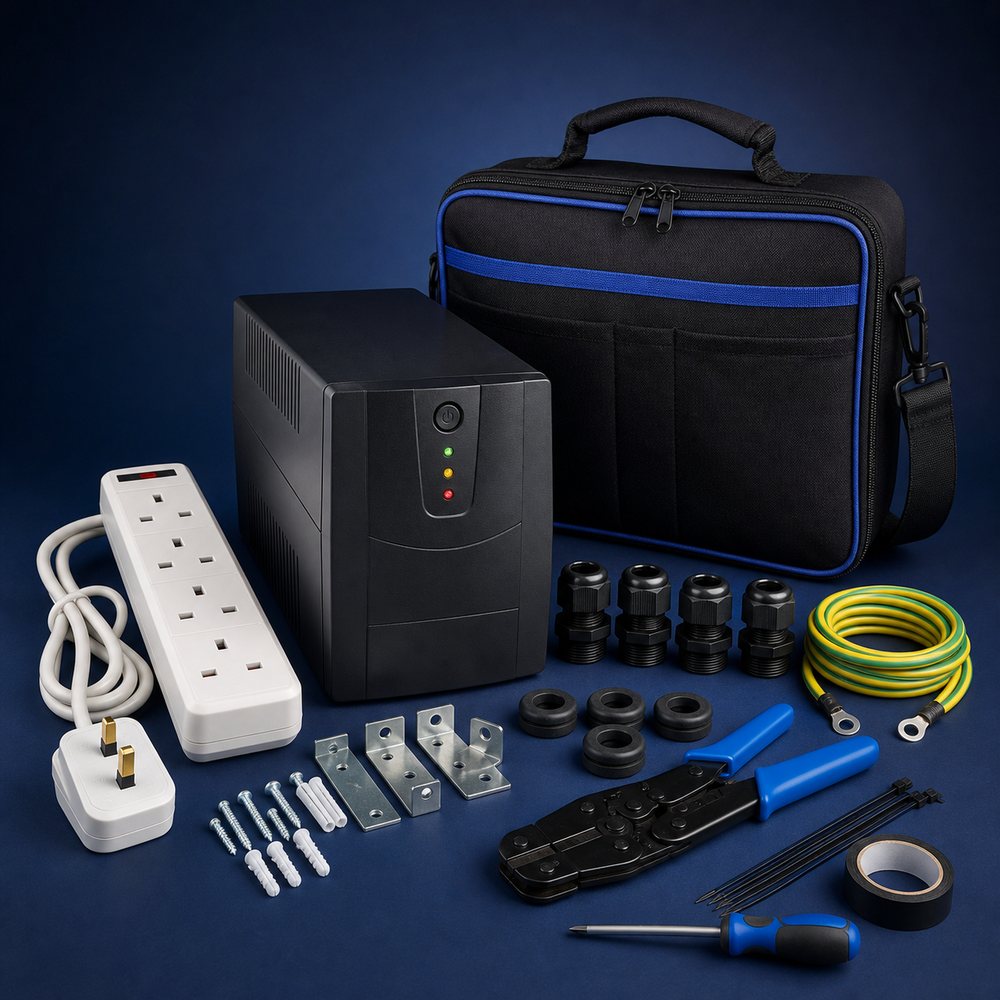
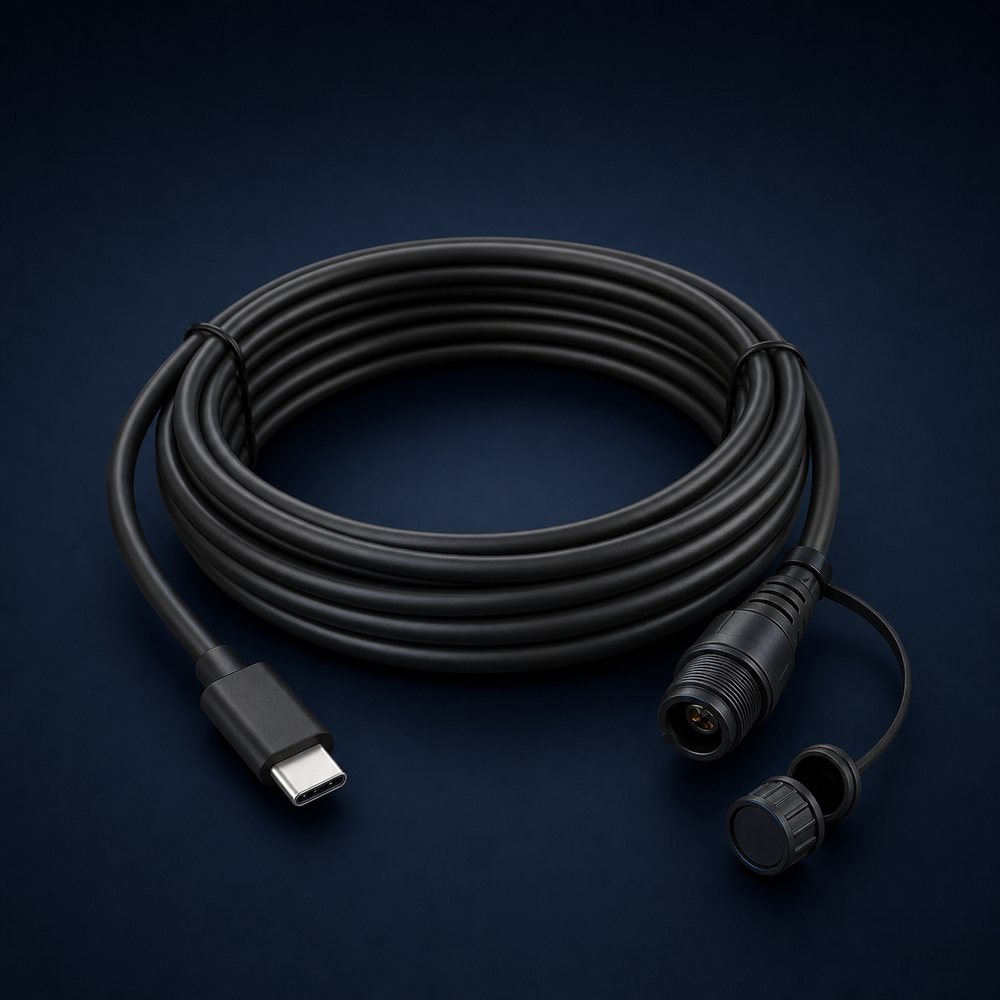
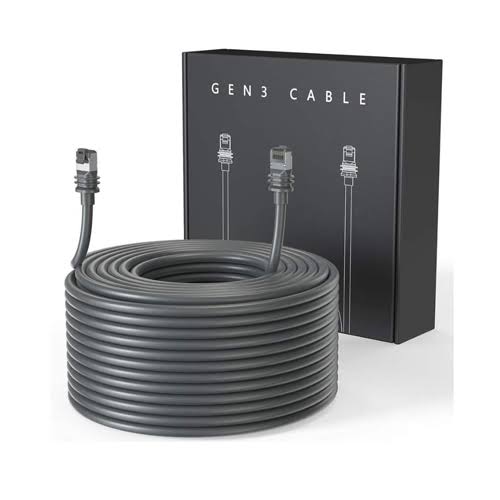
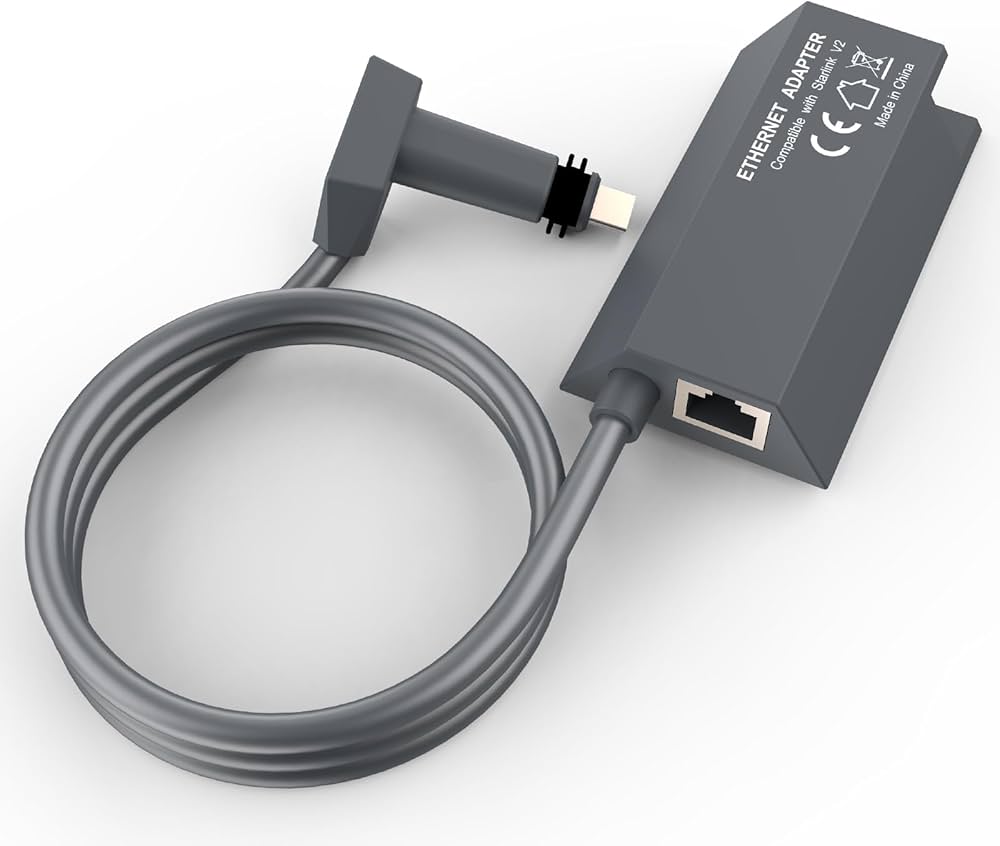
Starlink performance depends heavily on the physical setup. A dish with poor sky visibility, loose mounting, a bad cable route, or a weak router position can create a frustrating experience even when the kit itself is working. Accessories such as mounting stands, wall brackets, cable clips, protective routing, mesh nodes, and extenders should be chosen based on the real building, not guessed from a photo. This is especially important in estates, maisonettes, flat rooftops, iron-sheet roofs, tall apartment blocks, farms, and remote sites exposed to wind or rain.
Spacekits focuses on practical installation details: where the dish will see the sky, where the cable will enter, how the router will cover the main rooms, what the customer should test before handover, and which items may be needed later. That process gives customers a clearer expectation than a simple product card. It also helps the page serve people searching for Starlink mounting stand Kenya, Starlink installation cost Kenya, Starlink accessories Kenya, Starlink repair Kenya, and Starlink WiFi extension Kenya.
Where Spacekits supports Starlink customers
Spacekits supports Starlink products and installation across Kenya, with strong demand around Nairobi, Kiambu, Ruiru, Thika, Athi River, Kitengela, Machakos, Nakuru, Nanyuki, Nyeri, Meru, Mombasa, Kisumu, Eldoret, Naivasha, and many rural or remote sites. Availability and scheduling depend on technician routing, site readiness, and scope. Customers outside major towns should request a quote early so travel, installation time, and support needs can be planned properly.
Some locations need extra planning. Lodges and farms may need better mounting height, backup power planning, outdoor cable protection, or WiFi coverage across more than one building. Schools and offices may need network planning for many users. Apartments and estates may need permission from management before roof mounting or cable routing. These details affect the final recommendation and quote.
After-sales support for Starlink products
After-sales support matters because internet problems can come from several places: dish obstruction, cable damage, router placement, power instability, WiFi congestion, account issues, service-plan status, or local network equipment. Spacekits can help inspect the physical setup, test the connection, check the router and cable path, review WiFi range, and advise the customer on next steps. Where the issue sits inside the Starlink account or service platform, the final decision remains with Starlink.
For customers who depend on Starlink for business, school, hospitality, remote work, or field operations, a proper handover is useful. The customer should know where the cable runs, where the router is placed, what was tested, what speeds were observed during handover, what accessories were used, and who to contact if the connection changes later.