
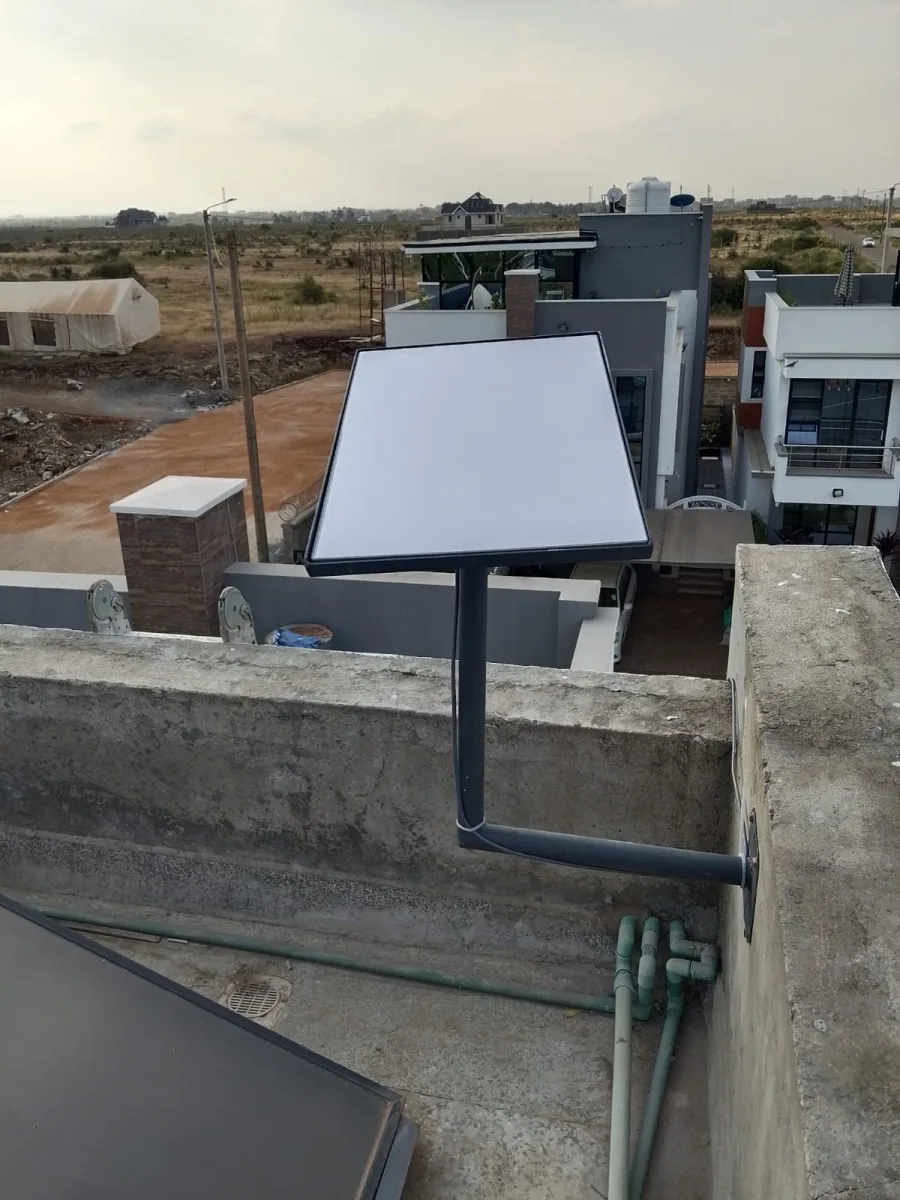
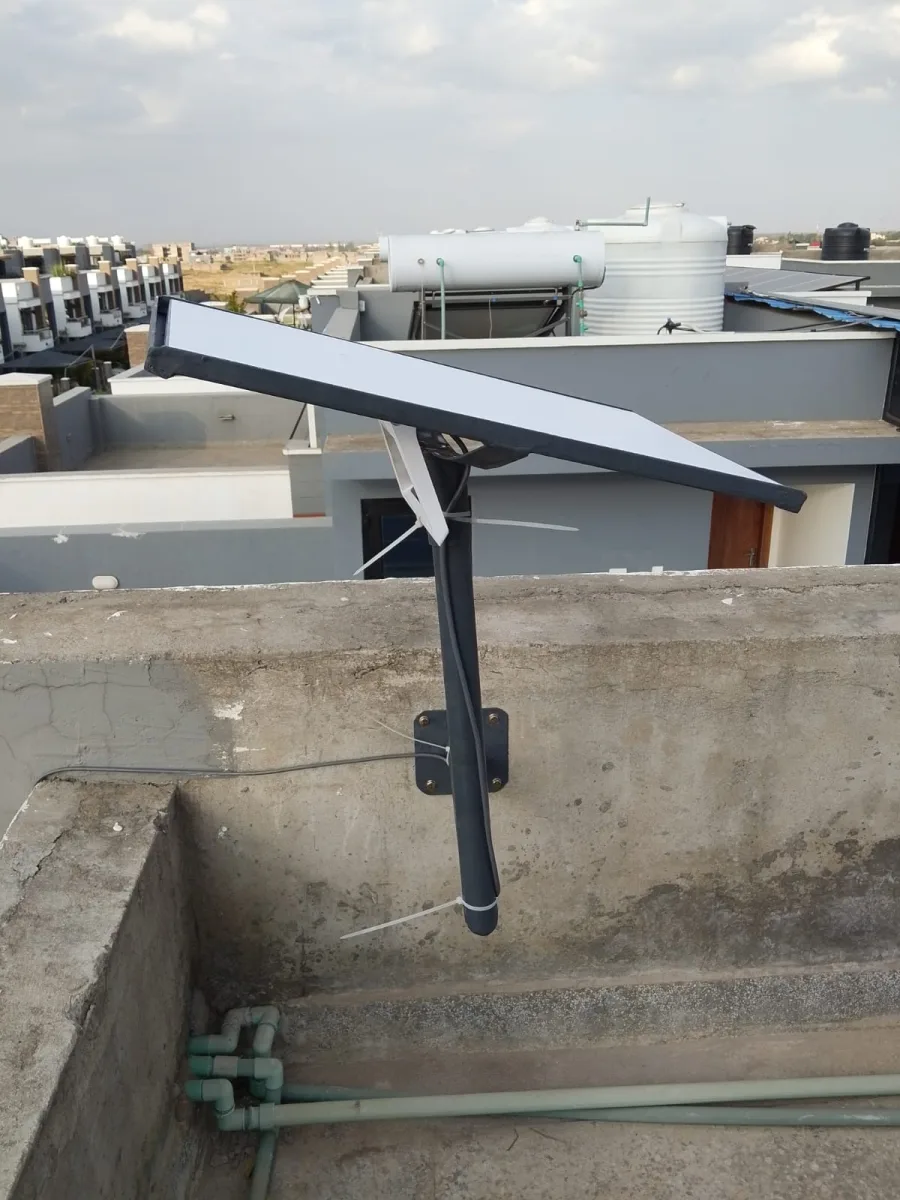

Need Starlink Installation or Network Optimization?
We help homes, offices, apartments, and businesses with Starlink installation, WiFi coverage improvement, and professional setup in Kenya.
Request Installation Chat on WhatsApp
Starlink Upload Speed: What to Expect & How to Improve It
If you’re considering Starlink as your internet solution, one of the biggest questions is:
Talk to Spacekits
Need Starlink help for your home or business?
Talk to Spacekits before you buy or book installation. We help with kit supply, mounting, activation, router placement, WiFi coverage, and written quotes.
Starlink is widely praised for its high download speeds and global coverage. But upload speed is just as important — especially if you work from home, attend online meetings, upload videos, or use cloud services.
In this article, we’ll explore everything you need to know about Starlink upload speed, what affects it, and how you can optimize it for your needs.
What Is Starlink Upload Speed?
Upload speed is the rate at which data is sent from your device to the internet. This includes:
Video calls
Sending emails
Uploading files
Live streaming
Online gaming
Unlike download speed (which is more visible and widely discussed), upload speed determines how fast you can share data — and Starlink has been improving in this area consistently.
How Fast Is Starlink Upload Speed?
Starlink’s upload speed typically ranges between:
Typical Starlink Upload Speeds
Residential Starlink: 5–20 Mbps
Starlink Business / Premium: 20–50 Mbps
Starlink RV / Mobile: 5–20 Mbps
These speeds can vary depending on:
Network congestion
Weather conditions
Your location
Equipment setup
Obstructions (trees, buildings)
Starlink vs Traditional Internet Upload Speeds
Here’s how Starlink upload speeds compare to other internet types:
Fiber
Upload: 100–1000 Mbps
Best for heavy upload use (streaming, large file transfers)
Cable
Upload: 10–50 Mbps
Good for everyday use
Starlink
Upload: 5–50 Mbps
Excellent for remote locations and areas without fiber or cable
Why Starlink Upload Speed Can Fluctuate
Starlink uses satellites in low-earth orbit, which provides fast internet in remote areas — but also comes with some variability.
Common reasons for fluctuating upload speeds:
Satellite availability
High user traffic
Physical obstructions
Signal interference
Router or modem limitations
How to Test Starlink Upload Speed
To accurately test your Starlink upload speed, use tools like:
Speedtest.net
Fast.com
Starlink App Speed Test
Recommended steps:
Run tests at different times of day
Test from multiple devices
Compare results
This gives a realistic view of your average upload speed.
How to Improve Starlink Upload Speed
If your upload speed is slower than expected, try these optimization tips:
1. Move Your Starlink Dish
Make sure the dish has a clear view of the sky. Trees and buildings can significantly reduce upload speeds.
2. Avoid Wi-Fi Interference
Keep your router away from:
Microwaves
Bluetooth devices
Thick walls
Other wireless networks
3. Use Ethernet for Stable Connection
Connecting your device directly via Ethernet improves stability and speeds.
4. Upgrade to Starlink Premium
If you need high upload speeds for business or streaming, consider upgrading to Starlink Business.
5. Check Your Router Settings
Ensure:
QoS is enabled
Firmware is updated
Channel settings are optimized
Is Starlink Upload Speed Good Enough for Work?
Yes, Starlink upload speeds are generally good enough for:
Zoom calls
Google Meet
Microsoft Teams
Cloud backups
Moderate streaming
Online gaming
If you rely on heavy uploads daily, you may want to consider Starlink Business or fiber options where available.
Conclusion
Starlink upload speed offers a reliable and fast solution for remote and underserved areas. While not always as high as fiber, it is more than sufficient for most users — especially those who need internet in locations where other options are limited.
If you want consistent upload performance, consider:
Starlink Business
Proper dish placement
Optimized router setup
How Starlink Upload Speed Affects Video Conferencing
If you rely on video calls for work, Starlink upload speed plays a crucial role in:
Video quality (720p, 1080p, 4K)
Call stability
Latency and lag
Audio clarity
Minimum Upload Speeds for Common Video Calls
Application Recommended Upload Speed Zoom (720p) 1.2 Mbps Zoom (1080p) 3.0 Mbps Google Meet 3.2 Mbps Microsoft Teams 1.2–2.0 Mbps Skype 1.5 Mbps With Starlink’s average upload speed of 5–20 Mbps, most users can run high-quality video calls without issues.
Starlink Upload Speed for Content Creators
If you create content, upload speed matters more than most people realize.
Why Upload Speed Matters for Creators
Faster upload times for videos
Better live stream quality
Reduced lag while streaming
Faster cloud backups
If you upload large files regularly, Starlink’s upload speed can save you hours compared to slower satellite or mobile internet.
Starlink Upload Speed for Gamers
Gamers often focus on latency, but upload speed is also important for:
Multiplayer gaming
Streaming gameplay
Voice chat quality
While Starlink is not always as fast as fiber, it still offers competitive upload speeds for most games.
Factors That Affect Starlink Upload Speed
Here are the top factors that affect Starlink upload speed:
1. Network Congestion
When many users connect to the same satellite, upload speed can drop during peak hours.
2. Obstructions
Even partial blockage like trees or roofs can reduce upload speed.
3. Weather Conditions
Heavy rain or storms may temporarily affect speeds.
4. Hardware Setup
Using old routers or poor-quality cables can reduce performance.
5. Distance from the Dish
Devices far from the Starlink router may get slower upload speeds.
Best Practices to Maximize Starlink Upload Speed
1. Choose the Right Starlink Plan
Residential: best for everyday use
Business: higher speeds and better performance
RV: great for travel but may vary
2. Install the Dish Properly
Make sure the dish is:
In a clear location
Elevated above obstructions
Mounted securely
3. Use Ethernet for Important Devices
For best upload performance, connect your computer directly using Ethernet.
4. Limit Background Upload Activities
Apps like:
Cloud backups
Automatic updates
Need Starlink Installation or Network Optimization?
We help homes, offices, apartments, and businesses with Starlink installation, WiFi coverage improvement, and professional setup in Kenya.
Request Installation Chat on WhatsApp