

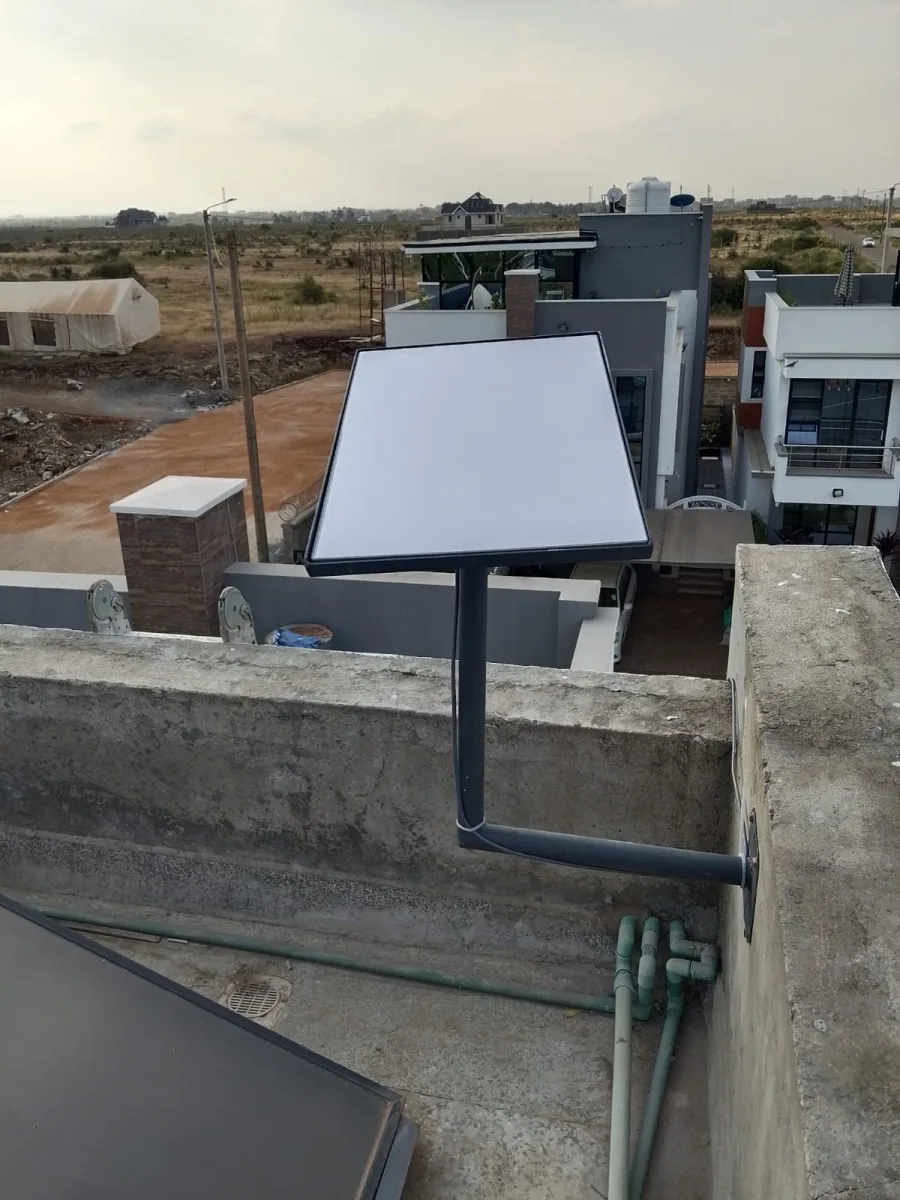
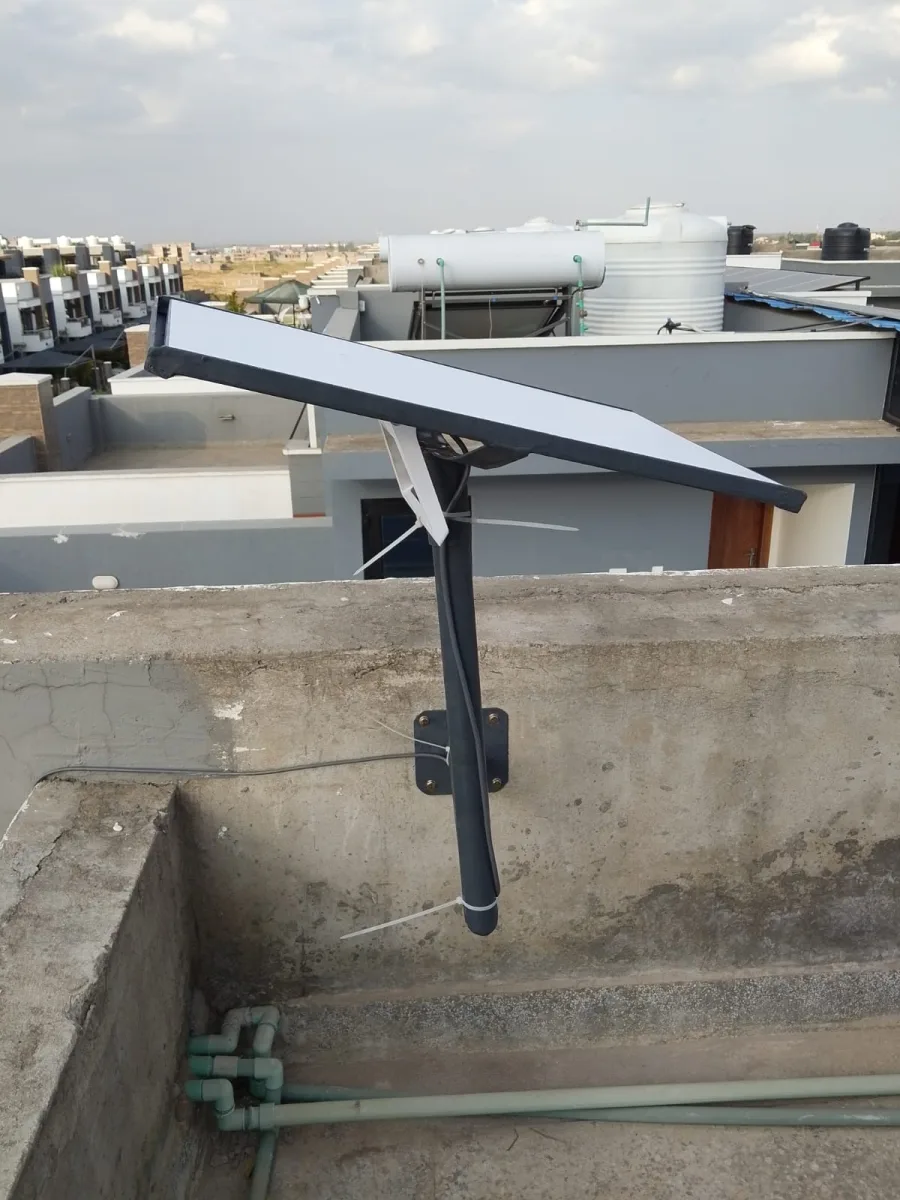
Need Starlink Installation or Network Optimization?
We help homes, offices, apartments, and businesses with Starlink installation, WiFi coverage improvement, and professional setup in Kenya.
Request Installation Chat on WhatsAppIf you are getting the error “Unable to transfer kit due to suspension error” on Starlink in Kenya, you are not alone. Many users face this issue when trying to transfer a Starlink kit from a Business account to a Residential account or when activating a previously used kit.
Talk to Spacekits
Need Starlink help for your home or business?
Talk to Spacekits before you buy or book installation. We help with kit supply, mounting, activation, router placement, WiFi coverage, and written quotes.
At SpaceKits Kenya, we help customers across Kenya resolve Starlink activation, transfer, and verification problems quickly and professionally.
What Does “Unable to Transfer Kit Due to Suspension Error” Mean?
This error usually appears when:
- The Starlink kit was previously attached to another account
- The previous account had billing or suspension issues
- The kit was under a Business subscription
- The system blocks direct transfer between Business and Residential plans
- The Starlink backend has not fully released the hardware
In most Kenya cases, the issue happens when someone wants to move a kit from:
- Business → Residential
- Old account → New account
- Previous owner → New owner
Example of the Starlink Suspension Error Response
In some situations, Starlink Support may respond with a message similar to:
“We can’t convert Kenya accounts from Business to Residential due to system limitations.”
They may then manually release the kit and allow activation on a completely new account using the kit number.
This means:
- The old account remains unchanged
- But the hardware itself becomes reusable
- You must activate it on a fresh account
How to Fix the Starlink Suspension Error in Kenya
Step 1: Get the Starlink Kit Number
You need the exact kit number, usually formatted like:
KIT4M026334518HP
You can find it:
- On the Starlink box
- Under the dish
- Inside the Starlink app
- From the previous owner
Step 2: Ask Starlink Support to Release the Kit
Contact Starlink Support and explain:
- You want to activate the kit on a Residential account
- The transfer is failing due to suspension
- You need the hardware released for reactivation
Sometimes Starlink grants a one-time exception and releases the kit manually.
Step 3: Activate Using a New Account
Once the kit is released:
Go to:
Then:
- Enter the Kit Number
- Select New Account
- Enter your location
- Choose your package
- Complete activation
Why This Happens Frequently in Kenya
This problem is becoming common in Kenya because many people:
- Buy second-hand Starlink kits
- Import kits from other regions
- Switch from Business plans to Residential plans
- Use resellers without proper transfer procedures
Additionally, Kenya’s verification systems and backend account rules can sometimes delay or block transfers.
Common Starlink Transfer Problems in Kenya
1. Kit Already Assigned to Another Account
If the kit is still active elsewhere, activation fails until the old account releases it.
2. Kenya Verification Delays
Some users encounter:
- IPRS verification failures
- KYC verification delays
- National ID mismatch errors
3. Business to Residential Conversion Restrictions
Currently, Starlink may not allow automatic conversion of Kenya Business accounts to Residential accounts.
4. Suspended Billing Accounts
Outstanding invoices or failed payments may lock transfers temporarily.
Can SpaceKits Help?
Yes.
At SpaceKits Kenya, we assist with:
- Starlink setup in Kenya
- Starlink activation support
- Transfer troubleshooting
- Verification guidance
- Residential installations
- Business installations
- Mounting and networking
- Apartment and school deployments
We also help customers understand whether:
- The kit is reusable
- The kit is locked
- The transfer is possible
- A new activation account is required
Areas We Serve in Kenya
We support Starlink installations and troubleshooting in:
- Nairobi
- Mombasa
- Kisumu
- Nakuru
- Eldoret
- Malindi
- Thika
- Naivasha
And all other counties across Kenya.
Tips Before Buying a Used Starlink Kit in Kenya
Before paying for a second-hand Starlink kit:
- Confirm the kit is released from the old account
- Ask for proof of deactivation
- Verify there are no unpaid balances
- Test the Kit Number on activation
- Avoid locked Business kits unless properly released
This can save you days of troubleshooting.
Need Help With Starlink Activation in Kenya?
If your Starlink kit:
- Cannot transfer
- Shows suspension errors
- Fails Kenya verification
- Refuses activation
- Was previously used on another account
Contact SpaceKits Kenya for professional support and installation assistance across Kenya.
We help homes, businesses, apartments, schools, lodges, farms, and remote sites get connected with reliable high-speed Starlink internet.
Need Starlink Installation or Network Optimization?
We help homes, offices, apartments, and businesses with Starlink installation, WiFi coverage improvement, and professional setup in Kenya.
Request Installation Chat on WhatsApp