



Need Starlink Installation or Network Optimization?
We help homes, offices, apartments, and businesses with Starlink installation, WiFi coverage improvement, and professional setup in Kenya.
Request Installation Chat on WhatsApp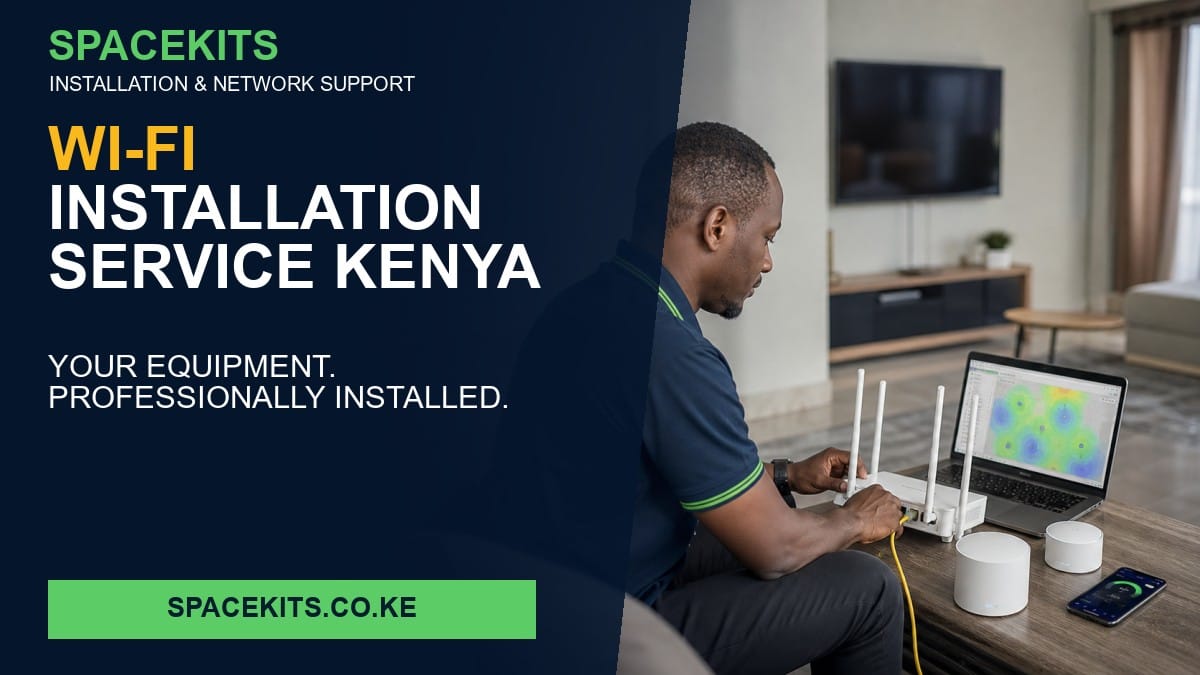
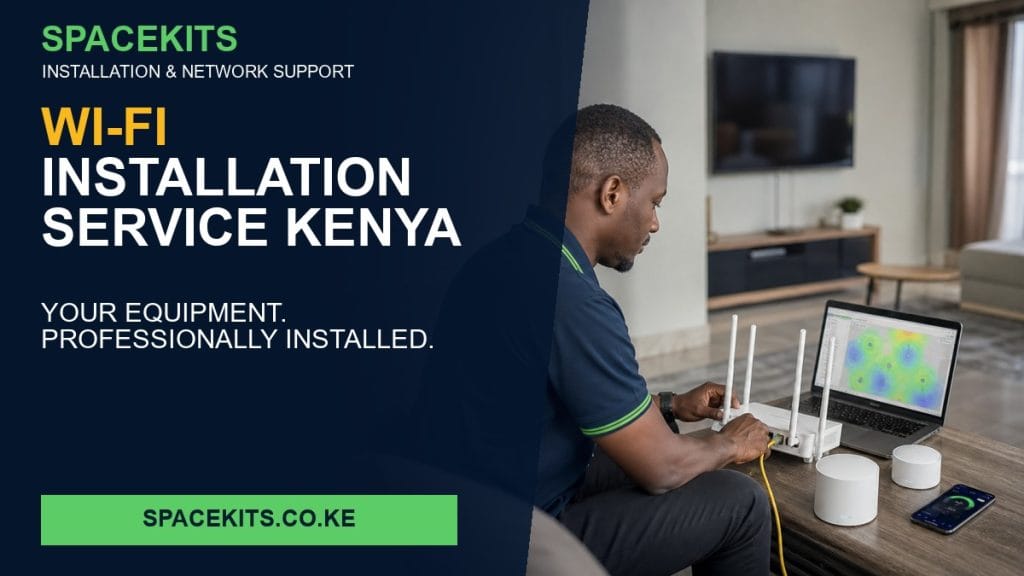
Wi-Fi Installation Service Kenya is an installation and technical-support service for homes, apartments, shops and small offices. SpaceKits does not sell internet subscriptions or advertise its own Wi-Fi packages. The client provides the active internet connection and, unless separately agreed in writing, the router, access points, switches, mesh units or bridge equipment required for the project.
Talk to Spacekits
Need Starlink help for your home or business?
Talk to Spacekits before you buy or book installation. We help with kit supply, mounting, activation, router placement, WiFi coverage, and written quotes.
The usual reason clients search for this service is that internet works near the router but important rooms have weak or unstable coverage. Buying more equipment before identifying the fault can increase cost without improving the network. SpaceKits therefore begins with the property, existing connection, equipment compatibility and areas that must work reliably.
What the service includes
The practical scope can include surveying coverage, positioning the customer-supplied router, configuring secure networks, testing rooms and documenting the finished setup. The quotation should state which equipment is already available, which materials the client will provide, what installation consumables are required and what tests will be completed before handover.
Planning this specific installation
Measure signal in priority rooms before choosing access-point or mesh positions; wall materials and floor slabs matter more than advertised device range.
Expected project deliverable: A coverage map, secure network configuration and room-by-room test record.
Common costly mistake: Do not place extenders inside the same dead zone they are meant to repair.
What SpaceKits does not provide
SpaceKits is not an internet service provider and does not sell monthly Wi-Fi bundles. Internet availability, subscription speed, fair-use policies, account billing and upstream outages remain the responsibility of the client’s chosen ISP. A technician can test and configure the local network, but cannot promise speeds above the subscribed service or repair an outage inside the provider’s network.
Why a site assessment matters
Walls, floors, distance, interference, roof access, cable routes, power stability, user numbers and neighbouring networks all influence the correct design. A home may need better router placement, while a hotel may require several wired access points. Separate buildings may need fibre, buried cable or a properly aligned wireless bridge depending on distance and line of sight.
Clients can begin with photographs, a floor plan and a list of available equipment. For larger premises, an onsite survey reduces guesswork and provides a clearer bill of materials.
Installation workflow
- Discovery: confirm the internet provider, subscribed service, equipment models, property layout and business requirements.
- Testing: measure the connection at the provider handoff, inspect cabling and check current Wi-Fi performance.
- Design: agree equipment positions, cable routes, network names, access rules and required coverage.
- Installation: mount, connect, terminate and configure the customer-approved equipment.
- Verification: test important rooms, wired ports, roaming, bridge links and internet access.
- Handover: document settings, equipment locations, passwords, limitations and recommended maintenance.
Customer-supplied equipment checklist
- Send clear photographs of every router, switch, access point, mesh node or bridge radio.
- Include the model number, power adapter and mounting accessories.
- Confirm that administrator credentials and the ISP account are accessible.
- State whether the equipment is new, previously configured or locked to another provider.
- Identify all rooms, buildings and outdoor areas requiring service.
Customer-owned equipment must be compatible and in working condition. If testing identifies a faulty, unsuitable or incomplete device, SpaceKits will explain the limitation before recommending replacement or additional hardware.
Security and network separation
Businesses, schools and hotels should not place every user on one unrestricted network. Where compatible equipment is available, staff, guests, administration systems, CCTV and smart devices can be separated using guest networks or VLANs. Secure passwords, firmware review, disabled default accounts and documented administrator access reduce avoidable risk.
How quotations are calculated
Pricing depends on travel, survey time, installation height, cable distance, terminations, mounting materials, number of devices, configuration complexity and testing requirements. A useful quotation separates labour, consumables, optional equipment sourcing and support. It should never imply that a monthly internet subscription is included unless it is contracted directly with a licensed provider.
Who should book Wi-Fi Installation Service Kenya
This service is appropriate when you already have internet, already own some or all networking equipment, or want an independent technician to assess an unreliable installation. It is also suitable for organisations procuring their own approved equipment but requiring professional deployment and documentation.
Related SpaceKits installation guides
- Customer-Supplied Router Installation Kenya
- Customer-Supplied Mesh Wi-Fi Installation Kenya
- Building-to-Building Network Installation Kenya
- Network Cabling Services Kenya
- Access Point Installation Kenya
- Internet Troubleshooting Service Kenya
- Hotel Wi-Fi Network Installation Kenya
- School Network Installation Kenya
- Office Network Installation Kenya
- Starlink Installation for Existing Kit Nairobi
- Starlink Troubleshooting Nairobi
- Starlink Dish Relocation Nairobi
- Whole House Wi-Fi Installation Nairobi
- Wi-Fi Dead Zone Solution Nairobi
- Outdoor Wi-Fi Installation Nairobi
- Fibre and Starlink Failover Kenya
- Dual WAN Router Installation Nairobi
- Starlink UPS Installation Kenya
- CCTV and Wi-Fi Installation Nairobi
For general network-security planning, review Cisco small-business networking guidance. For wireless bridging concepts, see Ubiquiti wireless bridging.
Frequently asked questions
Does SpaceKits provide the internet connection?
No. The client chooses and pays the internet provider. SpaceKits installs, configures, extends, tests and troubleshoots the local network.
Can you install equipment I already bought?
Yes, subject to compatibility, completeness and working condition. Send the model numbers and photographs before the visit.
Can SpaceKits recommend equipment?
Yes. After assessing the property and requirements, the technician can provide specifications or separately quote sourcing where agreed. Installation service does not automatically include hardware.
Will installation guarantee my ISP speed everywhere?
No technician can guarantee more than the subscribed service. SpaceKits can improve local distribution and identify bottlenecks, but provider congestion and outages remain outside the local network.
Do you work outside Nairobi?
Yes, subject to technician scheduling, travel cost and project scope. Send the exact town, property type and equipment list for confirmation.
Request an installation quotation
Send SpaceKits your location, internet provider, equipment photographs, property layout, problem description and preferred installation date. WhatsApp +254 725 345 345 or visit spacekits.co.ke.
Powered by Zama Systems.
Need Starlink Installation or Network Optimization?
We help homes, offices, apartments, and businesses with Starlink installation, WiFi coverage improvement, and professional setup in Kenya.
Request Installation Chat on WhatsApp