



Need Starlink Installation or Network Optimization?
We help homes, offices, apartments, and businesses with Starlink installation, WiFi coverage improvement, and professional setup in Kenya.
Request Installation Chat on WhatsAppCable diagnosis, replacement and protected routing for Kenyan Starlink sites
Talk to Spacekits
Need Starlink help for your home or business?
Talk to Spacekits before you buy or book installation. We help with kit supply, mounting, activation, router placement, WiFi coverage, and written quotes.
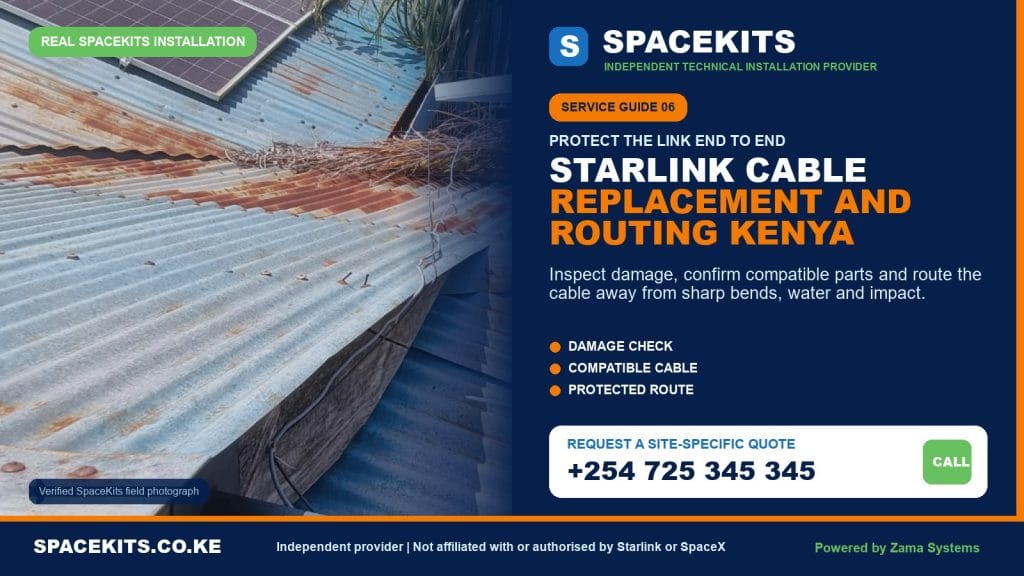
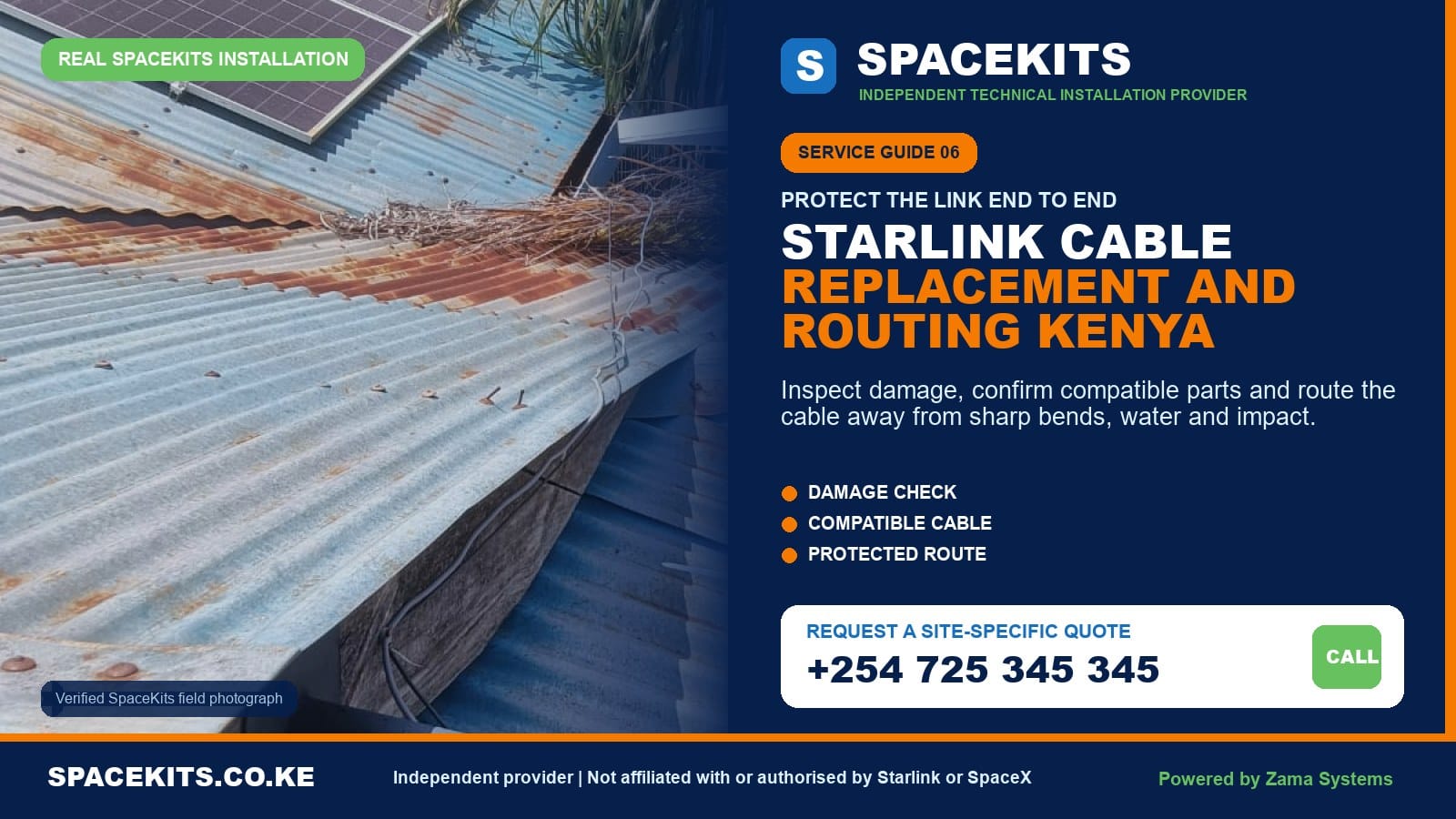
Starlink Cable Replacement and Routing Kenya
A damaged, stretched or badly routed cable can make a healthy Starlink kit look unreliable. Starlink Cable Replacement and Routing Kenya is a focused SpaceKits service for homes, apartments, offices, schools, lodges, shops, farms and remote sites that need the correct cable identified, a defective run replaced, or an existing cable protected and rerouted. We begin with the kit model and symptoms, inspect both ends of the link, agree on a safe path, and test the system after the work instead of assuming that every offline dish has the same fault.
Kenyan buildings create very different routing conditions. A cable may cross a hot mabati roof, pass through a concrete wall, travel down an apartment service shaft, enter a network cabinet, or bridge the distance between a farmhouse and an outdoor mount. Each route needs compatible materials, careful bend management, weather-aware entry work and enough service access for future maintenance. A neat-looking route is not enough if a connector is under tension, water can follow the cable indoors, or a door crushes the cable every evening.
Need an assessment? Send your county or town, exact location pin, kit model, photos of both cable connectors, the damaged section, dish, router or power equipment, and the proposed route. Request a location-aware cable assessment on WhatsApp or call +254 725 345 345.
Independent-provider notice: SpaceKits is an independent Kenyan installation and networking service provider. We are not Starlink or SpaceX, and we do not claim their endorsement, accreditation or authority. Starlink account, warranty, subscription and platform-support decisions remain with the manufacturer and account owner.
When should a Starlink cable be inspected or replaced?
Cables rarely announce a fault with one perfect symptom. Some systems stay offline completely. Others connect and disconnect when the wind moves an unsupported run, when a connector warms in the afternoon, or when rain reaches an imperfect connection. A damaged conductor may still pass enough power for lights to appear while data remains unstable. That is why responsible diagnosis considers the cable, connectors, power, dish, router, account status and obstruction information together.
Visible cuts, crushing or exposed inner material
A route pinched by a steel window, door, roofing sheet or tight cable tie should not be ignored. The outside jacket protects the internal conductors from abrasion and moisture. If the jacket is split, flattened or chewed, simply wrapping ordinary tape around it may hide damage without restoring the electrical or weather protection the original assembly was designed to provide. Photograph the area, power the system down if there is an immediate electrical or water concern, and arrange an inspection.
Loose, bent, dirty or wet connectors
Starlink generations use different connection arrangements. A plug that has been forced, bent or left partly seated can interrupt power or data and can compromise resistance to water entry. Dust, plaster, paint and metal filings also cause trouble during renovations. Do not probe a connector with improvised tools or apply random adhesives. Keep it clean and dry, identify the exact kit, and use the applicable manufacturer guidance for seating and replacement.
Repeated online-offline cycles
Intermittent service can come from several sources, including local Wi-Fi, power instability, an obstruction, a platform incident or failing hardware. It becomes a stronger cable suspect when movement at a known damaged section changes the symptom, the app reports a cable-related alert, the connector does not seat properly, or the route has a clear history of crushing or water exposure. SpaceKits does not promise a replacement before diagnosis; the purpose is to avoid selling a cable when the real issue is elsewhere.
A temporary cable path has become permanent
Many customers first test their kit by passing the lead through a window, laying it across a veranda or leaving it loose on the roof. Testing is sensible, but an exposed temporary route becomes risky when people walk on it, a window closes on it, rainwater runs along it, or roof movement rubs it against an edge. A permanent route should support the cable at sensible intervals, avoid traffic and sharp surfaces, and enter the building in a controlled way.
Renovation, repainting or roof work has disturbed the run
Contractors can accidentally pull, cut, bury, paint over or remove an unfamiliar communications cable. Before roof replacement, solar installation, ceiling work or exterior painting, record the existing route and arrange safe isolation. After the project, inspect the full run before reconnecting. A cable may look intact from the floor while a hidden bend above the ceiling has been compressed.
Good cable replacement starts with diagnosis, not guesswork
A cable is one part of a complete link. The dish must have suitable power and a clear view; the router or power supply must be healthy; connectors must match the hardware generation; the customer account must be active for the intended location; and the indoor network must be working. Replacing the visible lead cannot resolve a subscription issue, an incompatible used kit, a failed router or poor Wi-Fi coverage inside a concrete building.
Step 1: establish the kit generation
The term “Starlink cable” is too broad for procurement. Standard Actuated, current Standard, Mini, Performance and earlier hardware can use different lengths, plugs, power arrangements and accessories. SpaceKits asks for model and connector photographs before recommending a part. An online listing that says “compatible with Starlink” is not sufficient evidence. The wrong lead may not fit, may remove weather protection or may create an unsafe power path.
Step 2: separate internet, Wi-Fi and account symptoms
If one phone has weak signal in a back bedroom while devices near the router work, the dish cable is unlikely to be the main problem. That points toward indoor Wi-Fi design and may be better handled through the Starlink Wi-Fi extension and mesh setup service. If every device is offline, the app status, power indicators and physical link deserve attention. If the hardware is online but the account reports service-address or billing trouble, the owner should resolve that through the official account channel.
Step 3: inspect the entire route
A good inspection starts at the dish and follows the cable continuously to the indoor equipment. The technician looks for unsupported spans, tight coils, kinks, crushed sections, abrasion, animal damage, submerged areas, sharp sheet-metal edges, taped joints, exposed connectors and places where water could travel inward. Both endpoints matter. Damage hidden behind a cabinet can be as important as damage on the roof.
Step 4: review power and restart history
Frequent power cuts, loose sockets, overloaded extensions and surge events can produce symptoms that users attribute to the cable. The customer should describe what happened immediately before the fault and whether other equipment was affected. SpaceKits can include basic power-path observations, but formal electrical repair must be completed by an appropriately qualified electrician. Cable replacement is not a substitute for fixing an unsafe supply.
Step 5: make a proportionate recommendation
If a compatible replacement is needed, the quotation should identify it rather than promising an unnamed cable. If the lead is healthy but the path is unsafe, rerouting or protection may solve the underlying risk. If the route is sound and the evidence points to hardware, the client should not be charged for unnecessary construction work. An honest diagnosis can end with a referral to official Starlink support, the equipment seller, a roofer or an electrician.
Why the exact cable and connector matter
Official Starlink guidance explains that supplied cable lengths vary by kit and advises against modifying or joining the main Starlink cable to create extra distance. It also notes that the cable assembly includes power and a water-resistant protective connection for the applicable hardware. The practical lesson is simple: identify the kit first, choose an approved or properly specified replacement, and design the route around real length limits instead of planning a splice halfway.
For current information, customers should consult the official Starlink cable length and routing guidance and the installation guide for their exact kit. Product details change, and SpaceKits will not treat a length or connector from one generation as universal. The customer should also buy account-shop accessories through the official channel when that is required for compatibility or warranty protection.
Do not cut and join the primary link casually
A household Ethernet cable and a Starlink dish lead are not automatically interchangeable just because a connector looks familiar. Power delivery, shielding, weather seals, conductor quality and pinout matter. A hand-made joint on an exposed roof introduces several failure points. It may work briefly in dry weather and fail after water, heat or movement reaches it. SpaceKits prioritises a continuous compatible assembly within the supported configuration.
Do not force a connector
Connectors should be aligned, clean and fully seated according to the model guide. Force can bend internal parts or damage the housing. Pulling on the cable instead of the plug can stress the termination. Before routing through a wall, the team determines which end must pass through and protects it from drilling dust and impact. The cable path must be large and smooth enough for the connector, not only the cable diameter.
Protect water resistance at outdoor connections
Starlink advises that the applicable cable should be fully seated to preserve resistance to water ingress. Random household silicone around a removable plug can trap moisture, make servicing difficult or conflict with model-specific guidance. Weather management begins with the correct intact connector, suitable orientation and a route that does not leave standing water at the interface. If a connector has been submerged or corroded, inspection is more useful than cosmetic sealing.
Keep kit-specific accessories together
Customers moving between properties sometimes mix a Mini power lead, Standard router, third-party adapter and cable from an older kit. Photograph and label parts before transport. If an item was bought separately, retain its receipt and compatibility description. This reduces time on site and helps the technician distinguish a defective part from a combination that was never meant to work together.
How SpaceKits plans a protected cable route
The best route is a balance of safety, supported length, building permission, appearance and future access. It is rarely the path that uses the least cable at any cost. The installer starts from a viable dish location and a useful indoor equipment position, then studies the surfaces between them. The plan should be agreed before drilling because moving an entry point later creates avoidable holes and rework.
Start with the dish and router positions
A dish location is chosen for sky view and secure mounting; a router location is chosen for power, ventilation and Wi-Fi usefulness. If those two points create an impossible route, the design must change before installation. Hiding the router in the nearest metal cabinet may reduce cable work but harm wireless coverage. Placing it in the centre of the home may be ideal for Wi-Fi but require a longer protected path. The client should understand that trade-off.
Measure the actual path, not a straight line
A route rises from the dish, follows supports, forms controlled transitions, descends a wall, enters the building and reaches equipment with a small service allowance. Those turns add length. Guessing from the ground can leave a cable stretched tightly at the final metre. SpaceKits measures the proposed path and checks it against the compatible available cable before materials are confirmed.
Avoid sharp bends, tension and crushing
Communications cables should turn gradually. A hard fold at a window, a tie pulled until the jacket deforms or a connector supporting the weight of a hanging run can impair performance and shorten life. Clips and containment should support without crushing. A modest service loop at an appropriate protected point can allow maintenance, but large tight coils beside power equipment are not a substitute for route planning.
Control outdoor exposure
A Kenyan roof can become hot under direct sun. Wind can make an unsupported lead slap against metal. Gutters carry water and debris. A route should avoid standing water, sharp mabati edges, hot exhausts, moving gates, lightning conductors and areas walked by roof workers. Where mechanical protection is required, use suitable UV-resistant exterior containment and fittings while respecting connector dimensions and drainage.
Finish wall and masonry entries properly
Concrete, stone and block walls require an entry large enough to pass the correct connector without damage. The drilling position should avoid known electrical and plumbing services. The entry is shaped and finished so rain does not run inside along the cable. Appropriate bushes, grommets or routing accessories protect the jacket at the edge. Decorative repair beyond the stated finish should be agreed before work begins, especially in rented or premium premises.
Keep the run serviceable
Completely burying an unsupported cable behind permanent finishes can make later replacement expensive. In offices and apartments, existing ducts or accessible trunking may offer a better path if permission is granted. Labelling the route near a shared roof or network cabinet reduces accidental disconnection. The handover should record hidden sections and entry points so a future electrician, roofer or painter knows what is present.
Routing challenges across common Kenyan properties
Nairobi apartments and office blocks
Multi-storey buildings add ownership and access questions. A resident may own the kit but not the roof, external wall or service shaft. Before the appointment, the landlord, caretaker or facilities team should approve the dish position, common-area path, drilling and technician access. Long unsupported drops down a facade are not acceptable. The plan may need existing risers, roof penetrations or structured containment, and fire-stopping requirements may apply to service penetrations.
Inside an apartment, the shortest entry can be a balcony or window, but repeated closing will damage a trapped lead. A permanent wall entry or approved conduit is preferable when feasible. Dense reinforced walls also mean router placement matters. If the best cable entry leaves Wi-Fi at one edge of the unit, the client may need a separate mesh plan rather than extending the primary dish cable unnecessarily.
Standalone homes and maisonettes
Homes often allow an external wall descent and direct entry, but roof type and future maintenance still matter. On tiled roofs, access and support methods must avoid cracked tiles and existing leaks. On mabati, sharp edges and heat exposure need attention. Water tanks, solar panels and gutters should remain accessible. A route that blocks roof maintenance will probably be moved carelessly later.
Shops, clinics and restaurants
Public premises need routes that customers and staff cannot pull or trip over. Drilling should be scheduled to limit dust and disruption. Router and power equipment should not sit beside sinks, cooking heat or unsecured public sockets. If the Starlink link feeds point-of-sale, CCTV or office systems, the handover should test the intended Ethernet or Wi-Fi path, not only a technician’s phone.
Schools, churches and community centres
Large compounds can tempt installers to stretch one cable beyond its supported use. The main dish link should remain within the model-specific design; campus distribution is a separate network using appropriate Ethernet, fibre, point-to-point wireless or access points. Cables in areas used by children or crowds require mechanical protection and secure equipment positions. The project should identify who can power-cycle equipment and who controls the account.
Farms, lodges and rural compounds
Rural routes may face rodents, livestock, vegetation, long outdoor distances, unstable power and limited replacement access. The solution is not to bury the standard dish cable unless its specification explicitly allows it; official guidance warns that applicable Starlink leads are not intended for burial or submersion. A nearer dish location, protected above-ground route, suitable building-to-building network link or redesigned equipment point can be safer. Spare-parts planning can reduce downtime at remote sites.
Warehouses and industrial premises
Metal roofs and walls make access and Wi-Fi distribution more demanding. The cable must stay clear of moving doors, sharp trays, high-temperature equipment and high-power electrical routes. Roof work may require site permits, safety supervision and specialised access. Inside, the Starlink handoff may terminate near a network rack while separate access points serve the floor. Facilities and IT teams should both approve the plan.
The Starlink cable replacement and rerouting process
- Remote intake. The customer sends the exact location, hardware photos, symptoms, app status, route photos and access information. Private account credentials are not requested.
- Compatibility review. SpaceKits identifies the likely kit generation and compatible cable option. If the model cannot be confirmed remotely, procurement waits for inspection.
- Site and safety review. The technician checks roof access, power isolation, connector condition, wall entries, hidden-route limits and whether another trade is required.
- Fault isolation. Available evidence is used to distinguish a cable fault from router, dish, power, account, obstruction or local Wi-Fi trouble. Manufacturer support may be recommended.
- Route agreement. The customer approves the visible path, containment, entry point, router position and any decorative limitation before drilling or removal.
- Controlled removal. The system is powered down appropriately. Existing clips and penetrations are handled without pulling connectors through unsuitable holes or damaging the building.
- New run installation. The compatible cable is routed without prohibited joints, tight bends or tension. Exposed sections are supported and protected as agreed.
- Connection and weather check. Clean connectors are fully seated according to the applicable hardware guide, and outdoor orientation and entry finishing are inspected.
- Functional testing. The system is powered, the owner checks official app status, and connectivity is tested. Wi-Fi performance is distinguished from dish-link performance.
- Handover. The client sees the route, receives photos or notes where agreed, and is told about exclusions, remaining risks and the correct official support path for hardware or account problems.
A replacement visit can reveal secondary issues. The old route may be too short for the best dish position; the router may be located in a metal cabinet; the mount may move; or the wall entry may already leak. SpaceKits will explain those observations, but extra work is not silently added. The customer decides whether to include a remedial item in the current project or schedule it separately.
What the SpaceKits cable service can include
- Remote review of kit photos, cable condition and proposed route.
- On-site visual inspection and practical fault isolation.
- Identification or supply quotation for a compatible replacement cable where available.
- Removal of an accessible damaged or badly routed run.
- Routing, clipping, conduit or trunking as specified in the quotation.
- Approved wall or masonry entry and an agreed level of finishing.
- Connector seating, basic restart and link-status checks.
- Router-position review and advice on separate Wi-Fi distribution.
- Photographic handover or route notes when included for a commercial project.
- Recommendations for roof, electrical, structural or manufacturer follow-up.
Important limitations and exclusions
SpaceKits cannot guarantee that changing a cable will activate a damaged, account-restricted, incompatible or unpaid kit. We do not override Starlink availability, service plans, ownership transfer, billing, firmware, warranty or support decisions. The account owner retains credentials and completes sensitive account steps through the official app or website.
Routine cable work does not automatically include a new dish, router, power supply, mount, subscription, mesh system, electrical circuit, lightning-protection system, roof repair, waterproofing of an existing leak, structural alteration, asbestos work, civil trench, high-access equipment or decorative reinstatement. Each included item must appear in the written quotation. If a route requires specialist roofing, fire stopping, electrical or structural work, SpaceKits may pause until the appropriate party is involved.
No installer can honestly promise constant speed from cable work alone. Internet performance also depends on the service plan, network conditions, obstructions, weather, hardware health and indoor Wi-Fi. Testing records the condition at handover, not a permanent guaranteed throughput. If the main Starlink link is healthy but a room has weak Wi-Fi, that should become a separate coverage project.
Work may be postponed when the roof is wet, access is unsafe, a landlord has not granted permission, hidden services cannot be assessed, or supplied parts are incompatible. This boundary protects the customer, technician and building. A rushed hole or improvised splice is not a professional solution to a scheduling problem.
What affects Starlink cable replacement and routing cost in Kenya?
SpaceKits does not publish one invented fixed price for every cable job. A transparent quotation reflects the model-specific part, actual route, access and finish. Customers can get a more useful initial estimate by sending complete photos and an accurate location rather than asking only, “How much for cable replacement?”
Replacement cable and compatibility
The required cable depends on the kit and supported lengths available. An original or appropriately specified part can cost more than an unverified online substitute, but compatibility and connector integrity affect the whole system. The quotation should name the part or state clearly when it is customer-supplied.
Route length and complexity
An accessible external wall route is different from a concealed path through several rooms, an apartment riser or an office ceiling. More transitions, drilling and access time increase labour. The team also considers whether the old route can be reused safely or must be removed and remade.
Containment and entry finish
Exterior conduit, UV-resistant clips, indoor trunking, grommets, glands and masonry-routing materials are separate from the cable itself. Decorative chasing and repainting may require another contractor. A quote should define the finish so the client does not assume invisible work where surface trunking was priced.
Height, roof type and safety access
A ground-floor wall is not priced like a steep three-storey roof. Tall or fragile roofs may require additional personnel, specialised access, a survey or a safer alternate route. Remote compounds can require travel planning and spare materials because returning for one small fitting is inefficient.
Diagnosis and related faults
If the job begins as fault finding rather than a confirmed damaged lead, diagnostic time may be part of the visit. The technician may discover that the cable is serviceable and another component needs official support. The client should know whether the assessment fee is separate from any later installation work.
Business scheduling and documentation
Work permits, after-hours access, escorts, induction, network-rack coordination and formal handover photographs add time. They may be essential for a business even though a private home does not need them. Comparing quotations requires comparing scope, not only the last number.
How to judge the completed cable work
Begin at the dish and visually follow every accessible section. The connector should be properly seated for the model, and the cable should not carry the weight of a long hanging span. Clips should support rather than crush. Turns should be smooth. The run should avoid gutters, standing water, sharp roofing edges, hinges and busy walkways. Any unavoidable exposure should match the written plan.
At the building entry, check that the connector was not forced through an undersized rough hole. The edge should not cut the jacket, and the finish should manage rain outside. Inside, the lead should not be pinched behind furniture or coiled tightly around power equipment. The router or power supply should be dry, ventilated and connected to a suitable outlet.
Ask to see the official app status with your own account and phone. Confirm that the system is online and that no known cable alert remains. Test a device near the router. Then test the locations included in the scope. If the link is good near the router but weak elsewhere, record that as Wi-Fi coverage rather than declaring the cable replacement unsuccessful.
Keep the invoice, part description and route photographs. If the building will be painted or reroofed, share those records with future contractors. A labelled, documented route is less likely to be cut or disconnected. For a remote lodge, school or business, record the correct restart procedure and a contact who can inspect the equipment before calling for another long-distance visit.
Book a cable assessment with SpaceKits
Send evidence first so the team can identify compatibility questions before travel. Include the location pin, kit model, connector photographs, symptom, app status and the full proposed route.
WhatsApp SpaceKits on +254 725 345 345. If you are planning a complete new setup rather than a cable repair, review the Starlink installation service and the Starlink installation cost guide.
Frequently asked questions about Starlink cable replacement and routing in Kenya
Can SpaceKits replace a damaged Starlink cable anywhere in Kenya?
SpaceKits assesses cable jobs in Nairobi and other Kenyan counties subject to technician coverage, travel, safe access and compatible part availability. Send the exact pin and hardware photographs first. Remote locations may require planned travel, a consolidated scope or locally coordinated access.
How do I know whether the cable or router is faulty?
One symptom is rarely enough. Check the official app status, all power connections, visible cable condition and whether devices work near the router. SpaceKits reviews the complete link and may recommend official manufacturer support if the evidence points to the dish, router, account or firmware rather than the cable.
Can a cut Starlink cable simply be joined?
SpaceKits does not treat a casual outdoor splice as the default repair. The primary lead can carry power and data and may rely on model-specific shielding and weather-sealed connectors. Official guidance advises against modifying or combining applicable cables to add length. A continuous compatible replacement is generally the safer approach.
Can I use an ordinary Ethernet cable as a replacement?
Not automatically. Compatibility depends on the exact Starlink generation, connection point, power arrangement and weather protection. Some network-side connections can use standard Ethernet under specified conditions, but the dish link should not be substituted based only on connector appearance. Confirm the model and official guidance first.
Can the Starlink cable be buried underground?
Official guidance for applicable standard cables states that they are not rated for burial or submersion. A property needing an underground section should use a properly engineered distribution method and suitable rated containment or cabling, not place the ordinary dish lead directly in soil. SpaceKits can assess alternative equipment positions and network links.
Will you conceal the cable inside the wall?
Concealment depends on the building, connector size, route access, permission and finish expected. Surface trunking may be safer and more serviceable in a finished apartment. Chasing, repainting or major decorative restoration is not assumed and must be quoted specifically, sometimes with another qualified contractor.
Does the replacement cable come with the service?
Only when the written quotation lists it. Some customers already own a verified compatible cable; others need SpaceKits to identify or source one. Labour, cable, clips, conduit, travel and specialist access should be itemised so there is no confusion.
Can you route a cable through a Nairobi apartment building?
Yes, where the route is technically practical and the landlord, caretaker or management team grants the required access and permission. Common roofs, risers, stairwells and external walls are controlled areas. Send floor, roof-access and proposed-path details before booking.
Will a new cable improve my Starlink speed?
It can restore stable operation if the old cable was genuinely damaged, but it cannot guarantee a particular speed. Service plan, obstructions, network load, hardware health, weather and indoor Wi-Fi also affect results. If the system is healthy near the router but weak in distant rooms, a mesh or wired network is more relevant.
Can you move my router while rerouting the cable?
Yes, if the compatible cable length, power, ventilation and building route support the new position. Router relocation may improve indoor coverage, but large homes and reinforced buildings can still require mesh nodes or access points. The new position should be planned before cable work begins.
What should I do before the technician arrives?
Confirm property permission and safe roof access, keep the complete kit and replacement part available, back up any necessary network settings, identify the account owner, and clear the indoor route. Do not send passwords. If rain or unsafe access is likely, be prepared to reschedule roof work.
Does SpaceKits provide official Starlink warranty repair?
No. SpaceKits is an independent installation and networking provider, not Starlink or SpaceX. We can inspect physical routing, install an agreed compatible replacement and document findings, but official warranty, account and manufacturer hardware decisions must go through Starlink or the authorised seller as applicable.
Need Starlink Installation or Network Optimization?
We help homes, offices, apartments, and businesses with Starlink installation, WiFi coverage improvement, and professional setup in Kenya.
Request Installation Chat on WhatsApp