

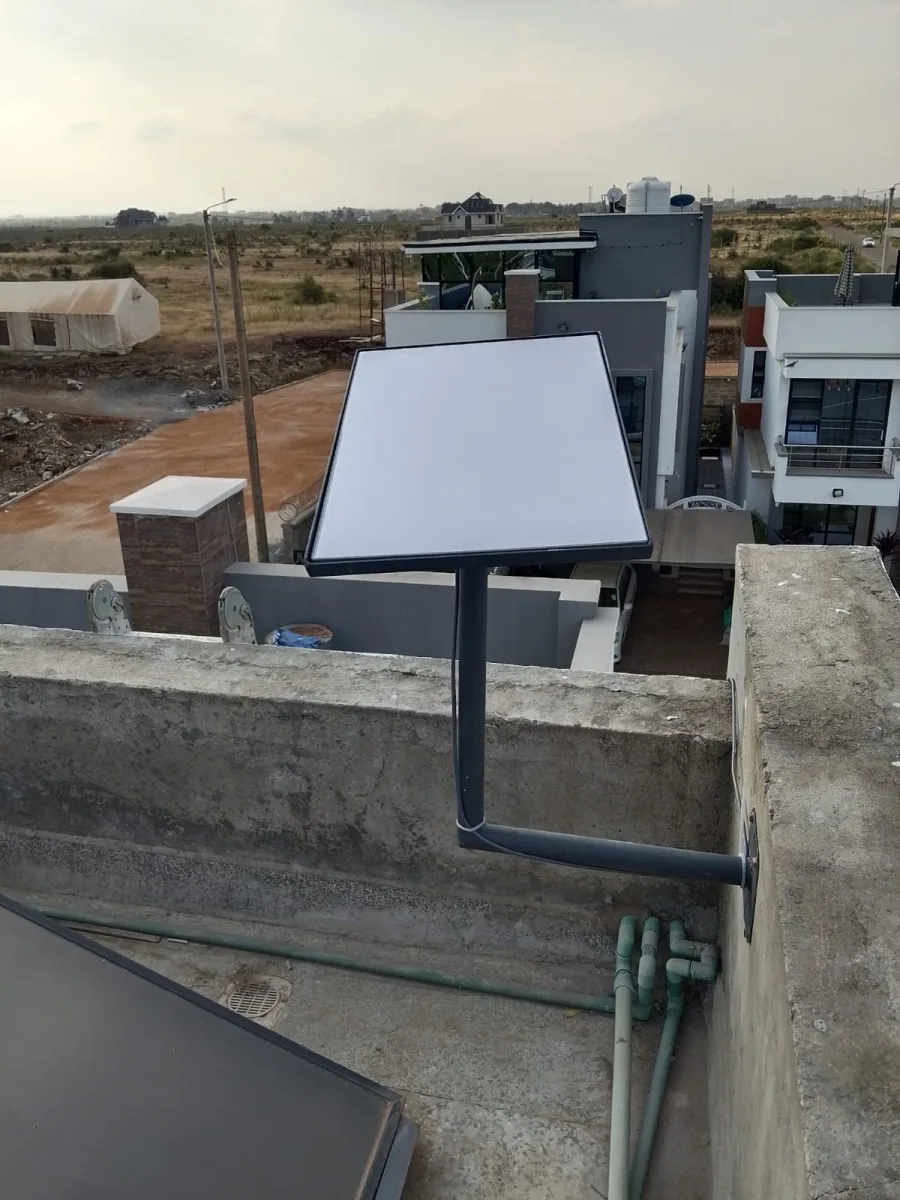
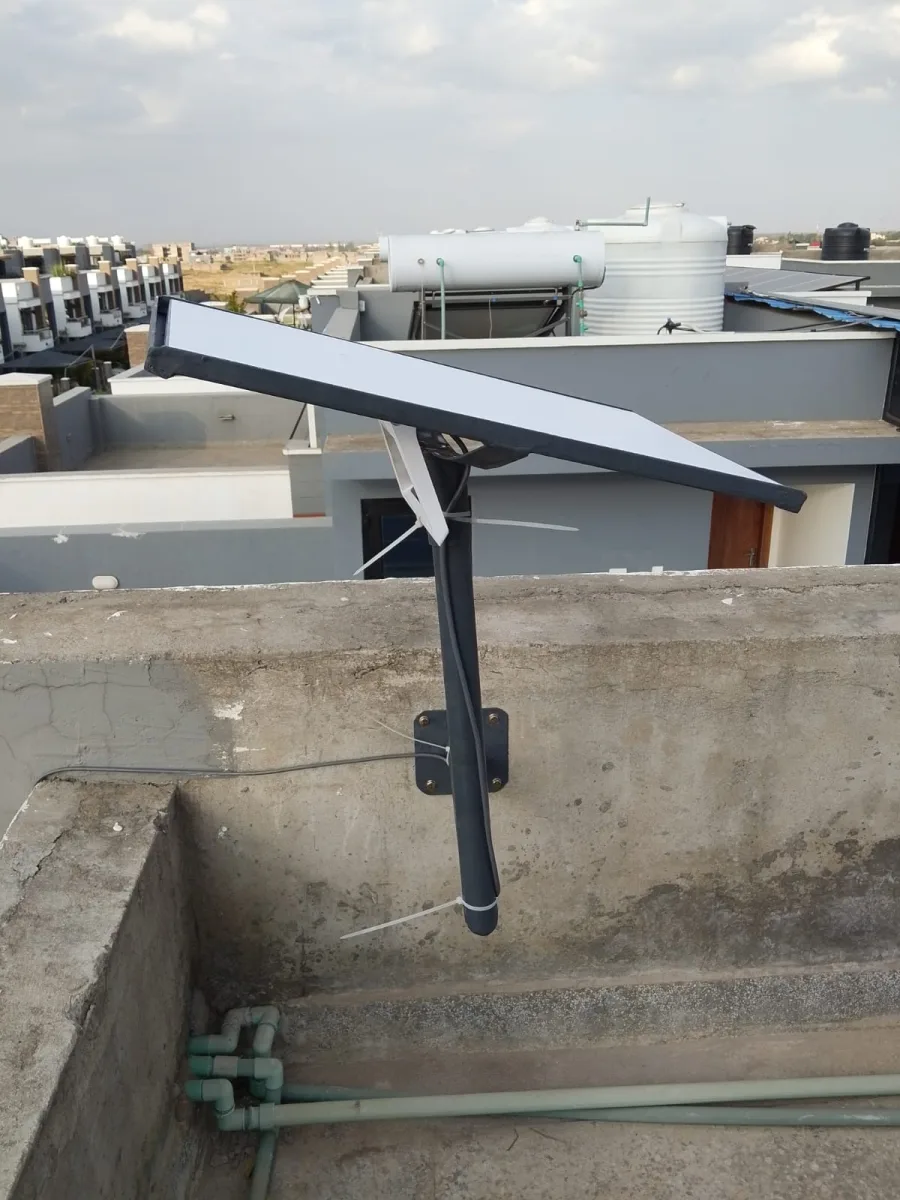

Need Starlink Installation or Network Optimization?
We help homes, offices, apartments, and businesses with Starlink installation, WiFi coverage improvement, and professional setup in Kenya.
Request Installation Chat on WhatsApp
Starlink for Offices: High-Speed Satellite Internet for Modern Workspaces
Introduction to Starlink for Offices
Starlink is transforming the way offices connect to the internet. Developed by SpaceX, Starlink delivers high-speed satellite internet designed to serve businesses, corporate offices, startups, and remote workspaces worldwide.
Talk to Spacekits
Need Starlink help for your home or business?
Talk to Spacekits before you buy or book installation. We help with kit supply, mounting, activation, router placement, WiFi coverage, and written quotes.
Whether your office is located in a busy city or a remote rural area, Starlink provides reliable connectivity, fast speeds, and low latency—making it ideal for modern office operations.
What is Starlink for Offices?
Starlink for offices is a satellite-based broadband service that uses a constellation of low-earth orbit satellites to provide internet access. Unlike traditional fiber or cable internet, Starlink does not rely on ground infrastructure, making it perfect for offices in areas with limited connectivity.
Businesses can enjoy:
Fast download speeds
Reliable connectivity
Secure business communication
Seamless remote collaboration
Why Offices Need Starlink Internet
1. Reliable High-Speed Connectivity
Many offices struggle with slow or unreliable internet. Starlink offers consistent speeds ranging from 50 Mbps to 250+ Mbps, depending on location and network demand.
2. Perfect for Remote and Hybrid Work
With remote work becoming common, offices need stable connections for:
Video conferencing
Cloud storage
Project management tools
VoIP calls
Starlink ensures smooth communication between teams and clients.
3. Ideal for Rural and Urban Offices
Starlink is especially useful for:
Remote offices
Construction site offices
Startup hubs
Temporary office setups
Branch offices in rural areas
How Starlink Works in Offices



Starlink uses a satellite dish installed at your office location. The dish communicates with satellites in space and connects to a Wi-Fi router inside your office.
Setup Process:
Install Starlink dish on rooftop or open space
Connect to router inside office
Power on and configure network
Start using high-speed internet instantly
The installation process is simple and can be completed within minutes.
Benefits of Starlink for Offices
⚡ Fast Internet Speeds
Starlink offers speeds suitable for:
Large file transfers
Cloud computing
HD video meetings
Online collaboration
Coverage Anywhere
Offices in remote locations or developing regions can access fast internet without relying on fiber infrastructure.
Secure Connectivity
Starlink provides secure connections suitable for:
Financial offices
Tech companies
Government offices
Customer data management
Business Continuity
Starlink can serve as:
Primary internet for offices
Backup connection for businesses
Disaster recovery connectivity
Starlink for Different Office Types
Corporate Offices
Large companies benefit from fast and reliable connectivity for multiple users and cloud systems.
Startups and SMEs
Startups can launch operations quickly without waiting for traditional internet installation.
Co-working Spaces
Co-working offices require stable internet for multiple users. Starlink supports high bandwidth usage.
Remote Site Offices
Construction, mining, and agricultural offices in remote areas can stay connected with headquarters.
Starlink Equipment for Offices



To use Starlink in an office, you need:
Starlink satellite dish
Wi-Fi router
Mounting equipment
Power supply
Optional upgrades include mesh routers and network switches for large offices.
Starlink vs Traditional Office Internet
| Feature | Starlink for Offices | Traditional ISP |
|---|---|---|
| Installation time | Quick setup | Can take weeks |
| Coverage | Global | Limited |
| Reliability | High | Varies |
| Mobility | Portable | Fixed |
| Rural availability | Excellent | Limited |
Starlink offers flexibility and reliability unmatched by many traditional providers.
Cost of Starlink for Offices
Costs vary depending on region and package but generally include:
Hardware cost (one-time)
Monthly subscription
Optional business plan upgrades
Business packages offer higher priority bandwidth and faster speeds.
SEO Benefits of Using Starlink for Offices
Companies using fast internet like Starlink can improve:
Website management
Digital marketing
Online sales
Cloud operations
Customer service
Reliable connectivity ensures uninterrupted business operations.
Future of Office Connectivity with Starlink
As satellite technology evolves, Starlink is expected to deliver:
Faster speeds
Lower latency
Global coverage
Advanced business packages
This makes Starlink a future-proof internet solution for offices worldwide.
Conclusion
Starlink for offices is revolutionizing business connectivity by providing fast, reliable, and accessible internet anywhere. Whether you run a corporate office, startup, or remote workspace, Starlink ensures seamless communication, productivity, and growth.
Businesses looking for dependable internet should consider Starlink as a powerful solution for modern office needs.
How to Get Starlink for Your Office
Getting Starlink for your office is straightforward:
Check Service Availability
Visit the Starlink website to confirm availability in your office location. Coverage maps are updated frequently.Choose the Right Plan
Starlink offers business and enterprise plans with higher priority bandwidth, low latency, and faster speeds.Order Starlink Hardware
The kit includes:Satellite dish (Dishy McFlatface)
Wi-Fi router
Mounting kit
Power cable
Install and Configure
Mount the dish on a rooftop or open area with clear sky view
Connect to the office network
Power on and configure using the Starlink app
Test Connection
Ensure all devices have stable connectivity, optimal speed, and low latency.
Tips for Optimizing Starlink in Offices
Clear Line of Sight: Ensure the dish has an unobstructed view of the sky. Trees or buildings can block signals.
Use Business Plan Routers: For larger offices, consider mesh networks or wired connections to handle high traffic.
Monitor Network Usage: Starlink bandwidth is shared; prioritize business-critical applications.
Backup Strategy: Combine Starlink with a secondary connection for redundancy in case of extreme weather.
Case Studies: Starlink in Offices
1. Remote Construction Site
A construction company in rural Kenya used Starlink to connect its remote office with headquarters. Video conferences, file sharing, and cloud-based project management tools ran smoothly despite the location.
2. Startups in Urban Areas
Tech startups in urban hubs used Starlink as a primary connection for high-speed internet during office renovations while waiting for fiber installations. Productivity remained uninterrupted.
3. Co-Working Spaces
A co-working space implemented Starlink for multiple users, ensuring stable connections for freelancers, startups, and digital nomads simultaneously.
Benefits for Businesses
Increased Productivity: Employees can work seamlessly with cloud services, video calls, and collaborative tools.
Operational Continuity: Backup internet during outages ensures no downtime.
Global Expansion: Offices in different regions can stay connected, supporting international operations.
Future-Proof Connectivity: With Starlink constantly expanding satellites and services, businesses can rely on long-term connectivity.
SEO Best Practices for Starlink for Offices Content
To rank high for the keyword “Starlink for offices”, include:
Keyword in the title, meta description, headings, and naturally in content
Related terms: “satellite internet for business,” “office internet solution,” “Starlink business plan,” “remote office internet”
Internal links to related services: office Wi-Fi solutions, cloud business tools, remote work tech
Visual content: images of Starlink installations in office settings
Recommended Starlink Office Images
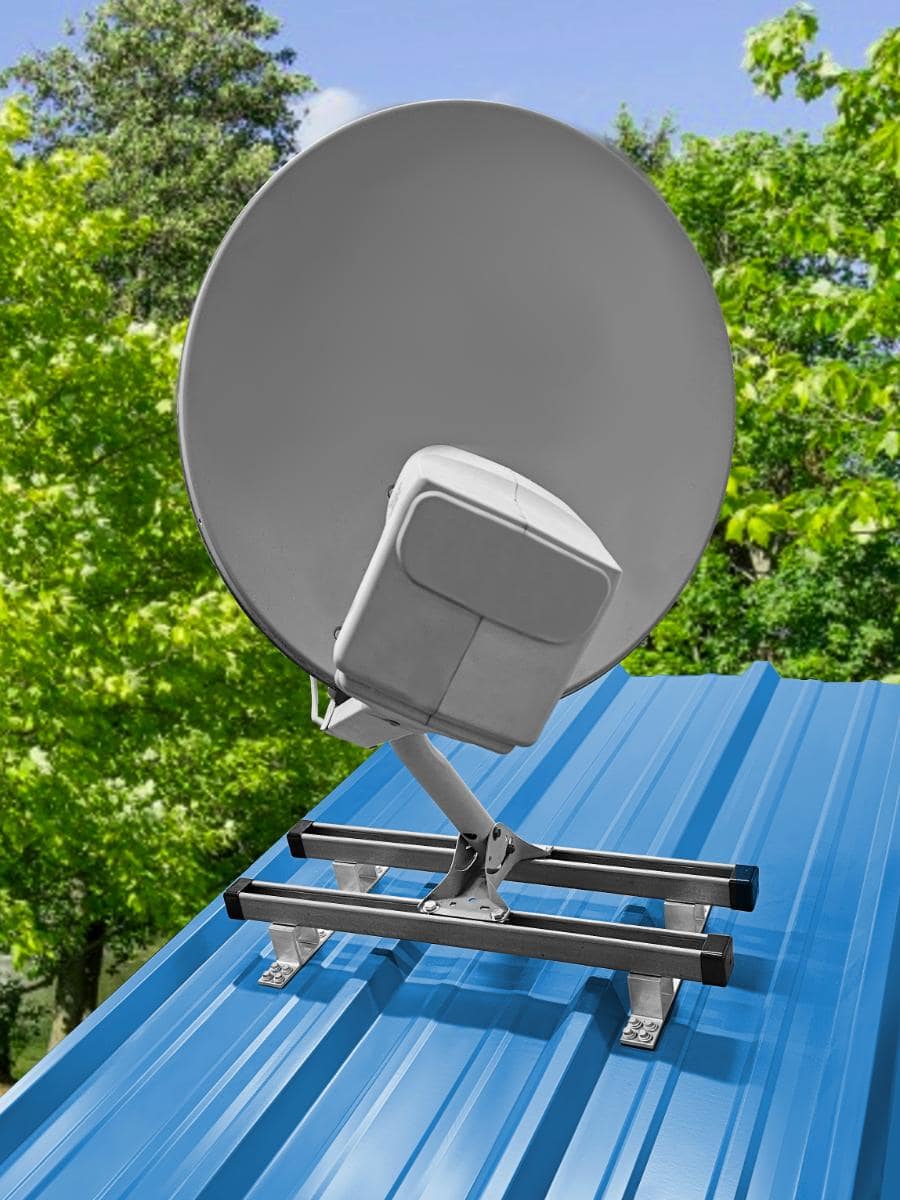


Images of Starlink in real office setups improve user engagement and SEO performance.
Conclusion
Starlink for offices is a game-changer for businesses seeking high-speed, reliable, and scalable internet connectivity. From startups and co-working spaces to corporate and remote offices, Starlink ensures uninterrupted operations, seamless communication, and enhanced productivity.
By adopting Starlink, offices gain the freedom to work anywhere, stay connected globally, and future-proof their digital infrastructure.
Need Starlink Installation or Network Optimization?
We help homes, offices, apartments, and businesses with Starlink installation, WiFi coverage improvement, and professional setup in Kenya.
Request Installation Chat on WhatsApp