
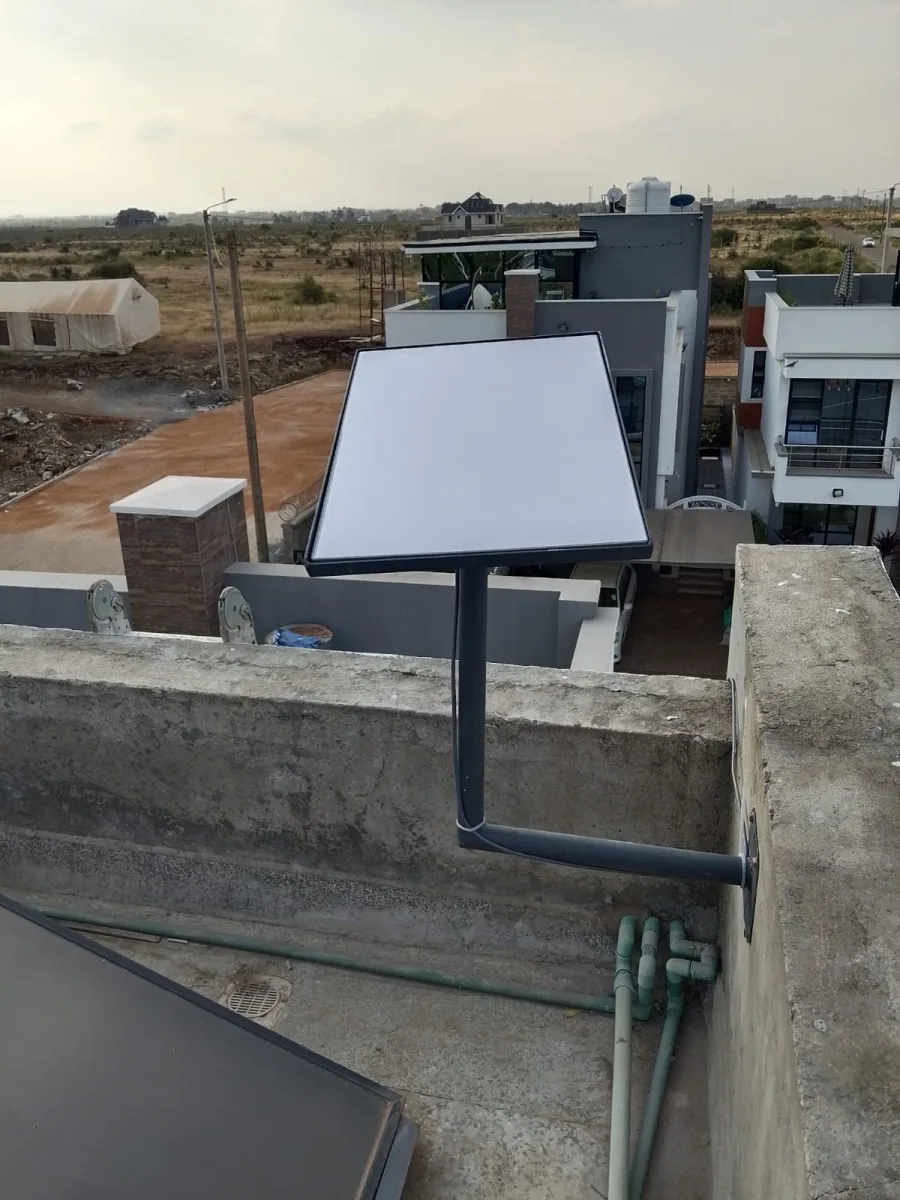
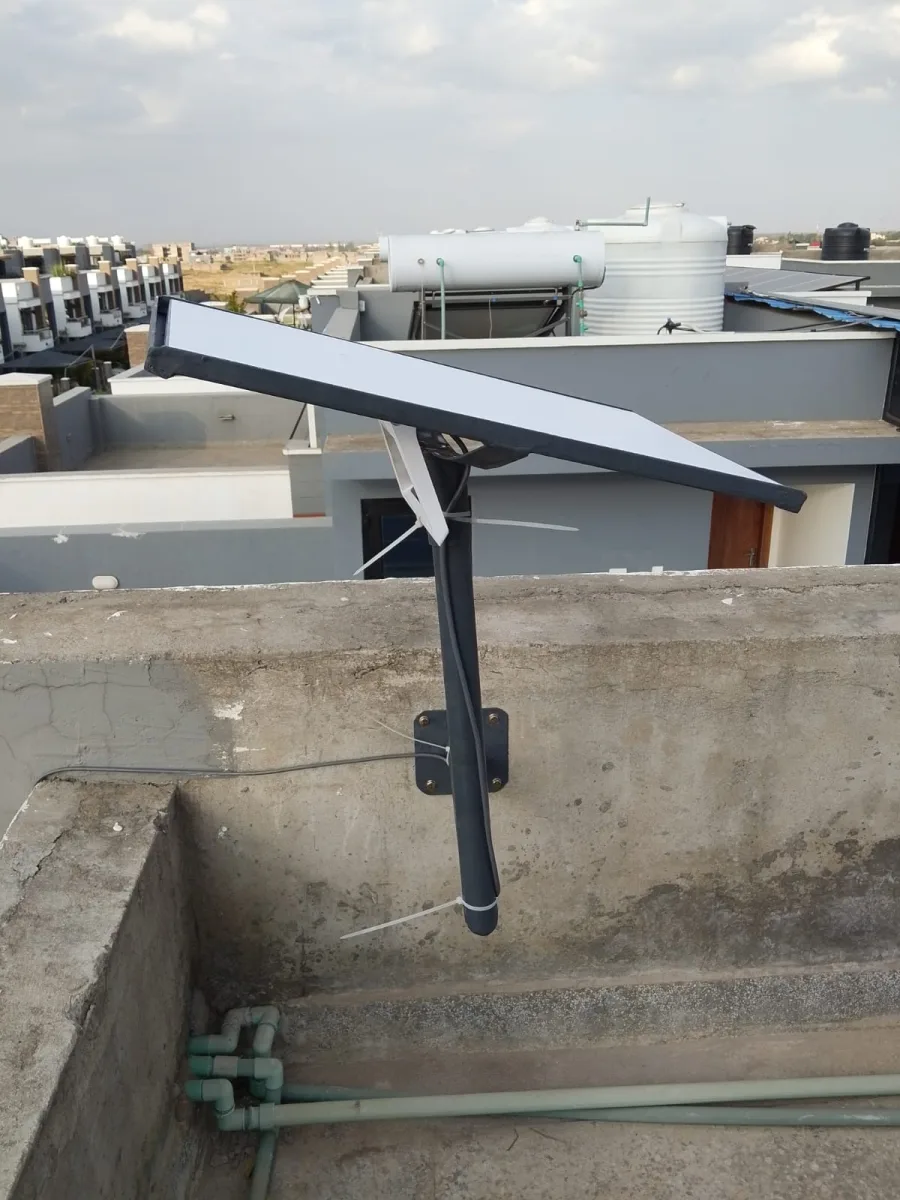
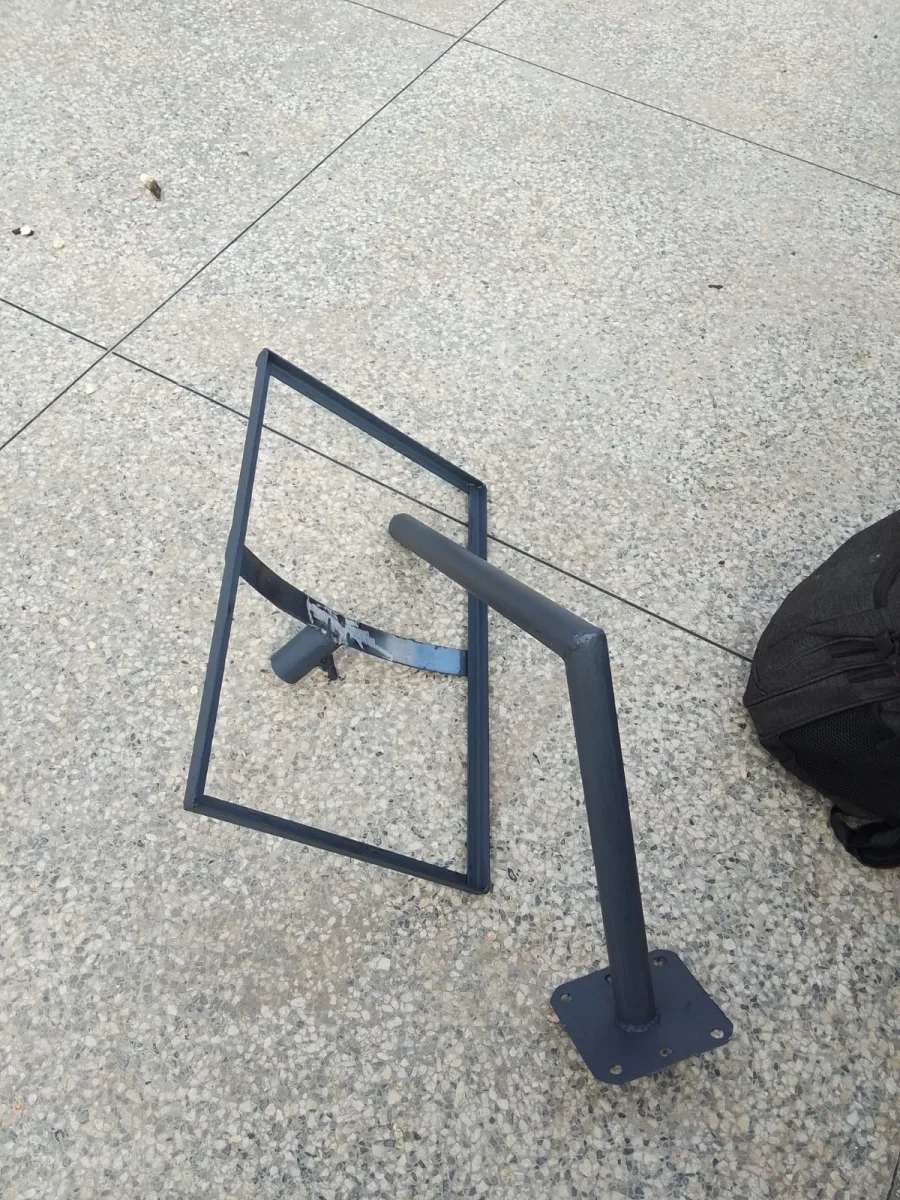
Need Starlink Installation or Network Optimization?
We help homes, offices, apartments, and businesses with Starlink installation, WiFi coverage improvement, and professional setup in Kenya.
Request Installation Chat on WhatsApp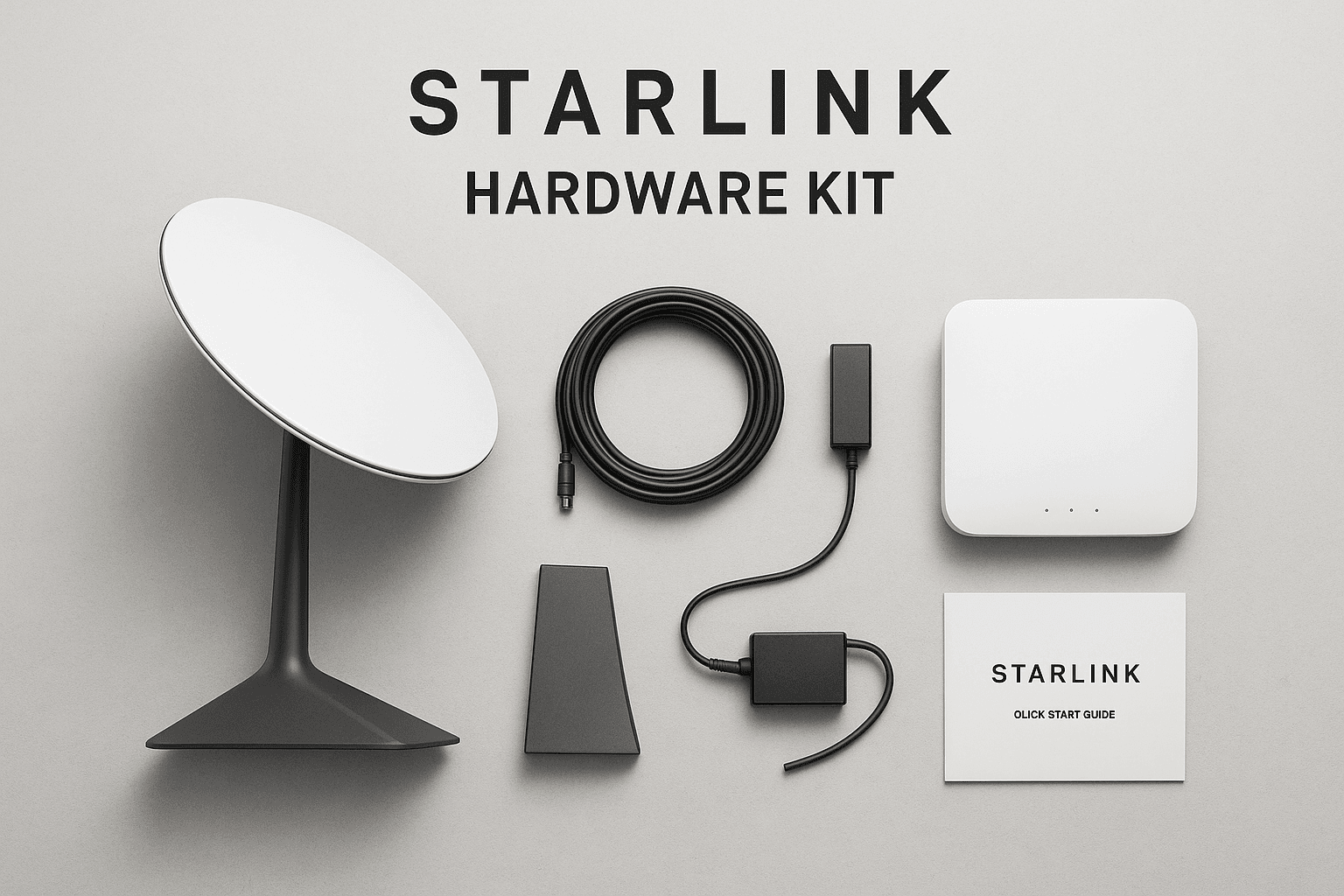
⭐ Starlink Hardware Kit – Everything You Need for Fast, Reliable Satellite Internet
If you are looking for a complete Starlink hardware kit that delivers high-speed, low-latency satellite internet, this guide breaks down everything you need to know. Whether you’re in a rural area, an off-grid location, or simply need a dependable backup connection, the Starlink hardware kit gives you instant access to world-class connectivity anywhere.
Talk to Spacekits
Need Starlink help for your home or business?
Talk to Spacekits before you buy or book installation. We help with kit supply, mounting, activation, router placement, WiFi coverage, and written quotes.
What Is Included in the Starlink Hardware Kit?
A standard Starlink hardware kit typically comes with:
Starlink Dish (Dishy) – high-performance phased-array antenna
Starlink Wi-Fi Router – delivers strong indoor coverage
Mounting Stand or Roof Mount – depending on your package
40m or 75ft Cable – strong and weather-resistant
Power Supply Unit
Setup Guide + Accessories
This all-in-one package ensures you can install Starlink in minutes with no technical expertise.
Why Choose the Starlink Hardware Kit?
✔ High-Speed Satellite Internet Anywhere
Starlink delivers speeds of 50–250 Mbps with low latency, perfect for homes, businesses, schools, farms, vehicles, and remote locations.
✔ Easy to Install
The Starlink hardware kit is plug-and-play. Just place the dish in a clear line of sight, connect the cables, activate your account, and you’re online.
✔ Rugged Build for All Weather
Designed to withstand harsh conditions — rain, wind, dust, and extreme temperatures.
✔ Perfect for Rural & Off-Grid Regions
The Starlink hardware kit enables reliable internet where fiber or 4G/5G is unavailable or unstable.
Types of Starlink Hardware Kits Available
1. Starlink Residential Kit
Ideal for homes, apartments, and small offices.
2. Starlink Business/High-Performance Kit
Stronger dish, higher speeds, and priority network access.
3. Starlink Mobility Kit
Perfect for vehicles, RVs, trucks, boats, and nomads.
4. Starlink Maritime & Aviation Kits
Professional-grade connectivity for ships and aircraft.
Starlink Hardware Kit Installation
Setting up your hardware kit is extremely easy:
Unbox the dish and router
Mount the dish on the stand or rooftop
Connect the cables to the power supply
Download the Starlink app
Activate and run network tests
Installation takes 10–20 minutes.
Starlink Hardware Kit Price (General Guide)
Prices vary depending on the kit type, but typically range between:
Standard kit: $350–$600
High-performance kit: $1,500–$2,500
Mobility kit: $2,500–$5,000+
(Your region or seller may have different pricing.)
Where to Buy a Starlink Hardware Kit
You can purchase genuine Starlink kits from:
Official Starlink website
Authorized local resellers
Verified Starlink installation companies
Online electronics retailers
Features & Benefits of the Starlink Hardware Kit
The Starlink hardware kit is designed to deliver unmatched performance, especially in areas underserved by traditional ISPs. Below are key features that make it stand out:
⭐ 1. Advanced Phased-Array Antenna Technology
The Starlink dish uses a cutting-edge phased-array system that automatically tracks satellites, ensuring consistent connectivity without manual adjustments.
⭐ 2. Dual-Band Wi-Fi Router
The included router supports 2.4GHz and 5GHz bands, offering strong Wi-Fi coverage for homes, offices, and outdoor spaces.
⭐ 3. Weather-Resistant Construction
Engineered to perform in harsh environments, the hardware kit withstands:
Heavy rains
Intense sun
Windy conditions
Snow and freezing temperatures
You get a stable connection all year round.
⭐ 4. Minimal Setup – No Technician Needed
The Starlink hardware kit is DIY-friendly, requiring no professional installation. The app guides you step-by-step, from positioning to activation.
⭐ 5. Future-Proof Technology
Starlink continuously updates software and expands its satellite constellation, meaning your hardware gets better over time.
How the Starlink Hardware Kit Works
Dish connects to LEO satellites (~550 km above Earth).
Signal is relayed to Starlink ground stations.
Router distributes high-speed Wi-Fi in your home or office.
Low latency allows gaming, HD/4K streaming, and video calls.
This unique system outperforms traditional satellite internet because Starlink satellites orbit much closer to Earth.
Who Should Buy the Starlink Hardware Kit?
✔ Rural Homeowners
Perfect where fiber and broadband are unavailable.
✔ Farmers & Remote Businesses
Stay connected for operations, security systems, and payments.
✔ NGOs & Emergency Services
Ideal for disaster-prone or off-grid regions.
✔ Travelers & Nomads
Mobility kits keep you online anywhere your journey takes you.
✔ Corporate Backup Internet
A Starlink hardware kit can serve as a reliable backup when fiber drops.
Why Starlink Hardware Kit Is a Smart Investment
High Value for Cost
You get enterprise-grade connectivity at a fraction of traditional satellite systems.
Flexible Plans
Choose standard, priority, mobility, or business plans based on your usage and speed needs.
Reliable Globally
Coverage continues to expand across Africa, Europe, Asia, and the Americas.
️ Starlink Hardware Kit Accessories (Optional Upgrades)
To enhance performance, you can include:
High-Performance Mounts (Pipe, Roof, Wall)
Ethernet Adapter
Starlink Mesh Nodes
Long-range cables
Travel case for mobility kits
High-performance flat dish (for vehicles and boats)
These upgrades optimize signal quality and range.
⚡ Performance Expectations With the Starlink Hardware Kit
When you purchase a Starlink hardware kit, you’re investing in a system that is designed for speed, stability, and low latency. Depending on your plan and location, users commonly experience:
Download Speeds: 50–250 Mbps
Upload Speeds: 10–40 Mbps
Latency: 20–50 ms
This makes Starlink an excellent choice for:
4K streaming
Online gaming
Zoom/Teams video meetings
Cloud-based work
Large file uploads and backups
Business operations and POS systems
Unlike traditional satellite internet, Starlink’s low Earth orbit (LEO) network dramatically reduces lag and increases reliability.
️ Starlink Hardware Kit for Homes vs. Businesses
To help buyers choose the right equipment, here’s a comparison:
Starlink Hardware Kit for Homes (Residential Kit)
Affordable
Ideal for general internet use
Suitable for streaming, browsing, and remote work
Simple installation
Works well in rural or suburban areas
Starlink Business or High-Performance Hardware Kit
Larger dish with stronger signal reception
Priority network access
Higher speeds during peak times
Weather-resistant for demanding environments
Ideal for companies, institutions, farms, hotels, and surveillance systems
Businesses benefit from guaranteed uptime and greater network stability.
Maintenance & Care for Your Starlink Hardware Kit
To ensure long lifespan and peak performance:
✔ Keep the dish unobstructed
Clear branches, debris, or snow that may block signal.
✔ Use proper mounting
Roof mounts, pole mounts, and wall mounts provide better elevation and fewer obstructions.
✔ Protect cables from sharp bends
Starlink cables are durable but should not be bent sharply or squeezed.
✔ Update software
Starlink automatically updates its firmware—just make sure your router stays connected.
✔ Monitor performance via the app
The Starlink app provides outage alerts, obstruction maps, and usage stats.
How Starlink Hardware Kit Handles Bad Weather
Starlink is engineered for use in extreme climates. Here’s how it performs:
Rain: Minimal impact on signal
Wind: Dish is wind-resistant and auto-adjusts
Heat: Designed for high-temperature environments
Snow: Many Starlink dishes come with built-in heaters to melt snow
Dust: Sealed hardware prevents intrusion in desert or coastal areas
This makes Starlink ideal for regions with challenging weather conditions.
Buying Guide: Choosing the Right Starlink Hardware Kit
Before purchasing, consider:
1. Your Location
Rural, urban, or mountainous areas may require different mounting solutions.
2. Your Usage Level
Residential users may only need standard hardware, while businesses may require the high-performance kit.
3. Mobility Needs
If you travel with your internet, go for the Starlink Roam or Mobility Hardware Kit.
4. Budget & Speed Requirements
High-performance kits cost more but offer stronger signal strength and network priority.
Top Reasons People Upgrade to the Starlink Hardware Kit
Faster load speeds
More stable long-distance connectivity
Great for remote or rural setups
Easy, no-tech installation
Perfect backup connection for fiber
Future-proof hardware
Whether you’re a home user, farmer, freelancer, or enterprise, Starlink ensures consistent online access from almost anywhere.
Need Starlink Installation or Network Optimization?
We help homes, offices, apartments, and businesses with Starlink installation, WiFi coverage improvement, and professional setup in Kenya.
Request Installation Chat on WhatsApp