



Need Starlink Installation or Network Optimization?
We help homes, offices, apartments, and businesses with Starlink installation, WiFi coverage improvement, and professional setup in Kenya.
Request Installation Chat on WhatsAppFinding the best Starlink installers in Parklands means choosing a team that plans the complete connection: clear sky visibility, safe mounting, protected cable routing, router placement and useful Wi-Fi coverage. SpaceKits supports apartments, medical offices, schools, hotels and commercial buildings with installation planning and technical handover.
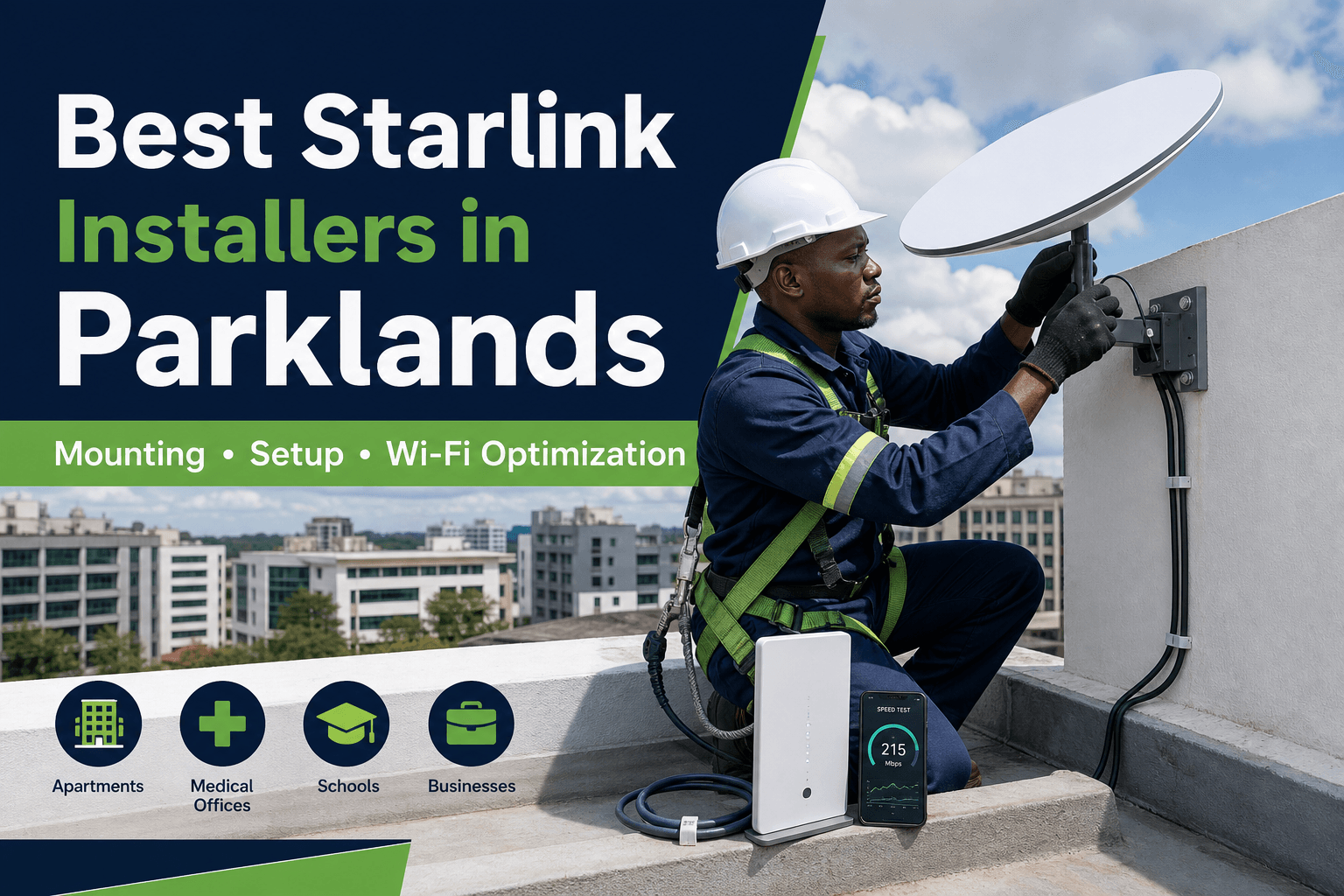
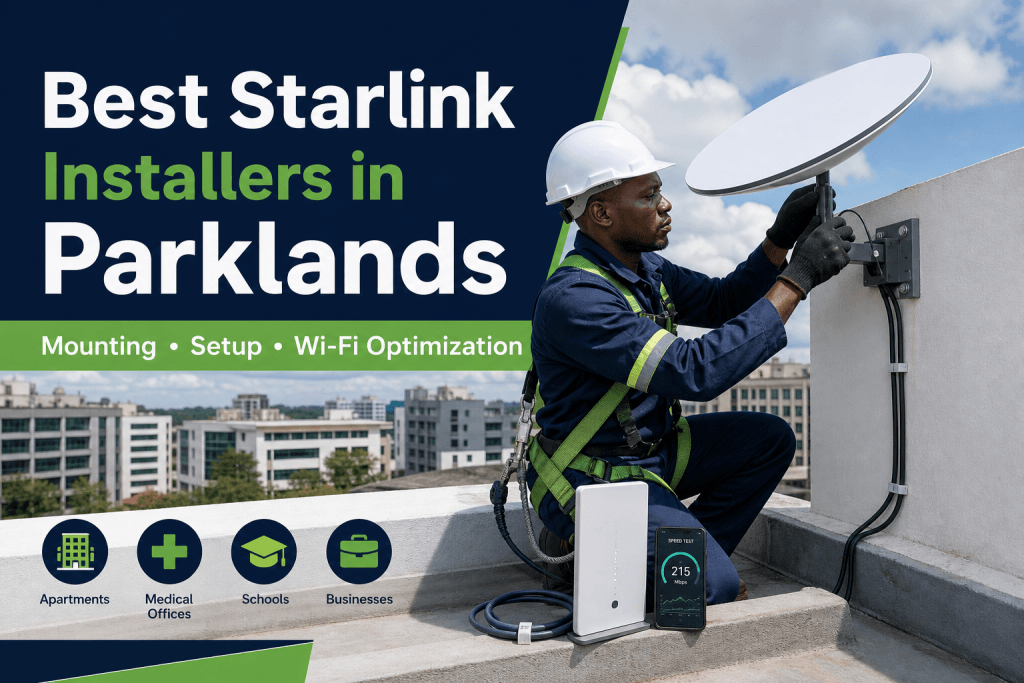
This featured flyer is an illustrative service visual, not a claimed customer installation. Ask SpaceKits for recent real installation photographs and a written scope for your property.
Talk to Spacekits
Need Starlink help for your home or business?
Talk to Spacekits before you buy or book installation. We help with kit supply, mounting, activation, router placement, WiFi coverage, and written quotes.
Book a Starlink installer in Parklands
Send your location pin, roof photo, building type, kit status and preferred installation date.
What makes a good Starlink installation in Parklands?
Parklands properties commonly include apartments, medical offices, schools, hotels and commercial buildings. The practical installation challenges include shared rooftops, neighbouring towers, landlord approval and multi-floor Wi-Fi. The installer should therefore inspect the site before selecting a mount or drilling a cable entry.
The best installer is not simply the person offering the lowest labour price. A dependable scope explains the proposed dish position, mount, cable path, activation support, indoor coverage plan, testing and any exclusions.
Who can use Starlink in Parklands?
Common use cases include medical offices, apartments, schools, hospitality and business continuity. Some clients need a primary connection where available alternatives disappoint, while businesses may want a secondary link for continuity. Current service capacity and plan availability should always be checked for the exact address through official Starlink channels.
Professional installation process
1. Location and obstruction review
The installer evaluates trees, nearby buildings, roof structures and future growth. A convenient position is not always a reliable position. Obstruction checking reduces the risk of interruptions and remounting.
2. Mount and safety planning
Roof, wall, pole or parapet mounting must match the building material, wind exposure and safe maintenance access. Apartment and commercial sites may require management approval before work begins.
3. Cable routing
Outdoor cable needs protection from sharp edges, water, footsteps, moving doors and exposed entry points. Neat routing improves durability and appearance.
4. Activation and router placement
The customer should control the account. Router placement should reflect important rooms, floors and devices—not merely the closest socket.
5. Wi-Fi testing
Testing should cover work areas, bedrooms, reception, CCTV points or other priority spaces. Large or multi-storey properties may need mesh units or wired access points.
Starlink installation cost in Parklands
Cost depends on kit status, mounting hardware, roof access, cable distance, building height and extra networking equipment. Request a current written quote because hardware, stock and service terms can change. A clear quotation separates the kit, mount, installation, cable work, networking and special access costs.
Homes and villas
Home installations should balance sky visibility with a tidy finish and strong coverage where the family works, studies and streams. Tell the installer about detached rooms, CCTV, smart-home devices and backup-power needs.
Apartments
Apartment installation requires roof permission, a legal cable route and an indoor coverage plan. Shared building internet is a different project from a private connection and needs proper capacity and access controls.
Offices and businesses
Business clients may require connection to an existing router, firewall, switch or backup arrangement. Critical cloud systems, POS, CCTV and guest Wi-Fi should be identified before the network design is agreed.
Questions to ask before booking
- Will you check obstructions before mounting?
- Which mount suits this roof or wall?
- Is cable protection included?
- Will the account remain under my control?
- Which rooms will be tested?
- Are mesh or access points included or optional?
- What support is available after handover?
- Can I see clearly identified real installation work?
Common mistakes
- Using a temporary ground stand as the permanent mount.
- Ignoring trees and nearby buildings.
- Running exposed cable across walkways.
- Hiding the router in a cabinet or corner.
- Assuming one router covers every floor.
- Buying accessories without confirming compatibility.
Why contact SpaceKits?
SpaceKits combines kit guidance, mounting, cable routing, setup and Wi-Fi testing. We install customer-owned kits or quote a coordinated hardware-and-installation package. SpaceKits is an independent reseller and installation support provider and is not affiliated with, endorsed by or officially authorised by Starlink or SpaceX.
Frequently asked questions
Can SpaceKits install a kit I already own?
Yes. Share the model and site details so mounting and compatibility can be reviewed.
Can you install in apartments?
Yes where roof access, permission, sky visibility and a safe cable route are available.
Is same-day installation available?
Sometimes for ready Nairobi sites, depending on route, stock, roof access, weather and confirmation. Ask before relying on a same-day slot.
Will the flyer match a real completed job?
The featured flyer is illustrative. Request recent real SpaceKits work separately.
Related service area
Explore the parent guide for professional Starlink installation across the wider sub-county, or use the Nairobi installer service page.
Request your Parklands installation quote
Send the exact location, roof or compound photos, kit status, number of users and preferred date.
Need Starlink Installation or Network Optimization?
We help homes, offices, apartments, and businesses with Starlink installation, WiFi coverage improvement, and professional setup in Kenya.
Request Installation Chat on WhatsApp