
Need Starlink Installation or Network Optimization?
We help homes, offices, apartments, and businesses with Starlink installation, WiFi coverage improvement, and professional setup in Kenya.
Request Installation Chat on WhatsApp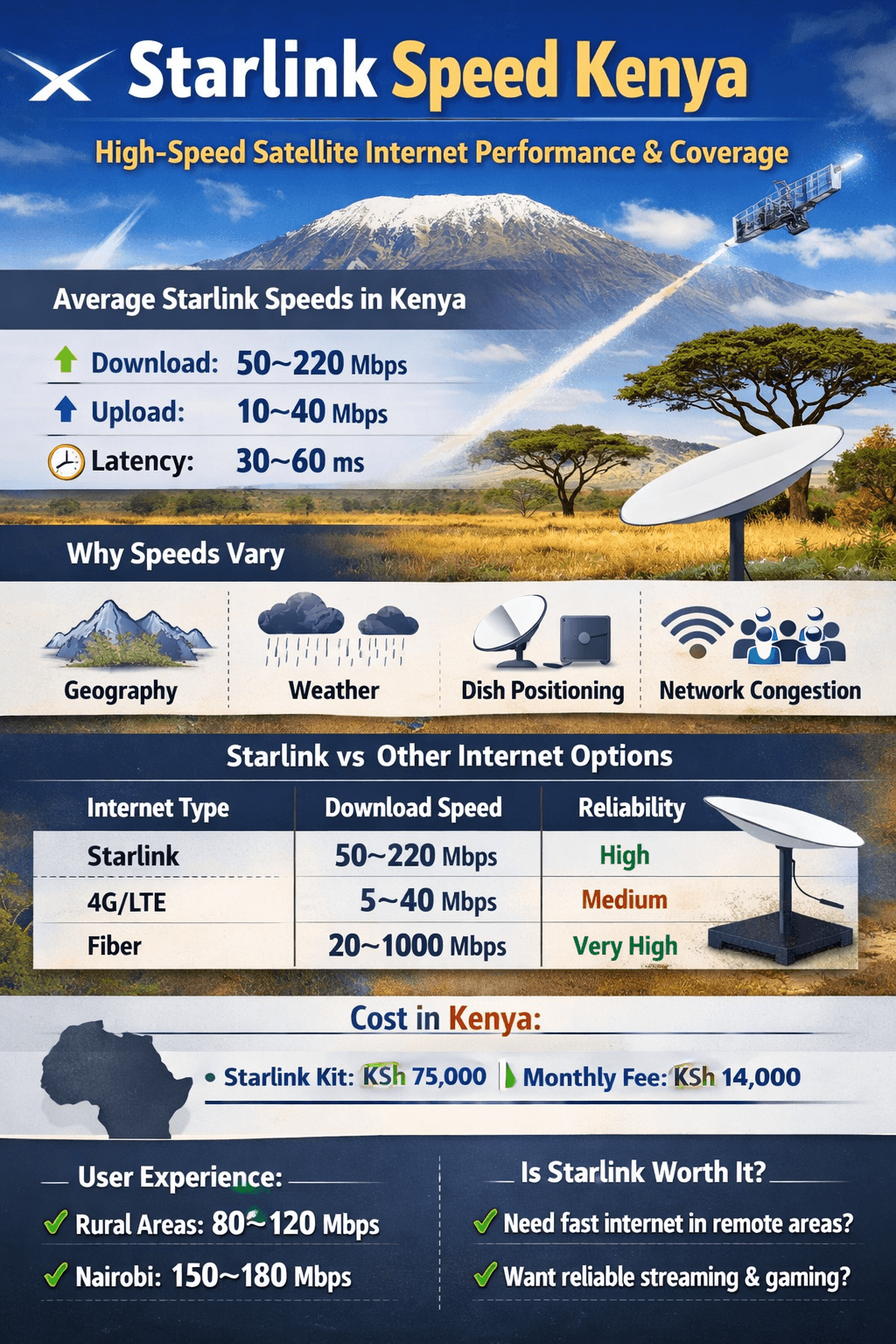
Ultimate Guide to Starlink Network Setup: Fast, Reliable Internet Anywhere
If you’re looking for high-speed internet in remote locations or areas with limited connectivity, a Starlink network setup is your ultimate solution. Developed by SpaceX, Starlink delivers satellite-based internet services with low latency and reliable performance. In this guide, we’ll walk you through everything you need to know about setting up your Starlink network for maximum efficiency.
Talk to Spacekits
Need Starlink help for your home or business?
Talk to Spacekits before you buy or book installation. We help with kit supply, mounting, activation, router placement, WiFi coverage, and written quotes.
What is Starlink?
Starlink is a satellite internet constellation operated by SpaceX, designed to provide global broadband coverage. Unlike traditional internet services, Starlink doesn’t rely on terrestrial infrastructure, making it ideal for rural or underserved regions. Users can enjoy fast download speeds, low latency, and a simple setup process.
Why Starlink Network Setup is Essential
Proper Starlink network setup ensures:
Optimal Signal Strength – Proper alignment of the Starlink dish guarantees the best satellite connection.
Stable Internet Speeds – Avoid interruptions and maximize bandwidth for streaming, gaming, and remote work.
Efficient Device Connectivity – Ensure multiple devices can connect without slowdowns.
Security – Setting up your network with strong passwords and firewalls protects your data.
Steps for Starlink Network Setup
Setting up a Starlink network is straightforward. Follow these steps for a seamless experience:
1. Unbox and Inspect Your Starlink Kit
Your Starlink kit includes:
Starlink Dish (Dishy McFlatface)
Wi-Fi Router
Power Supply
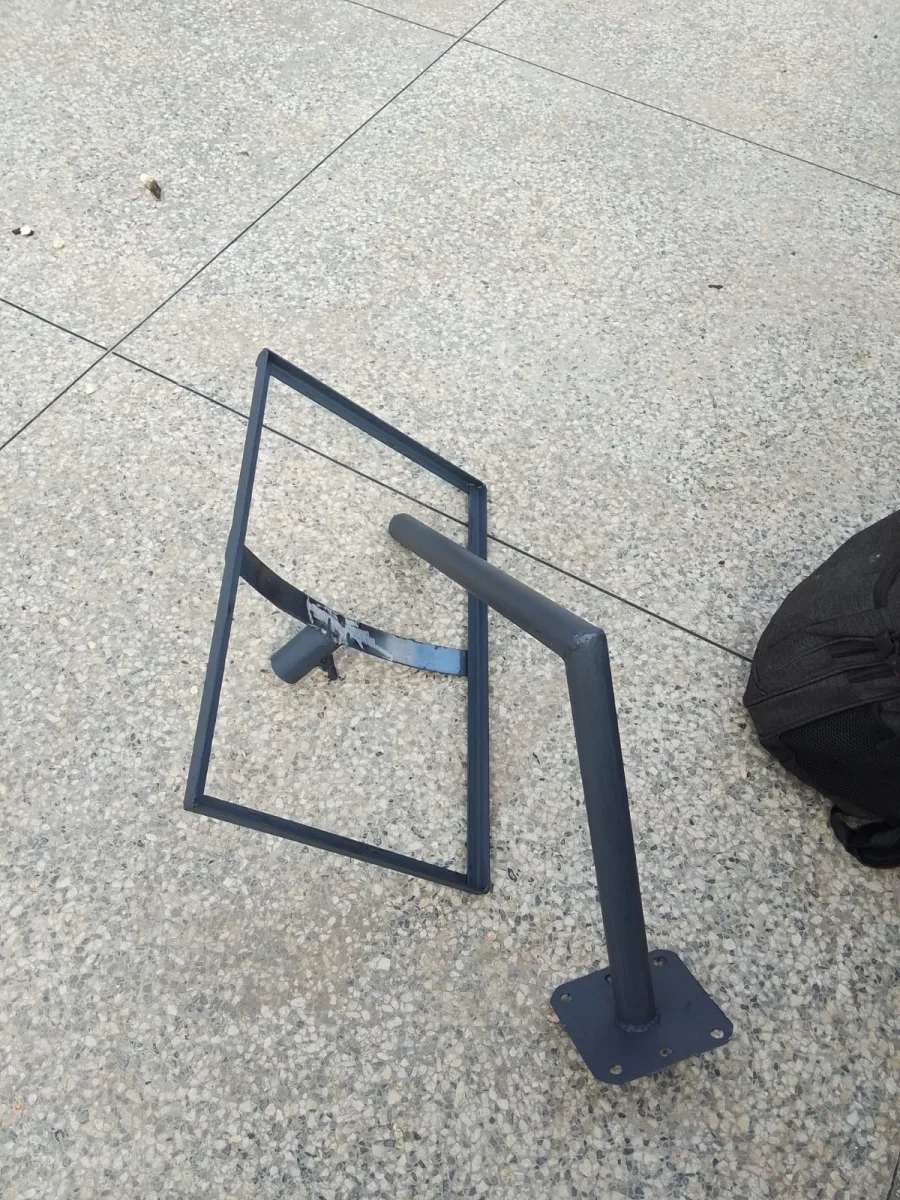
Mounting Stand
Ethernet Adapter (optional)
Check all components for damage and ensure you have a clear view of the sky for optimal performance.
2. Choose the Right Location
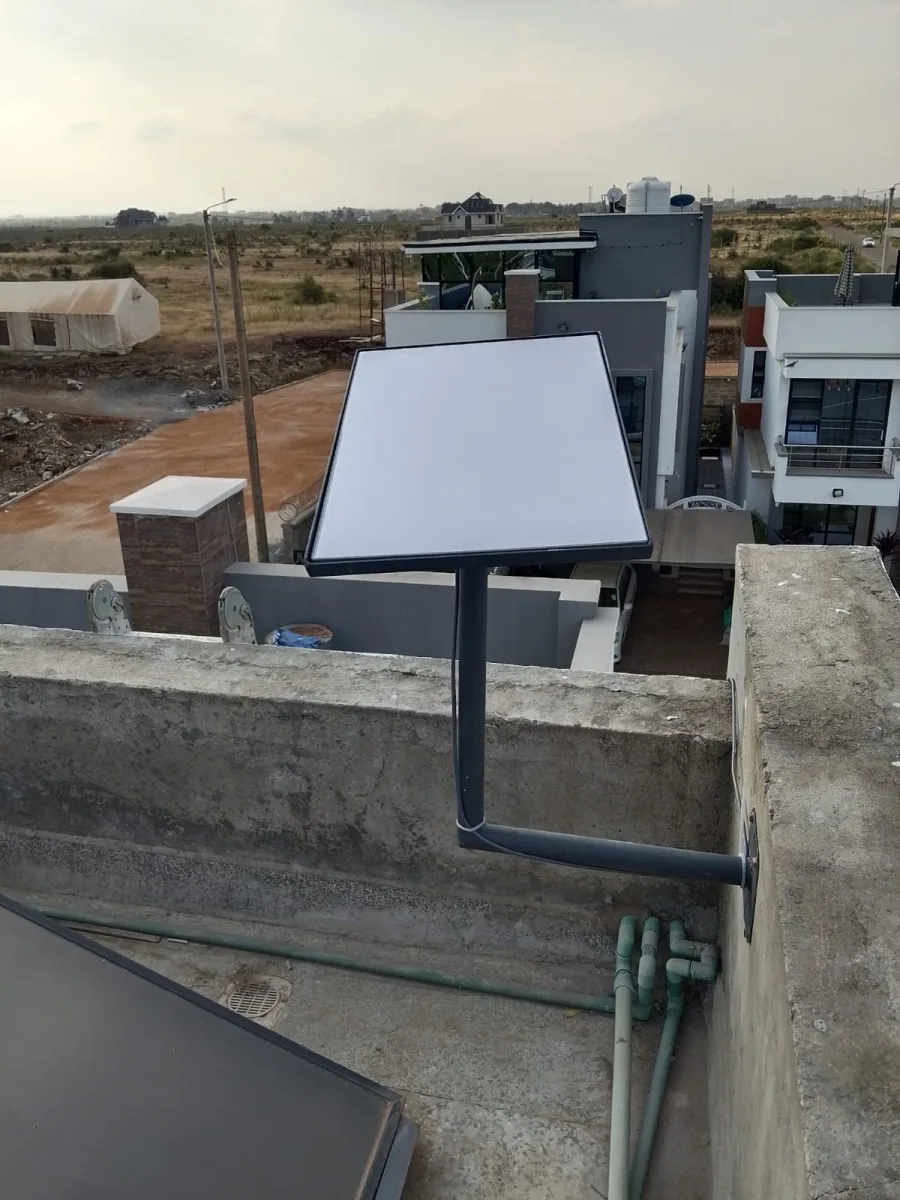
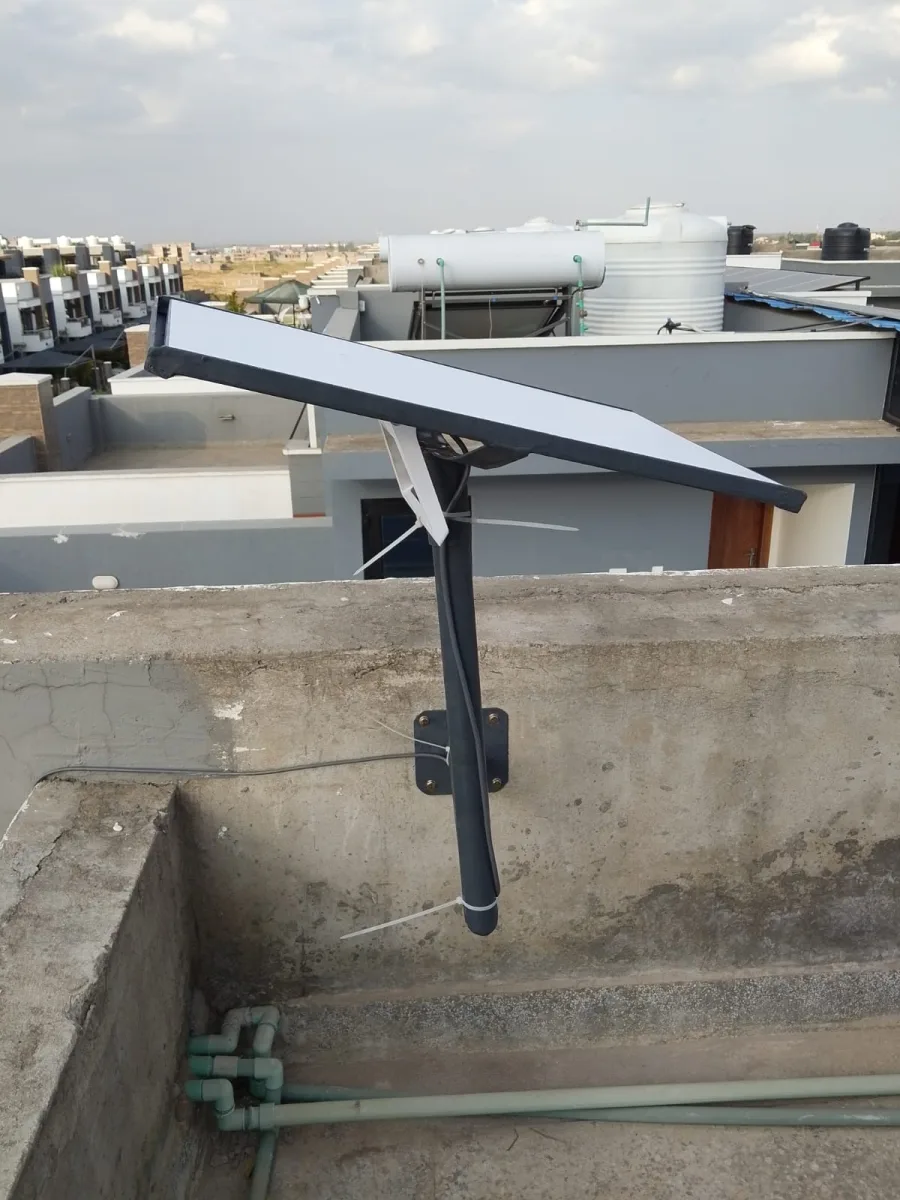
Position your Starlink dish where it has a clear, unobstructed view of the sky, away from trees, buildings, or other obstructions. The dish automatically aligns itself with satellites, but obstacles can affect connectivity.
3. Connect the Hardware
Plug the dish into the power supply.
Connect the power supply to the Wi-Fi router.
If you prefer wired connections, use the Ethernet adapter.
4. Download the Starlink App
Available on iOS and Android, the Starlink app allows you to:
Set up your network
Monitor signal strength and speed
Troubleshoot issues
Update firmware
5. Complete the Setup via the App
Follow the in-app instructions to:
Activate your Starlink account
Align the dish automatically
Configure Wi-Fi network name (SSID) and password
6. Test Your Network
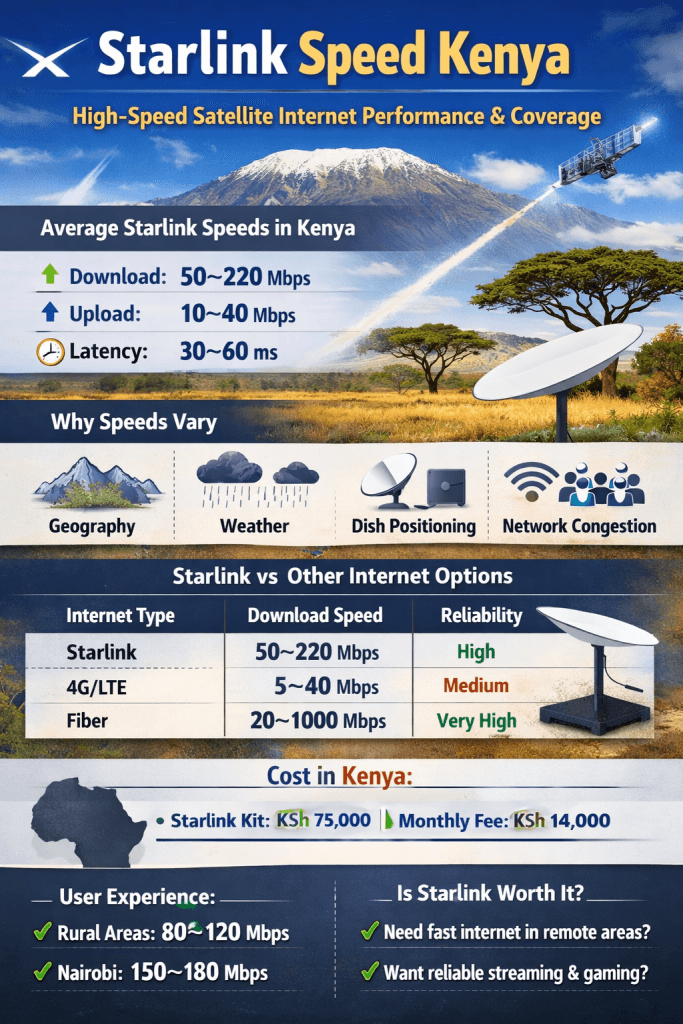
Once setup is complete, run a speed test via the app or your browser to confirm optimal performance. Starlink offers speeds from 50 Mbps to 250 Mbps depending on your location.
Tips for Optimizing Your Starlink Network
Avoid Physical Obstructions – Trim trees or relocate your dish if necessary.
Update Firmware Regularly – Starlink updates improve performance and stability.
Use a Surge Protector – Protect your equipment from power fluctuations.
Secure Your Wi-Fi – Use strong passwords and WPA3 encryption for safety.
Consider Network Extenders – For larger homes or offices, mesh Wi-Fi systems can expand coverage.
Common Starlink Network Setup Issues and Fixes
| Issue | Possible Cause | Solution |
|---|---|---|
| Slow Internet | Obstructed view of sky | Move dish to clear area |
| Dish Not Aligning | Firmware issue | Update via Starlink app |
| Connection Drops | Wi-Fi interference | Change router channel or use wired connection |
| Multiple Device Lag | Bandwidth overload | Limit heavy usage or add mesh network |
Benefits of Starlink Network Setup
Reliable Internet Anywhere – Perfect for remote offices, farms, or travel locations.
Low Latency – Ideal for video calls, gaming, and live streaming.
Scalable – Supports multiple devices simultaneously without significant slowdowns.
Easy Maintenance – Automatic software updates and self-aligning dish reduce manual work.
Starlink Network Setup for Businesses
Businesses can also benefit from Starlink:
Remote offices – Stay connected in areas without fiber or cable internet.
Construction sites – Maintain communication and data transfer.
Event Venues – Offer temporary, reliable internet for attendees.
Pro Tip: Use a business-class Starlink plan for guaranteed bandwidth and priority support.
Conclusion
A Starlink network setup transforms how you access the internet, providing fast, reliable connectivity even in the most remote areas. By following the steps above and optimizing your network, you can enjoy seamless streaming, gaming, work-from-home efficiency, and more.
Whether for home, office, or remote work, Starlink ensures you stay connected without compromise.
Need Starlink Installation or Network Optimization?
We help homes, offices, apartments, and businesses with Starlink installation, WiFi coverage improvement, and professional setup in Kenya.
Request Installation Chat on WhatsApp