
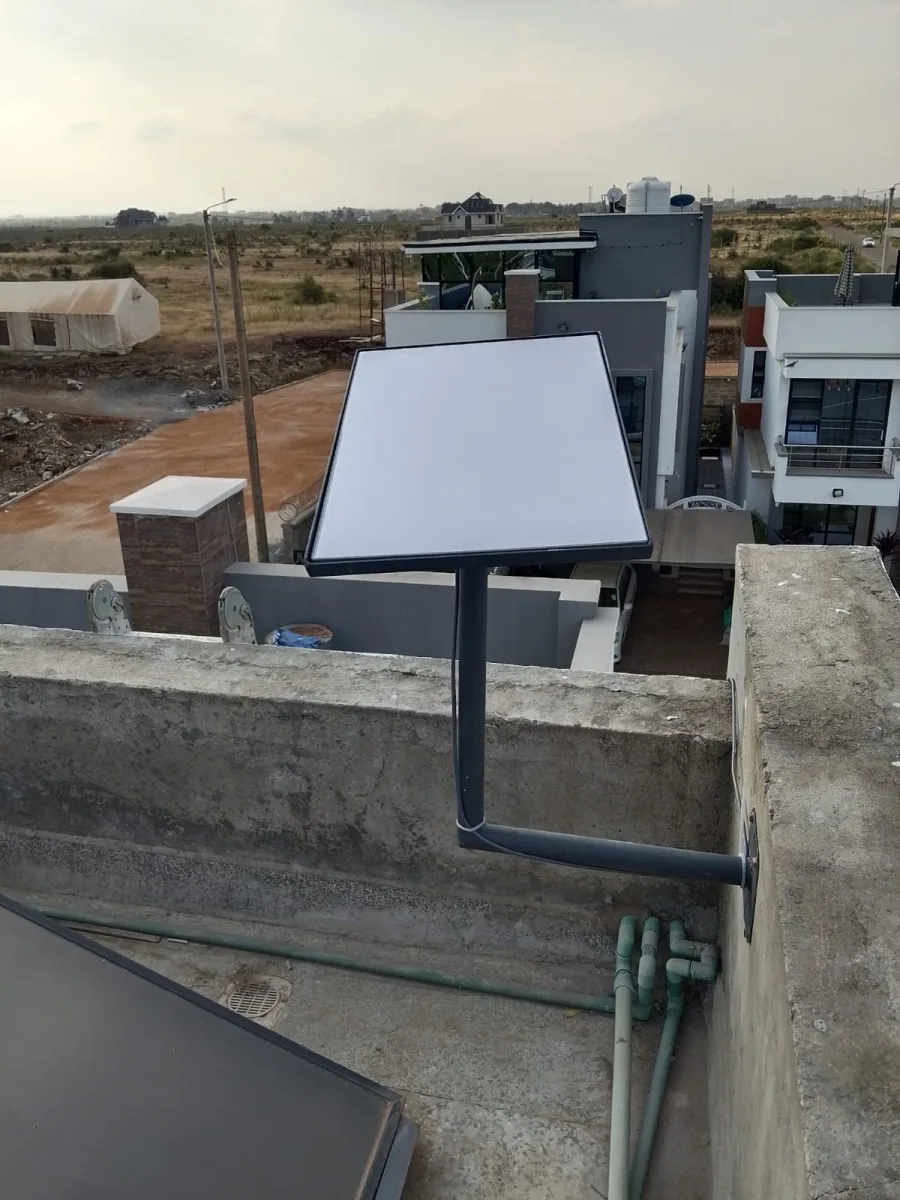
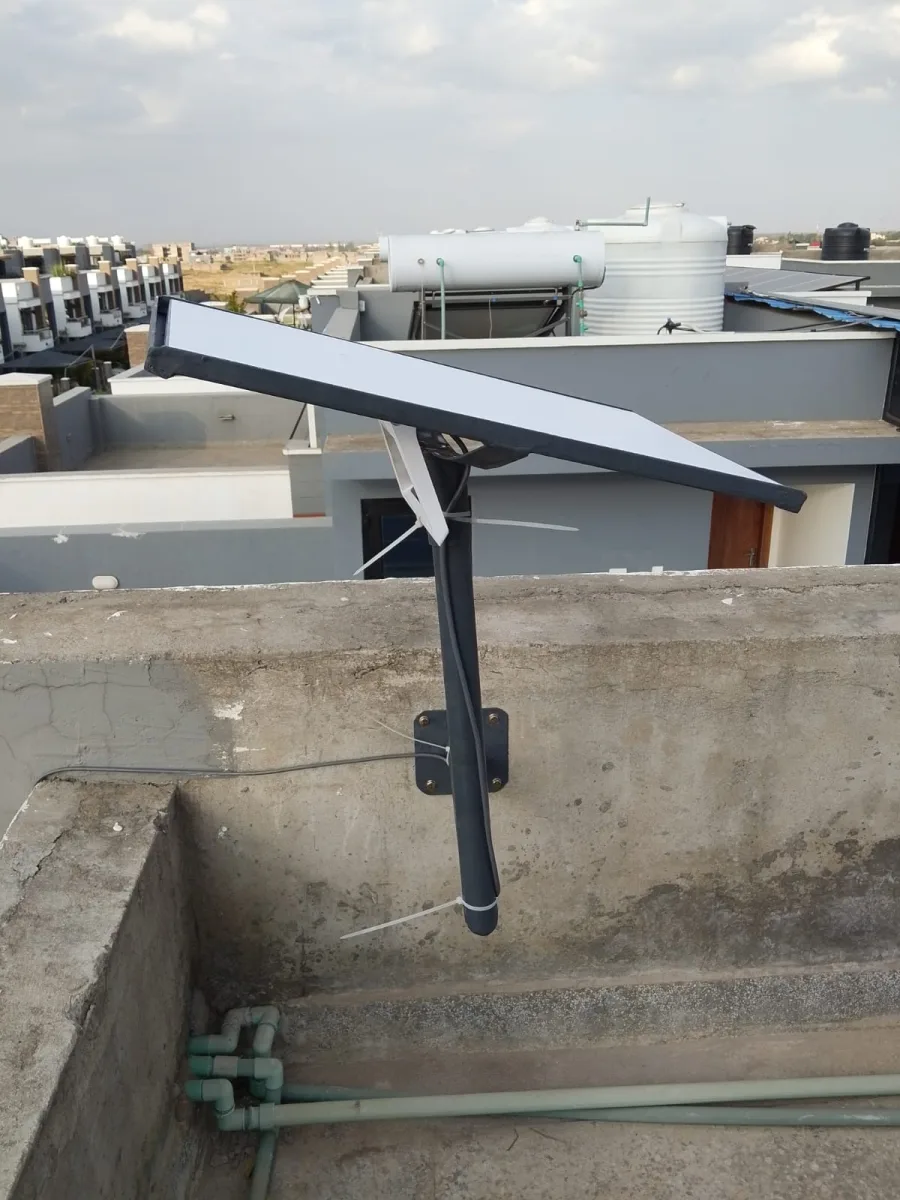
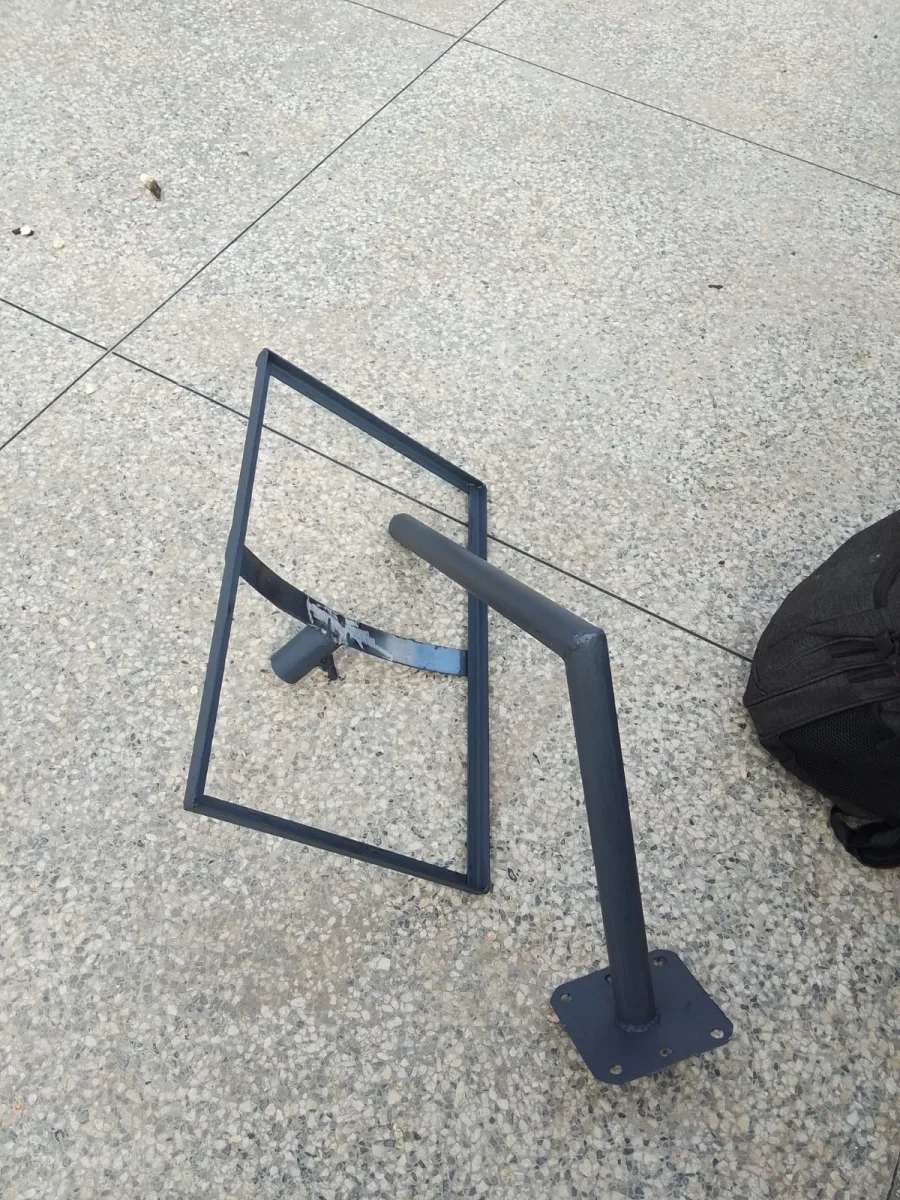
Need Starlink Installation or Network Optimization?
We help homes, offices, apartments, and businesses with Starlink installation, WiFi coverage improvement, and professional setup in Kenya.
Request Installation Chat on WhatsApp
Starlink Support: Everything You Need to Know (Fast, Reliable Help)
If you’re using Starlink, you know how life-changing high-speed satellite internet can be—especially in remote or rural areas. But like any internet service, you may sometimes need Starlink support for setup, connectivity issues, billing, or equipment problems.
Talk to Spacekits
Need Starlink help for your home or business?
Talk to Spacekits before you buy or book installation. We help with kit supply, mounting, activation, router placement, WiFi coverage, and written quotes.
In this guide, we’ll cover everything you need to know about Starlink support, including how to reach them, common issues, troubleshooting steps, and tips to get faster resolutions.
What Is Starlink Support?
Starlink support refers to the customer service system provided by SpaceX to help Starlink users with:
Setup and installation
Wi-Fi and connectivity issues
Router and equipment problems
Billing and account management
Network outages and service updates
Support can be accessed through Starlink’s app, website, or customer service channels.
How to Access Starlink Support
1. Starlink App Support
The easiest and fastest way to access Starlink support is through the Starlink app:
Open the Starlink app
Tap Support
Select your issue
Follow the recommended troubleshooting steps
Submit a ticket if the issue persists
The app also shows your connection status, signal strength, and equipment health, which helps speed up the support process.
2. Starlink Website Support
You can also access support through the Starlink website:
Go to the Starlink help center
Browse FAQs
Submit a support ticket
Track your order or account status
3. Phone or Email Support
Starlink support is mostly digital, but you can also reach out via email or phone (depending on your region).
Common Starlink Support Issues (And How to Fix Them)
1. Starlink Not Connecting
If your Starlink dish shows “No Connection”, try these steps:
Ensure the dish has a clear view of the sky
Restart the router
Check for network outages
Reposition the dish for better alignment
If the problem persists, contact Starlink support through the app.
2. Slow Internet Speeds
Slow speeds can be caused by:
Network congestion
Weather interference
Weak signal strength
Router placement
Solution: Check your signal strength in the Starlink app and try moving the router or dish to a better location.
3. Starlink Dish Not Aligning
A misaligned dish is common if you’ve moved your Starlink equipment.
Solution:
Make sure the dish has a clear line of sight
Avoid nearby trees or buildings
Use the Starlink app to check alignment
4. Billing & Account Issues
If your payment fails or your subscription is not active:
Confirm your payment method
Update billing information
Check for service interruptions
Contact Starlink support if the issue continues.
Tips to Get Faster Starlink Support
Here are proven ways to get help faster:
✅ Use the Starlink app
It provides automated troubleshooting and helps the support team see your network status.
✅ Document the issue
Take screenshots or notes of error messages.
✅ Check for outages
Sometimes the problem is regional, and Starlink is already working on a fix.
✅ Use a strong internet connection
When submitting a ticket, use another device with stable internet.
Starlink Support in Kenya (or Your Country)
Starlink is available in many countries, but support options vary by region.
If you’re in Kenya, you may have:
Local support channels
Delivery and setup guidance
Local warranty support (depending on your provider)
Check your Starlink app for regional support details.
Starlink Support FAQ
1. How long does Starlink support take?
Response times vary, but using the app usually gets the fastest help.
2. Can Starlink support help with installation?
Yes. Starlink support can guide you through setup and troubleshooting.
3. Is Starlink support available 24/7?
Support availability depends on your region, but the app is available anytime.
4. How do I contact Starlink support?
The fastest way is through the Starlink app or the Starlink help center.
5. Does Starlink offer replacement equipment?
Yes, Starlink provides replacement for damaged equipment based on warranty and service terms.
Conclusion
When you experience issues with your Starlink internet, the fastest and most effective way to get help is through Starlink support—especially using the Starlink app.
Whether you need help with setup, connectivity, billing, or equipment, Starlink support is designed to provide fast and accurate solutions.
Starlink Support: The Ultimate 2,000+ Word Guide (Setup, Troubleshooting, & Faster Help)
Starlink has transformed internet access for people living in rural and remote areas. Its satellite-based system provides high-speed internet where fiber or mobile networks are limited or unreliable. However, even the best technology sometimes needs support.
If you’re searching for Starlink support, this guide is for you. Whether you’re a new user setting up your system for the first time, or you’re troubleshooting connectivity issues, this article covers everything you need to know.
What Is Starlink Support?
Starlink support refers to the customer service and technical assistance provided by SpaceX for Starlink users. It helps customers with:
Installation and setup
Connectivity issues
Slow speeds or latency problems
Equipment malfunction
Billing and account management
Service outages and updates
The goal of Starlink support is to keep your internet connection stable and ensure you get the best possible performance from your satellite system.
Why Starlink Support Matters
Starlink is different from traditional internet service providers (ISPs). Instead of relying on underground cables or local cell towers, Starlink uses satellites in low Earth orbit (LEO). While this allows internet access in remote areas, it also introduces unique challenges like:
Satellite alignment issues
Weather interference
Line-of-sight obstructions
Power or router issues
Firmware updates
That’s why Starlink support is essential. The support team can help you identify and fix issues quickly so you don’t lose access to your internet.
How to Reach Starlink Support
There are multiple ways to access Starlink support, but some methods are faster and more effective than others.
1. Starlink App Support (Fastest Way)
The Starlink app is the primary support channel for most users. It provides:
Network status and signal strength
Real-time diagnostics
Automated troubleshooting
Support ticket submission
How to access support via the app:
Open the Starlink app
Tap Support
Select the issue category
Follow the recommended steps
Submit a ticket if needed
The app is the fastest way to get help because it allows Starlink support to see your device status instantly.
2. Starlink Help Center (Website)
The Starlink Help Center is a collection of FAQs and troubleshooting guides. It’s useful for quick fixes and general information.
To access:
Go to the Starlink website
Click Help
Search your issue
Follow the instructions
3. Email Support
Some regions may offer email support. Email is useful for complex issues that require documentation or a detailed explanation.
4. Phone Support (Regional Availability)
Phone support may not be available in all regions. But where it exists, it can be useful for urgent issues.
Common Starlink Support Issues & How to Fix Them
1. Starlink Not Connecting
This is the most common issue users face. If your Starlink dish shows “No Connection”, follow these steps:
Fixes:
Ensure the dish has a clear view of the sky (no trees, buildings, or walls)
Check for network outages in your area
Restart the router and dish
Reposition the dish for better alignment
Confirm that the power cable is properly connected
If the issue persists, submit a ticket via the Starlink app.
2. Slow Internet Speeds
Slow speeds can be caused by:
Network congestion
Weather conditions
Obstructions blocking the signal
Router placement
Background downloads or streaming
Fixes:
Check signal strength in the Starlink app
Move the router to a central location
Reduce interference from other devices
Ensure the dish has a clear line of sight
Restart the router
If speed issues continue, contact Starlink support.
3. Starlink Dish Not Aligning
If your dish is misaligned, it can cause poor connectivity or frequent disconnects.
Fixes:
Ensure the dish is mounted properly
Avoid placing the dish near trees or buildings
Use the Starlink app to confirm alignment
Reposition the dish for a clearer sky view
If the dish still doesn’t align, Starlink support may need to diagnose hardware issues.
4. Wi-Fi Network Drops Frequently
If your Wi-Fi keeps dropping, the issue may be:
Router interference
Poor signal strength
Firmware issues
Overloaded network
Fixes:
Restart the router
Change the router channel
Update router firmware
Reduce the number of connected devices
Use Ethernet for stable connection
If the issue persists, submit a ticket to Starlink support.
5. Billing & Account Issues
Common billing issues include:
Payment failure
Subscription renewal problems
Incorrect billing details
Fixes:
Check your payment method
Update billing information
Confirm your subscription status
If you still have issues, contact Starlink support for billing assistance.
How to Get Faster Starlink Support
Getting help quickly depends on how you approach the support system. Here are proven ways to get faster resolution:
1. Use the Starlink App
The Starlink app is the fastest way to connect with support. It provides diagnostics that help support agents identify the issue.
2. Provide Detailed Information
When submitting a ticket, include:
Your location
Issue description
Screenshots of error messages
Device model and setup details
Any steps you’ve already tried
3. Check for Outages First
Sometimes, the issue is a regional outage. Before contacting support, check the Starlink app for outage alerts.
4. Use Stable Internet to Submit Ticket
If your Starlink is down, use another device (mobile data or another Wi-Fi) to submit your ticket.
Starlink Support and Warranty
Starlink equipment comes with a warranty that covers manufacturing defects and certain hardware failures. If your dish or router is damaged, Starlink support can help with:
Warranty claims
Equipment replacement
Repair options (if available)
If your equipment is physically damaged, you may be asked to provide photos or documentation.
Starlink Support in Kenya and Other Countries
Starlink is available in many countries, including Kenya. However, support options and response times may vary depending on your region.
In Kenya, you may have:
Local delivery support
Installation guidance
Warranty and replacement support
Local community support groups
To check regional support options, use the Starlink app or website.
Starlink Support FAQ
1. How do I contact Starlink support?
The fastest way is through the Starlink app or the Starlink Help Center on the website.
2. How long does Starlink support take?
Response times vary depending on your issue and region. Using the app usually gets the fastest response.
3. Can Starlink support help with installation?
Yes. Support can guide you through setup and troubleshooting.
4. What if my Starlink dish is damaged?
Starlink support can help you file a warranty claim and request replacement equipment.
5. Why is my Starlink internet slow?
Slow speeds can be caused by weather, network congestion, or signal obstruction. Use the Starlink app to check signal strength and follow troubleshooting steps.
Tips to Avoid Starlink Support Issues
Here are practical tips to prevent common Starlink issues:
1. Install the Dish in an Open Area
The dish must have a clear line of sight to the sky. Avoid trees, tall buildings, or heavy roof structures.
2. Secure Your Mounting
Strong winds can move the dish and cause misalignment. Make sure the mount is secure.
3. Keep Firmware Updated
Starlink often releases firmware updates that improve performance. Allow updates to install automatically.
4. Use a Stable Power Source
Power fluctuations can cause connectivity issues. Use a reliable power source or UPS.
5. Monitor Signal Strength Regularly
Use the Starlink app to monitor signal quality. If it drops, take action before it affects your internet.
Final Thoughts
Starlink is an excellent solution for high-speed internet in areas where traditional networks fail. But like any technology, issues can arise. That’s why Starlink support is essential.
Whether you need help with setup, connectivity, billing, or equipment,
is available to assist you. The best way to get fast and accurate help is through the Starlink app, where support agents can instantly view your network diagnostics.
If you’re experiencing issues, don’t wait—reach out to Starlink support today.
Need Starlink Installation or Network Optimization?
We help homes, offices, apartments, and businesses with Starlink installation, WiFi coverage improvement, and professional setup in Kenya.
Request Installation Chat on WhatsApp