
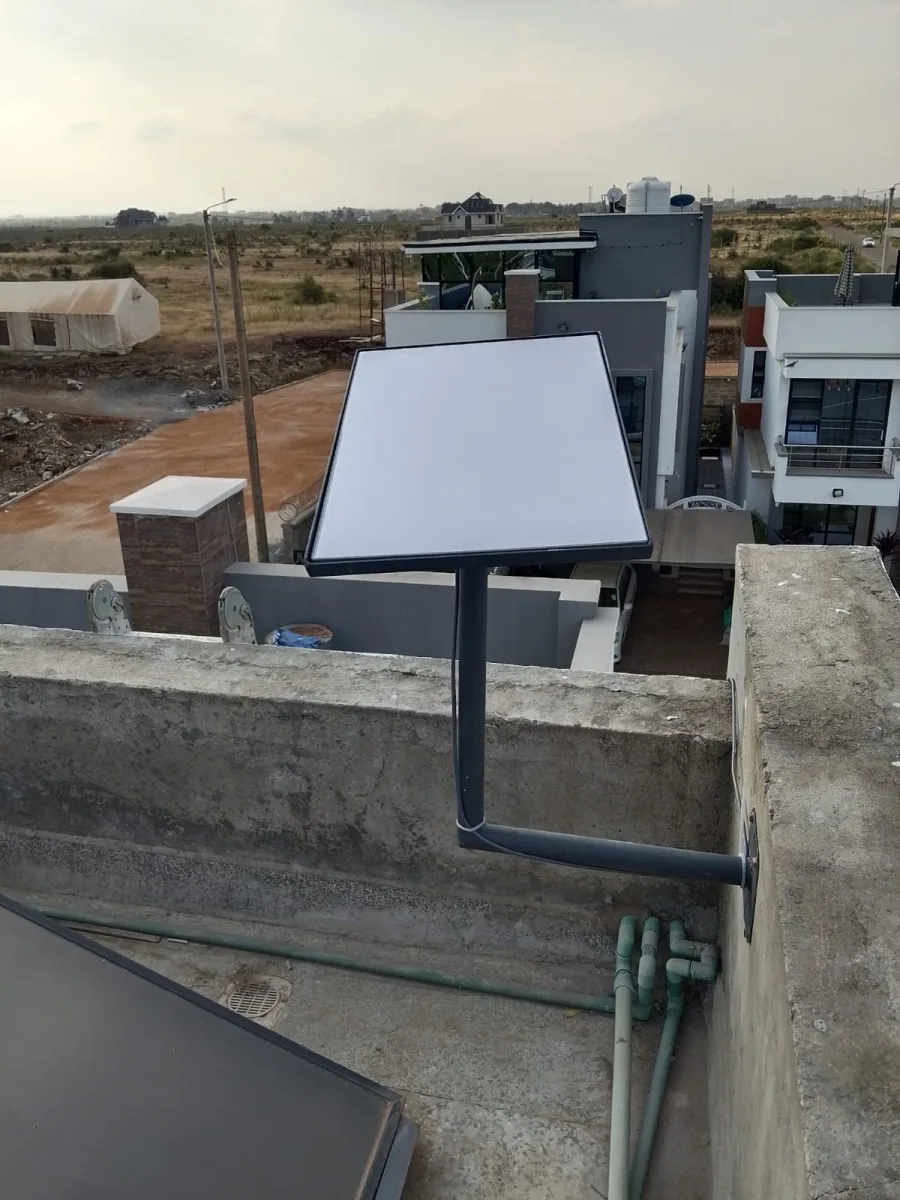
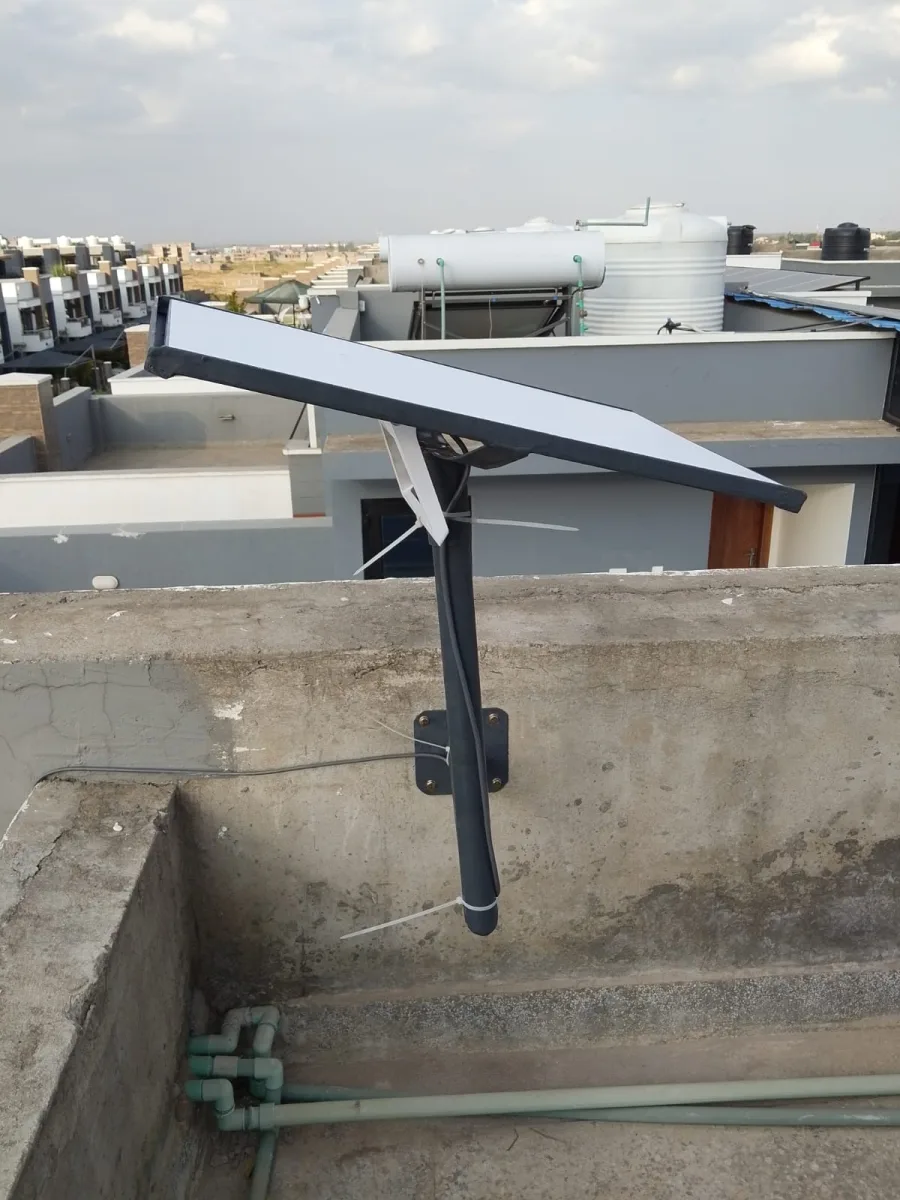

Need Starlink Installation or Network Optimization?
We help homes, offices, apartments, and businesses with Starlink installation, WiFi coverage improvement, and professional setup in Kenya.
Request Installation Chat on WhatsApp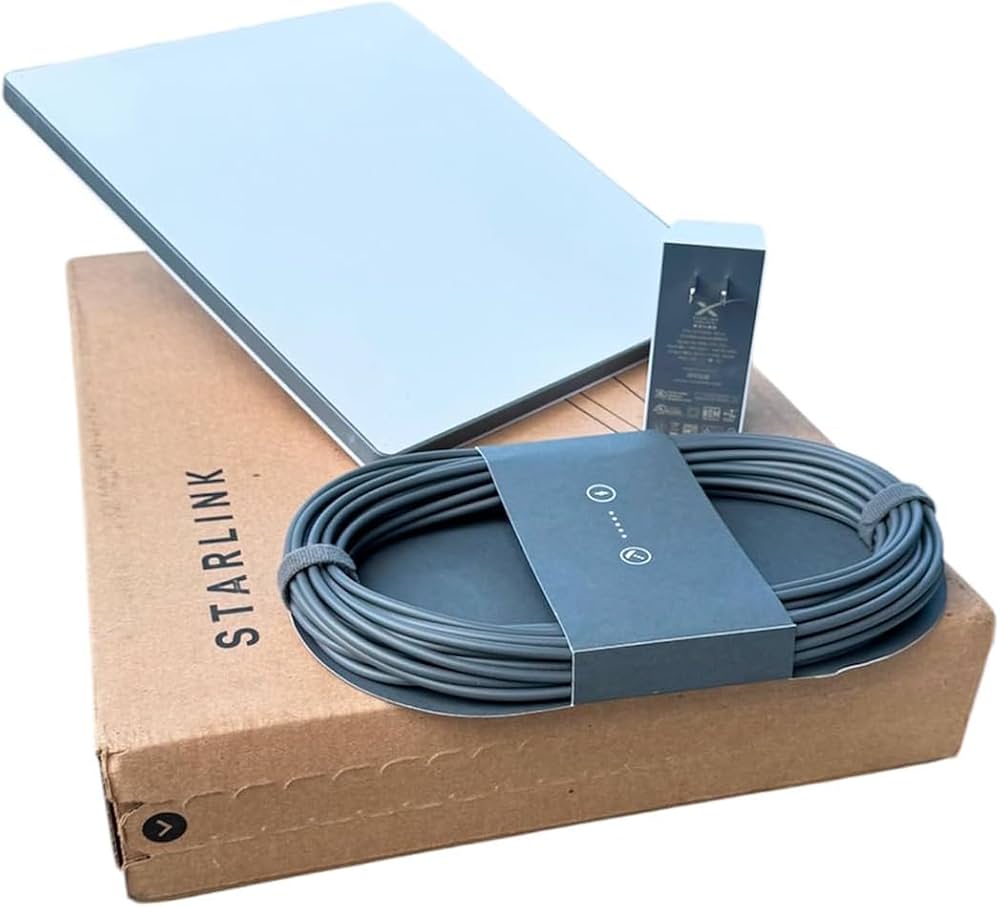
Starlink Transceiver: The Ultimate Guide to High-Speed Satellite Connectivity
Introduction to the Starlink Transceiver
The Starlink transceiver is a critical component of SpaceX’s Starlink satellite internet system. It acts as the communication bridge between your Starlink dish (also known as “Dishy McFlatface”) and the constellation of satellites orbiting the Earth, ensuring fast, reliable, and low-latency internet access even in remote areas.
Talk to Spacekits
Need Starlink help for your home or business?
Talk to Spacekits before you buy or book installation. We help with kit supply, mounting, activation, router placement, WiFi coverage, and written quotes.
Whether you’re a remote worker, gamer, or simply need internet where traditional ISPs don’t reach, understanding the Starlink transceiver is key to maximizing your satellite internet experience.
How the Starlink Transceiver Works
The Starlink transceiver operates by sending and receiving data to and from Starlink satellites in low Earth orbit (LEO). Here’s a simplified breakdown:
Signal Reception: The transceiver captures signals transmitted from Starlink satellites overhead.
Data Processing: It converts these signals into usable internet data that your devices can access.
Transmission Back: The transceiver sends your data back to the satellite, which then relays it to the Starlink ground station.
Thanks to this two-way communication, Starlinkspacekits.co.ke users enjoy broadband speeds that are significantly faster than traditional satellite internet.
Key Features of the Starlink Transceiver
The Starlink transceiver boasts several features that set it apart from other satellite internet components:
High-Speed Connectivity: Capable of supporting download speeds from 50 Mbps to over 250 Mbps in optimal conditions.
Low Latency: Maintains latency as low as 20–40 ms, making it suitable for gaming, video calls, and live streaming.
Durability: Designed to withstand harsh weather conditions, including snow, rain, and strong winds.
Self-Alignment: Works with Starlink’s phased-array antenna for automatic satellite tracking, eliminating the need for manual adjustments.
Benefits of Using a Starlink Transceiver
Investing in a Starlink transceiver offers multiple benefits:
Access in Remote Locations: Get internet connectivity in rural areas, disaster zones, and even on boats or RVs.
Scalable Network: Easily integrates with additional Starlink devices to expand coverage.
Seamless Updates: Receives firmware upgrades directly from Starlink, improving performance over time.
Cost-Effective Alternative: Offers a reliable alternative to expensive fiber or DSL installations in hard-to-reach areas.
Installation and Setup
Setting up your Starlink transceiver is straightforward:
Choose an Optimal Location: Place your Starlink dish in an area with a clear view of the sky.
Connect the Transceiver: Attach the transceiver to the Starlink dish using the provided cables.
Power On: Plug in the system and allow the transceiver to initialize.
Use the Starlink App: Monitor signal strength, download speeds, and satellite connections via the Starlink mobile app.
Most users can complete installation in under 30 minutes, with no professional help required.
Starlink Transceiver vs Traditional Satellite Modems
Unlike traditional satellite modems, the Starlink transceiver leverages LEO satellites, resulting in:
Faster Speeds: Higher throughput compared to geostationary satellites.
Lower Latency: Reduced delay, crucial for gaming, video conferencing, and real-time applications.
Dynamic Tracking: Continuously adjusts its position to maintain optimal satellite connection.
This makes the Starlink system a superior choice for users who need consistent, high-speed internet in areas where terrestrial options are limited.
Maintenance and Troubleshooting
To ensure peak performance of your Starlink transceiver, follow these tips:
Keep the Dish Clear: Remove snow, ice, or debris that may block the signal.
Firmware Updates: Regularly check the Starlink app to ensure your transceiver has the latest updates.
Network Reboot: If connectivity issues arise, power cycle the transceiver to reset the connection.
Starlink also provides a support network and detailed guides for troubleshooting specific issues.
Conclusion
The Starlink transceiver is more than just a satellite modem; it’s a gateway to reliable, high-speed internet anywhere on Earth. With its advanced features, ease of installation, and robust performance, it represents a significant step forward in satellite internet technology.
Whether you’re seeking internet access in rural areas, on the move, or as a backup for critical operations, the Starlink transceiver ensures you stay connected without compromise.
Need Starlink Installation or Network Optimization?
We help homes, offices, apartments, and businesses with Starlink installation, WiFi coverage improvement, and professional setup in Kenya.
Request Installation Chat on WhatsApp