



Need Starlink Installation or Network Optimization?
We help homes, offices, apartments, and businesses with Starlink installation, WiFi coverage improvement, and professional setup in Kenya.
Request Installation Chat on WhatsAppChoosing the Best Starlink Installers near Wilson Airport is not only about getting a dish onto a roof. A dependable installation combines an obstruction check, the correct mounting method, protected cable routing, account setup, sensible router placement and Wi-Fi testing in the rooms that matter. SpaceKits provides this complete installation workflow for hotels, offices, logistics businesses, workshops, institutions and residential properties in the wider Wilson Airport area.
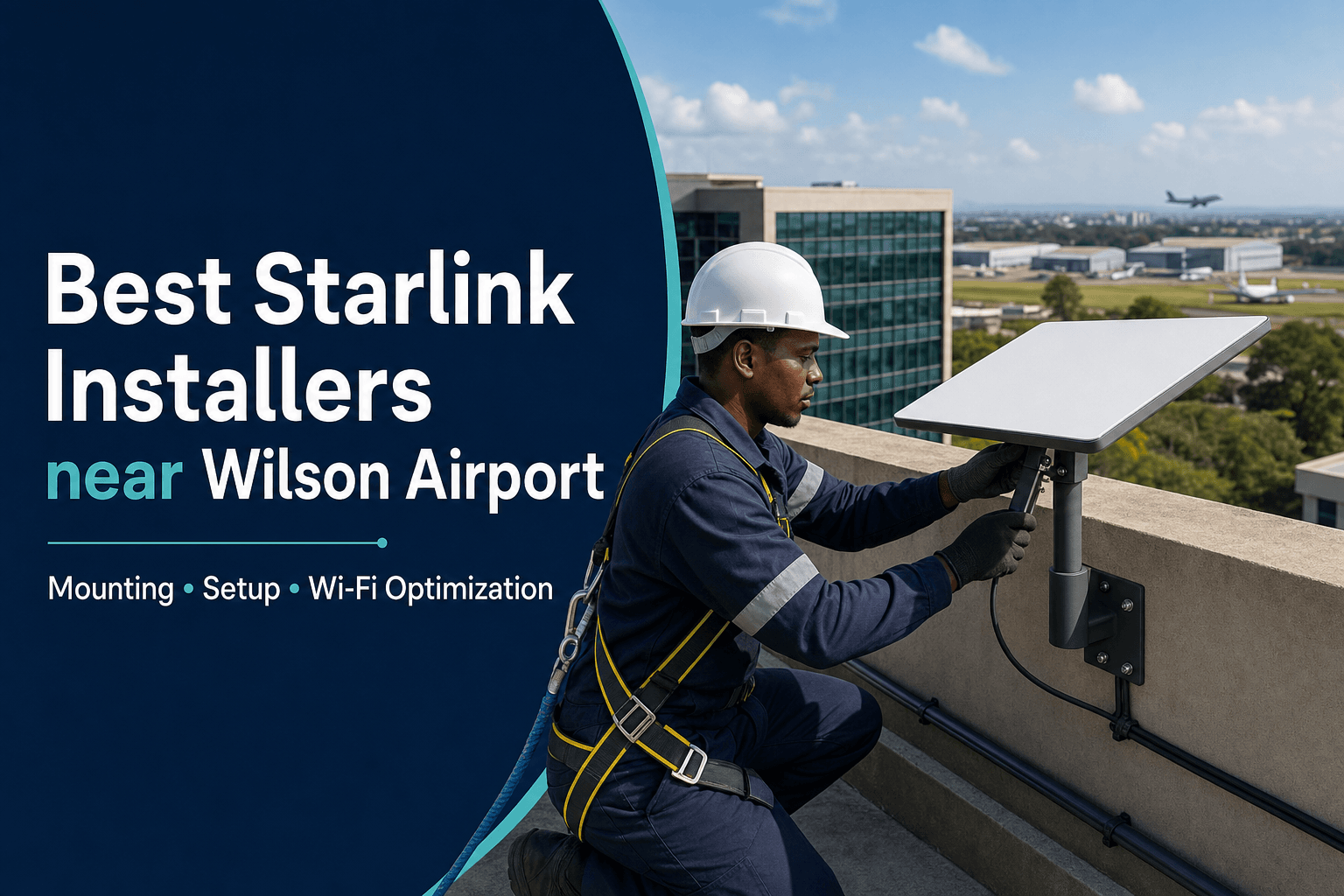
The featured flyer is an illustrative service visual and is not presented as a photograph of a completed customer installation. Ask SpaceKits for recent, clearly identified field-work photographs and a written scope for your property.
Talk to Spacekits
Need Starlink help for your home or business?
Talk to Spacekits before you buy or book installation. We help with kit supply, mounting, activation, router placement, WiFi coverage, and written quotes.
Book a site-specific Starlink quote in Wilson Airport
Send your location pin, building type, roof or compound photographs, kit model, number of floors and preferred installation date. We will use that information to recommend the next step and prepare a written scope.
Why local installation planning matters in Wilson Airport
Properties near Wilson Airport need professional site assessment and respect for building, landlord and aviation-area restrictions. SpaceKits quotes work on customer premises; no installation should imply access to restricted airport property or approval by an aviation authority.
The recurring technical considerations are commercial rooftops, landlord approvals, high device counts, secure cable routes and business continuity requirements. These conditions are why a quotation based only on a phone call can be incomplete. Photos and location information help, but the final mounting position should follow a proper assessment of the property.
What a professional SpaceKits installation can include
- Initial review of the location, roof photographs and customer requirements.
- Obstruction checking for trees, buildings, tanks and other physical barriers.
- Selection and installation of a suitable roof, wall, pole or parapet mount.
- Secure exterior cable routing, clipping, weather protection and a tidy entry point.
- Kit setup and activation assistance while the customer retains control of the account.
- Router placement, connection testing and Wi-Fi checks in priority rooms.
- Optional mesh Wi-Fi, wired access points, switching or business-router integration.
- Basic handover showing the customer how to view status and request further support.
The exact inclusions should appear in the written quotation. Building repairs, specialist access equipment, electrical work, network cabling and third-party subscriptions should be listed separately where they are required.
Site survey and obstruction assessment
A satellite internet terminal needs a useful view of the sky. A convenient corner near a power socket may not be the best long-term position. The survey should consider current trees, future tree growth, adjacent buildings, roof ridges, water tanks and the safest maintenance route.
The installer should also ask what the connection is expected to support. Common uses in Wilson Airport include hotels, offices, logistics teams, workshops, POS systems, CCTV, cloud tools and backup connectivity. A household with a few devices has a different indoor network requirement from a school, office, hotel or property with several CCTV cameras.
Mounting options for properties in Wilson Airport
The mount should be selected for the customer building after confirming sky visibility, structure, wind exposure and safe access. Airport or landlord restrictions must be checked independently where relevant.
A temporary ground stand is useful during testing but is rarely the correct permanent solution for a busy compound or shared property. Permanent hardware should resist movement, avoid unsafe improvised supports and remain reachable when inspection is needed. The customer should understand where drilling will occur before work begins.
Clean, protected cable routing
Outdoor cable is part of the installation, not an afterthought. It should not be pinched by windows, dragged across walkways, bent sharply around sheet metal or left where water collects. A good route uses suitable clips or containment, protects exposed sections and seals the building entry appropriately.
Apartment, office and institutional projects can require permission to cross common areas. The responsible approach is to agree the route before installation day, identify any service shafts and avoid interfering with the building’s existing electrical or communication systems.
Router placement and Wi-Fi optimisation
Businesses should decide whether Starlink will be the main connection, a backup WAN or a dedicated link for selected systems. Firewall, failover and office Wi-Fi work should be scoped separately.
Internet speed at the router does not guarantee good coverage throughout a property. Thick concrete, metal doors, multiple floors and long corridors can create dead zones. SpaceKits can test important work areas and explain whether repositioning, mesh units, Ethernet cabling or additional access points are justified.
Businesses should also identify payment terminals, cloud applications, CCTV recorders, guest networks and staff devices before commissioning. This prevents the installation from being judged only beside the router while critical rooms remain poorly connected.
Starlink installation cost in Wilson Airport
Installation cost depends on the kit model, mounting hardware, building height, roof access, cable distance, special access equipment and additional networking. Hardware availability, service plans and prices can change, so request a current written quotation rather than relying on an old online figure.
A useful quote separates the customer-owned kit or supplied equipment, mounting materials, installation labour, cable work, mesh or network accessories and any exceptional access cost. It should also state what is excluded. This makes it easier to compare providers on the same scope instead of comparing a basic labour figure with a complete installation.
Questions to ask before choosing an installer
- Will you assess obstructions before fixing the mount?
- Which mount is included and why does it suit this building?
- Are cable protection, clipping and entry sealing included?
- Who is responsible for landlord or building-management permission?
- Will the Starlink account remain under the customer’s control?
- Which rooms or business systems will be tested at handover?
- Are mesh Wi-Fi, access points or business-router integration optional?
- Can you show recent field work that is clearly identified as your own?
- What support is available if the site needs adjustment after installation?
Our installation process
1. Share the property details
Send the location pin, building type, roof photographs, number of floors, kit status and the areas that need reliable Wi-Fi.
2. Confirm access and permissions
For apartments, offices and managed estates, confirm roof access and approval before the appointment. This reduces delays and protects the customer from unauthorised alterations.
3. Agree the scope and quotation
The scope should name the mount, expected cable path, setup work, testing and optional network equipment.
4. Install, configure and test
The technician mounts the terminal safely, protects the cable, assists with setup and tests the agreed rooms or systems.
5. Handover
The customer receives account-control guidance, a summary of the installed equipment and practical advice on support, power and Wi-Fi use.
Common installation mistakes to avoid
- Mounting before checking trees, tanks and neighbouring buildings.
- Using a loose temporary stand as a permanent rooftop solution.
- Drilling a shared roof without clear permission.
- Leaving cable exposed across paths, gutters or sharp roof edges.
- Placing the router inside a metal cabinet or distant corner.
- Assuming one router will cover every floor or detached building.
- Buying accessories without confirming kit-model compatibility.
- Promising exact speeds without considering the site, network and service conditions.
Frequently asked questions
Can SpaceKits install a Starlink kit I already own?
Yes. Share the exact model and photographs so mounting and accessory compatibility can be reviewed before the visit.
Can you install in an apartment or managed building?
Yes, where the customer has permission, safe roof access, adequate sky visibility and an approved cable route. Building-wide shared internet requires a separate network design.
Can the connection be used as business backup internet?
It can be considered as part of a continuity plan. Automatic failover, firewall rules and integration with an existing network should be separately scoped and tested.
Do you provide mesh Wi-Fi?
Mesh or wired access points can be quoted when the standard router cannot cover the required rooms. The right solution depends on layout, walls, floors and device count.
Is same-day installation guaranteed?
No. Availability depends on route scheduling, kit and mount compatibility, permissions, access, weather and confirmation of the scope. Ask for the earliest confirmed appointment.
Why contact SpaceKits?
SpaceKits supports customers with kit guidance, mounting, cable routing, setup and Wi-Fi testing. We can install a customer-owned compatible kit or prepare a coordinated equipment-and-installation quotation. SpaceKits is an independent reseller and installation support provider and is not affiliated with, endorsed by or officially authorised by Starlink or SpaceX.
Related Starlink installation guides
Explore Starlink installation in Langata, review the Nairobi Starlink installer service page, or request a written installation quote.
Request your Wilson Airport installation quote
Send the exact location, property photos, kit model, number of users and preferred date. SpaceKits will help you define the mounting, setup and Wi-Fi scope before work begins.
Need Starlink Installation or Network Optimization?
We help homes, offices, apartments, and businesses with Starlink installation, WiFi coverage improvement, and professional setup in Kenya.
Request Installation Chat on WhatsApp