
Need Starlink Installation or Network Optimization?
We help homes, offices, apartments, and businesses with Starlink installation, WiFi coverage improvement, and professional setup in Kenya.
Request Installation Chat on WhatsAppStarlink Installation Nanyuki: Treat the compound as a network project
Starlink Installation Nanyuki often involves more than getting one house online. A property owner may want internet at the main home, a farm office, guest accommodation and a gatehouse. Those locations can have different operating hours, power arrangements and access requirements. Listing them before the survey prevents the main-house installation from being mistaken for a complete compound network.
Talk to Spacekits
Need Starlink help for your home or business?
Talk to Spacekits before you buy or book installation. We help with kit supply, mounting, activation, router placement, WiFi coverage, and written quotes.
Begin with the essential services. A farm office uploading records may take priority over a garden seating area. A lodge may prioritise reception and occupied rooms. Decide what must work on installation day and what can be added later, then ask for a proposal that makes those boundaries explicit.
Build a site map the installer can use
Provide a location pin, entrance instructions and a sketch showing the buildings that need coverage. Approximate distances help at the enquiry stage, but the final design should use site measurements. Mark power points, existing cable ducts, trees, outbuildings and any places where excavation or mounting needs approval.
A ranch outside town and a compact house in Nanyuki should not receive the same equipment list simply because both use Starlink. Long links between buildings require a suitable medium and an installation method appropriate to the surroundings. Ask whether the proposal uses fibre, copper cabling or wireless links, and why that choice fits the site.
Choose the dish location independently of the WiFi location
The dish needs an appropriate sky view; the indoor network needs useful placement near users. These are related decisions, but they are not identical. Putting the router in a locked store because it is near the mounting point may leave the office dependent on a weak signal through several walls.
Have the installer assess proposed dish positions and the route back to the network equipment. For a separate utility building, confirm whether the equipment will remain accessible to an authorised person. Explain any restrictions on roof access, conservation-sensitive areas or guest-facing buildings before the installation is scheduled.
Keep staff, guests and operational devices organised
A property may have visitor phones, office computers, cameras and other connected equipment. Ask which devices need local access to each other and which only need internet access. This helps determine whether separate networks and access rules are appropriate.
Do not assume that adding Starlink automatically enables remote access to every camera or business device. The camera platform, service plan and network arrangement all matter. Tell the installer which specific application must work and include a demonstration in the acceptance checks. Avoid exposing management interfaces just to make remote viewing convenient.
Plan power for the whole route
A backup supply at the main house will not keep a remote office connected if the equipment linking that office loses power. Identify every powered component between the dish and the working desk, including switches, access points and building-link equipment.
Ask for backup runtime to be sized from the actual equipment load and your required operating period. If the property already uses an inverter or solar system, have compatibility and electrical work checked by a qualified person. A quotation should state whether power backup is included, optional or supplied separately by the owner.
Compare complete quotations
The Nanyuki installation quote should separate the Starlink kit, mount, labour, travel, cable routes and additional network equipment. For a compound, request an equipment schedule showing the role and location of each item. Confirm who is responsible for any trenching, roof preparation or access arrangements.
Ask for a phased option if the full property cannot be connected at once. For example, the first phase might serve the home and office while preparing a route for future guest rooms. The design should make expansion possible without promising that every later building can be added without further assessment.
Acceptance checks and common questions
At handover, visit each agreed building and test the real task assigned to it. Record any excluded areas and unfinished items. Keep the final diagram, support contacts and equipment details together, while keeping passwords in a private password manager.
Will one router cover a ranch? Do not assume so. Coverage depends on building materials, distances and the network design, not the size of the satellite dish.
Can SpaceKits assess a lodge or farm outside Nanyuki town? Send the exact location and access details for a site-specific response and travel quotation.
Is Starlink automatically better than an existing fixed connection? No. Compare the available services at the property, including support, performance, costs and the value of keeping a second connection for resilience.
Starlink Installation Nanyuki: request a written quotation
For Starlink Installation Nanyuki, send your location pin, property type, kit status and the rooms or buildings that need internet. Include photos of possible mounting positions and explain any access restrictions. Ask for a written scope, confirmed schedule and itemised costs before booking.
Request a written installation quote or contact SpaceKits on WhatsApp. For related service information, see the SpaceKits installation service page.
SpaceKits is an independent installation service provider and reseller, not affiliated with Starlink or SpaceX. Actual service performance varies; installation does not guarantee a particular speed or uninterrupted service.
Official checks before installation
Use the Starlink availability map for address checks and the official obstruction guide when planning the dish position. Follow the instructions for your exact hardware model.
10 easy checks for Starlink Installation Nanyuki
Use this Starlink Installation Nanyuki checklist to compare the written scope with the finished installation. A ranch should distinguish the main house, office and outbuildings on its coverage map. Leave future buildings on a separate expansion plan so the first installation has a clear, testable scope.
- Confirm the exact service address and available plan before buying hardware.
- Identify the kit model so mounting accessories, cabling and network equipment are compatible.
- Assess obstructions from the proposed dish position rather than from ground level alone.
- Agree on safe access, building permissions and a weather-protected cable entry route.
- List every room, building and outdoor work area included in the WiFi coverage requirement.
- Separate guest access from business devices where the property needs both types of network.
- Include the router, network switches and access points when planning backup power.
- Request an itemised quotation that separates equipment, labour, travel and subscription charges.
- Test ordinary work tasks in the agreed locations and record any remaining coverage limitations.
- Keep the equipment inventory, support contacts and account recovery details with the property owner.
Installation examples to discuss with your technician
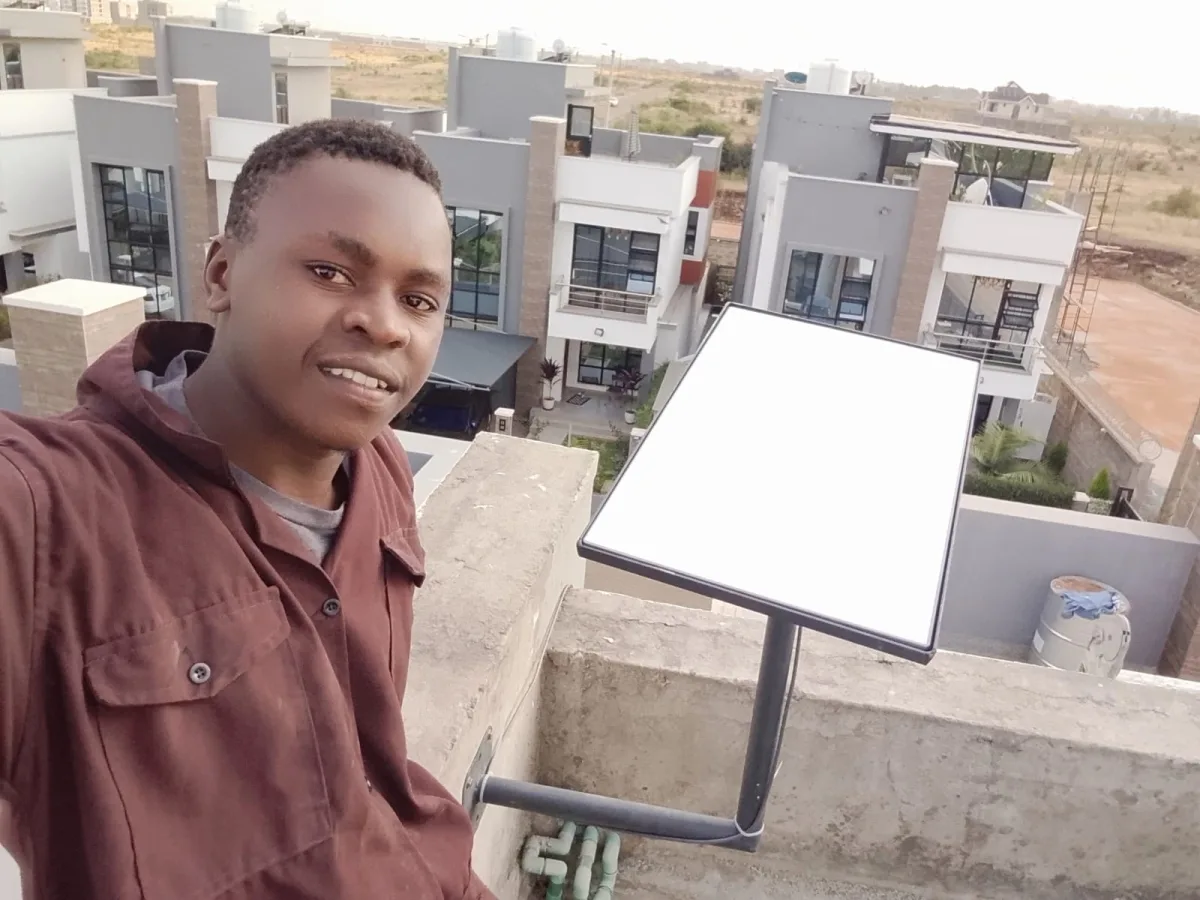
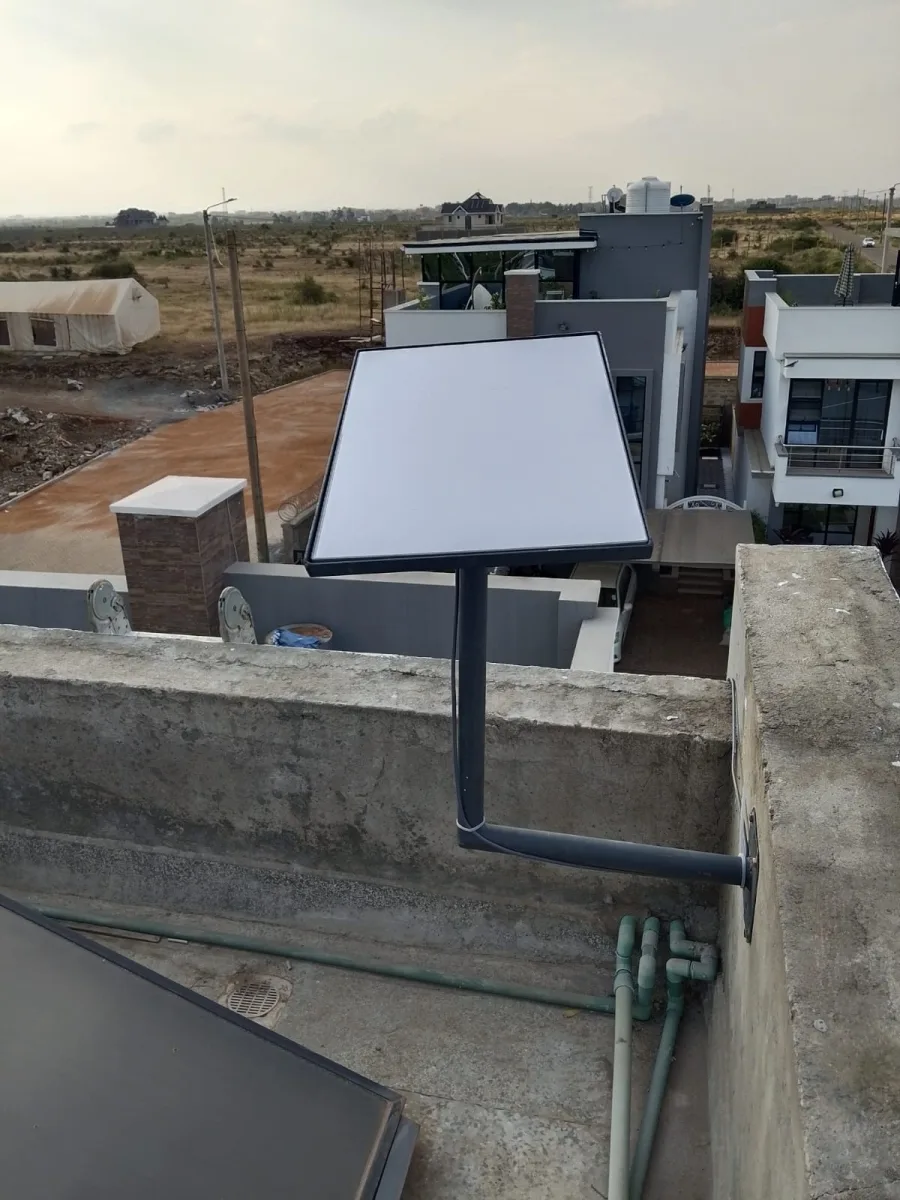
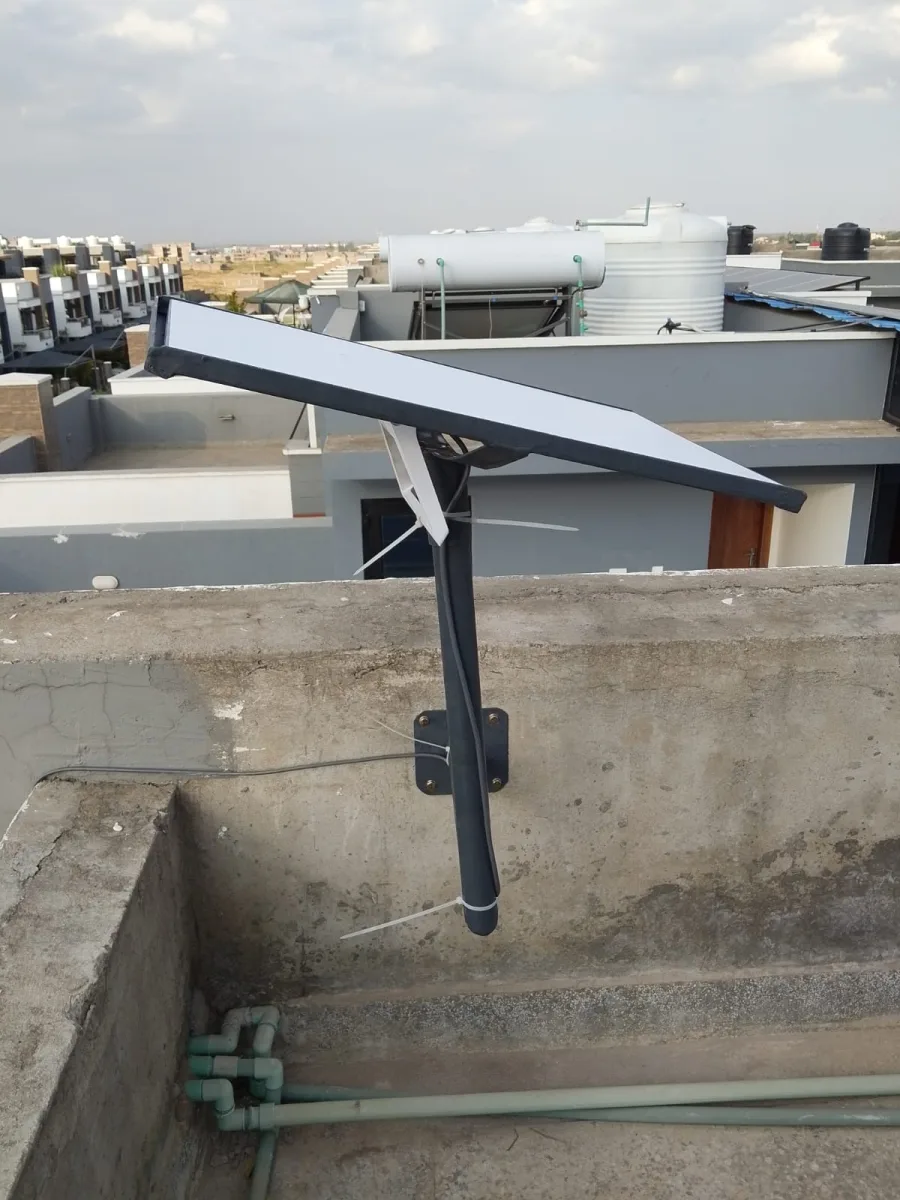
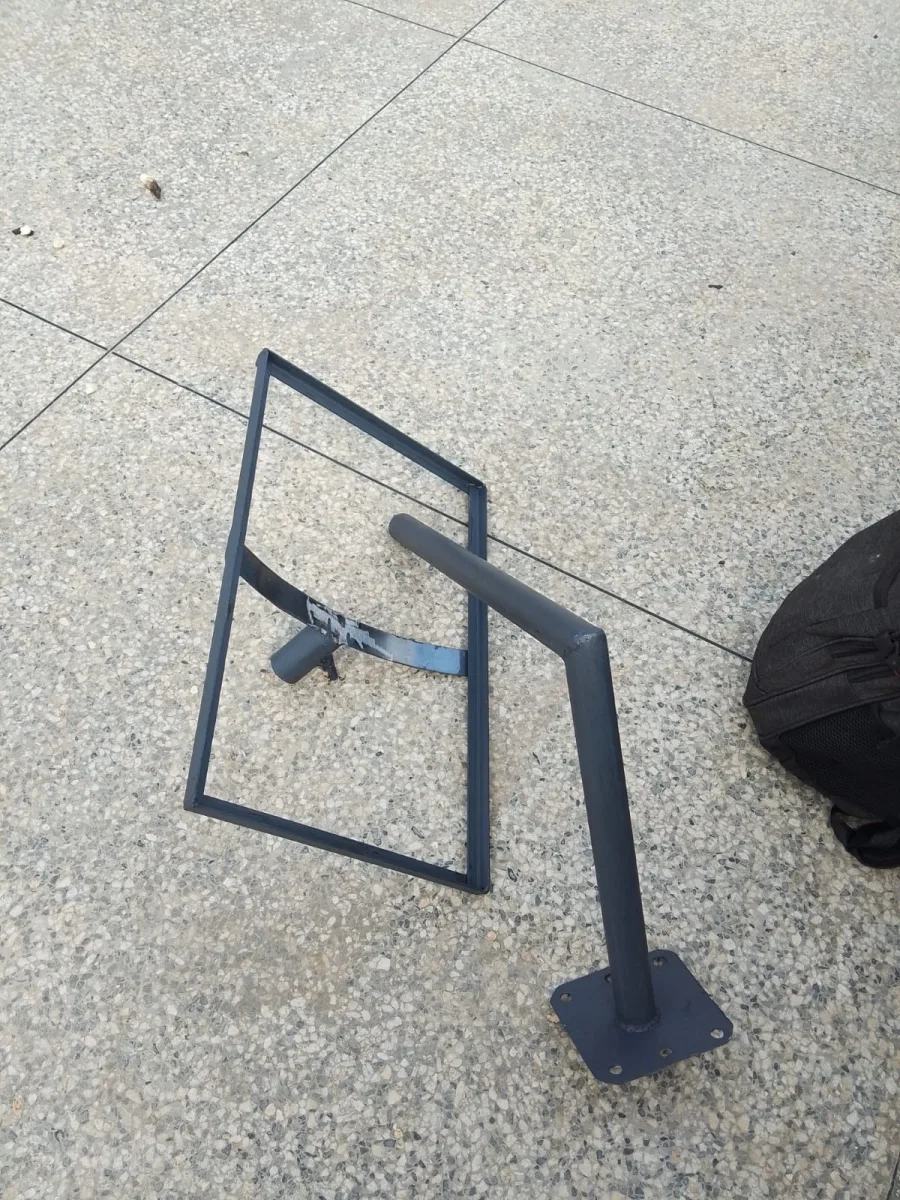
These SpaceKits photographs show installation work in Kenya. They are general planning references for Starlink Installation Nanyuki, not photographs claimed to have been taken at a property in Nanyuki. The mounting design must suit your own building.
Need Starlink Installation or Network Optimization?
We help homes, offices, apartments, and businesses with Starlink installation, WiFi coverage improvement, and professional setup in Kenya.
Request Installation Chat on WhatsApp