
Need Starlink Installation or Network Optimization?
We help homes, offices, apartments, and businesses with Starlink installation, WiFi coverage improvement, and professional setup in Kenya.
Request Installation Chat on WhatsAppIf you are looking for an SK Godowns Starlink installer, the installation should be planned carefully before the kit is mounted. The real result depends on clear sky view, stable mounting, safe cable routing, router placement, power protection, and speed testing after setup.
Talk to Spacekits
Need Starlink help for your home or business?
Talk to Spacekits before you buy or book installation. We help with kit supply, mounting, activation, router placement, WiFi coverage, and written quotes.
Spacekits supports Starlink customers who need reliable installations for warehouses, offices, shops, workshops, churches, schools, clinics, farms, and other business sites. For locations around SK Godowns, Starlink can be useful where fibre is not available, where the current internet is unstable, or where the business needs a backup line.
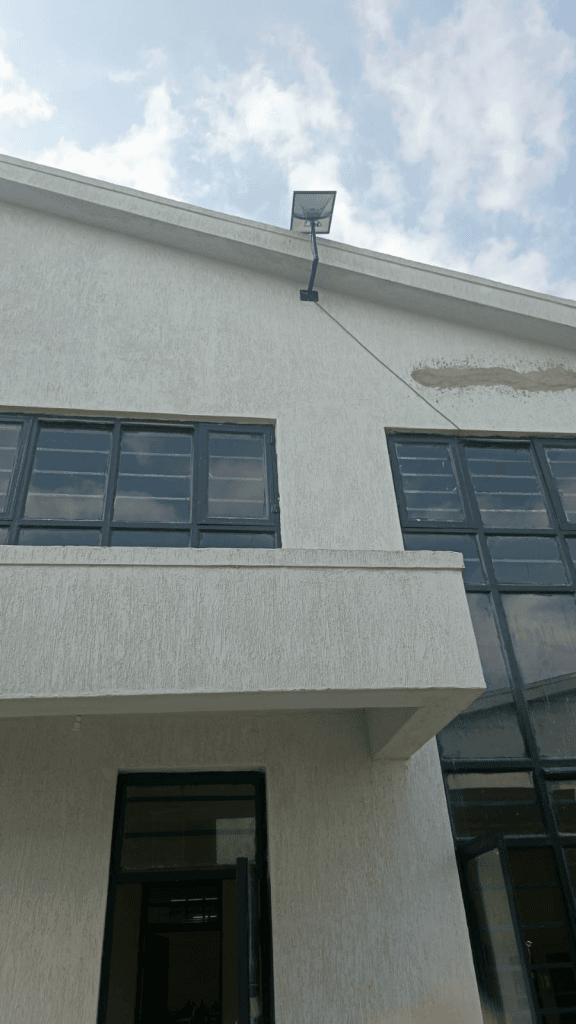
Recent Starlink installation near SK Godowns
The photo above shows a practical Starlink wall/roof-edge installation on a business building. This kind of setup needs a stable mount, a clean cable route, and a position with enough open sky. It is a good example of why the installer should check the building structure before choosing the final mounting point.
For business premises, the goal is not only to get the dish online. The goal is to make the internet reliable for staff, payment systems, stock records, CCTV access, WhatsApp communication, cloud tools, and daily operations.
Why SK Godowns businesses use Starlink
Warehouses and business sites need dependable internet. A slow or unstable connection can affect order processing, customer communication, payment confirmation, security monitoring, delivery coordination, and team productivity. Starlink can help provide broadband where normal ISP options are weak or slow to deploy.
It can also work as a backup internet line. A business can keep its primary fibre connection and use Starlink as failover when the main provider has downtime. For warehouses, logistics sites, offices, and retail operations, this can prevent avoidable disruption.
What a good Starlink installer should check
- Clear sky view with minimal obstruction
- Stable mounting point on wall, roof, stand, or pole
- Safe cable routing into the building
- Protected router and power location
- Indoor WiFi coverage where staff actually work
- Backup power needs for business-critical sites
- Speed and stability testing after installation
Clear sky view comes first
Starlink needs a clear view of the sky. Nearby roofs, walls, trees, signage, water tanks, and taller buildings can affect performance. The installer should inspect the site before drilling or fixing the mount. If the first location has obstruction, it may be better to use a higher point, a wall bracket, a roof mount, or a dedicated stand.
Mounting must be stable
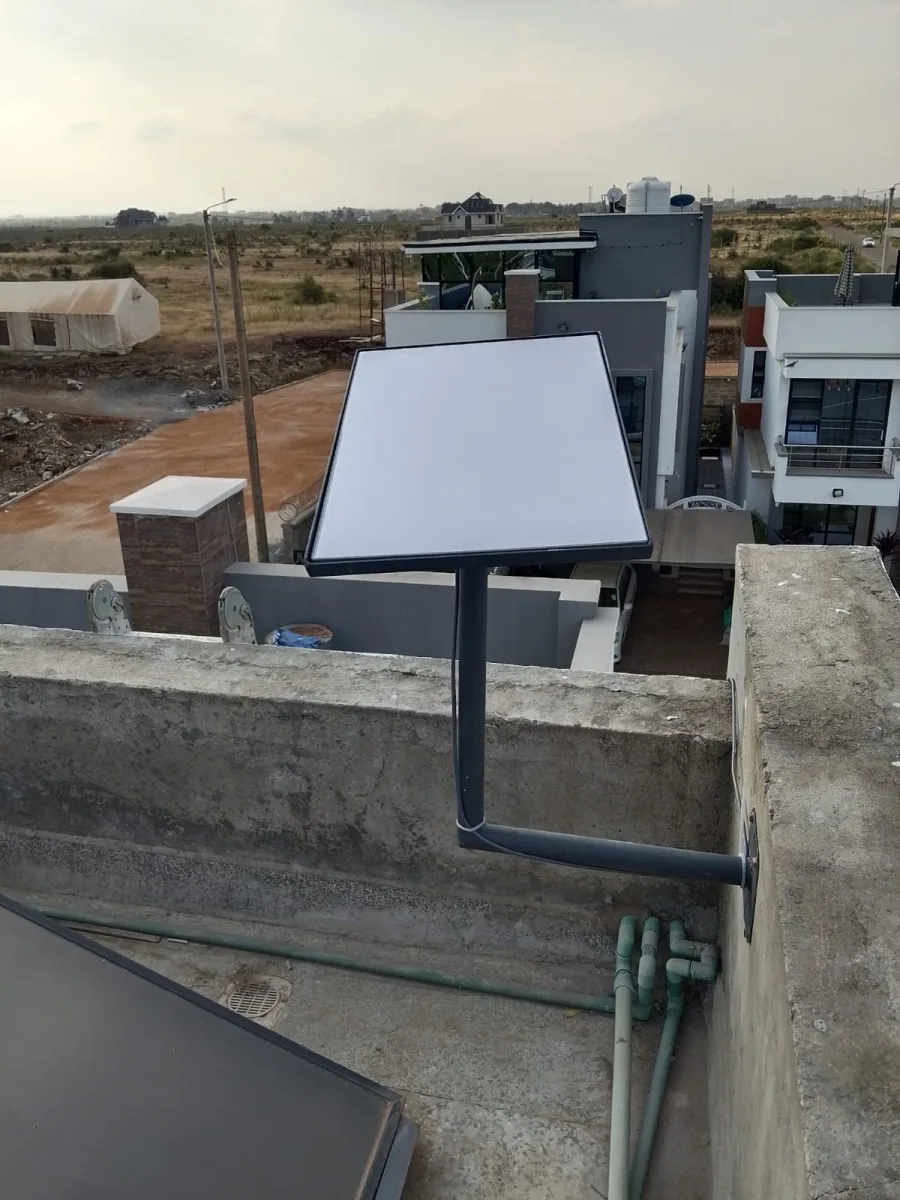
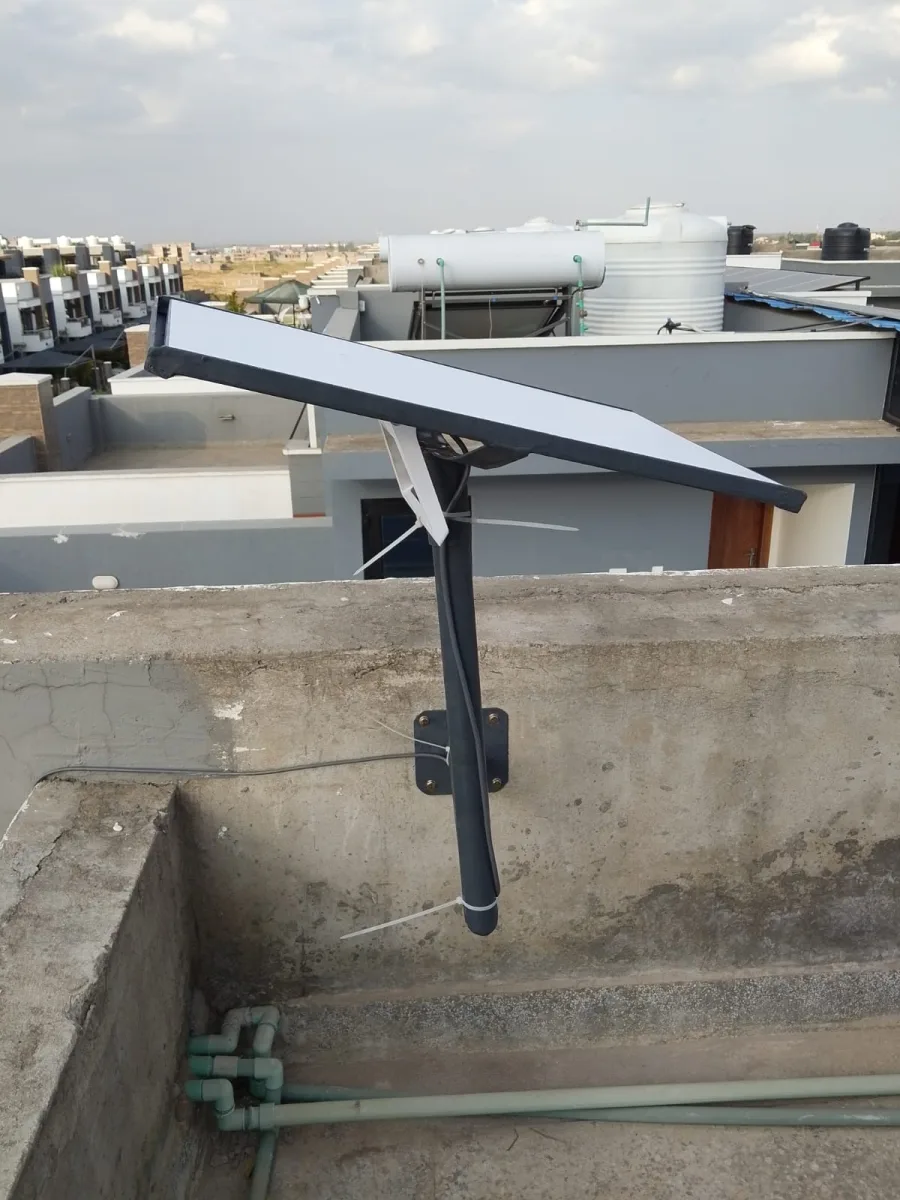
A weak mount can move during wind or rain. That can affect performance and create maintenance issues later. A good installation should be firm, neat, and accessible for future checks. The right mounting method depends on the building, roof access, wind exposure, and where the cable needs to enter.
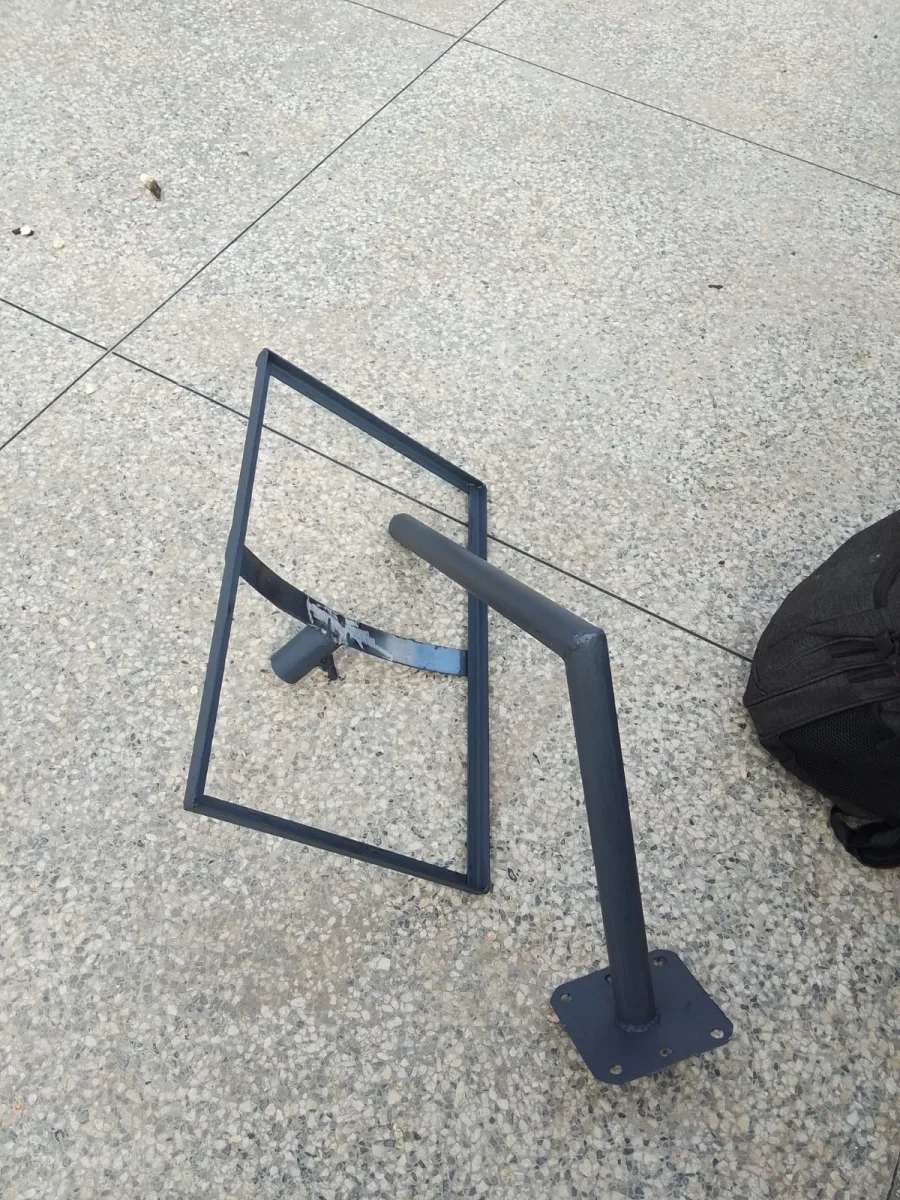
If you are using a Gen 3 kit and need a direct ordering option, see the Starlink Gen 3 mounting stand.
Cable routing matters
The cable should not be treated as an afterthought. It should avoid sharp bends, loose hanging sections, wet areas, and walking paths where it can be damaged. A clean cable route protects the installation and makes the site easier to maintain.
For business buildings, cable routing should also consider where the router and network equipment will sit. The shortest route is not always the best route if it leaves equipment exposed or creates poor indoor WiFi coverage.
Router placement and WiFi coverage
A Starlink dish can connect well outside while users still experience weak WiFi indoors. Warehouses and offices may have thick walls, metal doors, shelves, partitions, and wide floor spaces. The router should be placed carefully, and larger premises may need extra access points.
The installer should test internet from the actual working areas, not only next to the router. This helps confirm whether the setup is ready for daily use.
Backup power for business sites
Starlink needs stable power. If the site depends on internet for payment systems, CCTV, customer service, or operations, backup power should be considered. A UPS can help keep the Starlink router and power supply online during short outages.
Speed testing and handover
After installation, the setup should be tested for speed, stability, WiFi coverage, video calls, browsing, uploads, and business app usage. A proper handover should explain where the equipment is mounted, how the cable is routed, where the power is connected, and what to check if performance changes.
Common installation mistakes to avoid
- Mounting the dish before checking obstruction
- Using a weak or unstable mounting position
- Leaving cable exposed to damage
- Placing the router where WiFi cannot reach users
- Ignoring backup power for critical business operations
- Failing to test real usage after installation
Final thought
An SK Godowns Starlink installation should be treated as a business internet setup, not just a quick dish mount. Spacekits can help with planning, accessories, mounting, cable routing, router placement, and practical guidance so the connection works where the business needs it.
Visit Spacekits for Starlink accessories and support, or order the Starlink Gen 3 mounting stand directly.
Need Starlink Installation or Network Optimization?
We help homes, offices, apartments, and businesses with Starlink installation, WiFi coverage improvement, and professional setup in Kenya.
Request Installation Chat on WhatsApp