
Need Starlink Installation or Network Optimization?
We help homes, offices, apartments, and businesses with Starlink installation, WiFi coverage improvement, and professional setup in Kenya.
Request Installation Chat on WhatsAppStarlink Installers Nanyuki — Choosing a contractor for a compound
A quote for a Nanyuki compound should say exactly which building receives the first connection. A kit in the main house and WiFi in a detached office represent two different pieces of work.
Talk to Spacekits
Need Starlink help for your home or business?
Choose your county to see installation costs and your 40% deposit. Use your own kit or add a kit and mounting stand. We confirm stock, site scope and the installation date before proceeding.
Choosing a contractor for a compound
Require a drawing that shows the dish, main router, link to the second building and the device serving users inside it. Compare prices for each stage.
What to check at handover
Upload a typical work file from the detached office, then repeat beside the main router to identify which part of the route needs attention.
When requesting prices from Starlink installers in Nanyuki, send the nearest landmark, property type and kit model if you own one. Ask for a written quote that lists travel, mounting hardware, labour and any extra WiFi work separately. Confirm the subscription and available plans directly when you check service at the installation address.
Request a SpaceKits installation quote for Nanyuki.
Starlink Installation in Nanyuki — Decide where you need the first reliable connection.
For Starlink installation in Nanyuki, start with the address where the kit will operate and the room where internet matters most. A buyer choosing between a home office and a separate studio should name the primary desk first. It gives the installer one clear test to meet and helps distinguish the cost of installing the dish from the cost of extending WiFi across the compound.
From a suitable dish position to a working desk
Before ordering, enter the service address in Starlink’s availability checker and review the hardware and plan offered there. If you already own a kit, identify the model and confirm that it can be activated on the intended account. The person responsible for billing should complete account steps privately. Keep receipts and equipment details with that account owner.
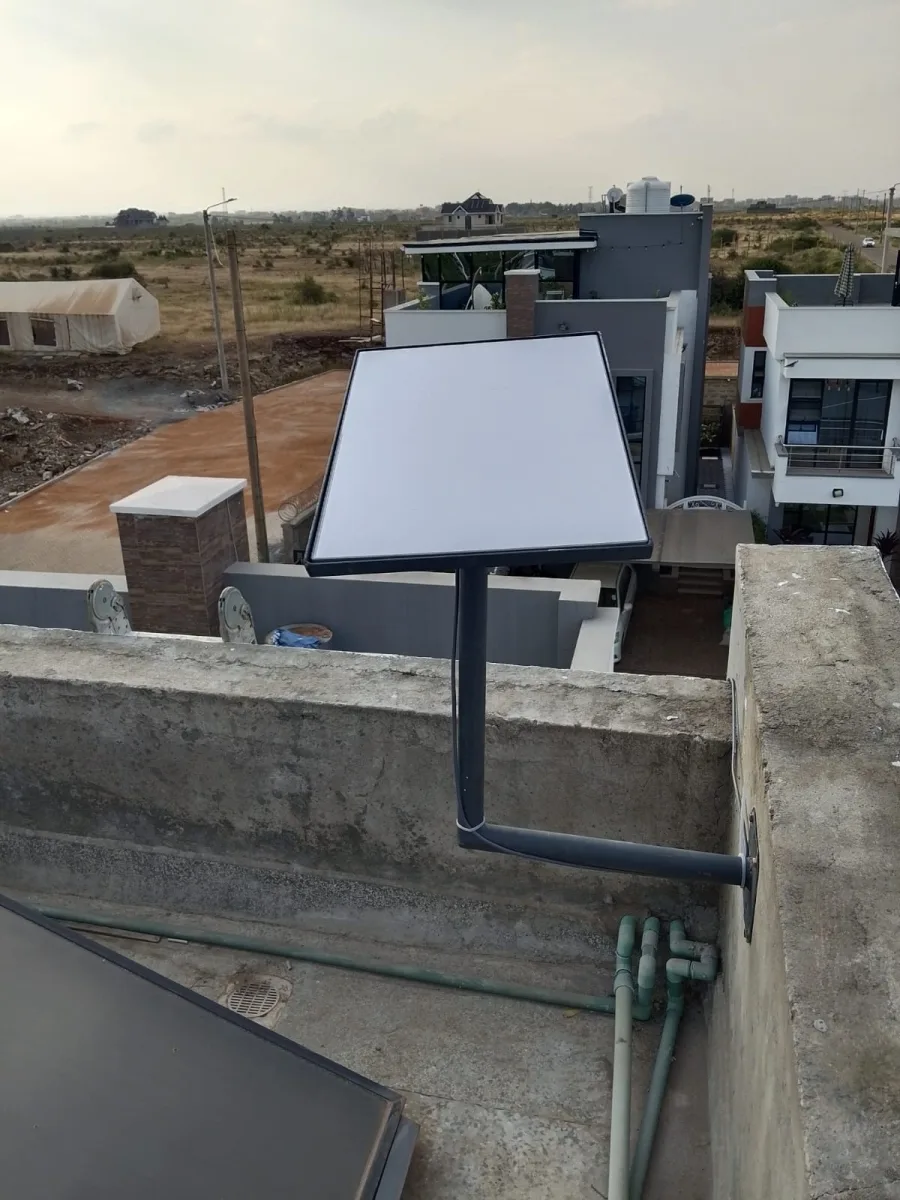
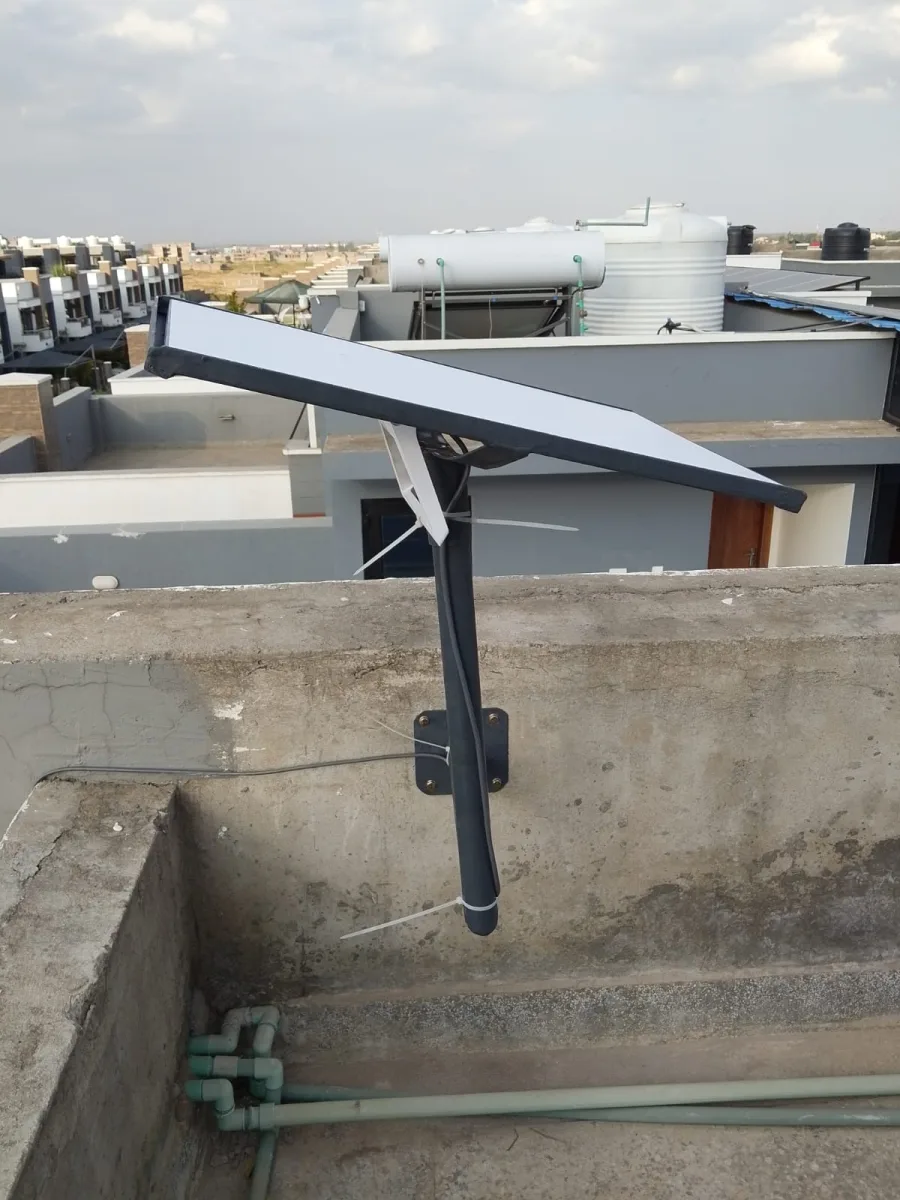
Ask the installer to compare feasible dish positions and explain the obstruction scan. Confirm the route of the supplied cable, the point where it enters the building and a practical router position. A clear sky view serves the dish. A laptop behind several walls may still need a separately planned access point or a wired connection. For a remote building, ask how the link reaches it before deciding how to distribute WiFi inside.
What to include in the written quote
Separate kit supply from labour, mount, cable materials and any additional indoor networking. Ask which items are optional and whether travel to the property is included. Keep the monthly subscription separate from the one-time installation cost. Compare proposals against the same building list and the same acceptance test.
Test at the desk before handover
Make a call and upload a typical work file beside the router, then repeat at the actual workstation. If only the distant test fails, ask the installer to investigate room coverage. If both fail, check dish status, power and the service connection first. Keep a record of the tested positions so a later change in furniture or room use can be diagnosed.
For agricultural sites, see the Nanyuki farm installation guide. For a separate office or store, our outbuilding WiFi guide explains how to plan the onward connection.
Use Starlink’s address checker for service availability and its obstruction scan guidance when assessing dish positions. To request a written SpaceKits quotation, include your nearest town, property type, kit model if owned and the rooms or buildings that need service.
Starlink Installation Nanyuki
SpaceKits provides professional Starlink installation in Nanyuki for homes, offices, farms, schools, lodges, shops and remote properties. We help customers mount activated Starlink kits safely, route cables neatly and configure reliable internet for daily work and communication.
Professional setup
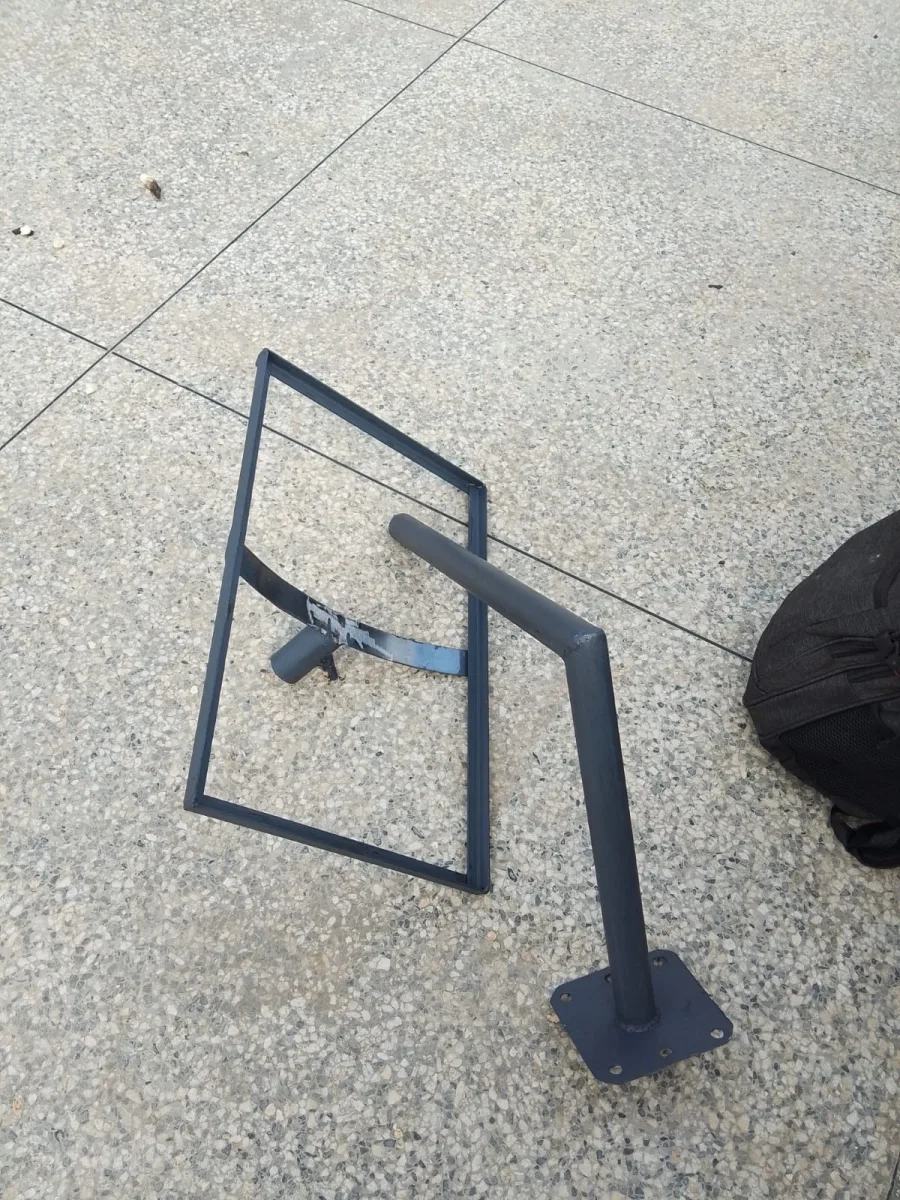
Our technicians assess the property, check for trees and roof obstructions, recommend a stable mounting point and test the connection after installation. We can install roof, wall or pole mounts depending on the building and site requirements.
Starlink WiFi extension in Nanyuki
We extend Starlink WiFi to bedrooms, offices, guest houses, CCTV cameras, gates and farm buildings using mesh WiFi, access points, Ethernet cabling and outdoor wireless equipment. This helps customers use the same internet across larger homes and compounds.
Who we serve
Our service supports homeowners, farms, schools, offices, lodges, shops, construction sites and tourism facilities in Nanyuki and nearby areas. We connect smart TVs, printers, POS systems, security cameras and business devices.
Request a quotation
Send your Nanyuki location, kit status, property type, mounting preference and the areas requiring WiFi. SpaceKits will recommend a practical installation plan and provide a written quotation.
Need Starlink Installation or Network Optimization?
We help homes, offices, apartments, and businesses with Starlink installation, WiFi coverage improvement, and professional setup in Kenya.
Request Installation Chat on WhatsApp