

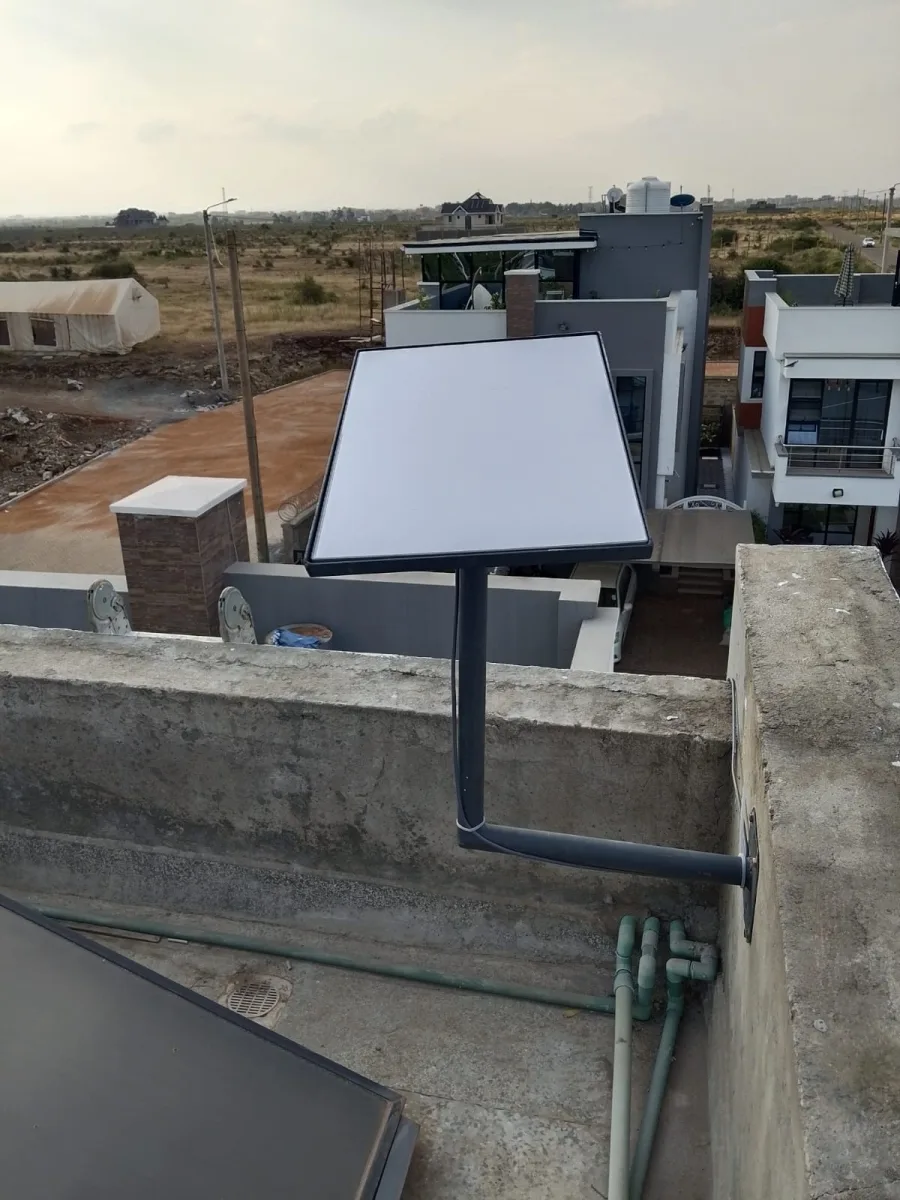
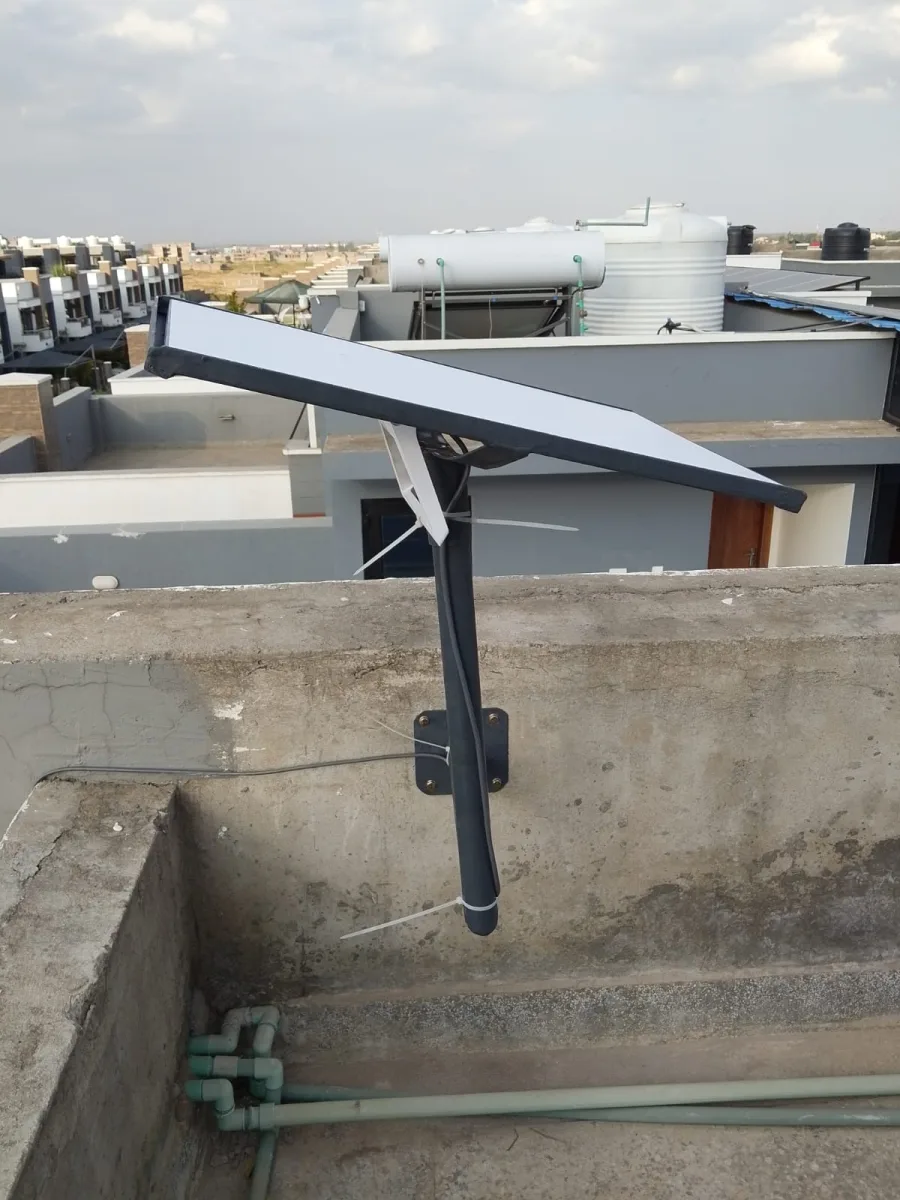
Need Starlink Installation or Network Optimization?
We help homes, offices, apartments, and businesses with Starlink installation, WiFi coverage improvement, and professional setup in Kenya.
Request Installation Chat on WhatsAppWiFi Extender Muthaiga enquiries for a large established home often involve strong reception in one sitting room and weak service beyond several walls. The challenge is to improve the network while respecting the house's finishes and room layout. A good plan weighs wireless paths, existing cable routes and maintainable equipment positions before specifying new hardware.
Talk to Spacekits
Need Starlink help for your home or business?
Talk to Spacekits before you buy or book installation. We help with kit supply, mounting, activation, router placement, WiFi coverage, and written quotes.

Survey the walls and rooms that matter
For a Muthaiga home, identify the actual work desk, bedroom seating areas and television positions. Record whether thick walls, separate wings or changes in floor level interrupt the path from the router.
Avoid assuming that a larger router will overcome every obstacle. The client device must communicate back, and construction can limit the useful path in both directions. Measure the difficult rooms rather than judging the house only by its overall floor area.
Look for existing infrastructure first
Ask whether there are data outlets, accessible service routes or earlier network cables. These need inspection and testing before they can be included in the design. An old socket may be disconnected or unsuitable for the intended equipment.
Where working Ethernet exists, a carefully positioned access point may avoid a chain of wireless repeaters. Where it does not, compare a suitable cable route with wireless mesh placement and explain the tradeoffs in the quotation.
Balance discreet installation with accessibility
Equipment should be visually considered without being sealed inside furniture or hidden behind metal. Ventilation, cable strain and access for replacement remain important. Agree sample cable routes and visible containment before work starts.
If decorative finishes are sensitive, discuss non-invasive options and obtain permission for drilling. A neat installation is one that can also be maintained; removing joinery to reach a failed power adapter is an avoidable complication.
Treat separate wings as coverage zones
List which wings need continuous everyday coverage and which are occasional-use spaces. A guest room, home office and outdoor entertainment area may call for different priorities.
Choose access-point count and placement after the survey. More units do not automatically mean better performance, and overlapping wireless coverage requires coordination. Include the exact router and client-device capabilities when evaluating a mesh system.
Document the finished network
Ask for a zone map, equipment models, power locations and management ownership. Test the named rooms with doors in normal positions and retain notes about any spaces outside scope.
A WiFi Extender Muthaiga quotation should separate survey findings, immediate improvements and optional expansion. Confirm installation materials and support terms in writing so the result can be assessed against the house's needs rather than an unsupported whole-home range claim.
WiFi Extender Muthaiga: improve coverage while respecting the house
An established home can present a practical tension: the rooms need better connectivity, but the owner does not want visible equipment and cable to overwhelm carefully finished spaces. A good assessment considers both requirements together. It should identify a useful network design and show how the installation will fit the building.
Start with the rooms that matter most. A study, bedroom and television area may have different priorities from an occasionally used guest room. Describe normal activities and the places where they fail. This creates a clear first phase instead of an undefined request for coverage across every part of a large property.
The layouts discussed here are illustrative, not claims about every Muthaiga house. Wall construction, earlier alterations, available routes and existing equipment vary. A larger or newer router cannot be assumed to overcome every barrier. The final choice should follow practical tests and an agreed approach to installation finishes.
Walk through the house before choosing hardware
Sketch the internet entry point, router, important rooms and any separate wings. Mark changes in floor level and the doors normally kept closed. The sketch does not need architectural precision; it needs to explain where people actually sit and which paths the signal must cross.
Use the same device for an initial comparison between rooms, then test the devices normally used in difficult areas. A phone, laptop and television may behave differently. Note whether the issue follows one device or consistently affects a location. That distinction can prevent an unnecessary property-wide replacement.
Record normal furniture positions. A test made before cabinets and bookcases are returned may not represent the finished room. Rather than assigning fixed losses to every material, assess the actual working arrangement. The goal is a usable connection at the desk or chair, not an impressive result in an empty corridor.
Confirm that the incoming service works
Compare ordinary activity near the main router with the same activity in the weak room. If the service fails everywhere, investigate the incoming connection and main equipment first. An extender cannot create internet capacity or restore an unavailable upstream service.
Keep a note of when difficulties occur. A room that is always weak suggests a different problem from every room slowing during simultaneous uploads and streams. Both can be relevant, but the quotation should state which limitation it addresses. Calling every symptom a coverage problem makes the proposed remedy difficult to assess.
Where the provider manages the router, identify which settings can be changed and who can restore service configuration. Avoid factory resets as an exploratory shortcut. Preserving a working source connection is important while the installer improves distribution within the house.
Look for existing routes before planning new ones
Ask whether earlier network cables, data outlets or accessible service routes exist. These may offer a discreet way to connect an access point near a difficult wing. Their condition and destination need verification before they are included as working infrastructure in the design.
A socket alone proves little. It may be unconnected, incorrectly labelled or terminated in an unexpected room. Ask for a test and a simple record linking the outlet to its other end. An identified, usable route is valuable; an assumption about a hidden cable can create delays after equipment has been purchased.
Review accessible routes with the person responsible for the property. Do not assume permission to open joinery, enter roof spaces or use a conduit because it appears convenient. Clarify the scope of inspection and any separate work required to make an existing route usable.
Choose equipment positions that remain maintainable
Discreet does not mean inaccessible. A router sealed inside furniture may be difficult to cool, reach or replace. An extender behind metal storage may also have an unsuitable wireless path. Discuss locations that balance appearance with ventilation, radio performance and access to power.
Consider ordinary maintenance. Someone should be able to identify the correct power supply, see status indicators where needed and replace a unit without dismantling a room. Keep cables from being strained by doors or furniture. A small amount of careful planning can prevent a visually neat installation from becoming difficult to support.
Agree visible details before work begins. The colour and route of containment, mounting height and placement of adapters should be understandable from the proposal or a site walk. Avoid expecting the installer to infer the owner’s preferences after holes have already been made.
When one extender may be enough
A limited weak area can sometimes be served by one extender in a suitable intermediate position. Its link to the router must be useful as well as its link to the target room. A socket deep inside the existing dead zone can produce more bars on a phone without improving the complete connection.
Test candidate positions using the equipment’s indicators and an ordinary task. Keep notes of the comparison. The final position should work with the room in normal use and should not require a door to stay open if that is inconvenient for the household.
Confirm exact model capabilities. Some devices support several modes, while others are more limited. An Ethernet port might serve a client device without providing a wired route back to the router. If a cable-fed arrangement is proposed, verify that the required operating mode is supported.
When a wired access point deserves priority
Thick walls or separate wings can make a wireless backhaul difficult. A suitable Ethernet route allows an access point to provide WiFi close to users without relying on the same obstructed path. This is particularly worth comparing for a permanent study or regularly used bedroom wing.
The proposal should show the entire route: upstream connection, cable, termination, power arrangement and access point. Confirm whether a compatible injector or powered switch is required. Do not assume that an existing Ethernet socket supplies power or that every device accepts the same power method.
Test the completed cable and the room’s actual devices. A successful port connection is part of the job, but practical coverage still depends on access-point position and client behaviour. Include the intended work or entertainment activity in the acceptance test.
Mesh planning across several zones
A compatible mesh system may offer coordinated coverage where several rooms need improvement. Ask for exact model families and a layout showing node connections. Matching brand names do not establish compatibility, and wireless nodes still need suitable links back towards the main network.
Separate the main living zone, sleeping areas and optional guest spaces in the plan. The number of units should follow assessment rather than a fixed rule of one per floor or room. Additional units are not automatically beneficial if their locations and connections are poorly planned.
If movement during calls is important, test it with the relevant devices. A common wireless name does not guarantee identical roaming behaviour across every phone and laptop. A system that serves fixed desks well may need further assessment for continuous movement between wings.
Protect finishes through an agreed installation method
Before authorizing cable work, identify sensitive surfaces and areas where attachments are restricted. Discuss whether existing routes, surface containment or another approach is acceptable. Even removable-looking adhesives can affect paint or finishes, so the removal method deserves attention.
Ask the installer to show the proposed route at doorways, corners and transitions between rooms. A line on a floor plan can conceal an awkward crossing in the finished space. Clarifying these details in person makes the quotation more concrete and reduces later disagreement.
Where specialist building work is required, identify it separately from basic networking. The person installing an access point should not improvise changes to decorative joinery or building services outside the agreed competence and scope. Coordinate the necessary work before promising a completion schedule.
Prioritize wings and optional areas
A large property may benefit from phased work. Start with daily-use areas and identify later options explicitly. This gives the household a way to improve the most important rooms without assuming that an initial quote includes every garden corner or detached structure.
Give each included zone a test activity. The study may require a call and upload, a bedroom may require streaming, and a guest area may need ordinary browsing. The installer can then compare possible designs against practical requirements rather than an undefined statement of strong signal everywhere.
Record exclusions on the handover sheet. If an optional wing becomes regularly occupied later, its new requirement can be assessed deliberately. Clear boundaries make future expansion easier and prevent an original room-level installation from being mistaken for an unlimited property-wide commitment.
Detached buildings and outdoor spaces need their own assessment
A garden room or guest house requires a route from the main network and a local connection inside the destination. Treat these as two related components. A useful signal outside a wall does not prove that the desk behind it will work reliably.
Available routes, distance, obstacles, power and environmental conditions affect the inter-building method. Suitable cabling or a designed point-to-point link may be considered. A chain of indoor extenders should not be assumed equivalent to a planned building connection.
For outdoor equipment, verify the intended environment and manufacturer’s requirements. Include mounting, cable entry and safe power arrangements. Shelter from direct rain does not automatically make a location suitable for indoor-only equipment. The quotation should identify this work separately from ordinary room coverage.
Keep household and guest access understandable
Decide what guests need to use. Internet-only access is different from access to a household printer or shared display. Explain which resources should remain private and request a demonstration of the intended restrictions where isolation is part of the scope.
A separate wireless name alone is not proof of separation. Test with a guest device and confirm the permitted behaviour. If a shared feature is intentionally enabled, test that feature separately rather than opening broad access to solve one device-discovery problem.
Retain management ownership with the household or authorized representative. Keep administrator details separate from visitor instructions. If remote support or cloud management is proposed, understand who can access it, what continuing charges apply and how that access can be changed.
Accept the work in the rooms that motivated it
Return to the original weak positions with the same representative devices. Close doors where that matches ordinary use and keep furniture in place. Repeat the activities written in the brief. A test at an open doorway should not replace a test at the study desk.
Include normal simultaneous use. A work call while another person streams can reveal a different experience from isolated testing. Observe interruptions and practical responsiveness as well as any measurement. Record conditions and limitations rather than converting one result into an unconditional speed guarantee.
Confirm recovery after an agreed normal restart. Equipment should return to its intended configuration without the installer manually rebuilding it. Ask for a short recovery guide and distinguish restarting from a factory reset, which can erase settings.
What the Muthaiga installation quotation should explain
Begin with the included zones and intended outcomes. Then identify equipment models, connection methods and existing infrastructure that has been verified. Separate assumptions about hidden routes from findings that are already confirmed.
Include cabling, containment, terminations, mounting, power equipment, configuration and testing. State whether sensitive finishing work is included or requires another trade. Ask how route changes and additional cable length will be priced before work proceeds.
There is no useful universal installed price for every established house. The total depends on layout, access and the required finish. Compare proposals on equivalent scope and obtain written support terms. A bare device price is not the same as a complete discreet installation with room testing.
Handover records for long-term maintenance
Keep a simple zone diagram, model list and labelled connection record. Note where power supplies and network equipment are located. The household should be able to identify what serves a wing without unplugging devices at random.
Retain receipts, warranty information and the agreed support arrangement. Clarify who handles equipment faults and who supports the internet service. If a management account is involved, ownership and recovery details should remain available to the responsible person.
Save the acceptance observations. Furniture changes, renovations and new devices can alter requirements later. The original record provides a baseline for deciding whether a new problem is a changed layout, a service issue or an equipment fault.
Illustrative choices for established homes
One study behind several walls
Compare a viable intermediate extender position with an existing or permitted cable route. Keep the test focused on the desk and actual work device. Do not assume that purchasing a more expensive router removes the effect of the building layout.
A bedroom wing with working data outlets
Verify the outlets and consider a cable-fed access point in a suitable position. Include patching, power and labelling in the proposal. Existing infrastructure is useful only when its condition and route have been checked.
A planned refurbishment
Coordinate data routes while access is available, but test coverage again after finishes and furniture are complete. A construction-stage signal check is not the final proof of daily-use performance.
Frequently asked questions about discreet WiFi installation
Can the equipment be completely hidden?
Appearance can be considered, but ventilation, radio performance and maintenance access remain necessary. Discuss discreet positions that can be tested rather than requiring every device to sit inside an enclosed cabinet.
Will thick walls always require cabling?
Not always, but difficult paths make wired options worth comparing. Assess the actual rooms and available routes. Neither a wireless nor wired approach should be selected solely from a neighbourhood name.
Can old cables be reused?
Possibly, after their route, condition and performance are checked. A visible outlet is not enough evidence. Ask for testing and labels before relying on the infrastructure in the final design.
Does mesh guarantee seamless calls between wings?
No. Client devices and configuration influence roaming. Include the actual walking route and devices in the acceptance test if uninterrupted movement is an important requirement.
Can the work be phased?
Yes, a proposal can prioritize daily-use rooms and identify later areas separately. Ask how the first phase supports future expansion and which spaces remain outside the immediate scope.
What information helps SpaceKits prepare a quote?
Send the location, router model, internet source, affected rooms and a simple layout. Add existing data outlets, restrictions on visible work and whether outdoor or detached areas are included. Request a written site-specific proposal.
Review the installation after the household settles back in
Once furniture and daily routines are back to normal, check the originally affected areas again. Note any difference caused by a moved cabinet, newly occupied room or changed device. Use the agreed support process with specific observations rather than moving access points without a clear test.
A successful WiFi Extender Muthaiga assessment should leave the house with useful coverage, an agreed standard of finishing and equipment that remains accessible. The result is easier to maintain when the household understands the zone plan and keeps the installation record with its other property information.
Use a finishing checklist before work begins
Walk the visible route with the installer and identify the points where appearance matters most. Discuss corners, doorframes, exposed wall sections and the position of the power supply. Agree the intended finish before materials are fixed, while alternatives remain straightforward to compare.
Check access for future maintenance at the same time. A discreet access point should still be reachable for replacement, and a labelled power connection should not disappear behind permanent joinery. Ask how the equipment can be serviced without disturbing the surrounding room.
At handover, compare the finished route with the agreed method and the practical room test. Both matter: an attractive installation that leaves the study unusable has missed the purpose, while a working connection with an unapproved visible route has missed an important property requirement.
Retain photographs of the completed installation in your own property records where useful. They can help explain cable routes during later decorating or maintenance. Keep private management details out of those images, and update the record if equipment is relocated.
WiFi equipment terms explained before you buy
A good quotation should be understandable without a networking qualification. The terms below explain the main parts of a coverage upgrade. They are a reference for comparing a proposal, not a substitute for checking the exact equipment manual or assessing the property. Ask the installer to connect each term to the devices and rooms in your quotation.
Internet connection and local WiFi
The internet connection is the service reaching your router from a provider. WiFi is the wireless connection between local equipment and your devices. You can have a working local wireless network while the internet service is unavailable. You can also have a good internet connection at the router but poor wireless coverage in another room. Diagnosis should distinguish those conditions.
Router, extender and access point
A router manages traffic between networks and often includes built-in WiFi. A wireless extender typically repeats an existing wireless connection into another area. An access point provides wireless connectivity from a network connection, commonly through Ethernet. Some products support several operating modes, so the model’s supported configuration matters more than the name printed on a retailer’s shelf label.
Mesh and backhaul
A mesh system uses compatible units to coordinate a network across several positions. Backhaul means the connection carrying traffic between those units or back to the main network. It may be wireless or wired, depending on the equipment and installation. A strong connection between your phone and a nearby node does not prove that the node’s backhaul is performing well.
Wireless bands and device support
Different wireless bands have different propagation and capacity characteristics, and equipment support varies. Many older connected devices use only 2.4 GHz, while other clients can use additional bands. Check the exact client and network equipment requirements before changing settings. A newer wireless standard does not remove the need for sensible placement or guarantee that older devices will use every new feature.
Advertised rate and usable performance
A wireless specification on a box is not a guaranteed internet speed at your desk. The result depends on the service, router, link between devices, radio conditions, client capability and simultaneous use. Ask for a practical test of the activity you care about. Calls, streaming, printing and file transfers reveal different aspects of a connection.
Ethernet ports and access-point mode
An Ethernet socket on an extender may connect a nearby wired device while the extender still communicates wirelessly with the router. It does not automatically mean the whole route is wired. If the intention is to use a cable back to the router, confirm that the unit supports the required mode and that the cable and upstream port have been tested.
Power over Ethernet
Some access points receive both data and power through a suitable Ethernet connection. This requires compatible equipment and an appropriate power source, such as a supported switch or injector. Do not assume that every Ethernet socket supplies power or that every powered network device uses the same requirements. The quotation should identify what provides power and where it will be installed.
Network names, roaming and guest access
A network name helps users identify a wireless connection. Reusing one name does not by itself guarantee uninterrupted movement between coverage points. Client devices influence roaming behaviour. Similarly, giving guests a separate name does not establish isolation unless the network is configured accordingly. Ask for demonstrations of the behaviour included in the installation scope.
Restarting and resetting
A normal restart turns equipment off and back on while retaining its configuration. A factory reset can erase that configuration. Follow the specific device instructions and avoid pressing reset buttons as a routine response to every problem. Keep an agreed recovery guide and support contact so a temporary connection fault does not turn into a complete reconfiguration task.
Indoor and outdoor equipment
Equipment should be installed in the environment it is designed for. An indoor unit placed under a roof edge is not automatically suitable for outdoor use. Where work extends outside, include environmental rating, mounting, cable entry and safe power in the assessment. Building-to-building routes may also need a separate technical evaluation before the equipment choice can be finalized.
Ownership and support
Retain receipts, model numbers, configuration ownership and the written scope. Confirm who handles equipment faults, who supports the internet service and what installation follow-up is included. Ask whether any management subscription or continuing fee applies. These details make it easier to maintain the network and compare proposals on more than the initial hardware price.
Request a WiFi assessment in Muthaiga
Contact SpaceKits with your estate or building, router model, internet source, affected rooms and approximate number of active devices. Request a written quotation that separates equipment, cabling, configuration and installation. Confirm appointment availability, access arrangements and any travel charges before booking.
Request a WiFi Extender Muthaiga quote on WhatsApp, or call +254 725 345 345. For the wider service comparison, read the WiFi extender Kenya guide.
Equipment setup reference
Follow the exact equipment manual for supported modes, placement indicators and firmware instructions. See TP-Link’s extender placement guidance; product-specific instructions take precedence over a general layout example.
Need Starlink Installation or Network Optimization?
We help homes, offices, apartments, and businesses with Starlink installation, WiFi coverage improvement, and professional setup in Kenya.
Request Installation Chat on WhatsApp