
An access point handover should explain what was installed, where it serves, what was tested, and how the premises should obtain support. A device mounted on a wall is only one part of a usable installation. The office also needs accurate records and a practical understanding of the result, especially when the person who arranged the work is not the person who will report future problems.
This guide helps Kenyan homes and businesses review a handover with the responsible installer. It does not replace technical commissioning or manufacturer instructions. To discuss your coverage requirements and installation, explore Spacekits or call +254742648998.
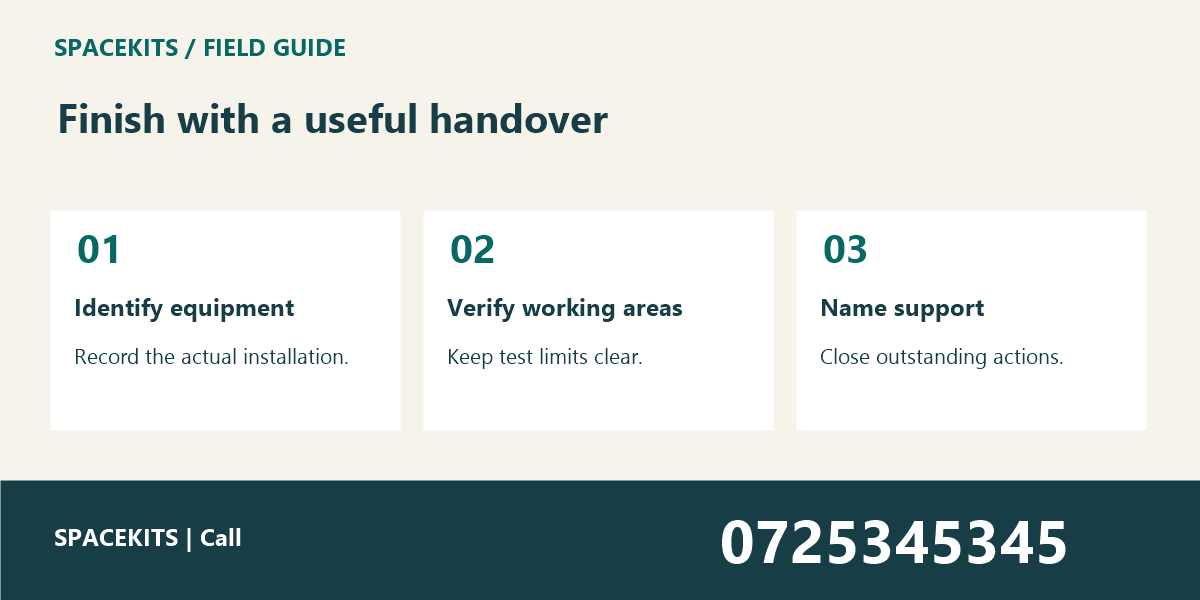
1. Access Point Handover: Match the handover to the agreed scope
Begin with the work that was actually authorised. Identify the premises, intended coverage areas, equipment, and any agreed limitations. The access point handover should describe the final installation rather than repeat a proposal that changed during the visit.
If the installer changed the position or equipment, record the reason and the approved final arrangement. A sensible adjustment can still create confusion later if the paperwork shows the original plan. Keep the difference visible without turning the handover into a long account of every minor conversation.
Distinguish completed work from recommendations. A proposal for another access point in a distant room should not be listed as installed equipment. Likewise, a room that was excluded from the agreed scope should not be presented as tested coverage simply because it is nearby.
Ask the responsible reviewer to identify the practical acceptance criteria. These may concern specified locations and ordinary tasks rather than a single headline measurement. A clear scope makes it easier to judge whether the work meets the requirement and what follow-up is still needed.
2. Access Point Handover: Identify the installed equipment and its location
Record the relevant model and installation reference where appropriate. Use the actual device information rather than a generic product name copied from an advert. The support team should be able to identify the equipment without asking staff to dismantle it or climb to read an inaccessible label.
Describe the location clearly enough for an authorised technician to find it. “Meeting room access point” may be sufficient in a small office, while a larger premises may need a room or area code. Keep the reference consistent with the installation record and any physical labels.
Include the relationship to the supporting connection and power arrangement at an appropriate level for the audience. Ordinary users may only need the device reference and support route, while the technical record needs more detail. Do not place credentials or private configuration information in a publicly displayed handover sheet.
If products were sourced through a marketplace such as JAAT, retain the actual supplier and model references in the approved records. A listing description does not replace the installed-equipment record or establish the terms of support for the completed work.
3. Access Point Handover: Verify the intended working areas
Check the areas included in the scope using appropriate representative devices and tasks. A successful test directly under the access point does not establish the experience at every desk or seat. The access point handover should state where testing occurred and what was observed there.
For meeting spaces, the meeting room WiFi guide explains why actual seating positions matter. Test the normal working locations rather than only the doorway. Record any area that could not be tested because it was occupied or inaccessible.
For a home office or upload workstation, use an approved harmless sample task. The home office upload test provides a practical comparison method. Keep the device and destination consistent when comparing the old and new arrangement where possible.
Avoid declaring untested areas successful. A short limitation note gives the team a clear follow-up action and prevents the handover from promising more than the evidence supports. If an excluded area becomes important later, treat it as a new requirement for assessment.
4. Access Point Handover: Explain the user-facing network arrangement
Confirm which network ordinary staff and visitors should use through the responsible administrator. The access point handover should make the intended arrangement understandable without exposing administrator credentials. A network name alone does not prove its configuration or access boundaries.
If guest access is part of the installation, test the actual guest process with a suitable device. Confirm the instructions, any approved credential distribution, and the help route. Do not tell visitors to ignore browser warnings or install unfamiliar software as a routine connection step.
Keep staff applications and visitor use in the operational discussion. A salon using PRIM or a shop using Vega may have important tasks at specific counters. Confirm how those tasks were checked without assuming that the applications and network equipment are integrated automatically.
Provide ordinary users with only the actions they are authorised to take. They should know how to select the intended connection and report a symptom. They should not be encouraged to reset equipment or alter network settings whenever a page fails to load.
5. Access Point Handover: Record test results and limitations accurately
Keep the results tied to the date, device, location, and task. A measurement without context can be misinterpreted when forwarded to someone who did not attend the visit. The access point handover should explain what was demonstrated rather than make a permanent performance guarantee.
Separate observations from diagnosis. If one application remains slow while other tasks work, record that pattern and the next support step. The website or WiFi problem guide describes useful controlled comparisons for this situation.
If normal busy conditions were not available during the visit, state that limitation. An empty office test may not represent every later use pattern. Agree how the team will report observations during normal work and who will review them if a problem appears.
Avoid deleting an inconvenient failed test from the handover. Record what failed, what was changed, and the outcome of any retest. A clear sequence helps future support understand the installation better than a polished report containing only successful observations.
6. Access Point Handover: Confirm support ownership and approved access
Name the support route for installation questions and explain what information staff should provide. The device reference, location, time, and affected task are usually more useful than a broad statement that “the WiFi is bad.” Keep the process simple enough to use during a busy shift.
Clarify who is responsible for configuration changes and account access. Credentials should be handed over through an appropriate secure method to the authorised person, not written into an unrestricted article, group message, or public notice. Do not retain unnecessary access for people whose role has ended.
Distinguish equipment support from the upstream service and application support. A problem may involve more than one provider. If a custom portal is involved, a business-system provider such as Zama may be relevant to the application discussion, but the actual responsible provider should be identified from your own records.
Record any warranty or service information exactly as supplied in the relevant documents. Do not invent coverage periods or promises. The access point handover can point to the approved terms and contact route without paraphrasing them into a broader commitment than the provider made.
7. Access Point Handover: Close outstanding actions before sign-off
List unresolved items with an owner and review date. These might include a room that could not be tested, a document still to be supplied, or a user guide needing correction. Keep “installation completed” distinct from “all handover actions closed” when the facts require that distinction.
Ask the receiving person to explain the installation using the record. Can they identify the equipment, intended coverage, tests, limitations, and support route? If they cannot, improve the handover before the installer’s knowledge becomes harder to recover.
Store the final record in the agreed shared location with appropriate permissions. A folder on one person’s laptop is not a reliable organisational handover. At the same time, detailed infrastructure records and credentials should not be made public merely for convenience.
Review the record after meaningful changes to the premises or installation. Moving desks, adding rooms, or replacing equipment can make old test results less representative. The access point handover remains a useful baseline when later changes are documented rather than silently applied.
A fictional access point handover example
Imagine a small office adds an access point to support a meeting room and two nearby desks. The handover identifies the installed model and location, records the agreed working areas, and lists the representative tasks tested. The far storage room was outside the scope and is not described as covered.
During the visit, calls work at the tested seats, but the team cannot reproduce the usual busy-period use. The record states that limitation and gives the office a way to report later observations. It does not promise that every future call will be uninterrupted under every condition.
The responsible office contact receives the support route and appropriate technical records through the agreed process. Ordinary staff receive a short connection guide. This separation gives each audience what it needs without publishing sensitive configuration details alongside general instructions.
Access Point Handover: Keep the handover practical for everyday staff
Use a short front page for the operational summary: what changed, where it serves, what was checked, what remains open, and whom to contact. Put specialist detail in the supporting record. Staff should not have to interpret a technical configuration export to report that one desk cannot complete its normal task.
Include a simple change rule. If a device is moved, a cable is replaced, or the room layout changes, the responsible person should update the record and consider whether a retest is needed. This prevents the original access point handover from becoming a misleading description of a different installation.
For group meeting spaces, a service such as TAS may be part of the ordinary online work. Test the actual approved task rather than assuming every platform behaves the same way. Keep external application availability separate from the local coverage result.
Access Point Handover: Frequently asked questions
Does an access point handover guarantee coverage everywhere?
It should state the agreed scope and observed results. Do not interpret it as a guarantee for areas, devices, or conditions that were not included or tested. Ask the installer to assess additional requirements explicitly.
Should administrator passwords be printed on the handover sheet?
Use an appropriate secure handover process for authorised recipients. General operational instructions should not expose credentials. Keep access responsibilities clear and follow your organisation’s credential-handling rules.
What if a problem appears after sign-off?
Use the support route and provide the device, location, time, task, and symptom. Compare the observation with the handover record and any changes since installation. A clear baseline helps the support person decide the next check.
Access Point Handover: Check the handover after the installer leaves
Arrange a short internal review while the installation details are still fresh. Ask the responsible office contact to locate the equipment record, explain the tested areas, and identify the support route. This confirms that the handover reached the people who will actually use it.
Check whether ordinary staff received the information they need without receiving sensitive technical access they do not require. The operational guide should help them connect and report a symptom. Configuration and credential records belong with the authorised owner.
If a promised document is missing, assign the request to a named person and record the expected follow-up. Do not treat the paperwork as complete merely because the equipment is functioning at that moment. Useful support records matter most when the installation later needs attention.
Keep the final version clearly identified so that an earlier proposal is not used as the current installation map.
What belongs in a access point handover handover?
Include the installed equipment, verified areas, user guidance, test limitations, support route, and open actions. Keep the access point handover record in the agreed location and make the next action clear to the incoming colleague. Resolve missing context before responsibility changes.
Access Point Handover: Finish with a record the team can use
A good access point handover connects the installed equipment with tested working areas, clear limitations, and responsible support. For help assessing or organising your installation, contact Spacekits on +254742648998.
Need CCTV, WiFi or Starlink installation?
SpaceKits helps homes, offices, shops and businesses plan CCTV, extend WiFi coverage and install Starlink in Kenya. Tell us your location and property type for a practical next step.
Request a QuoteChat on WhatsApp