
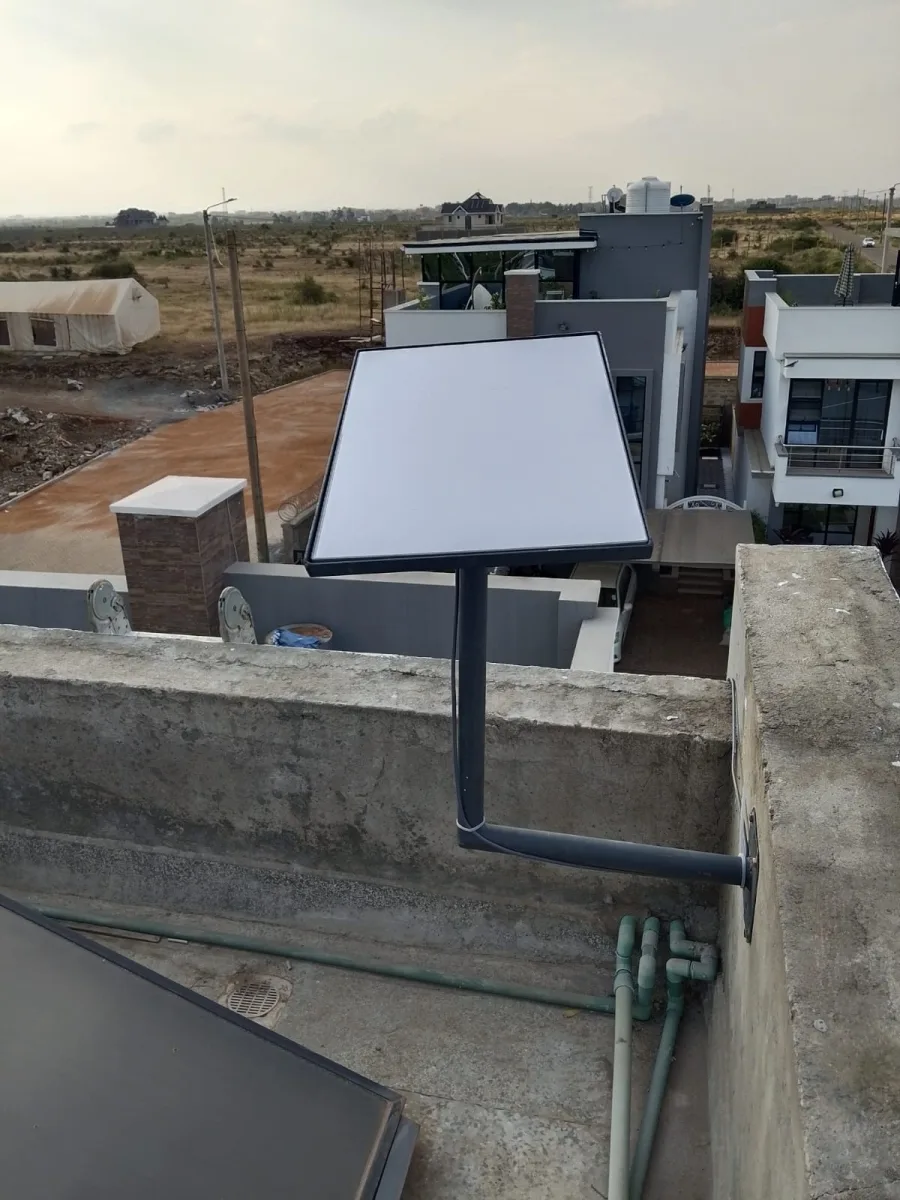
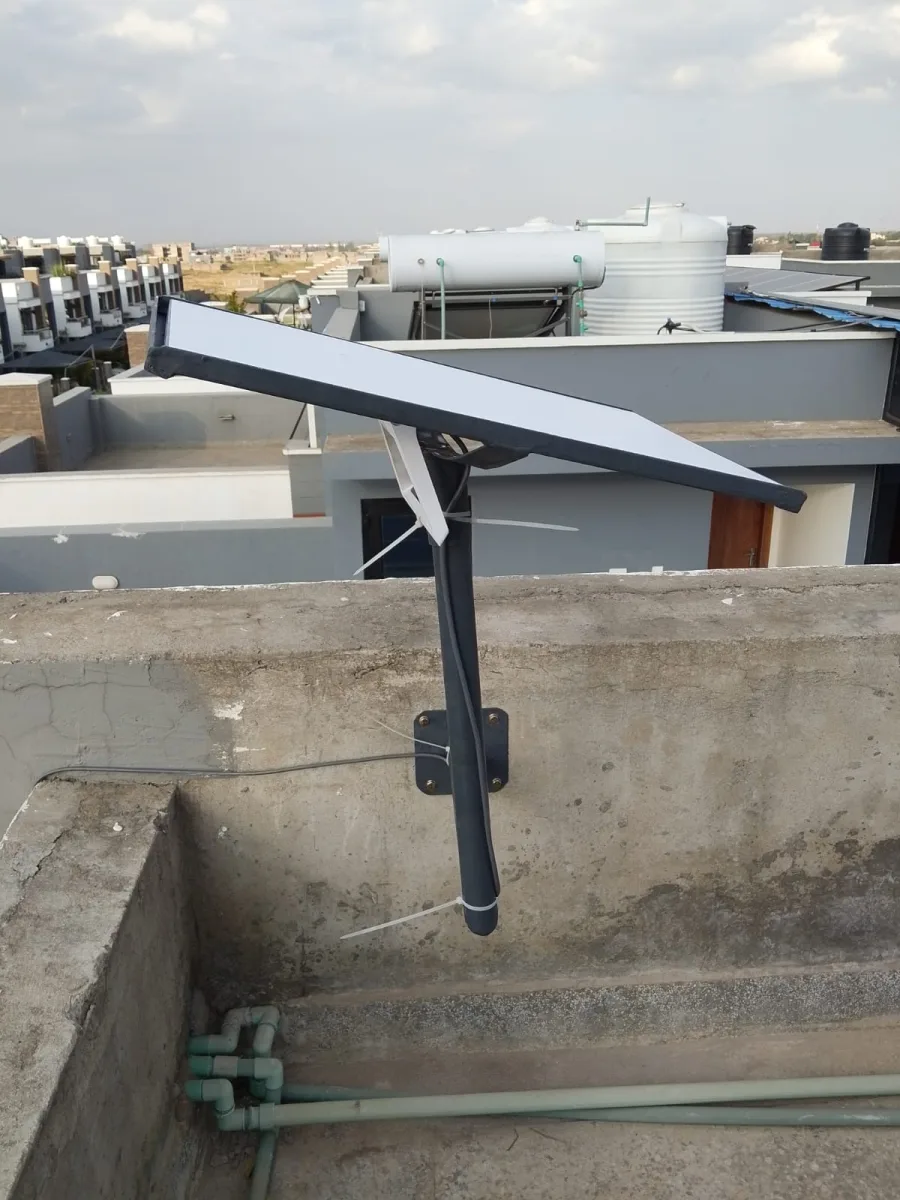
Need Starlink Installation or Network Optimization?
We help homes, offices, apartments, and businesses with Starlink installation, WiFi coverage improvement, and professional setup in Kenya.
Request Installation Chat on WhatsAppTalk to Spacekits
Need Starlink help for your home or business?
Choose your county to see installation costs and your 40% deposit. Use your own kit or add a kit and mounting stand. We confirm stock, site scope and the installation date before proceeding.
An internet installation appointment runs more smoothly when the customer and installer agree what the visit is meant to achieve before arrival. A general request to “come and connect WiFi” may leave the team unclear about the equipment, property access, working areas, or whether the visit is an assessment rather than an installation. A short preparation record helps both sides arrive with realistic expectations.
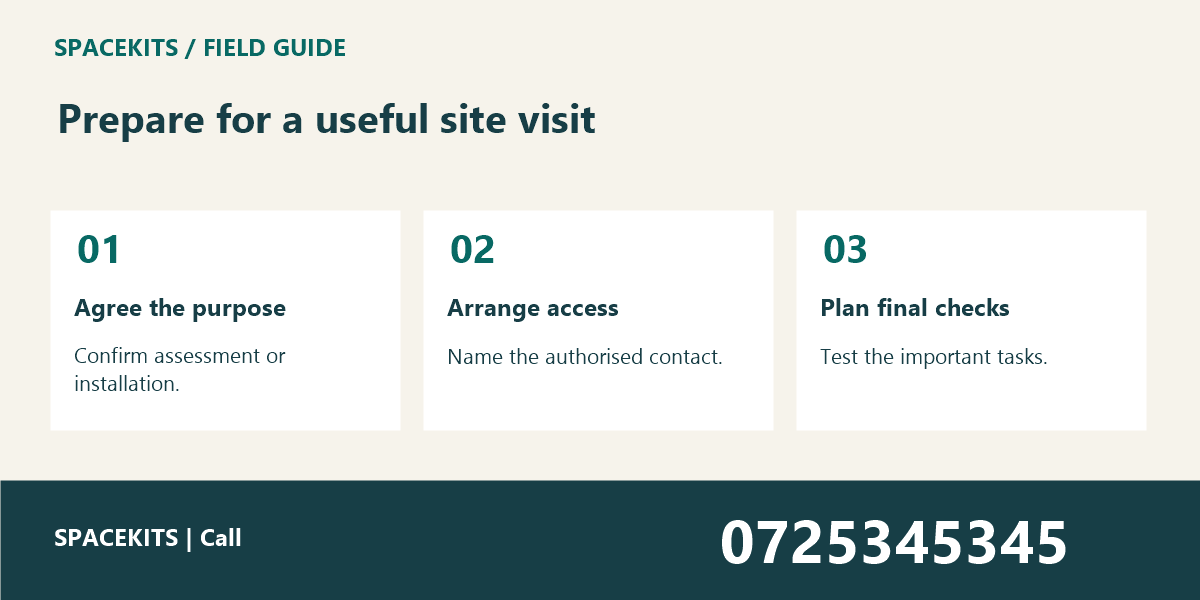
This guide explains seven practical steps for Kenyan homes and businesses arranging a visit. It does not promise a particular installation outcome or replace the provider’s requirements. To discuss your premises and connectivity needs, contact Spacekits on 0725345345.
1. Internet Installation Appointment: Confirm the purpose of the appointment
State whether the visit is for an assessment, a new installation, an extension, a relocation, or troubleshooting. These tasks may require different preparation and decisions. The internet installation appointment should not be described as a guaranteed completed setup when the first visit is intended to assess feasibility and scope.
Explain the practical result you need. A home office may need reliable use at a particular desk, while a shop may need connectivity at the till and packing area. Describe the working locations and tasks rather than asking for an unspecified “strong signal everywhere.”
Keep planned improvements separate from current requirements. If an additional room will be occupied later, mention it as a future consideration. The installer can discuss it without assuming it is already part of the approved work or promising equipment that has not been assessed.
Ask for clarification when the appointment description is unclear. A written summary of the agreed purpose reduces the chance of an installer arriving to survey while the customer expects full installation. Keep the final summary with the booking reference so both sides can refer to it.
2. Internet Installation Appointment: Describe the premises and important working areas
Provide the practical property information needed to plan the visit through the approved contact channel. Explain whether the work concerns a home, office, shop, or shared premises and identify the areas that matter. Avoid sending unnecessary private documents or detailed access information to a broad group.
Note relevant access constraints, such as reception procedures, agreed working hours, or areas that require an authorised escort. The internet installation appointment should account for these arrangements before the team arrives. A confirmed time does not override the premises’ access rules.
If the complaint is tied to a particular room, describe it precisely. “Back office desk beside the stockroom” is more useful than “the internet is weak.” The home office upload test shows how a harmless real-task observation can give the installer useful context.
For meeting spaces, use the meeting room WiFi guide to identify the seats and tasks that need checking. Do not assume that testing at the doorway will represent the experience of people working at the far end of the table.
3. Internet Installation Appointment: Clarify equipment ownership and what is included
Tell the installer whether equipment is already on site and who owns or manages it. A customer-supplied device, provider-managed router, and newly purchased kit can involve different responsibilities. Do not assume the installer is authorised to reset or alter equipment managed by another party.
Confirm what the agreed visit includes and what may require a separate assessment or approval. This can cover equipment, mounting, cabling, configuration, testing, and handover as appropriate to the actual service. Avoid treating a general price or booking message as proof that every possible item is included.
If you are comparing products through JAAT, verify compatibility and the actual supplier terms before purchasing for the appointment. A listing may be useful for enquiry, but the installer should assess the specific equipment and requirements. Keep the model and purchase reference available through the appropriate record.
The internet installation appointment should identify any unresolved equipment question. If a necessary component is not confirmed, ask whether the visit can still achieve its purpose. It is better to clarify that dependency beforehand than to create a confident but unrealistic completion expectation.
4. Internet Installation Appointment: Arrange safe and authorised access
Identify the person who will meet the installer and who can approve decisions within the agreed scope. If the owner or responsible manager will be absent, clarify what the on-site contact can authorise. The installer should not have to guess whether a change has been approved by the right person.
Keep work areas accessible through reasonable preparation. Do not ask occupants to climb, move unsafe loads, open electrical fittings, or perform specialist tasks. Any work involving hazards or technical installation requirements should be planned and handled by appropriately competent people.
Do not distribute private gate codes, passwords, or sensitive property details in an unrestricted message. Use the approved access arrangement and provide only what the intended recipient needs. An internet installation appointment is a coordination record, not a reason to publish security information.
If travel or transport needs separate coordination, confirm it directly. A service such as Dereva may be relevant for exploring driver options, but transport availability does not confirm the installer’s attendance or grant access to the property. Keep those arrangements distinct.
5. Internet Installation Appointment: Plan around the work that may be interrupted
Ask which existing services may be affected and agree a suitable working window. Staff may need to pause calls, uploads, or other tasks while changes are made. Do not assume that adding one device will have no effect on the rest of the installation.
For a salon using PRIM or a retail business using Vega, coordinate with the people responsible for bookings or till operations. Use the actual workflow to choose a practical time. The internet installation appointment should reflect business activity rather than only the convenience of the equipment location.
Agree how staff will communicate if the usual connection is unavailable during the work. A support plan that depends entirely on the connection being changed may be difficult to use. Keep the alternative route simple and appropriate to the situation.
Record a stop or review point if the work cannot proceed as expected. The responsible person should know when to pause for approval rather than continue expanding the scope informally. A clear decision point helps prevent an ordinary appointment from becoming an unplanned major change.
6. Internet Installation Appointment: Prepare meaningful tests for the end of the visit
Choose a few representative tasks and locations to check after the work. A harmless public page, approved sample upload, or suitable test call can show whether the intended working area is usable. Do not use repeated real payments or orders as a connectivity test.
Keep the test relevant to the original requirement. If the issue was an upload at a distant desk, test that task there rather than only showing that a phone connects beside the router. The internet installation appointment should end with evidence related to the customer’s actual need.
If one application still behaves differently from other destinations, record the pattern and coordinate the appropriate next step. The website or WiFi problem guide explains useful comparisons. Avoid assuming every application symptom is caused by the new installation.
For a custom portal, the responsible software provider may need to review application-specific behaviour. Zama describes business-system development services, but your actual provider should be identified from the current records. Keep the installation result and application investigation clearly distinguished.
7. Internet Installation Appointment: Agree the handover and follow-up before closing
Ask for a clear record of what was completed, the installed equipment, the areas tested, and any limitations. The handover should match the final work rather than the initial proposal. Keep outstanding items with an owner and review date so that they do not disappear after the installer leaves.
Confirm the support route and the information users should report if a problem appears. Device, location, time, task, and symptom are more useful than a broad statement that “nothing works.” Ordinary users should also know which changes they are not authorised to make themselves.
Handle credentials and configuration access through an appropriate secure process for authorised recipients. Do not put passwords in a public notice or general group chat. The internet installation appointment record can identify the responsible owner without exposing the credentials themselves.
Keep the final documents in the agreed location and review them after meaningful changes. A later office move or equipment replacement can make an old handover less representative. Maintaining the record helps the next support visit begin from the actual current arrangement.
A fictional internet installation appointment summary
Consider a small office arranging a visit to assess connectivity in a new meeting room. The booking summary identifies the premises, responsible contact, intended seats, normal call task, and existing managed equipment. It states that the visit is an assessment, with any additional installation subject to the agreed approval process.
The team prepares access and a suitable test window. During the visit, the technician reviews the layout and records the findings. The office does not treat the assessment as a promise that every room will be fully covered that day. The next step is documented clearly with its responsible person.
For a confirmed installation, the summary would instead identify the approved scope and planned completion checks. The important point is that the wording matches the actual arrangement. A useful internet installation appointment record prevents different expectations from reaching the site together.
Internet Installation Appointment: Keep the appointment checklist short enough to use
Include purpose, premises, important working areas, equipment ownership, agreed scope, access contact, work window, interruption expectations, test tasks, decision authority, and handover requirements. Add specialist details through the installer’s process rather than turning a customer checklist into a technical configuration form.
Ask the on-site contact to read the summary before the visit. They should know what the installer is coming to do and whom to contact if a decision is needed. If the contact cannot answer those questions, resolve the gap while there is still time to coordinate.
Keep changes dated and visible. If the appointment time, scope, or responsible contact changes, update the current summary and notify the relevant people. Do not rely on several separate messages that each contain a different part of the final arrangement.
Internet Installation Appointment: Frequently asked questions
Does booking an internet installation appointment guarantee same-day completion?
Only the actual agreed service and circumstances can establish what is expected. An assessment visit, missing equipment, access limitation, or additional approval may affect the outcome. Confirm the purpose and scope directly rather than assuming completion.
Should I buy equipment before the appointment?
Confirm suitability with the responsible provider or installer first. Buying from a product headline alone can leave you with equipment that does not fit the intended setup. Keep any customer-supplied equipment details available for review.
Who should attend the internet installation appointment?
Arrange an authorised contact who understands the premises and can coordinate the agreed work. If they cannot approve changes, make the decision route clear. The installer should not have to infer authority from whoever happens to be present.
Internet Installation Appointment: Review the appointment on the day before the visit
Confirm that the premises contact, access arrangement, and agreed work window are still current. If a meeting or business event now conflicts with the visit, contact the coordinator early rather than waiting until the installer arrives.
Check that any agreed customer-supplied equipment is available and identifiable. Do not open or modify equipment unnecessarily in preparation. Have the relevant purchase or model information ready through the appropriate record so the installer can confirm what is present.
Review the decision route for changes outside the agreed scope. The on-site contact should know whom to call and what they can approve. This helps the appointment remain controlled when an unexpected condition is discovered and avoids assumptions that a casual conversation authorised additional work.
What belongs in a internet installation appointment handover?
Include the agreed purpose, premises contact, equipment, access, work window, decision route, and final tests. Keep the internet installation appointment record in the agreed location and make the next action clear to the incoming colleague. Resolve missing context before responsibility changes.
Internet Installation Appointment: Prepare for a useful visit
A clear internet installation appointment connects the purpose, access, scope, timing, tests, and handover. It helps both sides work from the same expectations. To discuss your premises with Spacekits, call 0725345345.
Need Starlink Installation or Network Optimization?
We help homes, offices, apartments, and businesses with Starlink installation, WiFi coverage improvement, and professional setup in Kenya.
Request Installation Chat on WhatsApp