



Need Starlink Installation or Network Optimization?
We help homes, offices, apartments, and businesses with Starlink installation, WiFi coverage improvement, and professional setup in Kenya.
Request Installation Chat on WhatsAppCustomer-owned Starlink kit installation in Dagoretti South
Starlink Installation Only Dagoretti South: Professional Setup for a Kit You Already Own
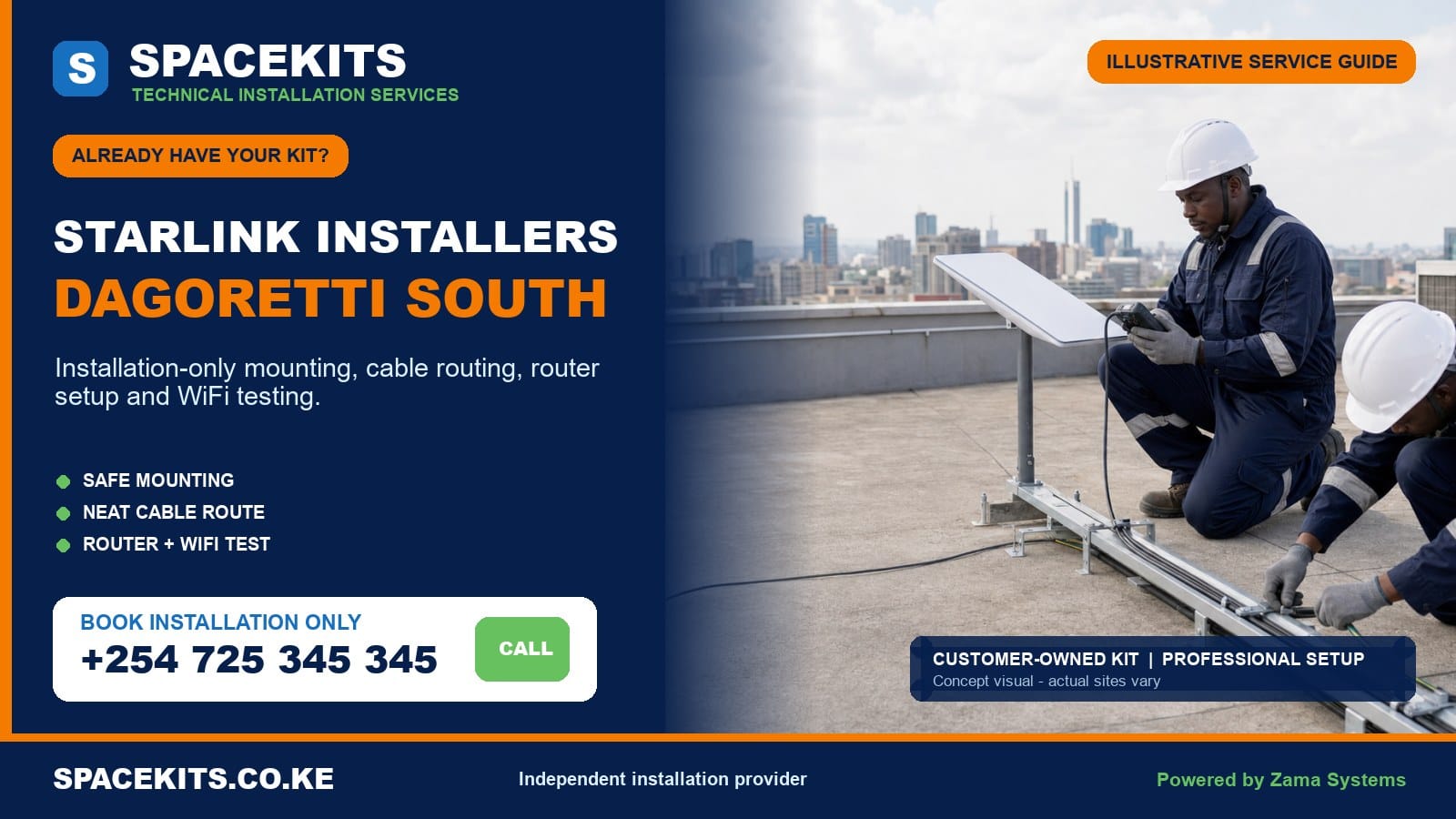
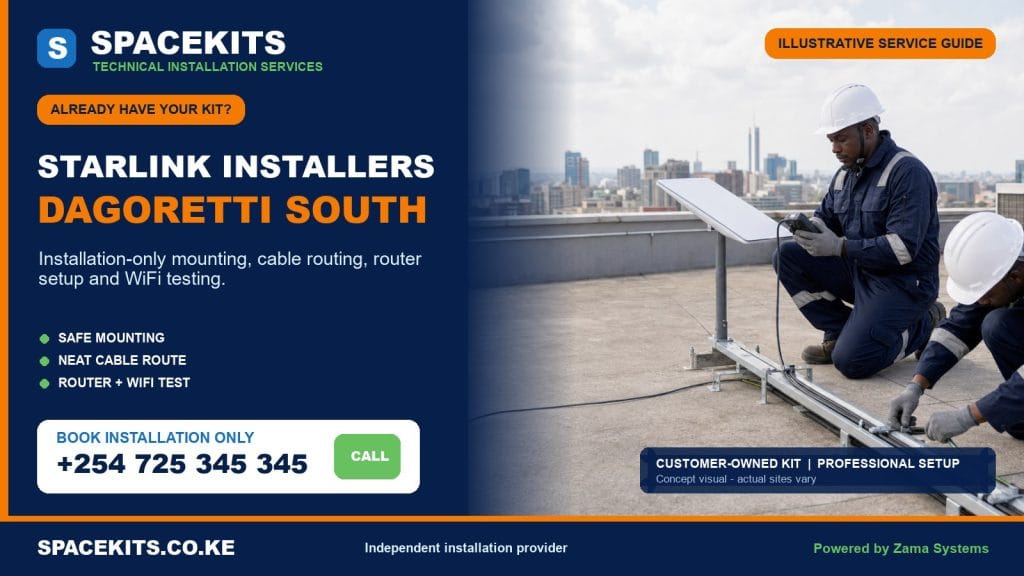
Starlink installation only Dagoretti South is a focused service for customers who already have the principal Starlink equipment and need a technician to inspect, mount, cable, configure and test it at their property. SpaceKits does not require you to buy a second kit. We review the equipment you supply, assess the site, agree on the physical work and complete the installation scope that is practical for that address.
Talk to Spacekits
Need Starlink help for your home or business?
Talk to Spacekits before you buy or book installation. We help with kit supply, mounting, activation, router placement, WiFi coverage, and written quotes.
Our Starlink installers Dagoretti South service covers the five officially listed wards: Mutu-Ini, Ngando, Riruta, Uthiru/Ruthimitu and Waithaka. Customers may describe their address using a ward, an estate such as Riruta Satellite, Uthiru, Ruthimitu, Waithaka or Ngando, a nearby road, or a map pin. Send the pin because estate names and local descriptions do not always show the exact building entrance.
To request an installation assessment: send clear photographs of the complete kit, both cable connectors, any mount or pole you bought, the building and the surrounding sky. Add your exact Dagoretti South location, property type, number of floors and the rooms that need WiFi. WhatsApp SpaceKits for Starlink installation only in Dagoretti South or call +254 725 345 345.
Installation-only coverage across Dagoretti South
Nairobi County’s published administrative ward table lists Mutu-Ini, Ngando, Riruta, Uthiru/Ruthimitu and Waithaka under Dagoretti South. That verified structure guides this local service page. It does not mean every building in a ward has the same roof, access or WiFi problem. The technician still needs the exact pin and site evidence before confirming a visit.
Mutu-Ini
Mutu-Ini calls can involve standalone homes, expanding family compounds, rental units and properties where trees and neighbouring structures affect the available sky view. The apparent open space in a compound is not automatically the right dish location. A low position may become obstructed as vegetation grows, while an unnecessarily high pole can increase movement and maintenance difficulty. The survey compares practical points and chooses the safest suitable view.
Where rooms or separate structures extend across a compound, the main router may not cover every priority area. Tell the team whether the connection is intended for one household, rental management, CCTV, a home office or several buildings. Dish installation and inter-building network distribution should be scoped separately so the quote remains clear.
Ngando
Ngando includes dense residential sections, apartments and mixed-use premises where roofs may be shared and cable routes pass near other services. A tenant should not assume that access to a balcony gives permission to drill an external wall or use the main roof. Obtain approval from the owner or manager, confirm who holds the roof key and agree on a route through common areas before the installer travels.
Concrete floors and masonry walls can weaken WiFi. A successful test beside the router does not prove that bedrooms, an upper floor or a shop below are covered. The installer can position the supplied router sensibly, but mesh units, wired access points or longer network work are separate items when the site needs them.
Riruta and Riruta Satellite
Riruta service requests often range from older homes and maisonettes to newer flats and roadside businesses. Mature trees, water tanks, neighbouring multi-storey buildings and additions built over time can narrow the useful sky view. A mounting decision should consider not only what is clear today but also whether the dish can be inspected later without crossing a fragile roof section.
For a shop, office or professional practice, explain whether Starlink will be the primary connection, temporary connection or backup link. Connecting it to an existing router, firewall or automatic failover device is not part of basic mounting unless written into the scope. The business IT contact should be present if network settings or security policies are involved.
Uthiru/Ruthimitu
Uthiru and Ruthimitu properties can sit on varied terrain and may have long routes between a clear external position and the room where connectivity is needed. The supplied cable should never be stretched, crushed through a window or joined casually to make it reach. Photos and a rough distance estimate help determine whether the original cable route is practical for that hardware generation.
Some compounds use perimeter walls, detached rooms or outbuildings. A wall or pole mount may be preferable to a roof only when the support is stable, the sky view is suitable and the dish is protected from casual contact. If another building needs service, the solution may involve a protected Ethernet path or point-to-point link rather than placing the Starlink router at an inconvenient edge of the main house.
Waithaka
Waithaka installations can involve tiled homes, corrugated roofs, apartments, institutions and small commercial sites. Each surface calls for a suitable fixing method. The installer should avoid using roof sheets as if every point were structural, should not drill an unknown water path and should not promise concealed cabling before checking ceilings and ducts.
Send approach details as well as the pin. Narrow access, controlled gates, limited parking or a roof that can only be reached through another unit can affect timing. Good preparation reduces waiting and prevents a booked visit from becoming only an access discussion.
Already have the kit? Send evidence before the installer travels
The phrase “I have the complete kit” is useful, but photographs are better. A box may contain the dish and router while lacking a permanent mounting accessory. A used kit may include a cable from a different version, a damaged connector or no account-transfer confirmation. An early check protects the customer from paying for travel to a site where installation cannot proceed.
Place all supplied parts on a clean, dry surface. Photograph the dish, router or power unit, mains lead, supplied cable, temporary stand and any separately purchased mount. Include close views of labels and connector ends without exposing private account details. Do not send passwords, recovery codes, payment cards or one-time login codes. The customer should retain control of the official account throughout setup.
For the site, send wide daylight photographs rather than a single close roof photo. Show the full building, likely mounting sides, roofline, trees, tanks and nearby structures. State the number of floors, roof material, safe access point and whether a ladder can stand securely. If the property is rented or managed, include confirmation that exterior mounting and cable entry are authorised.
Describe the indoor goal. Name the home-office room, television area, shop counter, classroom, CCTV recorder or other priority point. If the router must connect to an existing network, send a simple description of that equipment. This allows the quotation to distinguish basic Starlink setup from additional WiFi or business-network work.
Completeness and compatibility checks for equipment bought elsewhere
SpaceKits can install customer-supplied equipment, but ownership does not prove that all parts are compatible. Starlink hardware versions can differ in dish shape, cable connector, power method, router design, Ethernet options and mounting interface. A generic online listing that says “Starlink bracket” may not fit the kit in your hands. Model identification comes before drilling.
- Identify the hardware version. Use the box label and physical shape of the dish, router, cable and power components. The check is about hardware, not access to the customer’s password.
- Confirm the principal parts. Verify that the dish, correct router or power unit, correct cable, mains lead and any supplied stand are present.
- Inspect condition. Look for a crushed cable, bent or dirty connector, cracked housing, corrosion, water exposure, altered plug or damage from a previous installation.
- Check the permanent mount. Confirm that the pole diameter, adapter or bracket matches the dish interface and that the support can be fixed to the selected surface.
- Check usable cable distance. Measure a realistic route that includes corners, vertical rise, protected entry and a small service allowance. Do not treat the straight-line distance as the route length.
- Confirm account readiness. A used kit should be eligible for the customer’s legitimate account process. Physical installation cannot remove a previous owner’s lock or resolve billing and plan restrictions.
- Clarify network outputs. Determine whether the supplied router is sufficient or whether compatible Ethernet, mesh or access-point equipment is needed.
- Review power. Identify a safe indoor outlet, expected outage pattern and any correctly sized backup-power requirement.
If a part is missing, SpaceKits can identify the requirement and either allow the customer to obtain it or quote a compatible item separately. If compatibility cannot be established remotely, the visit can be described as a survey rather than promised as a completed installation. That distinction keeps expectations honest.
What the installation labour scope can include
Installation only means the customer supplies the main kit and SpaceKits supplies the agreed technical labour. A typical scope begins with confirmation of access, an obstruction review and selection of a suitable mounting point. The technician then confirms the support method, cable path, building entry and indoor equipment location before making permanent changes.
Where the supplied mount is suitable, labour can include fixing it to an approved structural surface, seating and securing the dish, routing the original compatible cable, protecting exposed sections, forming the agreed entry and positioning the router or power equipment indoors. The account owner follows private account prompts, while the installer handles the physical and local-network tasks in the written scope.
After power-up, the technician checks that the equipment can come online, reviews available status or obstruction information, confirms that the cable and power arrangement are stable, configures the local WiFi name and password with the customer, and tests agreed priority points. A basic handover identifies the installed parts, power point, cable route, restart procedure and limitations observed during testing.
A larger scope may include mesh placement, wired access points, Ethernet distribution, connection to a compatible existing router, a point-to-point link or backup-power integration. These are not automatically included simply because they use the same internet connection. They should be listed so the customer knows which work is basic installation and which work is an extension project.
A practical labour sequence
- Verify the address, authorisation, kit and safe access.
- Use the appropriate obstruction check and inspect candidate mounting points.
- Agree on the mount, route, finish and indoor equipment position.
- Install the approved support and secure the dish without unsafe improvisation.
- Route the compatible cable with protection from sharp edges, water and traffic.
- Complete the agreed entry and indoor placement.
- Support customer-controlled activation and configure the local network.
- Test connection status and WiFi at agreed locations.
- Explain the installation and record any remaining recommendation.
Materials, accessories and work excluded from labour-only wording
Labour is not the same as materials. A permanent installation may need a compatible wall bracket, pole, adapter, anchors, clips, conduit, trunking, weather-resistant entry materials, cable guards or network accessories. If these are not already supplied and confirmed, they should appear as separate quote lines. SpaceKits does not hide missing items inside an invented universal price.
The principal kit, official subscription, service fees and account payments remain the customer’s responsibility unless a written quote explicitly says otherwise. Mesh units, Ethernet adapters, switches, access points, long network cables, UPS equipment and electrical improvements are also separate. Special access equipment, additional crew, fabrication, civil work, ceiling repairs or decorative reinstatement must be assessed where required.
Existing property defects are outside routine labour. Installing near an old roof leak does not make the installer responsible for the roof’s earlier condition. Structural repair, asbestos handling, high-voltage work and alteration of landlord-controlled areas require the correct permission and qualified trade. If the proposed surface is unsafe, the team may recommend another position or pause the job.
Travel and scheduling should also be clear. The exact Dagoretti South pin, access time, parking arrangement and site contact help define the visit. A return caused by missing roof access, absent decision-makers or an incomplete kit may be separate from the original scope.
Safe mounting, clean cabling, router placement and testing
Selecting the mounting position
A clear sky view is the first technical objective, but safety and maintainability matter too. The highest point is not automatically the best. The technician considers trees, future growth, neighbouring construction, tanks, parapets, roof pitch, wind exposure and the ability to inspect the installation later. The final decision should use the appropriate Starlink obstruction guidance as well as a physical site check.
A freestanding temporary base is not assumed to be a permanent rooftop mount. A permanent support must suit the dish interface, mounting surface and local exposure. Fasteners should engage a suitable structure rather than only a decorative finish or weak roof sheet. Poles should not be made excessively long simply to avoid planning a better position.
Routing and protecting the cable
The supplied cable is a system component. It should not be crushed under a door, stapled through, stretched between points, twisted sharply or left where water can collect at a connector. The route should avoid hot surfaces, roof drainage, sharp metal, walkways, moving gates and areas where children or maintenance workers can pull it.
At the building entry, the route should be agreed before drilling. The installer considers hidden services and finishes the penetration to reduce weather exposure. Conduit or trunking may improve protection and appearance, but it is a material item and must be compatible with connector size and bend requirements. A neat route is one that remains serviceable, not one that permanently traps the cable behind an inaccessible finish.
Placing the router
Router placement balances the available cable route, power and WiFi coverage. Hiding it in a remote metal cabinet or at one extreme of a long house can create weak indoor service. It needs ventilation, a stable surface, a safe outlet and protection from water and casual disconnection. In a multi-storey property, one router may not cross reinforced slabs effectively.
If additional coverage is required, the team should identify the rooms and test points in advance. Mesh units need sensible placement; they do not fix every problem when placed in an already weak signal zone. Wired access points can be more predictable where a cable path is practical. Detached buildings may need a dedicated link. These choices are made from the layout, not from a promise that one retail package covers every compound.
Testing and handover
Testing begins with equipment status and visible faults, then checks WiFi at the priority places agreed with the customer. A speed test near the router is a snapshot, not a permanent guarantee. Results vary with service conditions, obstructions, plan terms, weather, congestion and the test device. The installer should also check basic stability, network naming and whether the customer can see the equipment in the appropriate account interface.
Handover explains what was installed, which socket powers it, which cable should not be moved and how to perform a safe restart. The customer should retain passwords and recovery methods. Any unresolved coverage gap, missing accessory or account issue should be recorded rather than hidden by a single good test result.
Fault, activation and warranty boundaries for a customer-owned kit
SpaceKits warrants only the installation workmanship described in the accepted scope and subject to its written terms. The seller or manufacturer remains responsible for the customer-supplied equipment warranty. If a router, dish, cable or power unit was defective before the visit, installation labour does not convert that defect into an installer warranty claim.
A used kit may be incomplete, reported lost, attached to another account or ineligible for the intended plan or location. SpaceKits cannot bypass ownership transfer, service availability, billing controls, activation rules or platform decisions. The account holder should resolve those issues through the seller and official support process. The technician can document physical symptoms and distinguish them from an obvious local installation issue.
No responsible installer guarantees a fixed internet speed or uninterrupted service. Correct mounting, cable handling and local network configuration address preventable site problems. They cannot control satellite capacity, service maintenance, plan management, extreme weather, power outages or the performance of every customer device.
If the kit fails the initial check, the customer can choose a diagnostic visit where appropriate, obtain a replacement part or postpone permanent work. It is safer to stop before drilling than to install hardware that cannot be verified and then argue about the source of the fault.
How SpaceKits handles installation-only bookings in Dagoretti South
- Remote brief: the customer sends the exact location, property details, kit photos, site photos and expected WiFi use.
- Initial check: SpaceKits reviews apparent completeness, model compatibility, access and likely mounting requirements.
- Scope: labour, customer-supplied items, separately supplied materials, optional network work and exclusions are written clearly.
- Access confirmation: the customer secures landlord, caretaker, security or facilities approval and ensures the decision-maker is available.
- On-site survey: the technician confirms obstruction, structure, safe access, cable route, power and router position before drilling.
- Installation: the approved mount, dish, cable and indoor components are installed according to the agreed work.
- Customer-led setup: the account owner handles private credentials while the technician supports physical connection and local configuration.
- Testing: status, basic connection and agreed WiFi points are checked.
- Handover: the customer receives operating guidance and any recommendation for materials, coverage or maintenance.
A complex or unsafe site may require a survey before a final installation commitment. That is not a failure of service; it is the correct response when roof access, structural support, compatibility or a long network route cannot be confirmed from photographs.
Dagoretti South installation scenarios that need different solutions
A Riruta maisonette shaded by mature trees
The closest roof edge may be easy to access but partly obstructed. The survey can compare a wall, another roof plane and a modest pole at a structural point. The router should not automatically sit below the dish if that creates poor coverage upstairs. The quotation may separate the compatible mount from mesh coverage.
An Ngando apartment with a shared concrete roof
The resident needs written approval, roof access and an accepted common-area route. Tanks and other services must remain accessible. The cable may need protection down an agreed elevation, while the router may need a more central indoor location. If drilling through common walls is prohibited, the job must be redesigned rather than improvised through a window.
A Uthiru compound with a detached office
The clearest dish position may be on the main house, but the priority user sits in a separate office. Putting the router in the detached room could make the supplied cable route impractical. A better design may install the Starlink equipment safely at the house and use a separately scoped network link to the office.
A Waithaka shop using Starlink as backup
Mounting the dish and proving internet access is only part of the requirement. Automatic changeover between Starlink and another provider needs compatible routing equipment and configuration. The shop owner should name the payment, CCTV or cloud systems that must continue working and involve the existing IT provider where necessary.
A Mutu-Ini family compound with several rental units
One open WiFi password from a single router may be insecure and unreliable. The customer should define whether Starlink serves one home or a managed shared network. Distribution, user control, access points and power backup can then be designed as a separate project after the main link is installed.
How to obtain a useful installation-only quotation
SpaceKits does not publish an invented one-price-fits-all figure for Dagoretti South. Labour depends on safe access, height, mounting method, cable route, finish, equipment condition, WiFi requirements, materials and travel logistics. A low accessible home with a confirmed compatible bracket is not the same job as a managed apartment roof or multi-building compound.
Ask for a scope that separates labour, mount or adapter, cable protection, special access, optional networking and travel. It should also name customer responsibilities such as account readiness, permissions and access. This lets you compare complete work instead of comparing totals that cover different things.
Start with photographs and the map pin. SpaceKits can advise whether the information supports a quotation, a provisional estimate subject to confirmation, or a paid survey for a complex property. Never conceal height, fragile roofing or access restrictions to obtain a lower initial figure; those details determine whether the visit can be completed safely.
Frequently asked questions about Starlink installation only in Dagoretti South
Can SpaceKits install a Starlink kit I bought somewhere else?
Yes. Send photographs and model information first. SpaceKits checks apparent completeness and compatibility, then quotes the installation labour and any separately required mount, protection or networking material.
Which Dagoretti South wards do you cover?
The service page covers Mutu-Ini, Ngando, Riruta, Uthiru/Ruthimitu and Waithaka. Send the exact map pin, estate or road because scheduling and access depend on the actual property.
Does installation only include a permanent wall or pole mount?
Only when the written scope says so. A compatible customer-supplied mount can be checked and fitted. If a mount, adapter, pole or fixings are missing, they are identified and quoted separately.
Can you install on an apartment roof in Ngando or Riruta?
Potentially, provided the property owner or manager authorises the work, safe roof access is available and an acceptable dish and cable route can be agreed. Shared services and common areas must not be obstructed.
What happens if my customer-owned kit is faulty?
The installer can document symptoms and check the physical setup, but the equipment warranty remains with the seller or manufacturer. Defective or account-locked equipment may require replacement or official support before installation can be completed.
Can one router cover a maisonette or several buildings?
Not always. Concrete floors, long layouts and detached structures can require mesh, wired access points or a separate building link. That distribution work is assessed and quoted apart from basic dish installation.
Will SpaceKits activate a used kit that belongs to another account?
SpaceKits cannot bypass transfer, ownership, billing or service rules. The legitimate owner must complete the required official account process. The installer handles only the agreed physical and local-network work.
Do you guarantee a particular speed after installation?
No. SpaceKits tests the installed equipment and agreed WiFi areas, but speed can vary with obstructions, plan conditions, service load, weather and customer devices. A test result is a snapshot, not a permanent guarantee.
Can you connect Starlink to my existing office or CCTV network?
Yes, where the equipment and design are compatible, but integration is a separate scope. Send details of the router, firewall, switch, recorder and any failover requirement before the visit.
What should I send for a Dagoretti South quotation?
Send the pin, ward or estate, property type, floor count, roof and sky photos, kit and connector photos, mount details, preferred router room and the areas that need WiFi. Do not send private account credentials.
Book professional installation for the Starlink kit you already own
Get a site-specific assessment instead of guessing about compatibility, roof position or WiFi coverage. Send your Dagoretti South installation brief on WhatsApp or call +254 725 345 345.
SpaceKits is an independent installation and technical-services provider. It is not affiliated with, endorsed by or acting on behalf of Starlink or SpaceX. Product names and trademarks belong to their respective owners. Equipment availability, account eligibility, plans and official service decisions remain outside the installer’s control. Powered by Zama Systems.
Need Starlink Installation or Network Optimization?
We help homes, offices, apartments, and businesses with Starlink installation, WiFi coverage improvement, and professional setup in Kenya.
Request Installation Chat on WhatsApp