



Need Starlink Installation or Network Optimization?
We help homes, offices, apartments, and businesses with Starlink installation, WiFi coverage improvement, and professional setup in Kenya.
Request Installation Chat on WhatsAppStarlink Installation Only Embakasi North for Customer-Owned Equipment
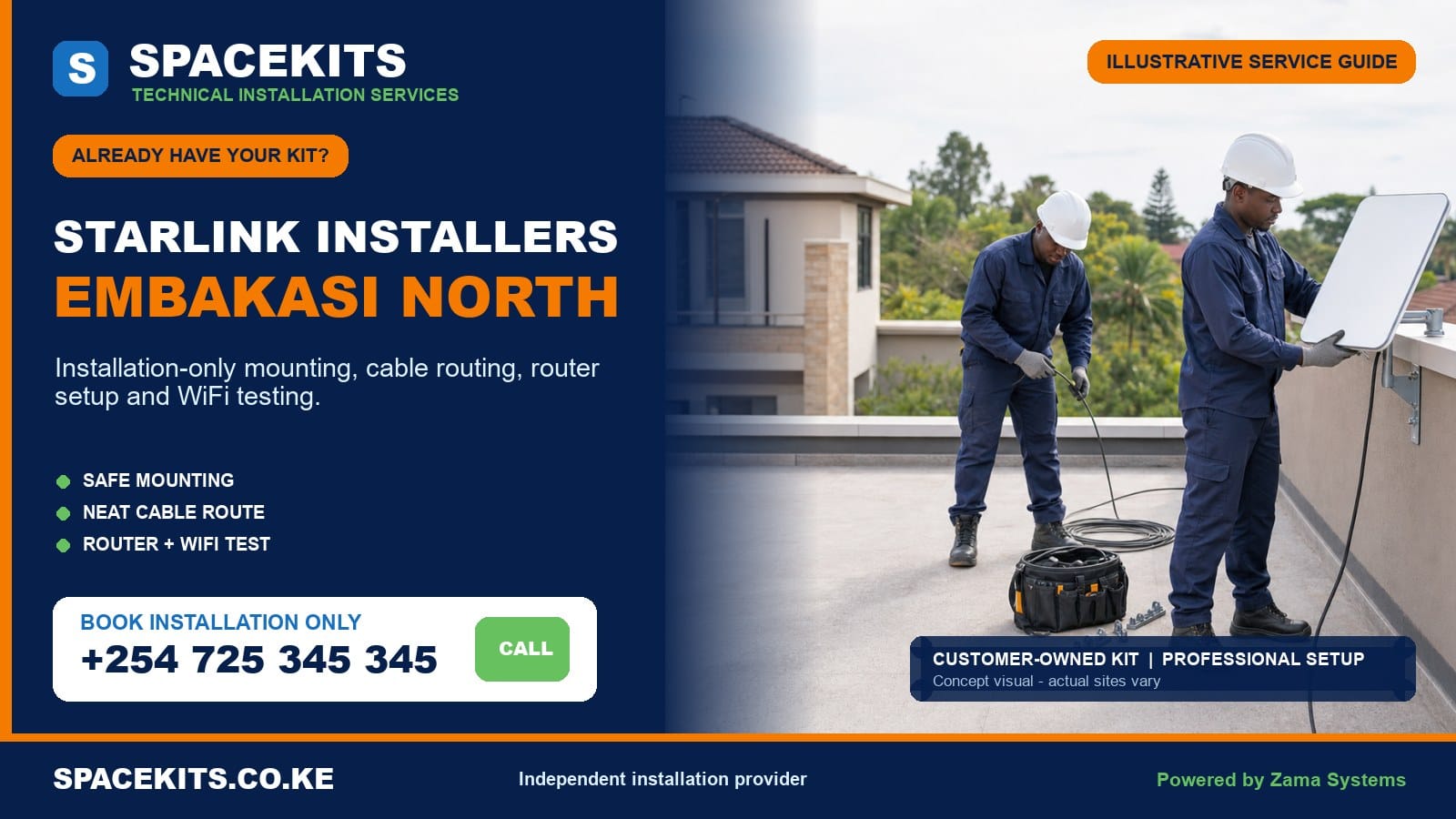
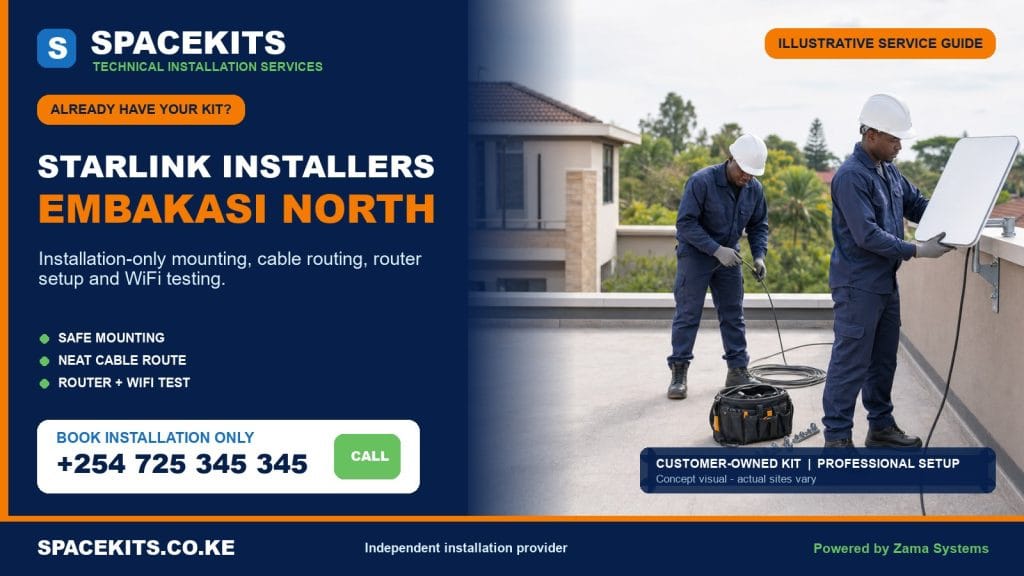
Starlink installation only Embakasi North is designed for customers who have already bought a Starlink kit and want skilled mounting, cabling, setup and testing without buying the main hardware again. SpaceKits reviews the dish, router, power arrangement, proprietary cable, supplied base and any mounting accessory before permanent work. We then agree a safe position, install a compatible mount, route the cable carefully, support customer-controlled activation, place the router and test WiFi in the rooms or work areas named in the scope.
Talk to Spacekits
Need Starlink help for your home or business?
Talk to Spacekits before you buy or book installation. We help with kit supply, mounting, activation, router placement, WiFi coverage, and written quotes.
Embakasi North includes Kariobangi North and Dandora Area I, II, III and IV wards. Within those areas, a booking may involve a flat, maisonette, standalone home, shop, school, clinic, church, office or community facility. Shared compounds, multi-storey buildings, closely spaced roofs and busy access routes make planning important. A professional installation should protect the kit, the building and the people using the space.
Already Own a Starlink Kit in Embakasi North?
Send SpaceKits your exact pin, ward or area, wide building photos, the proposed roof or wall, all kit components, number of floors, account status and priority WiFi rooms. We will check obvious completeness and compatibility before confirming the labour scope.
WhatsApp +254 725 345 345 for Starlink installation only in Embakasi North
Official Embakasi North Ward Coverage
The ward names in this guide follow the Nairobi mapping published by the Independent Electoral and Boundaries Commission: Kariobangi North, Dandora Area I, Dandora Area II, Dandora Area III and Dandora Area IV. Customers may describe a stage, estate, court, road, school or building rather than the formal ward. Send an accurate pin because everyday place names do not always define the roof the technician must reach.
Official ward coverage does not mean identical buildings. Kariobangi North can present older estate housing, flats, commercial premises and institutions. Dandora’s areas can include apartment blocks, maisonettes, homes, schools, clinics and active local businesses. The mounting surface, height, access and indoor layout vary from one gate to the next. SpaceKits bases the quote on photographs and the actual address, not a general assumption about the neighbourhood.
What Installation Only Includes
The service separates customer-owned equipment from professional labour. The customer supplies the main kit and legitimate account access. SpaceKits supplies the assessment, installation method and handover described in writing. If the customer already owns a compatible bracket, pole adapter or cable-protection material, it can be assessed for use. If a required item is absent or unsuitable, it is listed separately.
Normal labour can include sky-view assessment, mount fixing, dish placement, careful use of the original cable, a tidy entry, connection of the supplied router and power equipment, basic setup guidance, router positioning and tests in agreed areas. It does not silently include structural repairs, roof waterproofing, electrical rewiring, fabrication, replacement hardware, mesh systems, switches, access points or a complete managed network.
Who Uses an Own-Kit Installation Service?
A household may have purchased directly and need a safer permanent mount. A tenant may have approval but no installer. A landlord may need connectivity for a management office. A school or clinic may have received a donated kit. A shop may want a connection for cloud tools or communication. A property manager may be relocating legitimate equipment between buildings. Each customer needs a defined outcome.
Tell SpaceKits whether the kit is new, used, transferred or previously installed. Explain who controls the account, whether the connection is for one unit or several users and which devices are essential. A single-home installation and a shared apartment network have different security, coverage and management requirements. Basic labour should not be stretched into an undefined multi-user project.
Photographs Needed Before the Visit
Arrange the dish, router, proprietary cable, power equipment, supplied stand, plugs, adapters and purchased mount where every item is visible. Add close photos of the model label and connector ends. Do not send passwords, payment details or private account screens. Show cracks, bent plugs, crushed cable, exposed insulation, corrosion, water exposure, scorch marks or previous repair attempts.
Building photos should be wide enough to show surrounding rooflines, tanks, trees and possible mounting surfaces. Include the intended cable entry and router room. Never climb an unsafe roof just to make a quotation photo. Ground-level views, the number of storeys and a clear description are enough to begin; the technician can assess the roof under controlled conditions.
Customer-Supplied Kit Readiness Checklist
- The dish, router and power parts are compatible components of one kit generation.
- The original dish cable is present, visually sound and long enough for a safe path.
- The customer owns the equipment and can access an activation-ready account.
- The supplied mount fits the dish and can be fixed to a sound structural surface.
- The owner, landlord or building manager approves mounting and common-area routing.
- A safe roof, wall or compound access method is available.
- The router has an appropriate power point, ventilation and secure position.
- Priority rooms, floors, devices and expected users are listed.
- Existing network, CCTV or backup-internet requirements are disclosed.
- Missing materials and optional work are approved as separate quote items.
Why Compatibility Must Be Checked First
Starlink hardware generations can differ in connectors, power arrangements and compatible accessories. A bracket that holds one model may not hold another correctly. A customer may own a strong pole but lack the proper adapter. A complete kit may have a cable too short for the safe route. The installer checks the entire chain from dish to router before making permanent holes.
The building must also be compatible with the mounting method. Thin corrugated sheet is not automatically a safe anchor. Unsound masonry, cracked parapets and decayed timber should not carry a wind-loaded pole. SpaceKits may recommend a different wall, structural support or mounting accessory. Using the customer’s preferred part is secondary to leaving a stable and maintainable installation.
Core Labour Steps
Obstruction and position assessment
The installer reviews nearby buildings, tanks, trees and roof structures. The selected point balances a useful sky view with secure fixing, manageable cable distance and future service access. Maximum height is not the goal; the shortest safe stable arrangement that works is usually better.
Mounting the dish
A compatible bracket, pole adapter or stand is fixed to a sound structural point. Fasteners and placement are selected for the material, wind exposure and water path. The dish should not block a stair, roof hatch, gutter, maintenance route or shared service.
Routing and protecting the cable
The original cable is handled within its connector and bend limitations. It is kept away from sharp sheet edges, hot surfaces, standing water, door pressure and busy walkways. External sections are supported, and any conduit or trunking is listed as a material.
Connection and router placement
The customer retains account credentials. SpaceKits assists with ordinary setup, seats connectors, powers the equipment and positions the router around priority users while considering cable reach, security, ventilation and power.
Testing and handover
Tests cover agreed rooms and devices rather than one point beside the router. The technician explains the completed route, observed weak zones, basic account control and whether mesh, wired access points or other networking should be quoted separately.
Materials That Are Not Automatically Included
The main kit may not include the permanent mounting solution required by an Embakasi North property. A wall bracket, pole, adapter, structural fasteners, conduit, trunking, entry protection or extra network cable may be needed. A multi-floor site may require switches or access points. These items are separate from basic labour unless the quote explicitly bundles a named material.
SpaceKits explains why an item is required and obtains approval. We do not replace the customer’s usable component merely to sell another one, and we do not use an unsafe component merely to avoid discussing cost. A clear materials list prevents surprises and helps customers compare quotations fairly.
Work Outside Basic Installation Labour
Roof replacement, repair of an existing leak, masonry reconstruction, fixed electrical repair, major fabrication, civil work, hazardous-material handling and specialist height access sit outside normal Starlink installation. The property owner should resolve unsafe conditions before mounting. A technician cannot certify a roof simply by completing a dish installation.
Large network projects are also separate. Managed WiFi, automatic failover, VLANs, advanced firewall work, extensive LAN cabling and whole-block user management need a design and test plan. SpaceKits can assess and quote these services without hiding them inside a basic own-kit labour fee.
Defective Hardware and Warranty Responsibility
Customer-supplied equipment retains any applicable warranty with the original seller or manufacturer. SpaceKits does not become the warrantor of a dish, router, power unit or cable bought elsewhere. The technician can inspect visible condition, confirm normal connections and document symptoms. An internal electronic failure may require official support or replacement from the appropriate source.
If the kit is tied to another account, unreleased, non-transferable or otherwise ineligible, mounting will not make it active. Confirm legitimate ownership and account status before booking. Labour already completed and any return visit after account or hardware resolution are governed by the written scope.
Kariobangi North Installation Conditions
Kariobangi North enquiries can involve estate homes, flats, commercial buildings, schools and community facilities. Older structures may have additions, shared roofs or roof sections whose condition is not obvious from below. Tell the installer about known weak areas and previous leaks. A mounting decision should rely on sound structure, not on the most convenient sheet edge.
Commercial premises may need connectivity at a till, office, CCTV recorder or stock area. Those points can be separated by masonry and metal. Identify critical rooms before the cable entry is finalised. A small change in router position can improve service, while a larger site may need a separately planned wired access point.
Where a building has multiple occupants, secure permission and agree the route through common walls or stairs. The cable should be protected and identifiable without displaying private account information. The router should remain under the authorised customer’s control.
Dandora Area I Installation Planning
Dandora Area I sites may combine homes, shops, institutions and shared compounds. Closely spaced rooflines can make obstruction assessment important. The first visible high point is not always safe to use. SpaceKits checks whether a stable wall or structural support can give the required view without an excessively long pole.
Busy compounds require control of the ladder area and tools. Children, customers and residents should be kept away while overhead work is taking place. Cable routes should avoid doors, corridors and places where stock or furniture will repeatedly press them. A clean route is planned with the person who controls the property.
Dandora Area II Installation Planning
Dandora Area II bookings can include apartment units, maisonettes, local businesses, clinics, churches and schools. A tenant must confirm roof permission and arrange the caretaker or key holder. If access is available only at certain times, state that before scheduling. Waiting for permission on site changes the labour plan and may prevent completion.
Schools and clinics should identify an authorised network administrator. The router may need a secure ventilated room, followed by an access point nearer users. Do not put the main equipment in an unlocked public area merely to improve WiFi. Security and coverage should be solved together through an appropriate network design.
Dandora Area III Installation Planning
Dandora Area III properties can present mixed roof materials, small courtyards and buildings constructed at different heights. A dish may need to clear a nearby roof edge, water tank or tree. The mounting solution must do this without creating unstable leverage. If a purpose-made adapter or stronger support is required, it appears as a separate material.
Inside a multi-room home, the easiest cable entry may place the router at an outside corner. Tell SpaceKits where remote work, study, streaming or fixed equipment occurs. The team can balance entry location and coverage or recommend a separate extension. The proprietary dish cable should not be casually cut to change the indoor position.
Dandora Area IV Installation Planning
Dandora Area IV may generate requests from homes, apartment buildings, shops, workshops and organisations. A workshop needs the cable kept away from tools, heat and moving materials. An apartment needs common-area approval. A home needs secure placement and good indoor reach. The site use is therefore as important as the ward name.
For a business using cloud applications or CCTV, list fixed devices and the existing router or switch. Basic labour can establish the Starlink connection. Firewall integration, remote access, additional access points and backup routing should be assessed independently so responsibility is clear at handover.
Shared Roofs and Landlord Permission
Permanent mounting and common-area cabling require authority. Obtain written approval where possible, identifying the surface, route, access schedule and removal responsibility. A caretaker may facilitate access but may not have authority to approve structural changes. Resolve this before the installation date.
The dish should not interfere with water tanks, drainage, clothes lines, roof maintenance or another tenant’s equipment. The route must remain serviceable through an authorised process. A system that cannot be reached safely for future inspection is not well planned.
Safe Work on Corrugated, Masonry and Concrete Surfaces
Corrugated roofing often needs a structural support beneath or an alternative wall mount. Masonry needs sound blocks or concrete, suitable anchors and safe edge distance. Concrete roofs and parapets must be checked for waterproofing, integrity and drainage. Timber must be sound. The presence of a surface does not prove that it can carry a pole in wind.
Rain, strong wind, an unstable ladder, overhead electrical hazards or uncontrolled public movement can require postponement. SpaceKits may reject an unsafe point and explain another option. Correct installation includes the decision not to force work under dangerous conditions.
Cable Security and Protection
The proprietary cable should not be spliced as a routine convenience. It should not cross a doorway, stair tread, sharp metal edge or drainage channel. External loops need support. Entry points should be tidy and weather-conscious. Excess cable should be managed without crushing, tight bends or heavy unsupported coils.
In shared areas, conduit or trunking may reduce accidental contact. Its route should respect the cable’s bend radius and connector size. Materials are itemised, and the customer or manager approves visible common-area work before fixing.
Router Placement and Whole-Home WiFi
A router hidden in a metal cabinet, placed on the floor behind furniture or left at the far end of a flat can produce disappointing WiFi. SpaceKits considers centrality, height, power, security and ventilation. Priority rooms are tested with a suitable device. The result beside the router is not treated as proof of coverage everywhere.
Concrete walls and multiple floors may require mesh or wired access points. A wireless mesh node must receive a strong upstream signal; placing it inside a dead zone does not solve the problem. Wired access points are more predictable in some buildings but need compatible hardware and cabling. Both are additional scopes unless listed.
Power Readiness and Equipment Care
Do not run the router permanently from a loose multi-plug, damaged extension or unsafe socket. Fixed electrical repair is for a qualified person. If outages affect important work, a compatible backup-power plan should consider the load of the dish, router and any switch or access point that must remain online. A backup unit selected by guesswork may not provide the expected runtime or output.
After handover, keep ventilation clear and avoid repeated unplugging. Do not bend the proprietary cable sharply behind furniture. Do not attach unrelated equipment to the mount. Small changes after installation can create faults that did not exist during testing.
Testing, Expectations and Handover
The technician confirms normal connection, secure physical work and usable WiFi in agreed areas. Obstruction information may develop over time, and performance can vary with service conditions, weather, plan management, device ability, local WiFi and the application. SpaceKits does not invent a fixed speed guarantee that an independent installer cannot control.
The customer receives an explanation of the mount, cable path, power point, tested rooms, account control and remaining coverage limitations. If a school, clinic or business has extra network equipment, the handover states which part SpaceKits configured and which part remains under another provider.
When a Previously Used Kit Is Relocated
Inspect a moved kit as though it were a new installation. Confirm the account transfer, check every connector, identify missing adapters and explain how the equipment was transported. The old mounting solution may not suit the Embakasi North building. The new route may also exceed the available cable length.
Removal from the former property, repair of old mounting holes and transport are not included unless stated. SpaceKits can install serviceable legitimate equipment at the new address while keeping previous-site work and manufacturer issues separate.
Equipment Security without Blocking Performance
A dish should be mounted beyond casual reach while remaining accessible through a controlled maintenance route. The external cable should not hang where it can be pulled, cut or used as a handhold. Indoors, the router and power equipment should remain under the authorised customer’s control. A shop counter, open classroom or shared stairwell may provide convenient power but poor security. Discuss theft risk and routine access before fixing the final route.
Security should not create a new technical problem. A sealed metal box can weaken WiFi and trap heat. A router locked in a distant office may leave users without coverage. A better plan may use a secure ventilated network point plus a separate wired access point in the occupied area. If a cabinet, network cable or access point is required, it should be quoted as an additional material and labour scope.
Schools, Clinics, Churches and Community Facilities
Institutional sites need an authorised account owner and a defined user plan. A school may prioritise the administration office and selected learning rooms. A clinic may need connectivity at reception and records areas. A church or community organisation may have offices, a hall and occasional event demand. Tell SpaceKits which rooms are critical, how many people use them and whether staff and guests should be separated.
Basic installation establishes the Starlink link and tests the supplied router. Content controls, managed guest access, user authentication, large access-point deployments and security policies require their own design. The organisation should appoint a person to receive the handover, store credentials and approve later changes. Leaving an unrestricted password with no responsible administrator is not a complete institutional solution.
Third-Party Devices and Application Expectations
Customers may plan to use Starlink with a CCTV recorder, point-of-sale terminal, smart television, desktop, printer, cloud application or remote-access tool. A working internet connection does not guarantee that every third-party device is configured correctly. List critical equipment and provide the normal vendor information. The installer can confirm ordinary local connectivity when that task is included, but unrelated device faults remain with the device vendor or support provider.
Remote access, VPNs, specialised firewall rules and vendor-managed systems can require additional work and may depend on service characteristics outside the physical installation. SpaceKits does not change security settings without authorisation or promise application behaviour we cannot control. A separate troubleshooting scope helps identify whether a problem belongs to WiFi, local cabling, a device, an account or the application itself.
Aftercare and Reporting a Problem
Keep a simple handover record with the account owner, cable route, power point and rooms tested. Do not move the router, add sharp cable bends or attach unrelated equipment to the mount without assessing the effect. If a problem develops, note when it began, which devices and rooms are affected, the visible indicators, any account notice and any recent power or building change. Clear evidence speeds diagnosis.
SpaceKits supports the workmanship listed in the quotation. Hardware warranty for the customer-owned kit remains with the seller or manufacturer. A new obstruction, damaged cable, altered router position, third-party device fault or added WiFi area may require a separate visit. This boundary keeps aftercare fair while ensuring genuine installation issues can be reviewed properly.
How the Installation Quote Is Built
The labour estimate depends on roof type, height, access, mount, cable route, protection, kit readiness and indoor test scope. Materials are itemised. A site assessment may be recommended where photos cannot confirm a safe structural point. There is no honest universal price for every Embakasi North building.
The final scope should identify the customer-supplied components, SpaceKits labour, separately supplied materials, exclusions, fault procedure and expected handover. Review it before the team drills or mounts anything.
Clear documentation also gives the customer a reliable reference if the building, account or indoor network changes later.
Installation-Day Preparation
- Confirm ownership and access to the intended account.
- Place every kit component together and send clear photos.
- Provide the exact pin, ward, building name and landmark.
- Obtain landlord, owner or manager approval.
- Arrange safe access and disclose weak or restricted roof areas.
- Identify priority rooms, floors, users and devices.
- Confirm a safe power point near a useful router position.
- Disclose damaged components and previous use.
- Approve required mount and cable-protection materials.
- Keep private credentials ready for customer-led setup.
Why Work with SpaceKits?
Customers comparing Starlink installers Embakasi North should ask whether the installer checks kit generations, account boundaries, structural fixing, common-area permission, cable security and indoor coverage. SpaceKits makes these checks part of the service. If the supplied equipment or site is not ready, we explain the gap rather than improvising silently.
SpaceKits is an independent installation and connectivity provider. We are not affiliated with, endorsed by or officially authorised by Starlink or SpaceX. The relevant seller or manufacturer retains responsibility for official account, service, product support and hardware warranty decisions. SpaceKits is responsible for the labour and materials listed in our quotation.
Frequently Asked Questions
Can you install a kit I purchased elsewhere?
Yes. Send complete-kit, label and connector photos before booking. SpaceKits checks visible completeness and compatibility, then quotes installation labour and required site materials separately.
Do you cover Kariobangi North and all four Dandora areas?
Yes. Send the exact pin and building details. Service scheduling depends on route availability, safe access, kit readiness and required materials rather than the ward name alone.
Can you mount on a shared apartment roof?
Yes, where an authorised owner or manager approves the mounting position, access and cable route. Shared or whole-building WiFi requires a larger network scope than one customer’s installation.
Is a bracket included?
Only if the written quote includes one. A customer-supplied bracket must fit the kit and structure. Missing adapters, poles, fasteners, conduit and trunking are itemised separately.
What happens if the cable or router is faulty?
SpaceKits can document symptoms and check normal connections. Warranty and replacement for customer-owned hardware remain with the seller or manufacturer. Unsafe routine splicing is not included.
Can you activate a used kit?
SpaceKits can assist with normal setup after the customer has legitimate ownership and account eligibility. Transfer, billing or lock restrictions must be resolved through official support.
Will one router cover several concrete floors?
Not necessarily. The installer tests agreed areas and can propose mesh, wired access points or a managed network as a separately quoted project.
Can Starlink support CCTV or business systems?
The connection can serve compatible devices, but local network design matters. CCTV, firewall, remote-access and failover configuration should be disclosed and scoped separately where needed.
Do you guarantee a fixed speed or same-day completion?
No. Internet performance varies, while completion depends on kit readiness, access, permission, weather and materials. SpaceKits confirms the practical scope after reviewing photos and location details.
What should I send for a quote?
Send the Embakasi North pin, ward, building type, roof and entry photos, complete kit, model, mount, number of floors, WiFi priorities, account status and access permissions. Do not send passwords.
Related Nairobi Installation-Only Guides
Request Installation Only in Embakasi North
Send SpaceKits the complete-kit photos, exact pin, building and roof views, access approval and coverage priorities. We will separate labour, required materials and customer-owned equipment responsibilities before the visit.
WhatsApp +254 725 345 345 for an Embakasi North own-kit quote
Need Starlink Installation or Network Optimization?
We help homes, offices, apartments, and businesses with Starlink installation, WiFi coverage improvement, and professional setup in Kenya.
Request Installation Chat on WhatsApp