



Need Starlink Installation or Network Optimization?
We help homes, offices, apartments, and businesses with Starlink installation, WiFi coverage improvement, and professional setup in Kenya.
Request Installation Chat on WhatsAppInstallation-only service for customer-owned Starlink equipment
Starlink Installation Only Embakasi West: Install the Kit You Already Have
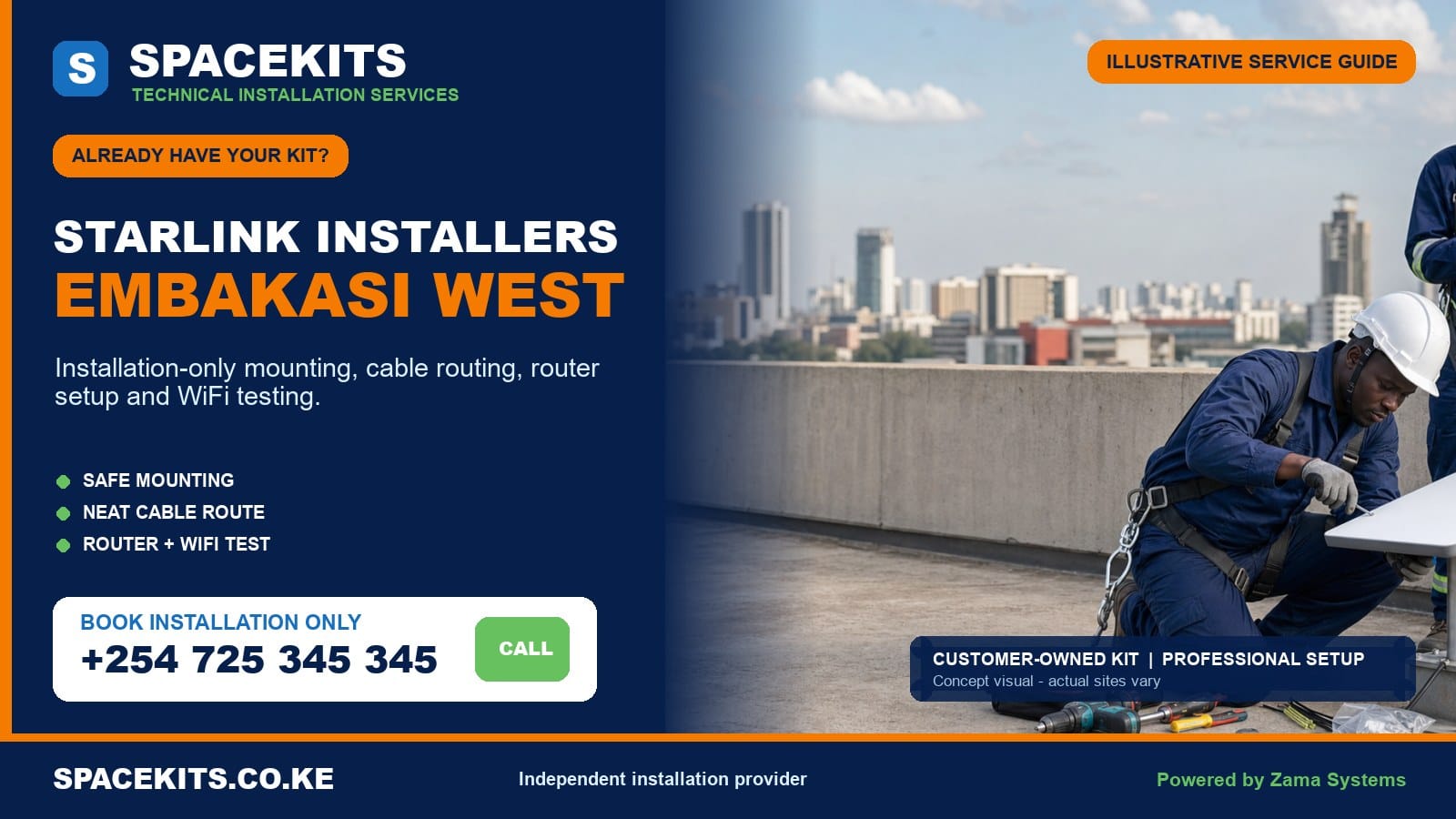
Starlink installation only Embakasi West is for a customer who has already purchased the principal kit and now needs safe mounting, tidy cable routing, router setup, WiFi checks and a clear handover. SpaceKits first checks the equipment and property information, then defines the labour and any separately required materials. You keep ownership of both the kit and the official account.
Talk to Spacekits
Need Starlink help for your home or business?
Talk to Spacekits before you buy or book installation. We help with kit supply, mounting, activation, router placement, WiFi coverage, and written quotes.
Our Starlink installers Embakasi West service is organised around the four verified wards: Umoja I, Umoja II, Mowlem and Kariobangi South. These areas contain apartments, maisonettes, standalone homes, shops, schools, churches, clinics, workshops and mixed-use buildings. The exact pin matters because roof access, traffic, parking, building permission and local cable routes can differ within the same ward.
Get an installation assessment: photograph every supplied component, the model label, connector ends, any bracket or adapter, the roof and the surrounding sky. Include your Embakasi West pin, floor, property type and priority WiFi rooms. Request Starlink installation only in Embakasi West on WhatsApp or call +254 725 345 345.
Starlink installation planning in Umoja I, Umoja II, Mowlem and Kariobangi South
The ward names on this page follow Nairobi County’s published administrative table. They are useful for local relevance, but they do not replace a map pin or building survey. A street of maisonettes in Umoja can need a different method from a nearby apartment tower, and a Kariobangi South workshop can have completely different access and WiFi conditions from a residential block.
Umoja I
Umoja I has dense residential and commercial activity, with maisonettes, flats, shops and premises that have been extended over time. A roof may carry water tanks, television aerials, solar equipment and cables belonging to several occupants. The technician should identify a dish position that preserves maintenance paths and does not expose the cable to routine tank or roof work.
Many customers do not control the common roof. A tenant or unit owner should obtain the landlord’s or manager’s permission, identify the caretaker who provides access and agree where an external cable may run. A verbal promise that “the roof is always open” is not enough if the hatch is locked or building rules prohibit drilling on the day of installation.
Umoja II
Umoja II calls may involve family homes, multi-unit conversions, offices and street-level businesses. Reinforced concrete and closely spaced buildings can affect both sky visibility and indoor WiFi. A balcony can appear convenient but may be shaded by the slab above, face an obstructed direction or provide no secure fixing point. Roof and wall alternatives should be assessed rather than choosing the shortest cable path.
If the customer runs a shop or office below the residence, identify where the internet is actually needed. Placing the router in an upstairs bedroom may leave a point-of-sale terminal or CCTV recorder with weak service. Extending the network downstairs is separate from dish mounting and may require Ethernet, a mesh unit or an access point.
Mowlem
Mowlem contains both established compounds and newer apartment development. New construction near a property can change a previously open sky view, so the selected position should consider current neighbouring height and visible development. A dish installed too close to a parapet or tank may show interruptions even though it looks open from ground level.
Newer flats can also have formal facilities procedures. Security registration, rooftop work approval, restricted contractor hours and protected service risers should be discussed before booking. If the cable must cross shared corridors or use an existing duct, the manager must approve the route and confirm that the duct is accessible.
Kariobangi South
Kariobangi South presents residential, institutional and workshop environments. Metal roofing, industrial dust, vibration, machinery, welding areas and busy yards can influence the safe equipment position. A workshop roof may be high or unsuitable for casual foot access. The installation may need a different support, planned ladder position, additional crew or a survey before the final labour scope is agreed.
Metal structures can also restrict indoor WiFi. Strong service at an office window does not guarantee coverage across a workshop or storage area. A wired connection to a protected internal access point may be more dependable than trying to force one router through metal partitions. Tell SpaceKits which workstations, cameras or business systems need connectivity.
What to send before booking installation-only labour
Begin with the physical equipment. Arrange the dish, router or power unit, cable, mains lead, temporary stand and any separately purchased mounting hardware so all parts can be seen. Photograph the group, then take clear close views of the box label, connector ends and the part of the dish that joins a mount. These photographs help identify mismatched or absent items before anyone crosses Embakasi West.
If the kit is used, explain whether the legitimate ownership and account process has been completed. Do not send a seller’s password, account recovery details, payment information or login codes. The customer should maintain the official account. SpaceKits needs enough information to assess the hardware and supports customer-led setup; it does not take over the subscription.
Send daylight site photos from more than one angle. Show the whole building, roof edges, water tanks, nearby taller buildings, trees, likely wall surfaces and the area where a ladder or access platform could stand. State the building floor count and the floor where the customer is located. For an apartment, identify the approved route between the common roof and the unit.
Finally, list the coverage requirement. Name the living room, home office, shop, reception, classroom, CCTV cabinet or workshop zone that matters. If the Starlink connection will join an existing router or serve as backup internet, include the equipment model and an IT contact. Basic router setup and business-network integration are not the same job.
Checking the customer-owned Starlink kit before installation
Starlink equipment is not one universal set of interchangeable components. Hardware generations may use different cables, connectors, power arrangements, routers, adapters and dish mounts. A cable that physically resembles the original may still be wrong, and a bracket sold online for one model may not safely retain another. Model-specific compatibility should be confirmed before work at height begins.
- Identify the model. Use labels and clear component views to establish the hardware family without requesting private account credentials.
- Count the core items. Confirm the dish, compatible router or power supply, correct cable, mains lead and any required intermediate component.
- Inspect cable and connectors. Look for crushing, cuts, bent contacts, dirt, corrosion, moisture, improvised joins or plugs forced into place.
- Inspect housings. Cracks, water exposure, burnt smells, loose sockets or damage from a fall should be declared before installation.
- Verify mounting parts. Check that the supplied bracket or pole adapter fits the exact dish and can be secured to the proposed surface.
- Measure the route. Include vertical rise, corners, entry and a service allowance. Do not stretch the cable or plan a casual splice.
- Confirm legitimate account readiness. A second-hand kit must be eligible for the owner’s official activation or transfer process.
- Define connectivity needs. Identify any compatible Ethernet, mesh, switch, firewall or access-point requirement before the visit.
A remote check cannot prove that powered equipment is fault-free, but it can expose obvious gaps. If something is missing, the customer can source the correct part or ask SpaceKits to quote it separately. If a used kit appears locked or ownership is unclear, permanent drilling should wait until the account issue is resolved.
Why an Embakasi West site survey matters
Shared roofs and permission
A shared rooftop is part of the building, not automatically part of a tenant’s unit. The decision-maker should approve the fixing point, cable route and entry. The installer must keep clear of water-tank valves, drains, solar equipment, walkways and other residents’ services. Labelling the dish and cable can reduce accidental disconnection during later maintenance.
Dense-building obstructions
Neighbouring blocks, rooftop tanks and parapets can interrupt the required view even when the sky looks broad from below. The official obstruction tool and a physical check should guide the position. Installing on the first available balcony because it is easy can create repeated interruptions and an expensive relocation later.
Access and safety
A flat concrete roof reached by stairs is different from a high metal roof reached from a narrow alley. The survey reviews ladder support, edge exposure, roof condition, overhead electricity, pedestrian activity and working space. SpaceKits may require additional access equipment or decline an unsafe route. No internet installation justifies unprotected work at height.
Building entry and finish
The cable should not be trapped in a closing window or pulled through a rough hole. In a managed block, the route may need to follow a service shaft or approved external line. Connector size and bend limits affect conduit selection. The customer should agree on visible trunking, entry position and any decorative responsibility before work starts.
Power and local network
The indoor equipment needs a safe, dry and ventilated position with reliable power. A crowded extension board beside a sink or shop doorway is not a suitable permanent location. If outages are common or the connection supports business systems, backup power can be designed separately for the Starlink equipment and every switch or access point that must remain active.
What the agreed installation labour can cover
Installation only means SpaceKits provides a defined service for the customer’s equipment. The labour can include final obstruction assessment, confirmation of a suitable mounting point, fitting a compatible supplied or separately quoted mount, securing the dish, routing and protecting the compatible cable, completing the agreed building entry and positioning the router or power unit.
SpaceKits can then support the account owner while the owner completes private setup steps, configure the local WiFi, check equipment status, test agreed coverage points and explain the installed system. The customer should know which socket powers the kit, where the cable travels, which parts should not be moved and how to perform a controlled restart.
Optional technical work may include a compatible Ethernet connection, mesh placement, wired access points, connection to an existing router, a shop firewall, CCTV remote-access support or a backup link. Each option needs its own compatible equipment and test criteria. They should appear separately instead of being implied by a vague promise to “connect everything.”
The labour scope is based on access and conditions disclosed before booking. If the roof turns out to be unsafe, the mount is incompatible or the approved route differs substantially from the photos, the technician pauses and explains the revision. Proceeding with an unsuitable plan merely to finish the appointment would expose both customer and installer to avoidable problems.
Missing materials, extra work and exclusions
A customer-owned kit usually includes the principal electronics, but permanent mounting materials are not guaranteed. A wall bracket, pole, model-specific adapter, anchors, cable clips, conduit, trunking, guards and sealing materials may be needed. The customer may supply confirmed compatible items, or SpaceKits can list and quote them. They are not silently included as labour.
The Starlink kit purchase, subscription, plan payment and official account charges remain outside installation labour. So do mesh units, Ethernet accessories, switches, access points, business routers, UPS equipment, electrical upgrades, fabrication, special access equipment and repair of unrelated building defects unless specifically listed.
Concealed cable routes can require ceiling access, ducts, additional labour or later decorative repair. A basic installation quote should not be treated as permission for structural alteration. Landlord-controlled areas, fire routes and shared electrical spaces require management approval. Structural engineering, high-voltage work, asbestos handling and major waterproofing must be handled by appropriately qualified parties.
Travel, parking, security waiting time and a return visit caused by missing access or parts should be addressed before work. SpaceKits does not publish an invented standard price because a ground-accessible Umoja maisonette and a controlled Mowlem apartment roof are not equivalent projects.
Technical standards for mounting, cable, router setup and testing
Secure mounting without roof shortcuts
The selected support must suit the exact dish interface and the structural surface. A temporary ground stand should not be balanced on a rooftop as a permanent answer. Fasteners must not rely only on weak render, loose masonry or thin sheet. The dish should remain clear of casual contact and routine roof work while still being reachable for safe future inspection.
Height is used only when needed for a suitable view. An excessively tall flexible pole can create movement and loading problems. The installer evaluates wind exposure, support strength and nearby obstructions, then chooses a proportionate solution. A lower stable position with the correct sky view can be better than a dramatic but unsafe one.
Cable handling in dense buildings
The cable must avoid sharp roof edges, standing water, hot metal, drainage paths, doors, public stairs and places where another contractor may cut or pull it. It should not be stapled through or bent tightly around corners. External sections may need suitable clips or protection. Any connector should remain free from strain and moisture exposure.
Inside an apartment or shop, trunking can create a neater route, but the path should stay serviceable. Running beside power, through a fire door or across a busy floor is not automatically acceptable. The route should be agreed with the building and customer before drilling, particularly where finishes or common areas are involved.
Router placement and WiFi design
The router should be in a dry, ventilated, secure location near stable power and reasonably central to priority users. Concrete walls, slabs, mirrors, metal shutters and neighbouring WiFi networks can reduce range. Placing the router at the roof entry may save cable work but deliver a poor customer experience downstairs.
Coverage should be measured at named points. In a maisonette, test the working room and the other floor. In a shop, test the counter, office and CCTV cabinet. In a workshop, test the protected working zone rather than the metal yard from one corner. Mesh units should be placed where they can receive and repeat a useful signal; otherwise wired access points may be better.
Connection checks and handover
After the customer completes legitimate account steps, the installer checks equipment status and visible obstruction information, confirms local WiFi, and tests agreed areas. A speed result beside the router is recorded only as a momentary observation. It cannot guarantee future throughput because service load, weather, plan terms, obstructions and devices change.
At handover, the customer receives the network name, keeps the chosen password, sees the cable and power arrangement, and learns a basic restart sequence. Any weak room, account warning or hardware symptom is recorded. The customer should also know how to contact the seller or official support if the issue is outside installation workmanship.
Hardware faults, account problems and warranty boundaries
SpaceKits is responsible for workmanship within the accepted installation scope and its written terms. It does not become the manufacturer or seller of customer-owned equipment. The dish, router, power supply and cable remain under the warranty or sale terms provided by their source. An existing defect does not become an installation defect simply because it is discovered during a visit.
SpaceKits cannot activate equipment that official systems reject, bypass a previous owner’s account, change plan eligibility, alter service capacity or settle billing. The legitimate account holder must handle those issues using authorised channels. The installer can share observations such as no power, visible damage or a status message, but cannot promise that an account problem will be solved on site.
Internet performance is also shared across several layers. Physical mounting and cable work, the satellite service, the customer’s plan, local WiFi and the user’s device can each affect the experience. Testing should isolate the likely layer rather than blaming every slow room on the dish. No fixed speed or uninterrupted service is guaranteed.
If the kit fails before permanent work, the sensible choice may be to pause. The customer can seek a replacement, confirm transfer or approve a diagnostic scope. This boundary prevents unnecessary drilling and protects the customer from paying for a completed physical installation around unusable hardware.
Five Embakasi West installation scenarios
Umoja I apartment with rooftop tanks
The resident secures management approval and roof access. The installer chooses a position clear of tank service paths and plans a protected external route to the unit. Because several concrete floors separate the roof and customer, the router location and any mesh requirement are agreed before work.
Umoja II maisonette with a downstairs shop
The dish may fit safely on the home, but the shop counter and CCTV recorder are the priority endpoints. The design places the router for household use and adds a separately scoped wired or mesh link downstairs. Business failover is included only if compatible routing equipment is assessed.
Mowlem flat with restricted contractor hours
The building permits rooftop work only in a defined window and requires contractor registration. All kit photos, route approval and materials are confirmed beforehand. This preparation prevents the available access window being spent searching for an adapter or negotiating a cable path.
Kariobangi South workshop with a metal roof
Roof access and structural fixing need careful assessment, while dust and machinery affect indoor placement. The router stays in a protected office, and a wired access point may serve the work area. A casual magnet, loose pole or exposed cable across a loading route would not be acceptable.
Mowlem compound awaiting fibre
The customer wants Starlink now and may keep it as backup later. The initial scope provides a secure permanent installation. Future automatic failover is documented as a separate networking phase, allowing the physical investment to remain useful when another provider arrives.
Quotation and booking process
Prepare the building, account and work area
Before the confirmed appointment, place the complete kit indoors where it can be inspected without rain or dust. Make sure the legitimate account owner can access the registered email or phone and will be present for private setup prompts. Clear reasonable access to the proposed indoor entry and move stock, furniture or fragile items away from the drilling area. Do not climb onto a roof in advance merely to take photographs; safe ground-level views and management access information are enough for the initial brief.
For apartments, give the caretaker or security team the technician’s arrival window and confirm the roof key, service duct and approved working route. For shops and workshops, choose a time that will not put customers or staff below overhead work. Machinery, welding and vehicle movement near a ladder position should be stopped or isolated. These preparations are part of a safe site, even though they are not physical items on the installation invoice.
Plan for operation after handover
Decide who may change the WiFi password, restart equipment and contact official support. Keep the router and power equipment ventilated and prevent cleaners or tenants from switching off an unidentified socket. If the system supports payments, cameras or remote work, write down a basic outage procedure and decide whether backup power or a second connection is required. A professional installation is more valuable when the client also manages access, power and support responsibilities.
After major roof work, tank maintenance or building alteration, visually check that the mount and cable have not been moved. Do not attempt roof repairs during rain or without suitable access. Report the symptom, status message, affected rooms and recent site changes when requesting assistance; accurate information is faster to diagnose than simply saying the internet is slow.
A useful quote names the work rather than offering a number with no context. Send the complete brief and ask SpaceKits to separate labour, mount or adapter, cable protection, special access, network extension and travel. The quote should state assumptions such as available roof access and customer-controlled account readiness.
SpaceKits reviews the information and advises whether the project can be quoted from evidence, needs on-site confirmation or should begin with a survey. The customer approves the scope, secures building permission and ensures the kit and decision-maker are present. On arrival, the technician confirms the safe plan before permanent drilling.
If the site matches the brief, the work proceeds through mounting, cable routing, indoor setup, testing and handover. If an important condition is different, the change is discussed first. There is no invented price promise that forces unsafe shortcuts or undisclosed materials.
Frequently asked questions about Starlink installation only in Embakasi West
Can you install a kit that I purchased independently?
Yes. SpaceKits checks the model, apparent completeness and condition before confirming the labour scope. Any missing compatible mount, protection or network accessory is listed separately.
Which Embakasi West wards are covered?
The local service covers Umoja I, Umoja II, Mowlem and Kariobangi South. Always send the exact pin, building name or road and access contact.
Can a tenant book an apartment installation?
A tenant can request service, but the landlord or building manager should authorise rooftop, exterior-wall and common-area work. Roof access and the cable route must be confirmed before the visit.
Is a mount included in installation-only labour?
Not automatically. A compatible customer-supplied mount can be installed. If a bracket, adapter, pole, anchors or protection materials are required, they are quoted separately.
What if my kit was bought second-hand?
The customer must confirm legitimate ownership and official account eligibility. SpaceKits cannot bypass transfer, billing or activation restrictions. Hardware should also be checked for damage and missing parts.
Will one router cover my whole apartment block or maisonette?
It may not. Reinforced concrete, several floors and neighbouring networks can reduce coverage. Mesh or wired access points are assessed as a separate network scope.
Can Starlink be connected to my shop, CCTV or office router?
Yes when the systems are compatible. Send equipment details first. Ethernet, firewall, failover, switch and CCTV integration are separate from basic dish installation.
Does SpaceKits repair a faulty customer-owned dish or router?
SpaceKits can identify physical or setup symptoms within an agreed diagnostic scope, but hardware warranty and replacement remain with the seller or manufacturer.
Do you promise a fixed internet speed?
No. The installation and agreed WiFi points are tested, but speed varies with service conditions, plan terms, obstructions, weather, network demand and customer devices.
What information produces the most accurate quotation?
Send the map pin, ward, property and floor details, permissions, complete kit photographs, mount details, roof and sky photos, route information and the exact rooms or systems that need service.
A useful final check for an Embakasi West booking
Before confirming the visit, identify who can authorise roof access, who owns the Starlink account and who will approve any additional mounting or cable-protection material. For an apartment or shared compound, tell the caretaker or property manager where the technician expects to work. That simple coordination reduces delays and gives the installer enough time to concentrate on a secure mount, a protected cable route and a tested handover.
Install your customer-owned Starlink kit in Embakasi West
Send a complete brief so SpaceKits can check the kit, roof and WiFi requirement before the technician travels. WhatsApp your Embakasi West installation details or call +254 725 345 345.
SpaceKits is an independent installation and technical-services provider. It is not affiliated with, endorsed by or acting on behalf of Starlink or SpaceX. Product names and trademarks belong to their respective owners. Hardware warranty, account eligibility, service plans and official platform decisions remain outside the installer’s control. Powered by Zama Systems.
Need Starlink Installation or Network Optimization?
We help homes, offices, apartments, and businesses with Starlink installation, WiFi coverage improvement, and professional setup in Kenya.
Request Installation Chat on WhatsApp