



Need Starlink Installation or Network Optimization?
We help homes, offices, apartments, and businesses with Starlink installation, WiFi coverage improvement, and professional setup in Kenya.
Request Installation Chat on WhatsAppProfessional installation for customer-supplied Starlink equipment
Starlink Installation Only Makadara: Mount, Cable and Test Your Own Kit
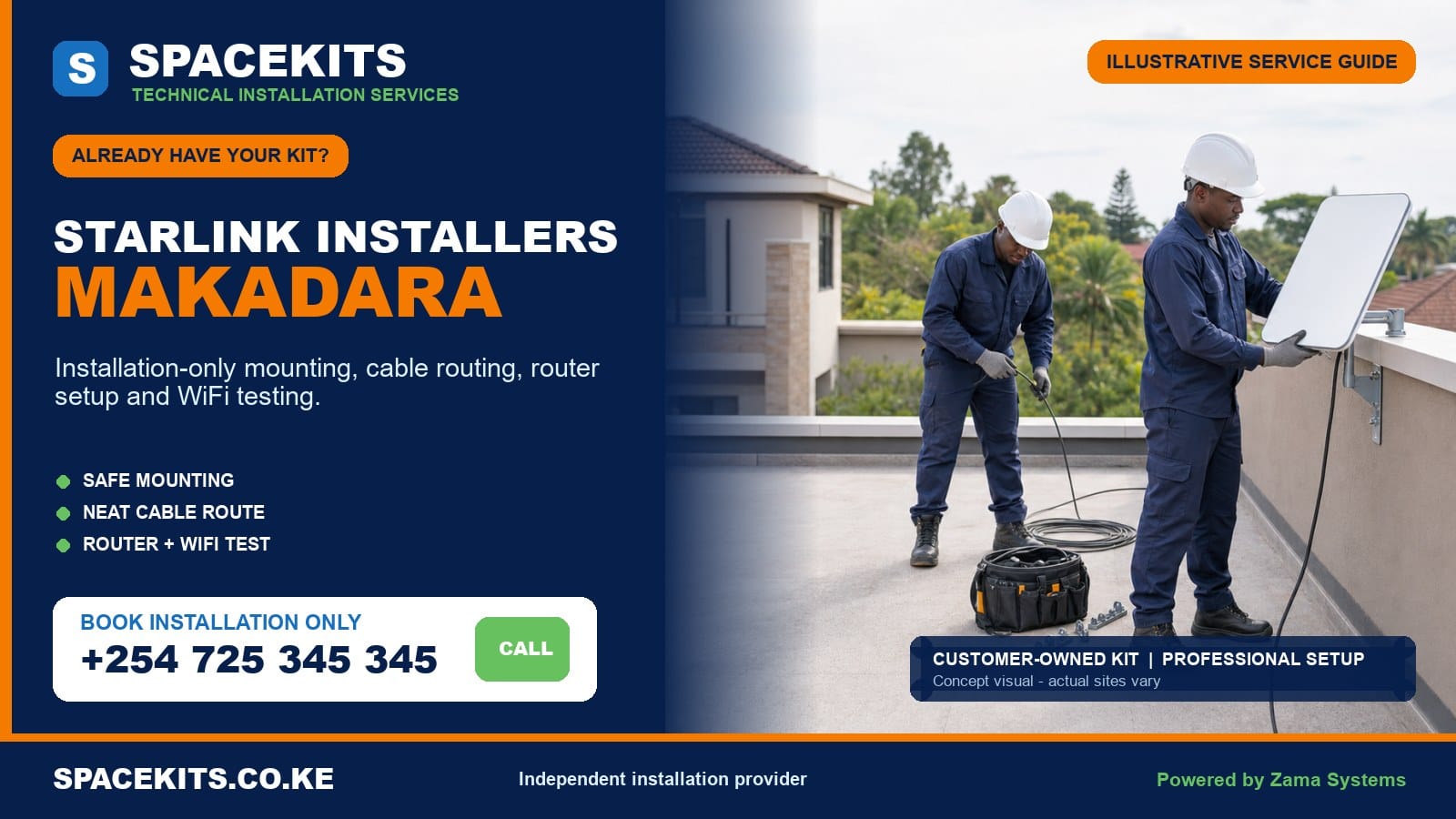
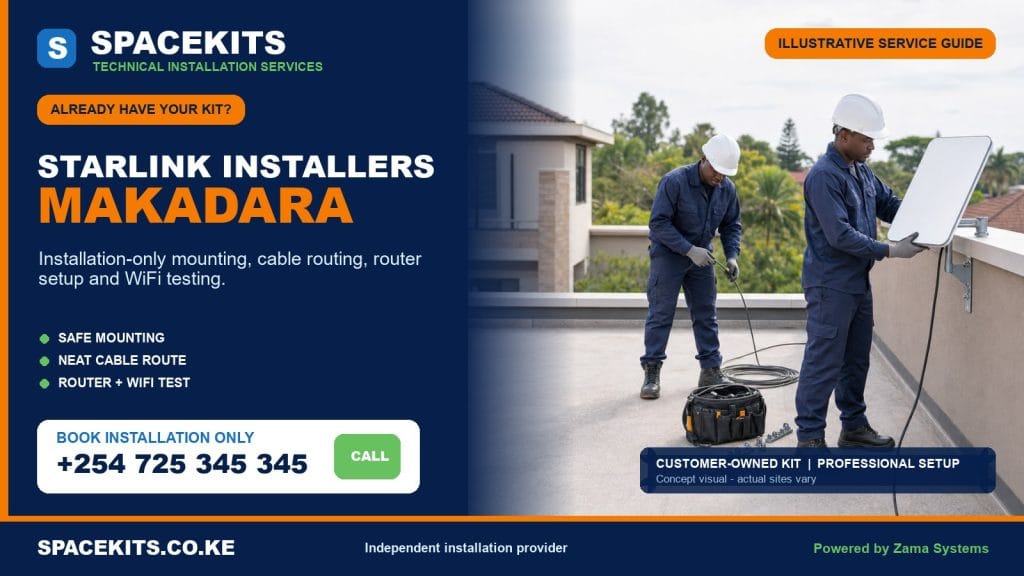
Starlink installation only Makadara gives homes, businesses and institutions a professional way to install equipment they have already bought. SpaceKits checks the supplied kit, reviews the property, agrees on a safe mount and cable path, sets up the router and tests the agreed connection points. The service is installation-led; it does not force the customer to purchase another principal kit.
Talk to Spacekits
Need Starlink help for your home or business?
Talk to Spacekits before you buy or book installation. We help with kit supply, mounting, activation, router placement, WiFi coverage, and written quotes.
Our Starlink installers Makadara coverage follows the four verified wards: Maringo/Hamza, Viwandani, Harambee and Makongeni. Those wards include estate housing, flats, shops, workshops, warehouses, offices, schools and mixed-use compounds. Each site needs its own decision because metal roofs, industrial activity, shared buildings and mature estate layouts create different risks and network needs.
Start with a useful brief: send the exact Makadara map pin, ward or estate, property and roof photos, a picture of every kit component, both cable connectors and any mount already purchased. Add the rooms or business zones that need WiFi. Request a Makadara installation-only assessment on WhatsApp or call +254 725 345 345.
Planning an installation in Makadara’s four wards
Nairobi County’s administrative ward table identifies Maringo/Hamza, Viwandani, Harambee and Makongeni as Makadara’s wards. SpaceKits uses those verified names for service organisation. The map pin, building entrance and site contact remain essential because local estate names, institutional compounds and business addresses do not always lead a technician to the correct gate.
Maringo/Hamza
Maringo and Hamza service calls can involve planned estate housing, flats, schools, worship centres, shops and compounds that have changed over time. Mature trees and adjacent blocks can interrupt an otherwise promising roof view. The team compares candidate positions using the proper obstruction check instead of selecting the lowest wall solely because it is easy to reach.
Older housing and later extensions can create uncertain cable routes. A ceiling void may not continue between rooms, and an exterior wall may conceal power or water services. The proposed entry and indoor path should be inspected before promising fully hidden cabling. Surface trunking can be neat and maintainable when concealment is not safe or practical.
Viwandani
Viwandani installations may serve workshops, warehouses, industrial offices, institutions and residential premises. Large metal roofs require more than a household ladder and an assumption that every sheet can carry weight. Site management should identify a structural fixing point, safe access method, production schedule and any restricted or hazardous area. Some sites should begin with a survey rather than a same-day installation promise.
Industrial dust, heat, vibration, welding and vehicle movement affect equipment and cable placement. The router and power components should sit in a protected indoor space rather than an exposed workshop corner. Metal partitions can block WiFi, so a wired access point or planned distribution network may be needed for work areas. That network scope is separate from mounting the satellite equipment.
Harambee
Harambee includes residential estate environments, community facilities and nearby commercial activity. Several households may share a compound or roof. The customer should confirm who may authorise permanent work, which wall or roof section belongs to the unit and how a cable can reach the router without crossing another resident’s door, drainage or service area.
Where the customer wants to share connectivity between units, a single open WiFi password is not a complete plan. User control, coverage, capacity, access points and power need separate design. SpaceKits can install the main link and then quote distribution based on the actual number of rooms, users and buildings.
Makongeni
Makongeni’s estate and railway-influenced built environment can present older roofs, close-set buildings, communal areas and mature vegetation. A permanent mount should avoid fragile material and preserve access for roof maintenance. A cable route through a shared corridor or external elevation requires permission, protection and a finish that does not create a trip or tampering hazard.
For a home office or small business, router placement should prioritise the working room rather than simply the wall nearest the dish. Masonry and closely spaced networks can affect WiFi. Testing at the desk, counter or CCTV recorder gives more useful information than testing only next to the router.
Send the kit and site details before a Makadara technician travels
A clear pre-installation check saves time. Put the customer-owned dish, router or power unit, cable, mains lead, supplied stand and any separate mounting item together. Take a group photograph and close images of the label, cable ends and dish-to-mount connection. If an accessory came from another seller, include its model, dimensions and packaging description.
State whether the kit is new or previously used. A used unit should be under the legitimate customer’s control and eligible for the required official account process. Do not send passwords, card information, recovery codes or temporary login messages. The owner remains responsible for account access, plan choice and payment; SpaceKits handles the agreed physical installation and local setup.
For the property, send wide daylight images showing the full roofline, candidate walls, surrounding buildings, trees, tanks, chimneys, signage and existing antennas. Identify the roof material, number of floors and access route. A Viwandani warehouse should also declare site hazards and induction rules, while a residential block should confirm caretaker and landlord approval.
Describe the desired result. Is the connection for one home, a shop counter, a school office, a CCTV system, an industrial office or a backup business link? Which rooms or zones must work? Does an existing router, firewall or network cabinet need connection? These answers determine whether the work is a basic installation or a broader network project.
Customer-owned kit completeness and compatibility
Starlink hardware has changed across product versions. Dishes, cables, power arrangements, routers, Ethernet options and mounting interfaces are not automatically interchangeable. A generic bracket or replacement cable may be unsuitable even if the listing uses the Starlink name. The installation plan must match the physical model supplied.
- Identify the kit generation. Labels and clear physical views help match the dish, router, cable and power method.
- Verify the principal components. Confirm the correct dish, router or power supply, cable, mains connection and any required intermediate parts.
- Inspect previous use. Look for cracked housings, bent contacts, corrosion, water entry, heat damage, crushed cable, altered plugs or an improvised repair.
- Confirm the mount interface. The bracket, pole or adapter must safely accept the exact dish and suit the selected structural surface.
- Plan cable length. Measure the actual protected route, including vertical runs and bends, rather than only the distance between two rooms.
- Check account readiness. The owner should resolve legitimate transfer, activation, service-address and billing requirements through authorised channels.
- Check power. Identify a stable indoor outlet and any correctly sized backup supply for the complete network.
- Define network accessories. Ethernet, mesh, access points, switches and business routers must be compatible and included in a separate scope where needed.
A photo review cannot certify internal electronics, but it can prevent obvious mismatches. If a missing part can be sourced, it is quoted separately or provided by the customer. If the kit appears damaged or account-ineligible, the permanent installation can be postponed until the responsible seller, manufacturer or official support channel resolves the issue.
Surveying a Makadara home, estate block or industrial site
Obstruction and long-term view
The dish requires a suitable view, not merely a patch of visible sky. Adjacent flats, industrial buildings, trees, tanks, parapets and signage can affect it. The installer uses the relevant obstruction guidance at the candidate point and considers whether planned construction or tree growth could create a near-term problem.
Structural surface
Concrete, masonry, tiled roofing, corrugated sheet and industrial framing require different attachments. A sheet edge or decorative fascia is not assumed to be structural. On a large metal roof, site management should identify safe walkways and fixing members. If the condition is uncertain, the mount is revised rather than secured by guesswork.
People and operations
Makadara’s busy premises require work-zone control. A ladder should not stand in a customer path, loading lane or active workshop without isolation. Drilling should be scheduled so debris and noise do not endanger staff, pupils, patients or stock. The site contact is responsible for permissions and operational coordination.
Building entry
The cable route should avoid roof drainage, sharp metal, hot surfaces, machinery, doors and public corridors. The entry must account for hidden utilities and connector size. A weather-protected, serviceable route is better than a visually hidden route that crushes the cable or prevents future replacement.
Indoor environment
The router and power equipment need a dry, ventilated and secure position. Industrial dust or heat may require a protected office or cabinet arrangement that preserves ventilation. A residential router should not sit where children, cleaners or tenants can repeatedly disconnect it. Power backup should include any network device needed for service, not only the dish.
What installation-only labour may include
The accepted scope can cover on-site confirmation, obstruction review, selection of the mounting point, fitting of a compatible customer-supplied or separately quoted support, secure dish placement, cable routing and protection, the agreed wall entry, indoor equipment positioning, customer-led account steps, local WiFi setup, tests and handover.
Labour also includes judgement. The installer should stop if the roof is unsafe, the support is incompatible or the proposed route risks other services. The revised requirement is explained before more work occurs. A responsible technician does not hide a serious change in a final invoice or use an improvised part to preserve a same-day promise.
Testing covers equipment status and agreed local points. For a home, that could mean the living room and home office. For a shop, it could mean the counter and CCTV recorder. For a warehouse, it may include the protected office and a selected work zone. The test list should be stated because one reading near the router cannot represent every part of a property.
Optional work includes mesh, wired access points, Ethernet, network rack integration, firewall setup, failover, point-to-point distribution and UPS planning. These tasks require compatible parts and a broader brief. They are related to the installation but not automatically included within basic mounting labour.
What is not automatically included
The principal kit, official service subscription, plan charges and account payments are not part of installation-only labour. A permanent mount, model-specific adapter, pole, anchors, clips, conduit, trunking, sealing materials and guards are also separate unless the written quote includes them. The same applies to mesh units, switches, access points, Ethernet adapters and backup power.
Industrial access equipment, fabrication, additional crew, work permits, after-hours scheduling and safety supervision may be required on some Viwandani or commercial sites. Concealed routes, ceiling access, trenching, civil work and decorative repairs are priced only after the property requirement is understood. No flat phrase such as “all materials” should replace an itemised scope.
Existing roof leaks, weak structures, unsafe electrical wiring and earlier cable damage remain property or equipment issues. Installation labour does not include structural engineering, asbestos work, high-voltage repair or major waterproofing. SpaceKits can identify when another qualified party is needed and pause the installation.
Travel and repeat attendance should be agreed. A return visit caused by locked access, a missing adapter, absent account owner or a production shutdown that was not arranged may require a new scope. Supplying correct information early is the simplest way to control unnecessary cost.
Safe mounting and cable practices
Use a permanent support designed for the property
The supplied temporary base is not treated as a universal rooftop mount. The permanent support should match the dish, fixing surface and exposure. Fasteners must engage suitable material, and the arrangement should resist casual movement without creating unnecessary height. The dish should remain away from tank access, walkways and places where stock or maintenance tools can strike it.
On metal industrial roofs, structural attachment and safe access need site-specific approval. On estate homes, the route should avoid damaging ageing tiles or creating new water paths. On a wall, the technician checks surface strength and cable entry. The goal is a stable, maintainable installation rather than the most visually dramatic position.
Protect the original compatible cable
The cable should not be stapled through, pinched under a window, joined informally or bent around a sharp sheet edge. Exposed sections need appropriate support and may need conduit or guards. Connectors should be protected from strain, dirt and water. Service allowance should be controlled, not left as a loose coil where it can be caught.
A workshop route must avoid moving equipment, vehicle paths, hot processes and areas exposed to cutting or welding. A residential route should avoid shared stairs, drainage and doors. The route inside a business should be labelled where another contractor might otherwise mistake it for abandoned cable.
Finish the entry and document the route
Before drilling, the customer approves the entry point and declares known hidden services. The opening is sized and finished for the agreed protection. The handover identifies the route so future roof, ceiling or electrical work does not damage it. If decorative reinstatement is not included, that boundary is stated in advance.
Router placement, WiFi coverage and business testing
Router placement should serve actual users while remaining compatible with the dish cable and power. A central elevated indoor position often helps, but every layout differs. Thick masonry, reinforced slabs, metal walls, shutters, machinery and neighbouring wireless networks can reduce coverage. The router should not be hidden in a sealed metal cabinet or left where dust and water can reach it.
For a Makongeni or Harambee home, the priority may be a study room and living area. For a Maringo school or clinic, staff and public networks may need separation. For a Viwandani business, reliable wired access to an office can matter more than open yard WiFi. The customer should identify the use case before equipment is recommended.
Mesh units are not magic signal amplifiers. Each unit needs a suitable connection to the main network. Concrete and metal may make wired backhaul or dedicated access points more dependable. A multi-building property may need a protected cable or wireless bridge. These designs are measured and quoted rather than assumed.
Testing begins after the equipment is legitimately online. The installer checks status, visible obstruction information, local WiFi naming and agreed endpoints. Speed tests are snapshots that can vary with plan terms, service load, weather and device ability. Business customers should also test a representative application such as cloud access, payment service or authorised CCTV connection.
Handover covers the power point, safe restart, network name, customer-controlled password and any optional network device. The customer should document who can administer the system. If Starlink is a backup link, the switch-over method and responsibility must be explicit; automatic failover is not assumed from basic router setup.
Faults, official account issues and warranty boundaries
SpaceKits stands behind only the installation workmanship in the agreed scope and under its written terms. Customer-owned hardware remains covered, if applicable, by the seller’s or manufacturer’s warranty. Discovering a pre-existing dish, cable, router or power fault during installation does not transfer hardware responsibility to the installer.
The official platform controls account ownership, transfers, activation, plan eligibility, billing and service availability. SpaceKits cannot bypass those controls or guarantee that a second-hand kit will be accepted. The customer should resolve account warnings through the legitimate seller and official support channel while keeping credentials private.
No installer controls satellite service capacity, maintenance, weather or every customer device. A sound physical setup and local network reduce preventable problems but do not guarantee one fixed speed or uninterrupted internet. Troubleshooting should distinguish power, hardware, obstruction, service and WiFi symptoms.
If the kit does not pass a reasonable initial check, permanent work may pause. The customer can approve a diagnostic visit, replace the suspect part or resolve account status. This prevents unnecessary mounting of unusable equipment and creates a clear evidence trail.
Makadara properties require different scopes
A Makongeni estate home with an ageing roof
The easiest roof edge may be fragile. A suitable wall position or structurally supported pole can avoid damage while preserving the sky view. The cable route uses protected surface containment rather than an uncertain ceiling void, and the router is positioned for the home office.
A Viwandani workshop with metal partitions
The site schedules safe access outside active loading. The dish attaches to an approved structural support, and the cable enters a protected office. A wired access point serves the production desk because the metal walls block one-router coverage. Workshop WiFi is quoted separately from the main installation.
A Maringo school administration block
The school secures roof approval and keeps cable away from pupils. The main equipment is installed for administration, while classroom distribution, filtering and user management become a later network phase. Backup power is sized for the dish, router and necessary switches.
A Harambee shop and residence
The owner needs connectivity both at the counter and upstairs. The survey avoids placing the router solely for one level. A wired run or mesh plan connects the shop, while the customer decides whether CCTV remote access and guest WiFi need separate security settings.
A Maringo office using Starlink for continuity
The dish installation provides a clean secondary link. A compatible dual-WAN router and failover policy are handled as a separate IT scope with the office administrator. Testing includes the applications that must survive a primary-provider outage.
Get an itemised Makadara installation quotation
Prepare for the visit without creating a safety risk
Keep the kit boxed or arranged in a clean indoor area until the technician arrives. Confirm that the official account owner can access the registered contact method and will be available for setup prompts. Do not send a child, caretaker or employee to share passwords on the owner’s behalf. Clear furniture, merchandise and fragile items away from the expected indoor entry point, but do not climb onto a roof merely to make access look ready.
At a school, clinic, workshop or warehouse, assign one authorised site representative. That person should know the work permit, alarm, security, electrical and emergency procedures. Mark any known concealed services near a proposed drilling point. Stop loading, welding, machinery or public movement around the work zone. If production cannot pause, schedule another window instead of asking the technician to work above people or moving equipment.
Apartment and estate customers should notify neighbours or management when a shared route is involved. Confirm the roof key and identify who can approve a change if the first mounting point fails the obstruction check. A technician cannot responsibly wait for an absent committee member while an open roof hatch or equipment remains unsecured.
Maintain the installation after handover
Keep the router ventilated and the power lead identifiable. Do not stack files, fabric or stock around power equipment. Prevent cleaning staff from switching off an unknown socket. If backup power is installed, test it according to its supplier’s instructions and remember that any access point or switch needed for coverage must also remain powered.
After roof repair, tank servicing, construction or strong weather, check from a safe point whether the cable or support was disturbed. Never climb onto wet sheet roofing to inspect the dish. Report recent work, power events, account messages and the exact rooms affected when asking for support. A statement such as “the office Ethernet works but workshop WiFi does not” allows faster diagnosis than “Starlink is down.”
Keep an internal note of the cable route, network name and authorised administrators. If an employee leaves, change relevant passwords and recovery access. Business customers should also decide what happens during a service interruption: manual changeover, an IT-managed backup link or a temporary operating procedure. Those decisions protect the value of the installation without pretending that one provider can guarantee permanent availability.
For a relocation, send photographs of both the old and new premises before removing anything. A mount that suited one Makadara roof may not suit another surface, and a cable damaged during hurried removal may fail at the new address. Account and service-address steps remain the owner’s responsibility. SpaceKits can separately scope safe removal, component inspection, a new support, protected routing and tests at the destination. Do not assume that relocation is only the reverse of installation.
There is no invented universal price because height, access, support, cable finish, materials, WiFi design and business requirements differ. Send the full brief and request separate lines for labour, mount, protection, access, networking and travel. The quotation should state exclusions and customer responsibilities. Confirm the appointment only after every required decision-maker has reviewed those assumptions.
Use the Nairobi installation-only hub for customer-owned kits to compare the county-wide process. Related pages include Starlink installation only Embakasi West, Starlink installation only Kamukunji, Starlink installation only Starehe, and Starlink installation only Mathare.
Frequently asked questions about Starlink installation only in Makadara
Can SpaceKits install a Starlink kit supplied by the customer?
Yes. Send model and component photographs first. SpaceKits checks apparent compatibility and then quotes labour plus any separately required mounting, protection or networking materials.
Which Makadara wards are covered?
The service covers Maringo/Hamza, Viwandani, Harambee and Makongeni. Provide the exact map pin, property name and access contact for scheduling.
Can you work on a Viwandani workshop or warehouse?
Yes where access can be made safe and the site approves the work. High or metal roofs, industrial hazards and production schedules may require a survey, special equipment or additional crew.
Are mounting hardware and conduit included?
Only if listed in the quotation. Compatible customer-supplied materials can be used after inspection. Missing brackets, adapters, fixings, conduit and guards are separate items.
What if the customer-owned kit is incomplete?
SpaceKits identifies the missing requirement. The customer can source a confirmed compatible part or request a separate quote. Permanent work may wait until essential components are available.
Can you activate a second-hand kit?
The legitimate owner must complete official ownership, transfer, billing and activation steps. SpaceKits cannot bypass platform controls but can perform the agreed installation once the equipment is eligible.
Will one router cover a warehouse, school or multi-unit compound?
Usually not without assessment. Metal, concrete, distance and multiple buildings can require wired access points, mesh or dedicated distribution. Those items form a separate network scope.
Does installation include connection to a firewall or failover router?
Not by default. Business router, firewall, automatic failover and network rack work can be added when compatible equipment and an IT brief are provided.
Who handles a faulty dish, router or cable warranty?
The seller or manufacturer remains responsible for customer-owned hardware warranty. SpaceKits is responsible only for workmanship within the accepted installation terms.
Do you guarantee speed after installation?
No. SpaceKits checks the installation and agreed WiFi points, but speed varies with service conditions, plan terms, obstructions, weather, network demand and devices.
A useful final check for a Makadara booking
Confirm the safest time for roof access, particularly where a workshop, shop, school or apartment remains busy during the day. Share any restrictions on drilling, shared passages and external cable routes before the installer arrives. If the connection will support tills, cameras or office systems, identify the person who understands the existing network. These details help separate the physical Starlink installation from any additional business-network work that needs its own scope.
Book Makadara installation for the kit you already own
Send the location, kit photos and property evidence for a practical assessment. WhatsApp your Makadara customer-owned kit brief or call +254 725 345 345.
SpaceKits is an independent installation and technical-services provider. It is not affiliated with, endorsed by or acting on behalf of Starlink or SpaceX. Product names and trademarks belong to their respective owners. Hardware warranty, account eligibility, official plans and platform decisions remain outside the installer’s control. Powered by Zama Systems.
Need Starlink Installation or Network Optimization?
We help homes, offices, apartments, and businesses with Starlink installation, WiFi coverage improvement, and professional setup in Kenya.
Request Installation Chat on WhatsApp