



Need Starlink Installation or Network Optimization?
We help homes, offices, apartments, and businesses with Starlink installation, WiFi coverage improvement, and professional setup in Kenya.
Request Installation Chat on WhatsAppProfessional installation for customer-owned Starlink equipment
Starlink Installation Only Mathare: Safe Setup for the Kit You Already Own
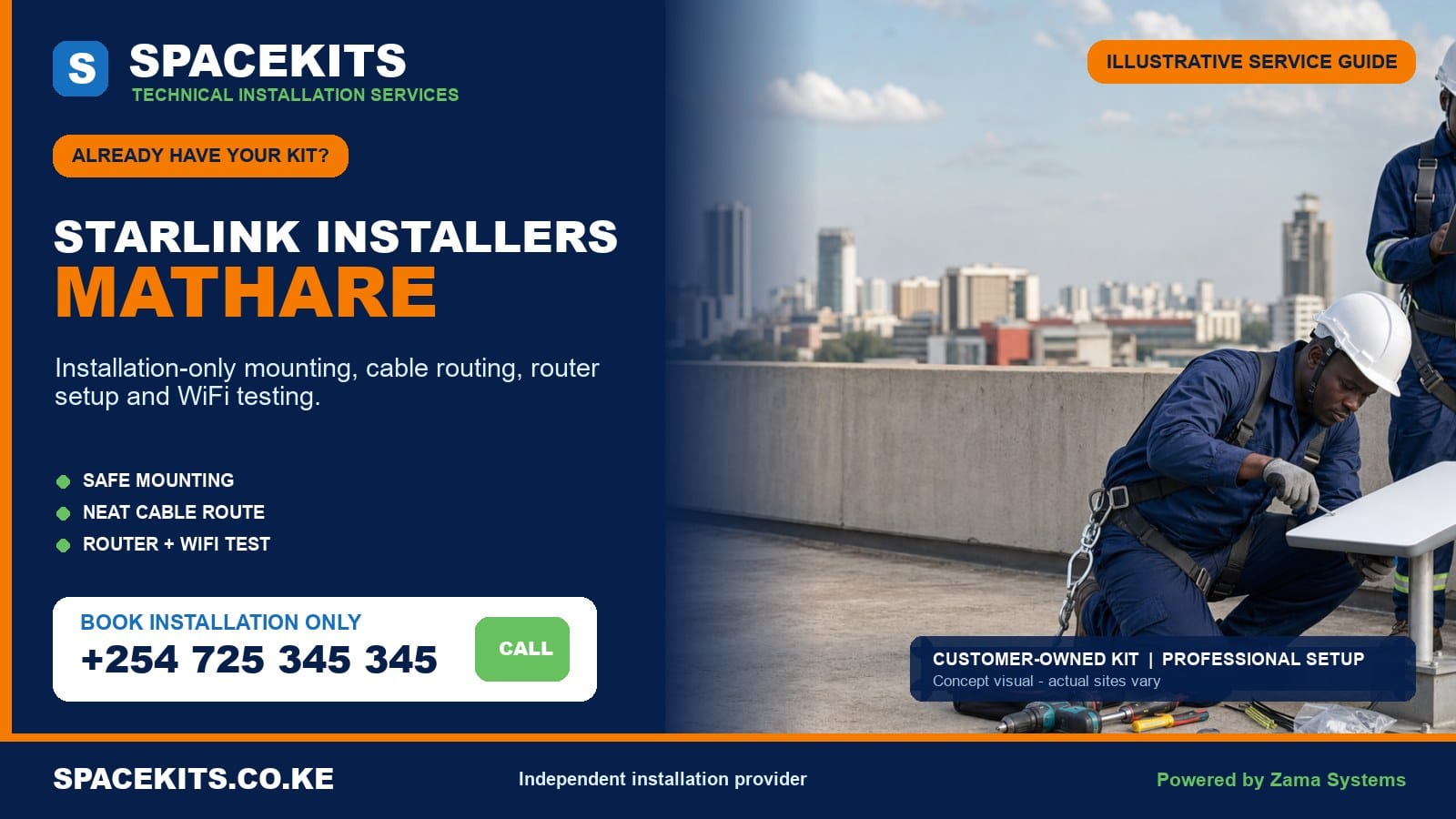
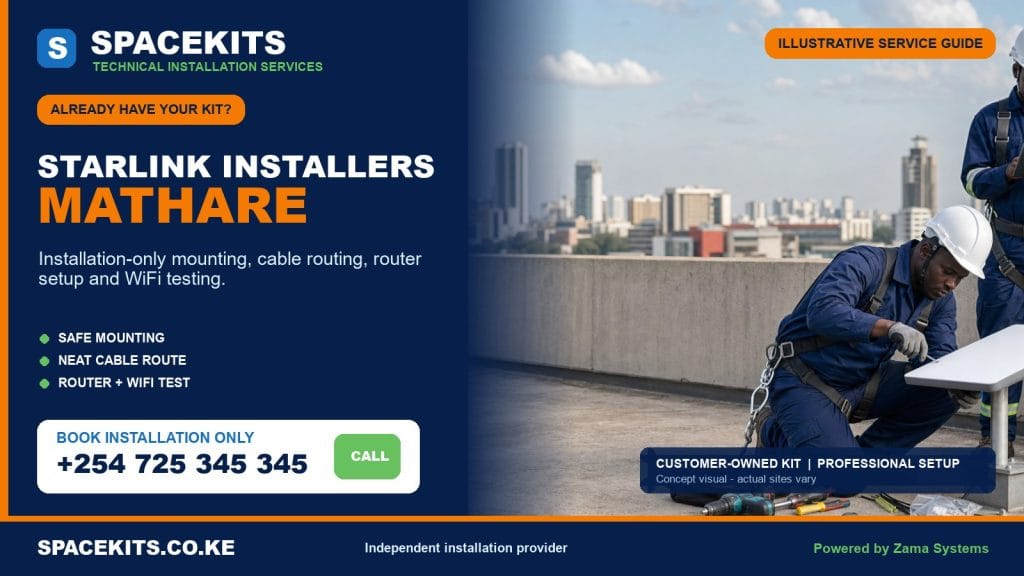
Starlink installation only Mathare is for customers who have already obtained the principal Starlink kit and now need a careful physical installation. SpaceKits checks the supplied model and parts, reviews access and sky view, agrees on a support and cable route, positions the indoor equipment and tests the agreed WiFi points. The kit and official account remain under the customer’s control.
Talk to Spacekits
Need Starlink help for your home or business?
Talk to Spacekits before you buy or book installation. We help with kit supply, mounting, activation, router placement, WiFi coverage, and written quotes.
Our Starlink installers Mathare service is organised around the six verified wards: Hospital, Mabatini, Huruma, Ngei, Mlango Kubwa and Kiamaiko. Mathare is highly built up and contains homes, rental units, clinics, schools, worship centres, shops, workshops and community facilities. Limited mounting space, shared structures, narrow access, public movement, power conditions and cable protection deserve an honest site assessment.
Request the right first step: send the exact pin, ward and access directions, property type, kit and connector photographs, any mount you purchased, wide images of the building and sky, and the rooms or devices that need service. WhatsApp SpaceKits for Starlink installation only in Mathare or call +254 725 345 345.
Installation planning across Mathare’s six wards
The ward list used here follows Nairobi County’s published administrative table. Hospital, Mabatini, Huruma, Ngei, Mlango Kubwa and Kiamaiko are the correct local units for this cluster. A ward name is not enough for dispatch. Send a live pin, an accurate gate or foot-access description and a contact who can meet the technician at an accessible point.
Hospital ward
Hospital ward calls may involve health-related facilities, residences, offices, rental buildings and local businesses. Institutions can require contractor approval, controlled roof access and careful scheduling around staff and visitors. The site representative should identify safe working zones, sensitive rooms and any restrictions on drilling or cable routes.
A clinic or office often needs more than general WiFi. It may have protected workstations, cloud systems, cameras or an existing router. The connection design should respect the organisation’s network and privacy rules. SpaceKits can install the physical link and separately scope compatible Ethernet, access points or firewall handoff with the authorised IT contact.
Mabatini
Mabatini sites can have close-set buildings, shared roofs and limited clear external space. The lowest convenient position may be blocked by adjacent structures, while a very high improvised pole can be unsafe. The technician looks for a supported point with the required view and a route that can be protected from public contact.
Where several households share a structure, the owner or responsible representative should approve the fixing point and cable route. The customer should not route cable through another household’s space without consent. If the connection will be shared, WiFi distribution, passwords, user control and payment arrangements are customer decisions beyond basic mounting.
Huruma
Huruma includes apartments, estate housing, businesses, schools and busy community premises. Concrete buildings can offer stable mounting surfaces but also block WiFi between floors. A roof-level dish does not mean a ground-floor room receives strong wireless coverage. The router position and any wired or mesh extension should be planned around the actual user.
Roof areas may hold tanks, laundry zones, solar equipment and services for several occupants. A dish and cable should remain clear of those activities and be labelled. The customer should confirm caretaker access, permission and safe timing before the visit.
Ngei
Ngei calls may involve dense homes, compounds, shops and institutions with several possible mounting surfaces but narrow access. Photographs should show where a ladder could stand and how tools reach the building. If safe access equipment cannot be placed, another position or approach is required.
Power quality and outages should be discussed where connectivity supports work, study or security. Backup power is not automatically included. It must be sized for the Starlink equipment and every network device that must stay on. Informal extensions and exposed sockets are not suitable permanent power arrangements.
Mlango Kubwa
Mlango Kubwa includes residential and commercial activity close to major movement corridors. Public circulation can make ladder placement and cable protection especially important. Work areas need isolation, and cable should not hang across stairs, paths, shopfronts or drainage. A planned contained route protects both people and equipment.
Businesses should name the systems that need service: payment, communication, CCTV, stock, cloud tools or guest WiFi. The technician can test agreed endpoints, but connection to business equipment is a separate network scope when it involves firewalls, switches or failover.
Kiamaiko
Kiamaiko service requests can involve homes, rental properties, workshops, markets and commercial yards. Dust, heat, metal structures, vehicle movement and active work areas influence where indoor equipment can be kept. The router and power unit should be in a clean, ventilated and secure room, not an exposed production area.
Metal roofs and partitions can complicate both safe mounting and WiFi. Structural support must be identified, and a wired access point may serve an office better than one router attempting to cross metal. Work should be coordinated with the site operator so no one is beneath drilling or ladder activity.
Send a complete kit and access brief before travel
Put every customer-owned component on a clean dry surface: dish, router or power unit, system cable, mains lead, temporary stand and any permanent mount, pole or adapter. Take one group photograph and close views of model labels, connector ends and the mounting interface. If the equipment is used, show any visible wear or repair instead of hiding it.
Tell SpaceKits whether the legitimate owner has completed or can complete the current official account process. Do not send passwords, payment cards, recovery details or one-time login codes. The customer keeps control of the account and performs private steps. SpaceKits handles the agreed physical and local-network work.
Send wide daylight images of the whole building, roof edge, candidate wall, nearby structures, trees, tanks, electrical lines and access path. Mention roof material, floor count, known weak sections and whether a ladder can stand on stable ground. A close photograph of one sheet cannot show the surrounding sky or safe approach.
Give precise directions. A pin may lead to a main road while the usable entrance is through another lane. Name a meeting point and a person who answers the phone. Explain whether equipment must be carried through stairs, shared courtyards or a controlled gate. These details determine whether the planned crew can reach the site safely.
List the intended WiFi areas and devices. A single room, a family home, several rentals, a clinic, school office, shop or workshop all create different network needs. If more than one building needs connectivity, state the distances and power at each endpoint.
Customer-owned kit completeness and compatibility check
Starlink hardware versions are not fully interchangeable. Cable connectors, power arrangements, routers, Ethernet options, dish shapes and mounting interfaces can differ. A generic accessory with the product name may be wrong for the customer’s model. The equipment check comes before a support is drilled into the building.
- Identify the exact hardware. Use labels and component images to match the dish, router, cable and power method.
- Confirm core components. Verify the compatible cable, mains lead, router or power unit and any required intermediate item.
- Inspect for defects. Look for crushed cable, exposed conductors, bent or dirty contacts, corrosion, cracks, water damage, burnt areas or forced plugs.
- Verify mounting compatibility. Confirm that the bracket, pole or adapter safely accepts the dish and can attach to the chosen structural point.
- Estimate route length. Include the real protected path, vertical rise, corners and entry. Do not stretch or casually splice the system cable.
- Check official readiness. The legitimate owner handles ownership, transfer, activation, plan, address and billing requirements.
- Check indoor power. Use a protected outlet and identify any electrical defects or backup requirement before setup.
- Define distribution. Identify compatible Ethernet, mesh, access points, switches or links needed beyond the main router.
If an essential item is missing, SpaceKits identifies it and pauses that part of the work. The customer can obtain a confirmed compatible item or ask for a separate quote. If a kit is account-locked, reported lost or visibly defective, the responsible seller, manufacturer or official support channel must address it. Installation labour cannot bypass those conditions.
A safe site assessment is essential in a dense area
Sky view and mounting space
The installation needs the appropriate sky view from the actual dish position. Adjacent roofs, tanks, trees and taller structures can interrupt it. The technician compares practical points and avoids a tall unstable pole unless a correctly engineered support and measured need justify it.
Structure and roof condition
Corrugated sheet, masonry, concrete and timber supports require different methods. A roof that leaks, flexes or lacks a safe walkway should not be crossed casually. A wall or purpose-built pole may be safer. SpaceKits can stop when no safe support is available and recommend the condition that must be corrected.
Public and household safety
Ladders, drilling and falling debris require a controlled area. Children, customers, residents and vehicles should not pass beneath the work. Narrow lanes and courtyards may need a scheduled low-traffic period or another access method. No urgent internet request justifies exposing the public to overhead work.
Electrical awareness
The mount and ladder must remain clear of overhead electricity. Cable routes should not mix casually with exposed wiring. Indoor power must be safe and dry. If the electrical condition is hazardous, a qualified electrician should correct it before equipment is connected.
Weather and drainage
Roof work can be postponed by rain, high wind or wet access. Cable should avoid drainage channels and standing water. Building entries need suitable weather protection. Existing flooding or leakage should be declared because installation is not a repair for the wider roof or drainage system.
What installation-only labour can include
After the site and kit pass the initial check, SpaceKits confirms the candidate mounting position, support, cable route, entry and router location. Labour can include fitting a compatible supplied or separately quoted mount, securing the dish, routing the correct cable, protecting exposed sections and arranging indoor equipment.
The legitimate account owner completes private account prompts. The installer can support physical connection, configure the local WiFi name and password with the owner, review visible status and obstruction information, test agreed points and explain the installed system. Handover covers power, safe restart, cable route and known limitations.
The labour scope should state the property assumptions. If safe ladder placement, roof strength, permission or kit compatibility differs on arrival, the plan is revised before drilling. A survey may be the only completed service where physical work cannot proceed responsibly.
Optional work includes mesh, wired access points, protected Ethernet, links between structures, CCTV or office connection, firewall setup and backup power. Each requires compatible equipment and a separate scope. A basic installation is not an unlimited promise to create a managed network for every resident or business.
Materials and services not automatically included
The main customer-owned kit may not contain a permanent support. A compatible bracket, pole, adapter, anchors, clips, conduit, trunking, cable guard, entry protection and labels are separate materials unless written into the quote. SpaceKits can list them without pretending they are free labour items.
The official subscription, plan payments, account fees and equipment purchase remain the customer’s responsibility. Mesh units, Ethernet accessories, switches, access points, point-to-point devices, business routers and UPS equipment are separate. Extra technicians, fabrication or special access may also be required.
Routine installation excludes structural repair, existing leaks, unsafe electricity, major waterproofing, asbestos handling and alteration of property without authority. A landlord, building professional or electrician may need to act first. Decorative repair and long concealed routes should be agreed specifically.
Travel and repeat attendance are based on honest access information. If a route is inaccessible, the owner is absent or an essential component is missing, another visit may be separate. Clear photos and directions protect the customer from avoidable cost.
Mounting and cable protection for close-set properties
Use a structurally supported mount
The dish should attach to a compatible permanent support, not a loose temporary stand balanced on a roof. Fasteners must engage suitable material. Thin sheet, weak render and damaged timber are not assumed to provide structural support. A stable lower point with a good view can be better than an unnecessarily high pole.
The installed dish should be outside easy public reach and clear of laundry, tank maintenance, walkways, doors and moving materials. It should still be serviceable later. A position that can never be accessed safely makes future inspection or relocation harder.
Protect against damage and interference
The cable should not be stapled through, pinched under a door, stretched, sharply bent, joined informally or laid in water. Suitable clips, conduit or guards may be needed where routes are exposed. Vertical sections require strain management. Connectors should remain clean, dry and free from pulling force.
Where a cable passes a shared area, the route needs permission and containment. It should not create a trip hazard, invite casual pulling or cross another household’s doorway. Labels can show that the route is active. The customer should identify people responsible for protecting it during roof or building work.
Finish the building entry
The entry is selected after considering hidden electricity, water, wall material, connector size and drainage. It is finished according to the agreed scope. The customer knows whether surface trunking or decorative repair is included. A serviceable route is better than trapping the cable permanently in an unsafe space.
Power, router placement, WiFi coverage and practical testing
The indoor equipment needs a clean, dry, secure and ventilated position. It should not sit on a damp floor, beside cooking heat, inside a sealed metal box or on an overloaded extension. The outlet should be identifiable so another occupant does not switch it off unknowingly.
Power backup is optional but should be discussed where outages interrupt work, study, security or health services. The backup must be compatible and sized for the Starlink equipment plus any router, switch, access point or link needed for coverage. Keeping only one component powered does not preserve the full network.
Dense masonry, concrete and metal can reduce WiFi over short distances. Position the router for priority users. Mesh units need a useful signal path, and wired access points can be more reliable across concrete or metal. A separate structure may need a dedicated link rather than an outdoor router placed in an unsafe position.
Testing includes the equipment status and agreed areas: a home-office desk, clinic room, shop counter, school office or authorised CCTV point. A speed test beside the router is only a snapshot. Plan conditions, service load, weather, obstruction and customer devices can change results. SpaceKits does not guarantee a fixed speed.
At handover, the customer retains the WiFi and account credentials, learns the power and restart arrangement, sees the cable path and receives any coverage recommendation. If service will be shared, the owner decides user permissions and acceptable-use rules. SpaceKits can quote managed networking separately.
Equipment faults, official account issues and warranty limits
SpaceKits is responsible for workmanship within the accepted installation terms. It does not become the seller or manufacturer of customer-owned equipment. Hardware warranty for the dish, router, cable, power unit and accessories remains with their source. A pre-existing defect stays an equipment issue.
Official systems control ownership, transfer, activation, billing, service address, plan and availability. SpaceKits cannot bypass these controls or guarantee a used kit is eligible. The legitimate owner keeps credentials and contacts official support. The installer can report physical observations and avoid installing equipment that is clearly not ready.
Internet service can be affected by obstruction, platform conditions, power, local WiFi and customer devices. Correct physical work addresses preventable site problems but cannot guarantee uninterrupted service. Troubleshooting should identify the affected layer.
If a component does not power or shows a fault, the customer can pause for seller support, obtain a replacement or agree on limited diagnostics. Permanent drilling around unusable equipment is not in the customer’s interest.
Six Mathare installation situations
Hospital ward clinic office
The facility approves roof work and isolates the area. The dish connects to a protected office. A compatible wired handoff serves authorised systems, while staff and guest access are handled under a separate network policy.
Mabatini shared residential roof
The owner approves a supported wall position because the roof is congested. The route avoids other households and receives protective containment. The customer uses mesh only after the far room is tested.
Huruma apartment
The caretaker opens the concrete roof and confirms an exterior route. The dish stays clear of tanks and laundry, and the router sits inside the customer’s unit. A wired access point solves coverage through a reinforced wall.
Ngei home with constrained ladder access
The initial roof edge cannot be reached safely. SpaceKits selects a stable wall point with an acceptable view rather than climbing from an improvised support. The customer supplies or purchases a compatible bracket separately.
Mlango Kubwa shop
Work is scheduled before peak customer traffic. The cable route avoids the public entrance and reaches a locked office. The shop’s CCTV and payment system are tested under an agreed business-network scope.
Kiamaiko workshop
The site supervisor stops activity around the work zone. The mount uses an approved structural point, and the indoor equipment is protected from dust and heat. A wired access point serves the office through metal partitions.
Request a transparent Mathare quotation
Prepare the work area without climbing ahead of the technician
Keep the complete kit in a dry indoor place and make all components available together. The legitimate account owner should be present or reachable with access to the registered email or phone. Do not give passwords or recovery codes to a caretaker, neighbour or technician. Move furniture and fragile belongings away from the proposed indoor entry, but do not open a roof or improvise a ladder platform just to appear ready.
Inform households, tenants, customers or staff who use the work area. Children and the public should remain outside the ladder and drilling zone. If the route crosses a shared courtyard, doorway or business frontage, agree on a low-traffic time and obtain permission. A safe twenty-minute setup of the work zone is better than rushing above people.
Identify electricity and water routes known to the property owner. Switch off or isolate machinery near the work area. Make sure an authorised decision-maker can approve an alternative mounting point if the first one lacks the required view. The technician should not have to seek permanent-property approval from someone who has no authority.
Protect the connection after handover
Choose a small number of people who may restart equipment or change WiFi settings. Keep the network name, equipment list, power socket and route note, but store passwords privately. Shared connections need clear customer-managed rules for access, payment, password changes and misuse. SpaceKits can quote managed network equipment, but it does not become the landlord or internet administrator by completing the mount.
Keep the indoor equipment ventilated, dry and out of casual reach. Do not cover it with clothing, paper or stock. Label the power lead so another resident or cleaner does not unplug it. If a UPS is used, check that it powers the complete required path, including any access point or link serving the actual room.
Inspect exposed cable only from safe ground or authorised access. After roof repair, water-tank work, new construction or severe weather, ask whether the support or route was disturbed. Never climb onto wet sheet roofing to straighten a cable. Arrange a service visit if physical work is needed.
When requesting assistance, describe the exact symptom: whether equipment has power, which status appears, whether one room or every device is affected, whether wired service works and what changed recently. Specific evidence helps distinguish local WiFi, power, hardware, obstruction and official service problems. It also avoids unnecessary repeat visits.
If the customer moves, arrange deliberate removal instead of pulling the cable or leaving a live connector exposed. Photograph the installed route, keep every adapter and power component together, and protect the dish and cable during transport. The previous bracket may not suit the new wall or roof, and a different access path may require new protection. Send the destination pin and site photos for a fresh assessment. Official account and service-address changes remain the owner’s responsibility.
There is no invented fixed price for every Mathare property. Access, structure, support, cable protection, materials, WiFi distribution, power and business requirements differ. Ask for separate labour, materials, access, optional-network and travel lines, with customer responsibilities stated. Confirm the meeting point, access contact and safe work window before the technician leaves for the site. Keep the contact reachable throughout the visit.
See the Nairobi customer-owned kit installation hub. Related guides include Starlink installation only Kamukunji, Starlink installation only Starehe, Starlink installation only Ruaraka, and Starlink installation only Makadara.
Frequently asked questions about Starlink installation only in Mathare
Can SpaceKits install a Starlink kit that I already own?
Yes. Send the component and site photographs first. SpaceKits checks apparent compatibility, access and required materials before confirming the work.
Which Mathare wards are covered?
The service covers Hospital, Mabatini, Huruma, Ngei, Mlango Kubwa and Kiamaiko. Provide the exact map pin, access route and meeting contact.
What if there is no safe place for a ladder?
The technician will not improvise unsafe access. Another mounting position, access method or preliminary site work may be needed. A survey may be the appropriate first service.
Does installation-only include the bracket and cable protection?
Only when listed. Compatible customer-supplied items can be used after inspection. Missing mounts, adapters, fixings, conduit and guards are quoted separately.
Can the cable run through a shared compound?
Only with the relevant permission and a protected route that does not create a hazard or cross another occupant’s space improperly. The exact path must be assessed.
Can SpaceKits activate a used or locked kit?
SpaceKits cannot bypass ownership, transfer, billing or activation controls. The legitimate owner must complete the current official process before relying on installation.
Will one router cover several homes or buildings?
Not necessarily. Shared or multi-building service needs separately designed mesh, access points or links plus user management. It is not included in basic mounting labour.
Who handles a faulty customer-owned dish or router?
The seller or manufacturer handles hardware warranty. SpaceKits covers only the agreed installation workmanship and can document observable symptoms.
Can you connect Starlink to a shop, clinic or CCTV network?
Yes where compatible, but Ethernet, firewall, CCTV and business-network work are separately scoped. Send the existing equipment details before booking.
Do you guarantee a specific speed?
No. SpaceKits tests the physical installation and agreed WiFi points, but service conditions, plan terms, obstruction, weather, power and devices affect results.
A useful final check for a Mathare booking
Where roof space and shared access are limited, agree on a responsible site contact and keep children, residents and customers away from the working area. Show the installer the intended cable entry and the rooms that need connectivity instead of selecting a route only because it is short. Early coordination makes it easier to protect the customer-owned kit, secure the cable and complete a handover without leaving avoidable hazards in common areas.
Book safe installation for your customer-owned kit in Mathare
Send the exact access, building, kit and WiFi information so the correct first step can be planned. WhatsApp your Mathare installation brief or call +254 725 345 345.
SpaceKits is an independent installation and technical-services provider. It is not affiliated with, endorsed by or acting on behalf of Starlink or SpaceX. Product names and trademarks belong to their respective owners. Hardware warranty, account eligibility, official plans and platform decisions remain outside the installer’s control. Powered by Zama Systems.
Need Starlink Installation or Network Optimization?
We help homes, offices, apartments, and businesses with Starlink installation, WiFi coverage improvement, and professional setup in Kenya.
Request Installation Chat on WhatsApp