



Need Starlink Installation or Network Optimization?
We help homes, offices, apartments, and businesses with Starlink installation, WiFi coverage improvement, and professional setup in Kenya.
Request Installation Chat on WhatsAppIt is easier to compare Starlink packages in Kenya when every quote covers the same requirements. One offer may include only the hardware, while another includes a mount and installation. Looking at the headline figure alone can leave you with an incomplete budget.
Talk to Spacekits
Need Starlink help for your home or business?
Talk to Spacekits before you buy or book installation. We help with kit supply, mounting, activation, router placement, WiFi coverage, and written quotes.
Start with the Spacekits package guide, then request a written quote for your own location. Separate the equipment, installation and ongoing service costs so you can see what you are buying today and what you will pay after setup.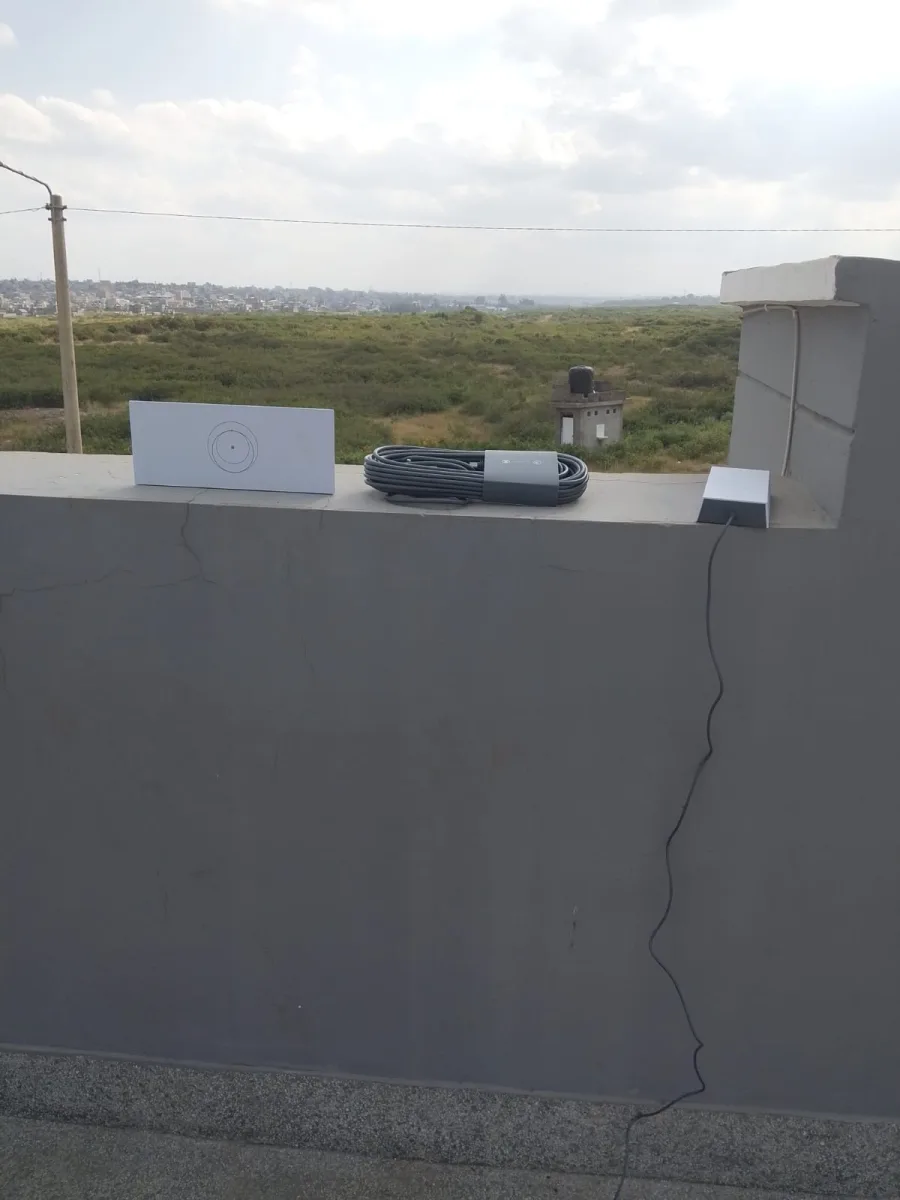
Separate the budget into clear categories
Use a simple comparison sheet with one column for each supplier. Record the hardware model and included components first. Then add mounting, labour, delivery and any agreed network extras. Finally, list recurring service charges separately.
- Equipment: Which kit and accessories are supplied?
- Installation: What mounting, cable routing and testing are included?
- Site extras: Does your property need additional equipment or travel?
- Ongoing service: Which subscription applies to your address and intended use?
A useful comparison asks what each amount covers. If one quote omits a required mount or a delivery charge, add those costs before deciding which offer fits your budget.
Compare the same installation scope
Send each supplier the same information: location, property type, preferred equipment position and rooms requiring coverage. If you change the requirements between enquiries, the quotes become difficult to compare fairly.
Ask what would trigger an additional charge after a site visit. Written exclusions help you understand the boundary of the original estimate and decide whether an optional extra is worthwhile.
Check the seller and the equipment details
Keep the supplier’s business details, invoice and warranty information together. Confirm stock and delivery arrangements before payment. The Spacekits buying guide explains its local purchase and installation-support route.
If you discover businesses through a directory such as JAAT Kenya Digital Mall, verify the specific seller and the terms of the specific offer. A directory listing by itself does not explain what your installation will include.
Think beyond the first payment
For a planning estimate, add the quoted setup amount to twelve months of the selected service charge, assuming that charge stays unchanged. Keep optional upgrades separate so you can distinguish essential work from improvements that can wait.
Before approving the quote, ask who handles hardware questions, installation issues and service-account queries. Having these responsibilities written down makes the handover easier to manage.
Does a package automatically include monthly internet?
No. Do not assume the monthly subscription is included in a hardware-and-installation offer. Confirm the current plan, billing arrangement and any fees for your service address.
1. Compare Starlink packages using one written brief
Prepare the same description for every supplier you contact. Include your location, property type, whether you own a kit and the rooms where you need connectivity. Mention separate buildings, access restrictions and any equipment you hope to retain. A consistent brief makes differences between quotes easier to interpret.
When you compare Starlink packages, first check whether the offers answer that brief. A low headline amount may describe a smaller scope. Ask the supplier to identify exclusions and assumptions in writing, rather than relying on a short message saying installation is included.
Keep the date beside every quote. Equipment availability and service arrangements can change, so an older offer may not be directly comparable with a current one. Confirm which parts of the proposal remain valid before making a decision.
2. Separate hardware from installation work
List the supplied kit and accessories in one part of the comparison sheet. Put labour, mounting and cable work in another part. This makes it easier to see whether a difference comes from the equipment itself or from the work needed at your property.
To compare Starlink packages fairly, ask for the model and included components rather than accepting a broad description of a complete kit. If you already own equipment, explain what you have and ask which parts can be used. Do not assume every older component will suit the proposed arrangement.
3. Compare the mounting and cable scope
Ask what mounting work the estimate covers and what might require a site assessment. Explain the building type and any restrictions on fixing equipment to the property. Let the installer assess the appropriate arrangement rather than choosing a location only because it is convenient to reach.
When you compare Starlink packages, include cable routing and finishing in the questions. Ask where the cable is expected to enter the building and how that work will be completed. If the final route cannot be confirmed until a visit, record that assumption in the estimate.
For managed premises, identify who can approve access and the proposed work. A quote does not replace building permission. Confirm the practical arrangements before booking so the installer does not arrive at a site where the necessary access is unavailable.
4. Keep monthly service separate from setup costs
Hardware and installation are different from the ongoing service arrangement. Ask which current service option is suitable for the intended address and use, who controls the account and how billing is handled. Confirm the current details rather than copying a figure from an older advertisement.
A useful way to compare Starlink packages is to create separate columns for the initial setup and recurring charges. Label any assumption clearly. If the monthly amount is subject to change, the longer-term estimate should show that it is a planning calculation rather than a guaranteed future total.
For example, use your quoted setup total plus twelve times the confirmed monthly charge to estimate a first-year amount, assuming that charge remains unchanged. Include known recurring extras where applicable and keep optional upgrades separate. Use actual quoted figures for your own decision.
5. Include indoor coverage requirements
A functioning connection at the main router does not answer every room’s coverage question. Tell the supplier which areas are essential and which are optional. Include upstairs rooms, reception desks or separate buildings if they form part of the requirement.
As you compare Starlink packages, ask whether the quoted work includes a coverage assessment and any additional indoor equipment. If one offer includes extra devices while another does not, compare the intended result as well as the equipment count. More items do not automatically mean a better design for your layout.
Read the room coverage guide before deciding what to request. A short description of where people work is often more useful than simply asking for the strongest possible Wi-Fi.
6. Ask what changes the quoted amount
Some estimates depend on assumptions that can only be checked at the property. Ask which conditions could lead to additional work and how a revised amount would be agreed. Keep this discussion specific to your site instead of accepting an undefined allowance for extras.
To compare Starlink packages clearly, mark each item as included, excluded, optional or awaiting assessment. These labels prevent an uncertain amount from appearing as a firm commitment. They also give you a focused list of questions to resolve before approval.
Ask about delivery and travel arrangements where relevant. Confirm whether the quoted amount covers the visit to your location and whether another visit would be charged separately. Keep the answer alongside the scope so it does not disappear in a separate conversation.
7. Compare support and handover responsibilities
Ask who answers questions about the supplied equipment, the installation work and the service account. These responsibilities may involve different support routes. Keep contact details and the relevant supplied documents together so you can find the right source of help later.
When you compare Starlink packages, include the completion checks in your decision. Request a review of the agreed rooms, supplied equipment and any unfinished work. The installation handover guide explains how to make that final review useful.
A proposal should make the handover understandable to the person who will actually manage the setup. If you are buying for a lodge or office, include the staff member responsible for routine support in this discussion rather than leaving the information only with the buyer.
A practical worksheet to compare Starlink packages
Create one row for each requirement: kit model, accessories, mounting, cable work, delivery, indoor coverage, testing and ongoing service. Add a column for each supplier and copy the wording of the offer accurately. Leave unanswered items visibly blank or label them for clarification.
Do not award an offer an advantage for an assumption you have made yourself. If a mount, room test or delivery charge is not mentioned, ask. A comparison is most useful when it exposes missing information before you commit, rather than hiding it behind a single total.
Use a notes column to explain differences. One proposal may require a site visit before confirming the route; another may exclude a detached office. These differences matter because they affect the result you expect, even when both offers use similar descriptions.
Questions that help you compare Starlink packages
What if I already own a kit?
Ask for an installation-focused proposal and supply the equipment details. Explain whether the account is active and which components are present. The supplier can then discuss the work required at your property without assuming you need a complete new hardware purchase.
Should I choose the cheapest headline price?
First compare the same scope. A lower amount may be suitable, but only if you understand what it includes and what remains outside the offer. Compare Starlink packages by the requirements you actually need, then assess the total and the remaining questions.
Can an advertised package cover every property?
Do not assume so. Access, building layout and coverage requirements can differ considerably. Use the advertisement as a starting point for an enquiry, then request a proposal that states the assumptions relevant to your own location.
How do I compare offers with different equipment?
Ask each supplier to explain why the proposed equipment suits your stated use. Compare the intended coverage, supplied components and support arrangements. Keep technical questions with the provider rather than treating model names alone as proof that one offer is appropriate.
Review the final proposal before booking
Read the accepted scope back against the brief you started with. Confirm the property, equipment, work, exclusions and practical access arrangements. Make sure any clarification agreed in messages has been reflected in the final written proposal.
Use the site preparation guide to organise access and the information needed for the visit. Good preparation helps the supplier assess the property and reduces avoidable uncertainty during installation.
Keep a copy of the final proposal and relevant invoice. After installation, compare the completed work with those records and note outstanding items. This closes the loop between the way you compare Starlink packages and the setup you actually receive.
Make the comparison useful to other decision-makers
If a manager or property owner must approve the purchase, give them the same comparison sheet and the unresolved questions. Explain why one proposal suits the brief and identify any assumption that still needs confirmation. A clear recommendation is easier to review than a collection of unrelated screenshots.
Before the decision is final, compare Starlink packages once more using the latest written information. Check that no scope change has altered the intended result. Confirm current availability and scheduling directly with the supplier, and record the contact responsible for the next step.
Compare Starlink packages with a simple decision note
Write down the requirement that matters most, the offer that addresses it and the evidence supporting your choice. For example, a detached office may make the coverage scope more important than a small difference in the initial hardware amount.
When colleagues compare Starlink packages together, this note keeps the discussion focused on the same purpose. List unresolved items openly so approval is based on current information rather than an assumption that every unanswered question has been settled.
Keep the comparison for future reference. If you later compare Starlink packages for another property, update the brief and request current terms instead of reusing the old figures. Each location deserves its own assessment, even when the buyer and supplier remain the same.
Get a quote for your property
Call 0725345345 or message Spacekits on WhatsApp with your location and whether you need hardware, installation or both. Request an itemised quote before choosing a package.
Additional website resource: Awasa.
Compare Starlink packages when quotations use different assumptions
Before deciding, put the proposals beside the same room list and installation requirements. Compare Starlink packages by separating confirmed items from estimates. A quote prepared after a site visit may contain different assumptions from an initial telephone estimate, even when both refer to the same equipment model.
Ask each provider which facts could change the total. Access restrictions, additional buildings or a revised cable route may affect the scope. Record those assumptions rather than treating a provisional figure as a final commitment. The useful comparison is between equivalent agreed work, not simply the lowest number on the page.
Compare Starlink packages using a decision worksheet
To compare Starlink packages, list hardware, installation labour, mounting, accessories, travel assumptions and ongoing service charges in separate rows. Mark an item as unconfirmed if the quote does not explain it. Do not fill a blank with zero unless the provider has confirmed that the item is included at no separate charge.
When you compare Starlink packages, record the quote date and its stated validity. Prices and availability can change, so an older quotation should be reconfirmed before use. Keep the provider’s current written response with the worksheet so that the decision is based on the proposal actually offered.
Clarify who handles each part
A hardware purchase, installation visit and service subscription may involve different responsibilities. Compare Starlink packages with those boundaries visible. Ask who manages the service account, who supports the physical installation and whom to contact if the business application itself has a problem.
A clear support boundary does not mean every future incident has an obvious cause. It means the customer knows where to begin and what information to provide. Record the appropriate contact and the agreed scope rather than assuming that one supplier supports every device and application at the property.
Compare Starlink packages against the acceptance checks
Identify the rooms and ordinary tasks that will be checked after installation. If one proposal includes a wider coverage assessment and another covers only the main router location, the difference should influence the comparison. Ask for clarification before deciding that the two offers are equivalent.
Use representative tasks and record any remaining gap. A successful result in one room does not establish coverage in a separate building. Compare Starlink packages with the intended use in mind and have additional requirements assessed rather than relying on a general promise of strong internet.
Record the final choice
Write a short decision note explaining the selected scope and any remaining prerequisite. Include the authorised contact, proposed visit and information still needed from the site. When you compare Starlink packages this way, the final record also becomes useful preparation for the installer and the person accepting the work.
Keep the note practical and current. If the site requirements change before installation, return to the provider and confirm the implications. An accurate written scope helps prevent a later disagreement about whether a new room, accessory or task was included in the original proposal.
Need Starlink Installation or Network Optimization?
We help homes, offices, apartments, and businesses with Starlink installation, WiFi coverage improvement, and professional setup in Kenya.
Request Installation Chat on WhatsApp