



Need Starlink Installation or Network Optimization?
We help homes, offices, apartments, and businesses with Starlink installation, WiFi coverage improvement, and professional setup in Kenya.
Request Installation Chat on WhatsAppA lodge can look ready for guests while its internet is still carrying problems from the previous season. A router may have been unplugged during painting, a network cable moved during room repairs, or a guest password left on an old welcome card. If the first proper test happens when visitors arrive, reception inherits an avoidable service problem. A Starlink lodge reopening checklist gives the property manager a practical way to discover these issues before the booking calendar becomes busy.
Talk to Spacekits
Need Starlink help for your home or business?
Talk to Spacekits before you buy or book installation. We help with kit supply, mounting, activation, router placement, WiFi coverage, and written quotes.
This guide is for independently managed lodges, camps and small accommodation properties in Kenya, especially properties outside reliable terrestrial broadband coverage. The Starlink lodge reopening checklist follows the work from the first visit after closure to the first occupied weekend. The aim is usable connectivity in the places promised to guests, with clear responsibilities when something fails. It does not assume that every property needs new hardware or a more expensive subscription.
Use the Starlink lodge reopening checklist alongside your housekeeping, maintenance and front-office reopening plans. Internet depends on electricity, building access, equipment placement and staff routines. Those decisions need to agree with one another. If you need an installer to assess the property, the SpaceKits hospitality connectivity page is the relevant service starting point. Describe what changed during closure and which guest areas must be ready first.
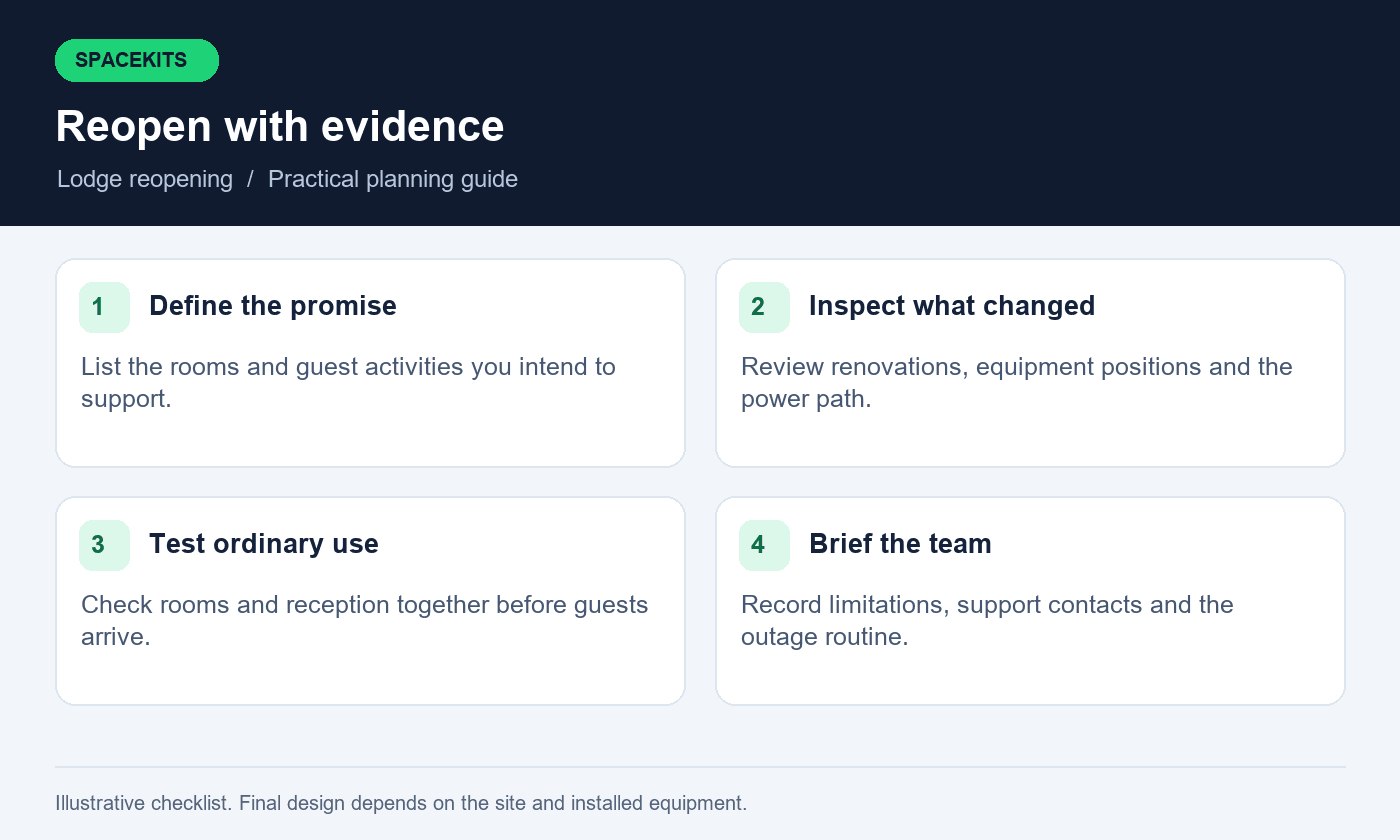
Starlink lodge reopening checklist: Define what guests should be able to do
Begin with the promise you intend to make. Some properties offer internet mainly around reception and a shared lounge. Others advertise connectivity inside every room. A third group attracts visitors who expect to work remotely. These are different service requirements. Write the intended coverage areas in your Starlink lodge reopening checklist before testing equipment, otherwise a strong connection beside reception can be mistaken for a successful whole-property reopening.
For each area, describe ordinary tasks. Reception may need booking confirmations, email and an online property system. A room may need messaging, browsing and video calls. A conference corner may need several laptops online simultaneously. Avoid reducing the specification to one download number. A connection that briefly produces a high result can still interrupt a call, fail during busy periods or leave the far end of a room uncovered.
Separate essential opening-day areas from later improvements. This makes a phased repair possible without quietly overpromising. If the garden cottages are not yet covered, revise the guest information until they pass testing. Assign one manager to approve the final connectivity description used by reservations staff. The wording in booking replies, welcome cards and on-site advice should reflect the same tested service.
2. Starlink lodge reopening checklist: equipment inventory
Walk the property with the person who last managed the network. For the Starlink lodge reopening checklist, list the dish, power supply, main router, network switches, access points and any backup connection. The Starlink lodge reopening checklist should show where each item sits and which rooms depend on it. Photograph labels only where useful, keeping account identifiers and passwords out of shared maintenance folders. An inventory is most valuable when a new staff member can follow it without specialist knowledge.
Compare the physical equipment with previous invoices or a handover record. A missing power adapter can resemble a faulty access point. An Ethernet lead moved to the wrong socket can leave an entire accommodation wing disconnected while the main router looks normal. Label both ends of important cables with simple names such as reception uplink or cottage row. Do not label a cable merely internet when several similar cables are present.
Record changes made during the closed period. Include roof repairs, new partitions, relocated cupboards, fresh landscaping and equipment borrowed for another property. Ask maintenance staff directly rather than assuming the original layout remains intact. The Starlink lodge reopening checklist should establish the current network, not reconstruct an idealised version of the installation drawing. Store the updated inventory with the property records and nominate its owner.
3. Inspect the dish location from a safe position
The dish needs an appropriate view of the sky. Vegetation may have grown while the property was quiet, and a new roof extension or water tank can change the surroundings. Inspect from ground level first and use the Starlink app’s obstruction guidance for the installed equipment. Record anything that appears different in the Starlink lodge reopening checklist. A visual concern is a reason for assessment, not proof that a particular tree must be cut down.
Do not ask a caretaker or receptionist to climb a roof to improve reception. Mounting work should be planned by someone equipped for that task, with the property owner’s approval. If the original mount has moved, document the symptoms and book an inspection. Look for obvious damage, loose hanging cable or a visibly displaced assembly from a safe location. Stop using damaged electrical equipment and obtain competent assistance where needed.
Think about the next operating period as well as the reopening day. A temporary shade structure, event tent or planned construction project may introduce a new obstruction. Put the dish position on the maintenance drawing so future work accounts for it. A stable mounting arrangement and an accessible service route are more useful than an improvised last-minute relocation that creates a second problem.
4. Check the full power path
Follow power from the approved supply point to the network equipment. The dish system, router, switch and access points may not all share the same outlet or backup arrangement. It is possible for Starlink to remain online while guest WiFi disappears because a switch loses power. Use the Starlink lodge reopening checklist to identify which devices must remain powered for each priority area to work.
Have a competent electrical professional assess damaged sockets, unsuitable extensions, exposed wiring or persistent tripping. This Starlink lodge reopening checklist is an operational planning guide, not an electrical installation procedure. Network equipment should be placed in an appropriate dry, ventilated area with protection suitable for the site and the manufacturer’s requirements. A cupboard that housekeeping fills with towels after the inspection may no longer provide the intended ventilation or access.
If backup power exists, test it under supervision with the actual network load. Add the observed runtime and devices that remained connected to the Starlink lodge reopening checklist. Do not infer usable hours from battery capacity printed on a box. Battery condition, conversion losses and the equipment load affect the result. Agree which loads have priority, how low-charge warnings are noticed and what staff should do when the backup can no longer sustain normal service.
5. Confirm account readiness without sharing credentials
The authorised account owner should confirm service status and any outstanding action in the official Starlink account. Hardware being powered does not by itself confirm that service is ready for the reopening date. Check the service address and the plan currently attached to the equipment. Where the property changed ownership or management, resolve account responsibility before guests depend on the connection.
Keep account access separate from the daily guest WiFi password. Reception staff need instructions for ordinary observations and reporting; they do not automatically need control of billing, ownership or service changes. The owner should complete sensitive account actions directly. Record the responsible person’s contact and a backup contact, with an agreed response process if that person is away when an issue occurs.
Do not assume that a seasonal billing arrangement, pause option or plan available elsewhere applies to this property. Current account terms and location-specific availability should be checked directly with Starlink. Date that confirmation in the Starlink lodge reopening checklist. If the internet will support paying guests, explain that use when discussing the appropriate service with the provider. Avoid promising commercial rights or service guarantees that have not been confirmed.
6. Starlink lodge reopening checklist: connection baseline
Before walking every room, test near the main router with a known working device. Open several normal websites, perform a short video call and send a small test file. Enter the date, time, device and connection method in the Starlink lodge reopening checklist. If possible, have the installer compare a suitable wired connection with WiFi. This separates an upstream connection problem from a problem in the property’s wireless distribution.
Repeat the observations at more than one time rather than treating a single result as the property’s permanent capacity. A baseline is a comparison point, not a guarantee. If the same task fails beside the router and in distant rooms, investigate the shared connection first. If it works reliably at the router but fails elsewhere, focus on the network path to those areas.
Keep this initial test simple. Running many speed tests, downloads and updates simultaneously creates its own load and makes the results harder to interpret. Pause nonessential activity for the baseline, then add realistic activity during the later load test. In the Starlink lodge reopening checklist, explain what was actually tested. A screenshot without the location, device and conditions is weak evidence for future troubleshooting.
7. Walk every advertised guest area
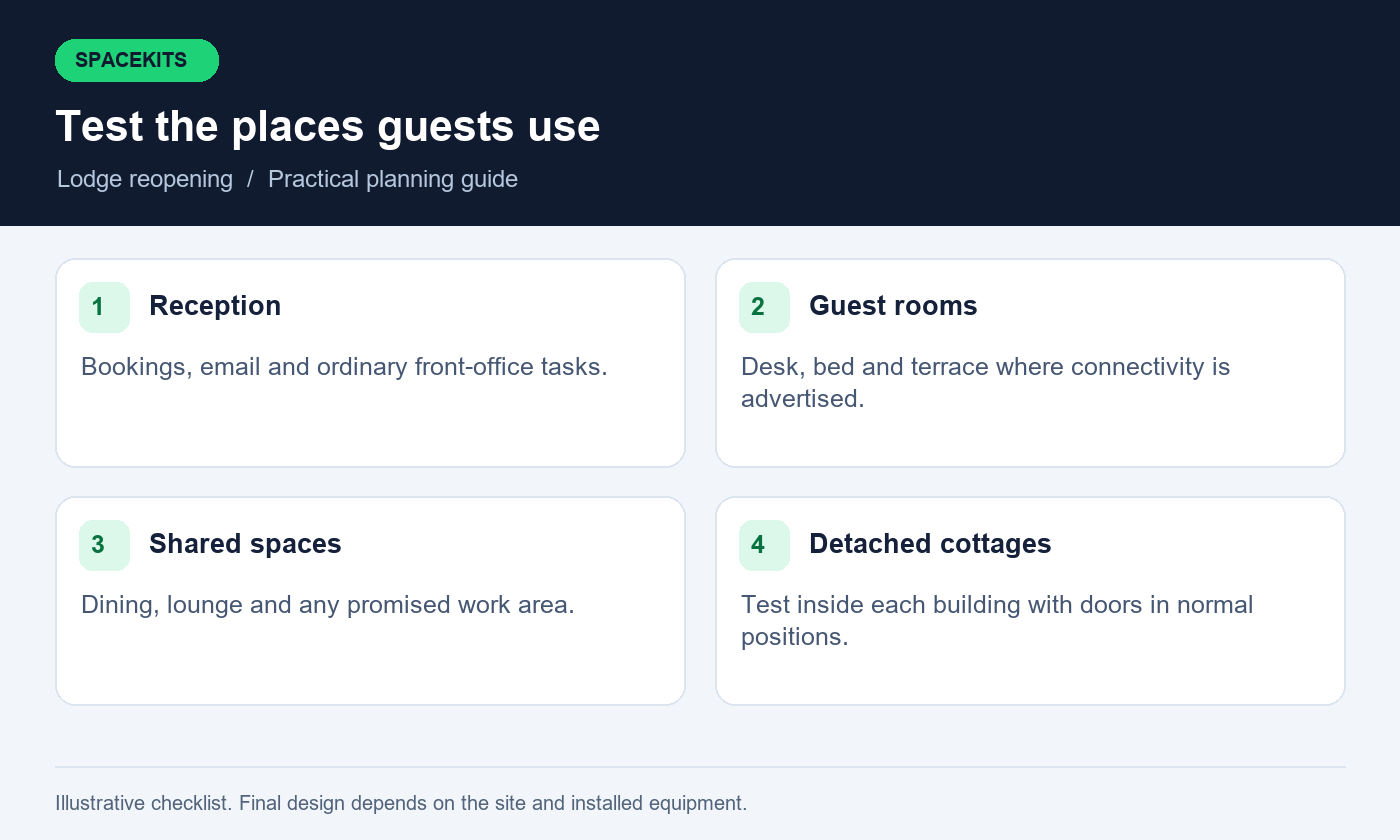
Add a room list to the Starlink lodge reopening checklist and test the places where people actually use devices. Include the desk, bed, terrace and any other area advertised as connected. Keep doors in their usual positions. A reading taken in an open doorway may not represent a room after a guest closes a heavy door. For detached cottages, check the intended indoor use rather than stopping on the path outside.
Use the same basic task sequence in each place. Connect to the guest network, load a website, exchange messages and try a short call where calling is part of the promise. Record a simple pass, limited or fail result with a sentence explaining the limitation. Ask a second person to repeat uncertain results on another ordinary device. This reduces the risk of blaming the property network for one device’s problem.
Prioritise repairs according to bookings and promises. A failing occupied room needs attention before an unused staff store. However, do not quietly remove a room from the test record to make the results look complete. Keep every promised area visible in the Starlink lodge reopening checklist, including unresolved exceptions. The opening manager should know exactly where the service is dependable, where it remains limited and what information guests must receive.
8. Review access point placement and backhaul
An access point provides nearby wireless coverage, but it also needs a reliable path back to the main network. That return path is often called backhaul. A device can display strong WiFi bars while its connection to the rest of the network performs poorly. During reopening, check the whole path from each accommodation wing to the internet rather than looking only at the signal shown on a phone.
Identify whether each access point uses a cable or a wireless link. Renovation may have disconnected a wired link or placed a wireless node behind a new obstacle. Ask the installer to explain any repeated wireless hops and their practical limitations. Adding another extender without understanding the existing path can increase complexity while leaving the original bottleneck untouched. Equipment should be selected for the measured layout and demand.
Compatibility also matters. Starlink’s official guidance on third-party routers explains that the connection method depends on the kit and that bypass mode changes which router manages the network. Have the installer verify the exact model and topology before changing settings. The SpaceKits WiFi extension service is the appropriate route for a coverage assessment.
9. Keep guest access separate from operational systems
Guests should not need access to reception computers, administration printers or network management pages. Include guest separation in the Starlink lodge reopening checklist, discuss it with the installer and test the result. A different network name alone is not evidence that isolation works. The design must match the available equipment, and any promised separation should be demonstrated with an appropriate test before the property reopens.
Review the people who still have operational access after staffing changes. Remove obsolete access through the relevant system owner’s normal process while preserving required business records. Avoid passing around one administrator password as a substitute for a clear support arrangement. Where staff need different permissions, use the features supported by the actual platform. Do not invent controls that the installed router does not provide.
Write a short guest access procedure. It should explain how staff provide the current connection details, what support they can offer and when a problem goes to the manager. Store sensitive network details in a controlled place rather than on a public noticeboard. Guest-facing information should be friendly and simple. It should not expose management addresses, recovery information or details of equipment security.
10. Starlink lodge reopening checklist: occupancy tests
A quiet property is not a realistic model of a busy evening. Arrange a controlled test using several ordinary devices in the areas likely to be occupied together. Simulate reception work while other people browse, join calls or stream modestly. Choose the activities based on your actual guest profile. Document the number of devices and tasks in the Starlink lodge reopening checklist, rather than describing the test vaguely as heavy use.
Observe whether one large upload affects booking work or calls. If the network supports traffic management, ask the installer to configure it around the property’s priorities and explain its limits. Rules cannot manufacture capacity that the connection does not have. Their purpose is to distribute available resources more sensibly. Any restrictions that affect the guest experience should be communicated clearly and applied consistently.
Repeat failures in a controlled way before buying replacements. If only one cottage struggles under load, investigate its link. If every area suffers at the same moment, examine the shared connection, router and workload. Keep results for both successful and unsuccessful runs in the Starlink lodge reopening checklist. This gives the installer a useful pattern and helps the manager decide whether a configuration change, coverage improvement or different service arrangement is justified.
11. Rehearse an outage at reception
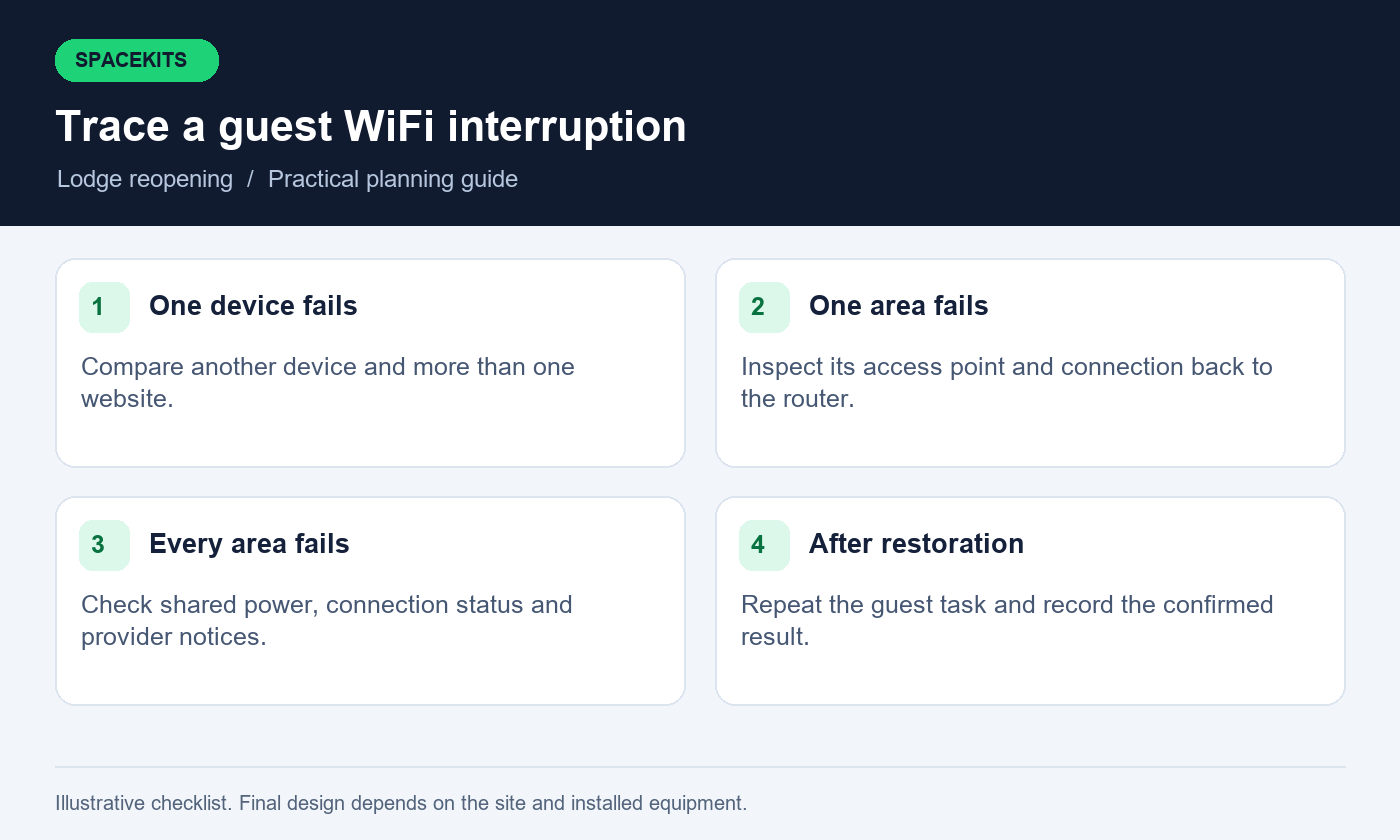
Staff should know what to do when a guest reports no internet. Start with the affected area, time and device, then check whether another device has the same problem. Reception can inspect ordinary status indicators and report observations without changing advanced settings. Give staff a clear boundary: repeated resets, cable swaps and account changes should not become the default response to every complaint.
If a backup connection is available, demonstrate how authorised staff activate it and which services it supports. Test an actual task through the backup rather than assuming that a second router guarantees continuity. Some sessions may need to reconnect after the route changes. A booking portal, call or payment-related application may behave differently, so verify each important workflow with its owner using non-sensitive test information.
Prepare an honest guest message for an interruption. Explain the affected service, available alternatives and the next update time without promising a repair deadline you cannot control. Keep an internal fault record alongside the Starlink lodge reopening checklist, including the contact person and actions already taken. This prevents different shifts from repeating disruptive experiments and gives technical support a coherent account of the problem.
12. Plan maintenance around guests and housekeeping
Network equipment often shares space with cupboards, service passages and reception storage. Agree which areas must stay clear and which sockets must remain switched on. A small sign for staff can prevent accidental disconnection, but it should identify the equipment’s purpose rather than expose sensitive settings. Include these Starlink lodge reopening checklist points in housekeeping and maintenance induction so the network survives the normal rhythm of the property.
Schedule updates and planned work during a suitable low-impact window. Confirm who authorises the change, how staff are informed and what happens if the expected result does not appear. Avoid making several unrelated configuration changes immediately before a full arrival day. Keep a record of the prior working setup and use a support professional for changes the team cannot safely reverse.
Include outdoor equipment in routine visual inspections from safe locations. After building work or a reported disturbance, check for new obstacles and damaged routes. Do not create a maintenance schedule that requires untrained staff to access roofs or electrical components. The practical objective is early reporting and a planned service visit where needed, not turning every employee into an installer.
13. Budget for specific reopening work
Request a written quotation that separates inspection, replacement parts, additional access points, cabling, mounting work and configuration. Include travel and any access requirements for a remote property. A single total labelled WiFi upgrade makes it difficult to compare proposals or understand what is excluded. Give each supplier the same room list and acceptance requirements so the quotations address the same job.
Ask whether the proposal reuses suitable equipment and why any replacement is necessary. A new dish or subscription may not solve an internal distribution problem. Conversely, moving an access point will not correct every upstream interruption. The diagnosis should connect the proposed spend to a recorded symptom. Request the make and model of significant equipment and confirm who owns it after installation.
Separate one-time work from continuing charges. Subscription fees, managed support, replacement allowances and backup connectivity may have different billing arrangements. Confirm current figures in writing; this guide does not publish a universal lodge installation price. Set aside time as well as money for a repeat acceptance test after the work. Paying for installation is not the same as confirming that every promised area now performs acceptably.
14. Starlink lodge reopening checklist: a staged timetable
Start the connectivity review while building and housekeeping decisions can still be adjusted. First establish inventory, account readiness, safe power and the basic connection. Next address mounting or cabling work that depends on access. Then test room coverage and realistic simultaneous use. Finally train reception and update guest information. This order reduces the chance of polishing welcome cards before discovering a major unresolved problem.
For a small lodge, the timetable can be a single shared sheet. Give each Starlink lodge reopening checklist task an owner, target date, evidence and status. Use explicit descriptions such as cottage four desk test pending rather than network almost ready. A task in the Starlink lodge reopening checklist that depends on a supplier visit should show that dependency. If a delay changes the opening promise, escalate it early enough for reservations staff to respond.
Leave a buffer between technical completion and the first substantial guest arrival. Use that period to repeat the Starlink lodge reopening checklist, answer staff questions and make corrections. The appropriate duration depends on the property and the work; there is no universal number of days that guarantees readiness. What matters is that the manager sees demonstrated results before the service is advertised as fully available.
15. Example: reopening a lodge with detached cottages
Consider a hypothetical property with reception, a dining room and six detached cottages. The main connection works well at reception, but two cottages were renovated during closure. Instead of replacing the entire system, the manager records which activities fail and where. The renovated cottages show strong wireless signal but poor browsing. Maintenance records reveal that their connecting network equipment was moved to a storage room.
The installer checks the distribution path, restores an appropriate equipment location and retests the affected rooms. The team then runs reception tasks alongside guest-style activity in several cottages. One remaining weak area requires a separate coverage adjustment. The manager keeps that limitation on the opening sheet until the second visit confirms the result. This sequence ties each action to evidence rather than to a general impression of slow internet.
This is an illustrative planning example, not a SpaceKits customer case study or performance guarantee. Its lesson is the order of work: identify the promise, inspect changes, establish the baseline, follow the affected path and repeat the task. A real property’s diagnosis may be entirely different. Using the Starlink lodge reopening checklist this way helps the owner purchase the work the site actually needs.
16. Prepare a handover that survives a staff change
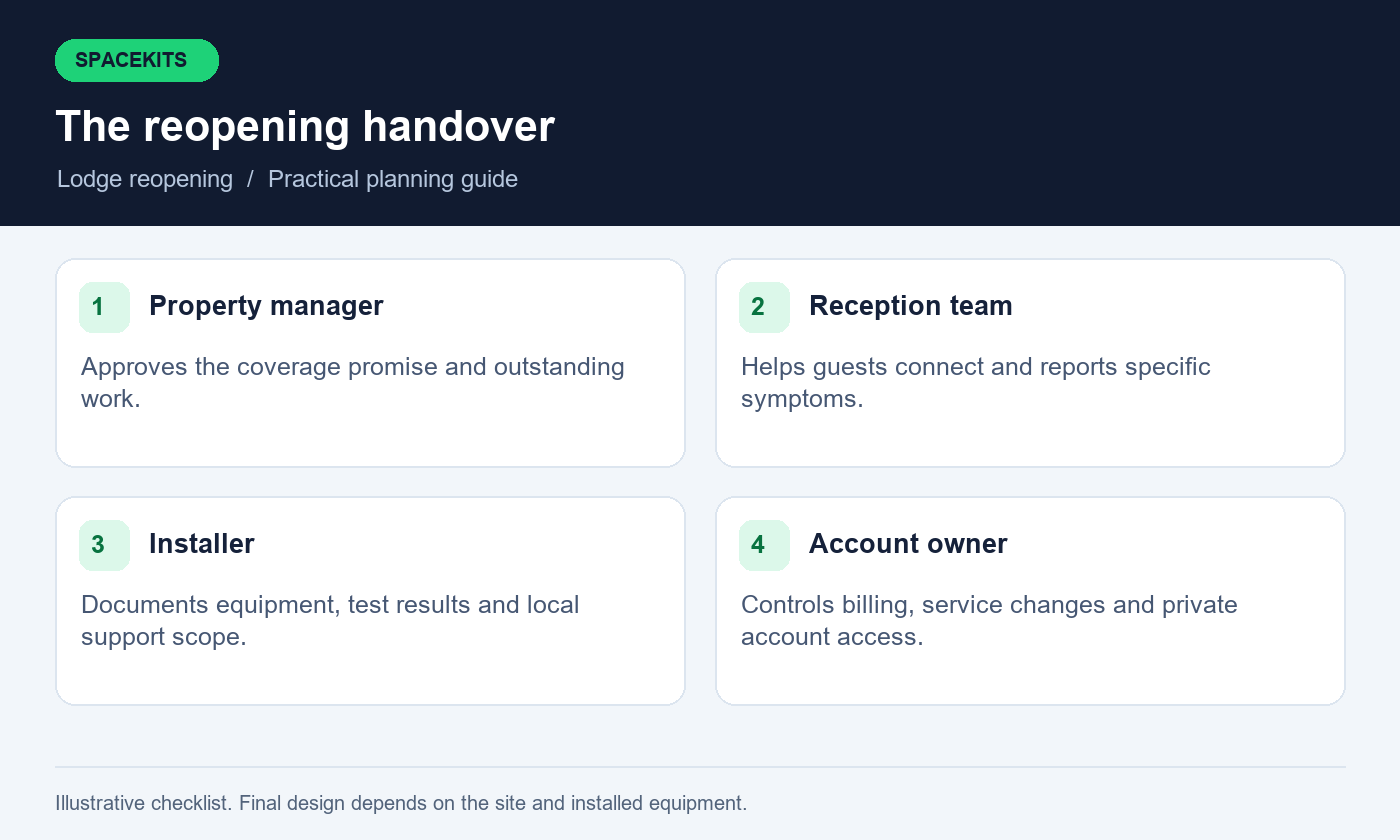
At handover, ask for a simple diagram, equipment list, support contact and explanation of ordinary status indicators. Include the locations of approved power points and the areas each access point serves. Keep private credentials outside the Starlink lodge reopening checklist, under the owner’s control. The operating folder should help staff describe a fault without giving every employee administrative access to the network or the Starlink account.
Train at least two people in the agreed routine. One can be the primary contact and the other cover leave or shift changes. Have them demonstrate a guest connection, identify the affected area in the room list and explain when to escalate. A successful demonstration is stronger than a signature confirming that someone received a document they have not read.
Ask the installer to list unresolved items explicitly. Include any area excluded from the scope, work awaiting approval and equipment with known limitations. Record the date and conditions of final tests in the Starlink lodge reopening checklist. This protects both the property and the service provider from later confusion about what was accepted. Update the handover and Starlink lodge reopening checklist whenever the layout, equipment or guest promise changes.
17. Questions lodge managers commonly ask
Do we need to replace a kit that was switched off?
Not automatically. First check its condition, account readiness and operation using the correct setup guidance. Closure alone does not establish a hardware fault. If equipment is damaged or fails normal checks, request a diagnosis and a written recommendation before buying a replacement.
Can one router cover all our cottages?
That depends on distance, buildings, materials, placement and the required activities. Do not use a generic coverage claim as a property design. Test the actual rooms and ask for a distribution plan where the main router cannot provide the intended service.
Should we advertise a fixed internet speed?
Only publish a service claim that you can substantiate and keep current. A single test does not establish a permanent minimum for every guest room. Describing tested coverage areas and realistic uses is often more useful than presenting one unusually high result as a guarantee.
Can guests use the staff network temporarily?
Avoid making that the routine workaround. Ask the installer to provide an appropriate guest arrangement and assess any limitations. Staff devices and management functions should remain protected by the controls actually available in the installed system.
What should we send when booking an inspection?
Send the property’s location, reopening date, number of buildings, existing kit model if known and a list of affected areas. Describe recent renovations and available access. Do not send account passwords, guest records or screenshots containing private booking information.
Keep a check during the first week
Choose an opening-shift check that staff can complete consistently. Connect one reception device, open the booking system with authorised access and confirm that the guest network is available in a representative area. Add the result and any unusual condition to the Starlink lodge reopening checklist. Rotate the guest area checked each day so the same convenient spot does not become the only place anyone observes.
This routine should not become an intrusive survey of guest activity. The team needs service observations, not a record of what individual visitors browse. Ask guests to describe a failed task voluntarily, and keep any screenshots free of personal information. If support requires detailed diagnostics, let the responsible technician define the appropriate collection and handling process.
At the end of the week, compare the daily notes with complaints, occupancy and any maintenance work. A recurring problem at the same location deserves a targeted follow-up. A clean week provides a useful operating baseline, while still leaving room for later changes in demand or site conditions.
18. Sign off your Starlink lodge reopening checklist
Before confirming readiness, review five records together: the coverage promise, equipment inventory, room test sheet, outage procedure and support handover. Any disagreement between them needs attention. For example, a welcome card promising room WiFi should not remain in a cottage listed as untested. The purpose of signing off the Starlink lodge reopening checklist is an accurate operating picture that staff can use immediately.
During the first occupied period, gather specific feedback. Ask which room, activity and time were affected rather than relying on a general satisfaction score. Compare reports with the Starlink lodge reopening checklist tests and adjust the plan where real use exposes a gap. Keep changes controlled so one fix does not unexpectedly disrupt another area. Revisit the Starlink lodge reopening checklist after any major building or network alteration.
For help assessing your property, request a written SpaceKits quote with your location, kit status and priority guest areas. SpaceKits is an independent equipment and installation support provider, not Starlink or SpaceX. Confirm current service terms with Starlink and agree the local installation scope in writing. A well-prepared reopening gives guests a clearer experience and gives your team a workable way to keep it that way.
Keep the final Starlink lodge reopening checklist available offline as well as online. During a connection problem, staff should still be able to find the support number, identify equipment and follow the agreed escalation steps. Date each revision and replace outdated printed copies so the next shift receives the same instructions as the opening team.
Need Starlink Installation or Network Optimization?
We help homes, offices, apartments, and businesses with Starlink installation, WiFi coverage improvement, and professional setup in Kenya.
Request Installation Chat on WhatsApp