



Need Starlink Installation or Network Optimization?
We help homes, offices, apartments, and businesses with Starlink installation, WiFi coverage improvement, and professional setup in Kenya.
Request Installation Chat on WhatsAppStarlink installers in Kilimani need to understand the apartment building as well as the kit. The dish may need access to a shared roof, the cable may cross areas controlled by management, and the router may have to serve rooms separated by substantial walls. A tenant can be ready to pay for installation while several practical decisions still depend on a landlord, caretaker or managing agent.
Talk to Spacekits
Need Starlink help for your home or business?
Talk to Spacekits before you buy or book installation. We help with kit supply, mounting, activation, router placement, WiFi coverage, and written quotes.
This guide helps residents prepare an apartment installation enquiry, compare a proposed design and check the completed work. It is relevant when your address is described through Kilimani roads or nearby landmarks, but the exact pin and building details matter more than a broad neighbourhood label. The examples are illustrative planning situations. They do not claim that a particular building has approved Starlink or that service is available at every address.
Before booking Starlink installers in Kilimani, establish who owns the kit, who controls the account and who can approve changes to the premises. Then work through the eighteen checks below. The goal is a usable home connection with a documented installation and a realistic support plan. SpaceKits can assess the requirements and quote for the agreed work; subscription availability and account decisions must still be confirmed through the relevant provider channels.
1. Describe the apartment you actually occupy
An apartment enquiry should identify the building, floor, number of rooms and the places where reliable connectivity matters most. Include a home office, children's study area or bedroom if those spaces are part of the intended coverage. A single phrase such as two-bedroom apartment leaves important details unanswered, including whether the work desk is behind several walls or on a different level.
Give Starlink installers in Kilimani a simple sketch or annotated photographs rather than a complicated architectural drawing. Mark the likely router position, existing power outlets and any installed network sockets. Say whether you rent or own the unit, but do not assume ownership of the apartment gives unrestricted control over every shared part of the building. Confirm the actual approval arrangement with management.
Explain the household's ordinary simultaneous use. Two video meetings, a streaming television and a game download create a different pattern from occasional browsing. Starlink installers in Kilimani should use that information to plan practical tests and identify where additional equipment might be justified. Make clear which needs are essential and which are optional. This gives you a basis for comparing proposals and avoids paying for whole-property coverage when the agreed priority is a small number of specific working positions.
2. Separate roof permission from permission inside the flat
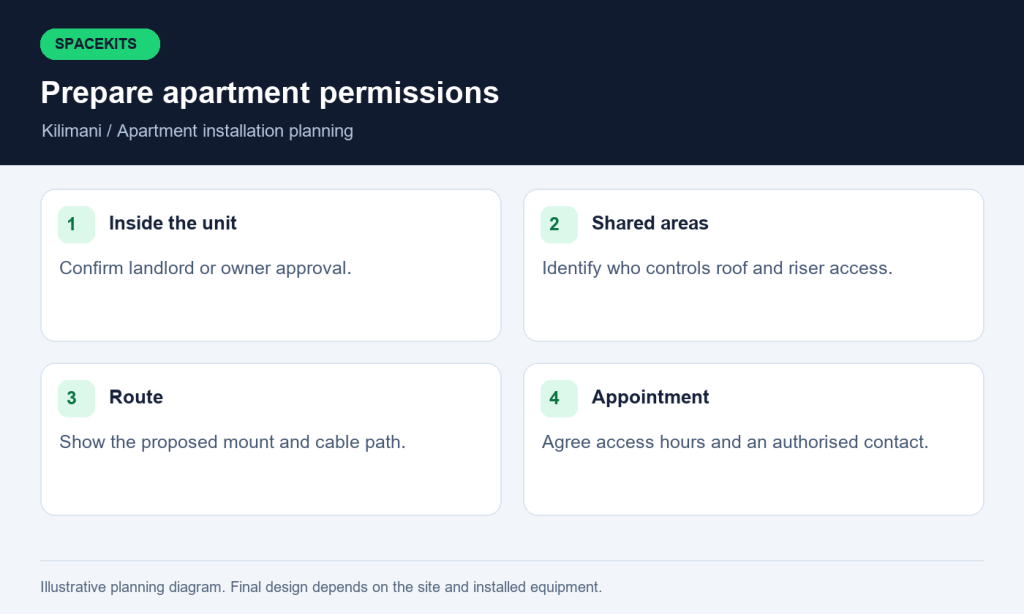
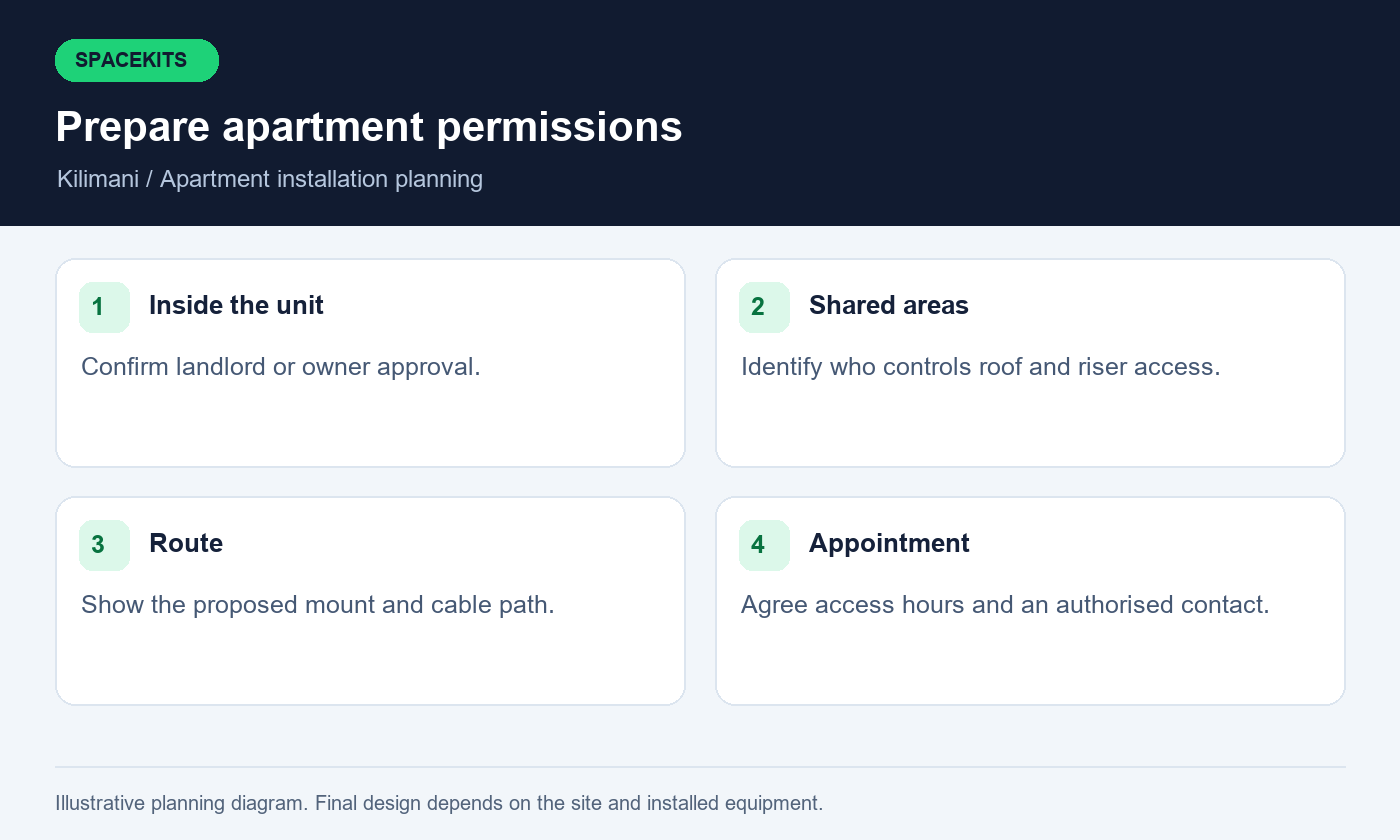
An apartment installation can involve several different permissions. The landlord may approve work inside the unit while the building manager controls the roof, riser and external appearance. Identify each responsible party before agreeing a final appointment. Ask about contractor access, identification, permitted working hours, drilling restrictions and any requirement for a management representative to attend.
Starlink installers in Kilimani should receive an approved description of the proposed route and mounting position. A short message saying installation is allowed may not settle whether a cable can pass through a shared corridor or whether a mount can be fixed to a particular surface. Use photographs or a marked sketch to make the request concrete enough for the responsible person to assess.
Keep the approval with your installation record and pass relevant conditions to the team. Do not ask a caretaker to improvise permission for structural or shared-area changes after work has started. When comparing Starlink installers in Kilimani, ask what happens if the approved location is inaccessible or unsuitable on the day. A survey or revised design may be the correct outcome. Preparing for that possibility is better than accepting an unauthorised route simply because the equipment has already been delivered to the property.
3. Check the service address before buying more equipment
Confirm current service availability and plan options for the intended address through Starlink. Availability can vary by address and account, so another resident's experience is useful context rather than proof that your own activation will proceed in the same way. If the kit is being moved from elsewhere, review the provider's current account and service-address requirements before scheduling physical work.
Ask Starlink installers in Kilimani which part of the process is installation guidance and which part remains the customer's account responsibility. Keep your email, payment method and recovery arrangements under your control. The installer should not need to become the permanent owner of your subscription just to mount the dish or help identify the equipment. Complete sensitive account actions yourself through the appropriate official interface.
If you are buying a used kit, resolve ownership and transfer questions before paying for a full installation visit. Starlink installers in Kilimani can inspect physical components, but a visually complete box does not establish that the hardware is eligible for your intended account or plan. Keep seller commitments, hardware receipts and installation terms separate. That separation makes it easier to identify the correct contact if the equipment is damaged, the account cannot be activated or the building requires a change to the proposed installation.
4. Do not assume the balcony is a suitable dish position
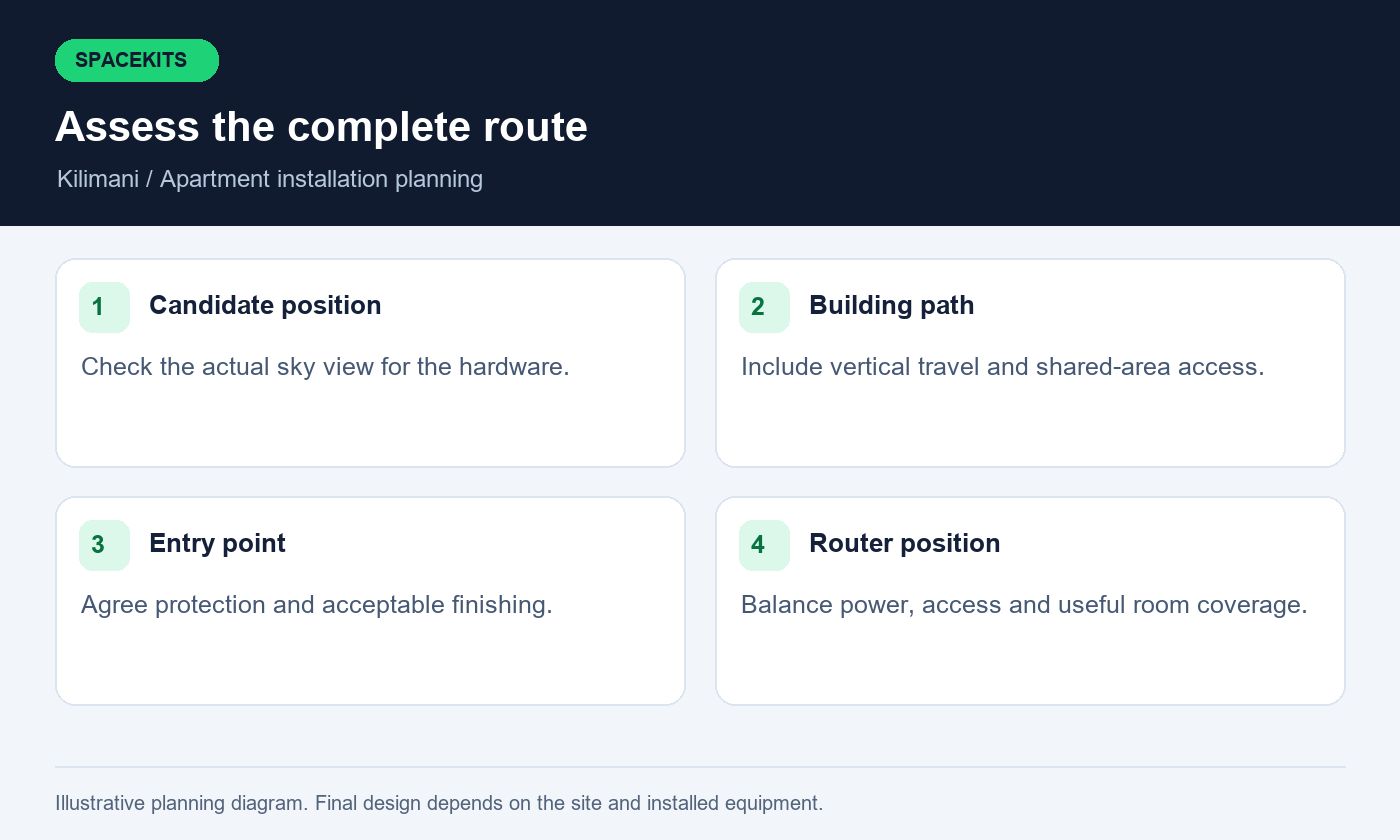
A balcony may be convenient to reach, but convenience does not establish an adequate sky view. Overhangs, neighbouring towers, the building's own walls and nearby trees can obstruct the view required by the hardware. Assess the actual position using the relevant Starlink app tools and compare it with other locations the building is prepared to approve.
Starlink installers in Kilimani should explain the evidence behind a proposed position. A short successful connection does not settle whether the site will experience obstruction-related interruptions. The initial assessment and the operating observations gathered after setup answer related but different questions. Keep useful findings in the handover record so a later support visit does not start from a vague statement that the location looked fine.
Avoid improvising a precarious external arrangement to overcome a blocked view. Any elevated position must be assessed for appropriate mounting, access and building requirements by competent people. Starlink installers in Kilimani should explain limitations before permanent work begins. If the available approved positions are unsuitable, reconsider the design or the installation itself. A clear explanation of why a site needs further assessment is more valuable than a promise that an unsuitable balcony will work simply because the equipment can physically be placed there.
5. Measure the complete route from roof to apartment
The difference between the roof and your apartment floor may be only part of the required cable distance. The practical route can also include riser access, changes of direction, the final entry point and the path to the indoor equipment. Ask for a measured route or a clearly stated survey assumption before ordering accessories based on a rough estimate.
Provide Starlink installers in Kilimani with information about existing conduits or service routes, but do not assume they can be used without inspection and permission. A route shared with other services may have restrictions that need specialist assessment. Installation should respect the building's requirements for electrical separation, fire stopping and protection of the building envelope wherever those matters apply.
Ask how cables will be identified and protected in shared areas. Starlink installers in Kilimani should leave a route that does not depend on open doors, trapped windows or loose sections across circulation space. If the available hardware does not support the proposed distance or connection arrangement, revise the design using appropriate supported components. Record the route finally used and photograph relevant accessible sections. This helps if management later arranges painting, maintenance or another resident's installation near your equipment and needs to understand what belongs to your unit.
6. Inspect the exact kit before the installation day
Lay out the dish, router, power equipment, supplied cables and accessories in a safe indoor space. Photograph labels and connectors so the installer can identify the hardware. Keep serial numbers and account-related details out of public social posts. If any component appears damaged, report it before the appointment rather than assuming the team can correct it during mounting.
Starlink installers in Kilimani should confirm which materials are included in the quote and which you are expected to supply. A kit bought from another seller may be complete for a basic arrangement yet still need a suitable mount or other approved materials for your building. Distinguish required items from optional WiFi improvements so the final total is understandable.
Do not mix components simply because connectors appear similar. Use the manufacturer's instructions for the specific hardware and ask about compatibility when there is uncertainty. Starlink installers in Kilimani should be able to describe the planned connection path from dish to router and onward to any additional network equipment. Save the final equipment list with purchase records. It will help when requesting support, checking warranty terms or planning a future move, especially if packaging and receipts are stored separately from the installed system.
7. Choose a router position that supports daily life
Think about where people use the connection and where equipment can remain undisturbed. A router placed behind a television or inside a metal cupboard may be convenient to hide but awkward for coverage and support. A bedroom location may be suitable for one resident and inconvenient for a household that needs to inspect equipment without entering a private room.
Discuss these practical constraints with Starlink installers in Kilimani before the cable entry point is finalised. Power, ventilation, access and the route to any additional access point all matter. The best indoor position should work with the mounting and cable plan, not be chosen as an afterthought when the outdoor work is already complete.
Keep equipment away from accidental unplugging or cable strain. Label the relevant power supply so a cleaner, visitor or household member does not disconnect it while looking for a spare socket. Starlink installers in Kilimani should show you the ordinary indicators and the approved basic recovery procedure. That handover should be understandable without requiring you to change unfamiliar administrator settings. A short location and connection diagram is particularly useful if the apartment is used by several family members or if the person who arranged installation is frequently away from home.
8. Test the home office where the laptop is used
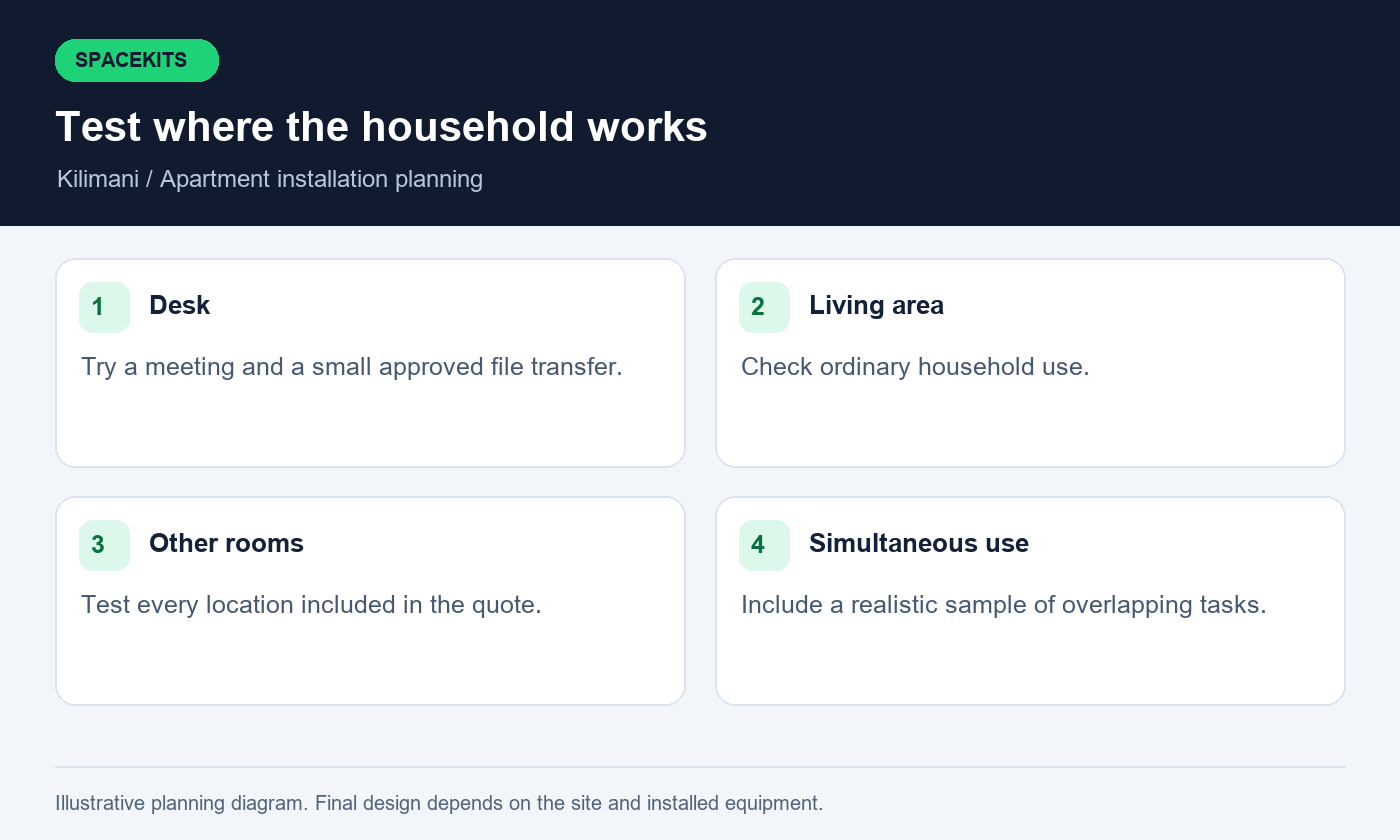
A person working from home may judge the installation mainly by whether meetings and routine uploads work at a particular desk. Include that desk in the original scope. Test from the normal sitting position, with doors in their ordinary state and the usual laptop connected. A result collected beside the router is not a substitute for the place where the working day happens.
Ask Starlink installers in Kilimani to include a short practical meeting test, a small file transfer and access to the applications you are authorised to use. You should enter your own credentials. If a company VPN or managed device has specific requirements, involve your employer's IT support where needed. An installer should not disable workplace protections merely to make a test appear successful.
Compare local connectivity with the upstream service if a problem occurs. Starlink installers in Kilimani should explain whether the symptom follows one device, one room or all household devices. This helps avoid buying another plan when the real issue is the WiFi path to the desk. Record any unresolved application-specific issue and the correct support contact. The acceptance result should state what was actually demonstrated, under what conditions, and what requires further investigation by the relevant application or device administrator.
9. Plan room coverage before buying an extender
Walk through the apartment and list the places where coverage is needed. Include bedrooms, the living room and a balcony only if those locations are part of the intended use. Test the current arrangement before assuming additional equipment is necessary. Some problems can be related to placement, while others may require a different network design or another access point.
Starlink installers in Kilimani should explain the role of each proposed device. An extender placed where the original signal is already poor may not solve the underlying problem. A solution using additional equipment needs suitable power and a dependable connection back to the main network. Compatibility and configuration also matter, particularly when reusing equipment from a previous internet provider.
Request testing in the rooms listed in your brief, including ordinary simultaneous household use. Starlink installers in Kilimani should identify demonstrated coverage and any remaining weak area. If an optional improvement is recommended, ask what evidence supports it and what change you should expect. Avoid accepting a universal promise that a particular device will cover every apartment layout. The useful result is a documented arrangement that supports your stated rooms and tasks, with any limitation visible before you decide whether further work is worthwhile.
10. Keep household and guest access manageable
Decide how visitors will join the network and whether they need access only to the internet. If the installed equipment supports a suitable guest arrangement, ask for it to be configured and tested according to your requirements. The network name alone does not prove that visitors are separated from household devices or that their access has the limits you expect.
Starlink installers in Kilimani should explain the settings relevant to the equipment supplied without making the household dependent on a technician for every ordinary visitor. Keep administrator access private, choose credentials appropriately and store recovery information securely. A printed guest instruction card should not include the main device administrator password or your provider account credentials.
If the apartment contains smart-home devices, printers or work equipment, list them during planning. Starlink installers in Kilimani can then discuss whether they need a particular local connection or assistance from another supplier. Do not assume internet access automatically makes every device reachable in the desired way. Test a small number of representative tasks with authorised devices. When a visitor leaves or household arrangements change, follow a clear process for updating access where needed. Simple ownership and documentation are often more valuable than installing features nobody in the home understands or maintains.
11. Discuss power interruptions realistically
The dish and every active network device needed for connectivity depend on a suitable power arrangement. If you add an access point or switch, include it in the backup discussion. A powered router cannot serve a room through another device that has lost power. Draw the intended path and identify each device before estimating what should remain available during an outage.
Ask Starlink installers in Kilimani to state the equipment involved, then use an appropriately qualified professional for electrical assessment and backup sizing. Avoid assuming that a small backup unit will provide a specific runtime without checking load, condition and operating requirements. The apartment's electrical arrangements and building rules may also influence what is appropriate.
Choose a practical priority. A resident may need one work desk to remain usable while television streaming can wait. Starlink installers in Kilimani should understand that priority so the network design and the power plan work together. At handover, ask for a safe explanation of what you can observe during an outage and when to contact support. Keep electrical alterations and unfamiliar power equipment outside household troubleshooting. Record any demonstrated backup duration as an observation under stated conditions, rather than treating it as a guarantee for every future interruption.
12. Protect the apartment's finishes and future access
Before work begins, agree where visible cable sections, trunking and indoor equipment will go. Photograph the relevant areas with permission. This creates a shared reference for acceptable workmanship and helps distinguish existing marks from installation-related changes. Include any building requirements for entry-point finishing or access panels in the agreed scope.
Starlink installers in Kilimani should explain how the proposed route will remain serviceable. A neat appearance is useful, but concealing equipment so completely that it cannot be inspected may create future problems. Keep necessary access points available and avoid arrangements that require moving heavy furniture every time a normal indicator needs to be checked.
Review the completed work before furniture is returned to its usual position. Starlink installers in Kilimani should identify any temporary work and record what remains to be completed. If another trade must handle a particular finish or building detail, name that responsibility clearly. Keep packaging and spare approved components in a labelled place rather than discarding everything immediately. When the property is rented, retain the installation record for the eventual move-out discussion so removal and making good can be planned from evidence rather than disagreement about what was originally approved.
13. Understand what installation charges include
A useful apartment quote separates the kit, mount, additional materials, labour, access-related costs and optional WiFi equipment. It should also identify subscription charges as a distinct matter. An attractive installation headline can be misleading if the apartment's actual cable route or building-access requirements have not been considered.
When comparing Starlink installers in Kilimani, ask what assumptions support the price. Is the quote based on photographs or a completed survey? Does it include the route from the shared roof to your unit? Are parking, a management-appointed escort, another visit or additional materials handled separately? These questions are normal project planning, not a reason to choose the most complicated proposal.
Ask what happens if a customer-supplied component is faulty or the account cannot be activated during the appointment. Starlink installers in Kilimani should explain what work can proceed and which charges or return-visit conditions apply. Keep any approved variation in writing. The purpose is to compare complete, understandable scopes rather than guessing which items each provider has left out. A quotation that openly identifies uncertainty can be more useful than a fixed-looking total that only becomes accurate after several unexpected additions on installation day.
14. Use an apartment acceptance checklist
Before signing off, confirm that the approved mounting position and cable route were used, the equipment is identified and the intended rooms have been tested. Try an ordinary task from the home office and another from the living area. If simultaneous use was an important requirement, include a practical sample rather than testing each device only in isolation.
Starlink installers in Kilimani should show the relevant operating status and explain any alerts or limitations that still need observation. Note the time, device, location and connection method for useful results. A speed test is one piece of evidence; it does not by itself demonstrate every room, application or future operating condition.
Create an outstanding-items list if something is not complete. Ask Starlink installers in Kilimani to identify the next action and responsible person for each item. Distinguish work included in the installation from an optional improvement or an account matter that needs provider support. Retain the final quotation, receipts, approved changes and handover notes together. This gives you a practical reference if the connection later behaves differently and makes it easier for another authorised technician to understand the installation without repeating the entire discovery process from the beginning.
15. Know how to report a fault without resetting everything
Start by observing the scope of the problem. Is one phone affected, one room affected or every device offline? Can another ordinary website or application be opened? Note the time and any recent event, such as a power interruption or furniture move. These details are more useful than repeatedly changing settings without recording what happened.
Starlink installers in Kilimani should provide a short safe troubleshooting boundary. You may be shown approved checks of power indicators or the app, but roof access, electrical work and unfamiliar configuration changes should remain with appropriate professionals. Avoid a factory reset unless the relevant support process specifically calls for it and you understand what information or settings will be lost.
Send support a concise report with the affected task and the observations requested during handover. Starlink installers in Kilimani do not need private account passwords or screenshots exposing confidential work to begin investigating an ordinary coverage problem. Keep sensitive details out of shared building groups. After a change or repair, repeat the original failing task in the same location. Recording that result helps establish whether the issue was resolved and prevents a temporary improvement beside the router from being mistaken for a fix to the problem at your desk.
16. Prepare for a future move or change of tenant
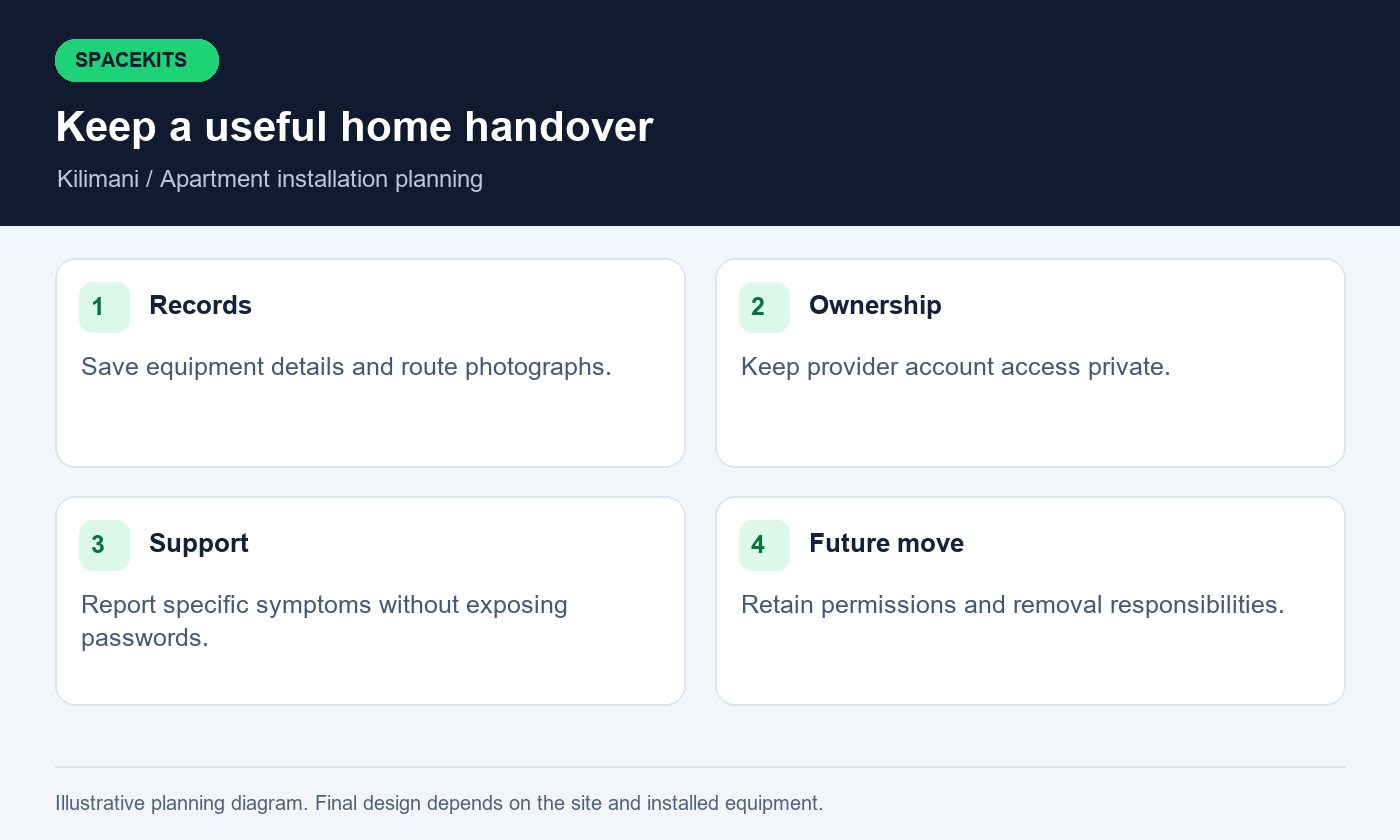
An apartment installation should have an eventual removal plan, particularly where the resident is renting. Record which equipment belongs to you, which materials remain part of the building and who may authorise removal from shared areas. Keep the approved route and mounting photographs so the move can be planned without guessing where concealed sections run.
Ask Starlink installers in Kilimani whether relocation assistance is available and how it would be quoted. A future move involves another site assessment; a kit that works in the current flat may need different mounting or network arrangements elsewhere. Provider rules for service-address changes or account transfer should be reviewed at the time of the move rather than assumed from today's setup.
If another person will occupy the apartment, decide whether equipment is removed, retained or transferred through a properly documented arrangement. Starlink installers in Kilimani should not be expected to decide ownership or resolve a private tenancy disagreement. Keep account authority separate from physical access to the router. Before handing over keys, remove your own access where appropriate through the approved process and retain necessary records. Clear preparation protects both the departing resident and the person who will later be responsible for the connection.
17. Common questions from Kilimani apartment residents
Can I install without using the roof? Possibly, but the permitted alternative must still provide a suitable operating location and a safe, supported installation. A balcony should be assessed rather than assumed suitable. Can the cable use the building's existing conduit? That depends on access, condition, compatibility and management approval; photographs alone may not settle the question.
Will Starlink installers in Kilimani need my provider password? Sensitive account actions should remain under your control. The team can guide the process while you sign in through the appropriate official interface. Can the installation support several people working at once? Describe the real tasks and require a practical test, recognising that service performance and application behaviour can vary.
Can the installer guarantee that every room will work with the supplied router alone? No universal promise fits every apartment layout. Starlink installers in Kilimani should assess the rooms and explain any additional equipment proposed. Is a same-day appointment always possible? Confirm availability, building access, equipment and the scope before relying on any date. These answers help you prepare an accurate enquiry and recognise where a survey or further account check is more useful than an immediate booking based on incomplete information.
18. Request a clear Kilimani apartment proposal
Send SpaceKits the exact pin, building name, floor and the contact who controls access. Include your kit details if you already own equipment, photographs of accessible candidate positions and a simple list of rooms and tasks. Explain any work-from-home deadline, but leave enough time for permissions and technical assessment instead of assuming urgency can remove those requirements.
For Starlink installers in Kilimani, a complete brief should also state whether you need new equipment, installation only or improvements to an existing arrangement. Add relevant building conditions and your preferred appointment window. Exclude passwords, payment details and confidential documents. If information is missing, ask which photographs or survey observations would resolve the uncertainty.
Review the written proposal against the eighteen checks in this guide. Confirm the materials, work, testing, exclusions and support arrangements before booking. Starlink installers in Kilimani should leave you with an installation you can understand, evidence of the agreed room coverage and a clear next step if something later fails. That preparation makes the purchase decision more useful than choosing from a headline price or a generic promise of fast internet without checking how the connection will actually reach and serve your particular apartment.
Related guidance from Starlink installers in Kilimani
For equipment you already own, read the Nairobi installation-only guide. For managed buildings, review the tenant roof-access and installation brief. These resources support the project-specific checks above and help you prepare the information needed for a written proposal.
Check current service options using the official Starlink Kenya site, then confirm the offer for your own Kenyan service address. Follow the official installation guide for the Standard kit only where it matches your hardware; use the relevant manufacturer instructions for another model. Availability, account conditions and equipment details should be rechecked when you book.
When contacting Starlink installers in Kilimani, explain which checks you have already completed and which details need a survey. This helps the team prepare a relevant proposal and identify missing information before an appointment is agreed.
To request an assessment, contact SpaceKits on WhatsApp or call +254 725 345 345. Send your location pin, property type, kit details and the tasks you want the installation to support. Ask for written inclusions, exclusions, appointment conditions and support terms before confirming the job. SpaceKits is an independent installation provider; this article does not imply Starlink or SpaceX endorsement, guaranteed speeds or uninterrupted service.
Need Starlink Installation or Network Optimization?
We help homes, offices, apartments, and businesses with Starlink installation, WiFi coverage improvement, and professional setup in Kenya.
Request Installation Chat on WhatsApp